The short answer
No. Switch 2 games cannot be installed or played on a Switch 1. The one exception is GameShare: a Switch 2 hosts a supported game and a Switch 1 joins as a guest over local wireless. We found no official cloud option. Checked 12 November 2026.
No. A game made for Switch 2 will not install or run on an original Switch. The only official way to play one on a Switch 1 is GameShare, where a Switch 2 hosts the game and your old console joins as a guest. That works for some games only.
We checked Nintendo's support pages and recent coverage on 12 November. Below: what works, what does not, and the cloud rumours you can ignore.
- ConfirmedInstall a Switch 2 game on a Switch 1Not possible. Nintendo's own pages say Switch 2 games load only on a Switch 2, as KitGuru reports.
- ConfirmedJoin a friend's game with GameSharePossible for supported games. A Switch 2 must host, per Nintendo's GameShare FAQ.
- RumourStream Switch 2 games to a Switch 1 from the cloudWe found no Nintendo announcement. The claims come from low-authority blogs.
01What is the one way a Switch 1 can play a Switch 2 game?
 Artwork for Donkey Kong Bananza
GameShare. Nintendo's GameShare FAQ says up to four systems can join a session, the host must be a Switch 2, and the game must support it.
The guest does not need to own the game. Your Switch 1 receives a temporary copy from the host over local wireless, so you must be in the same room. Online GameShare, through Switch 2's GameChat, works only for Switch 2 guests.
Only the host's save data is updated. If you borrow a game this way, you are a player in someone else's session, not an owner of anything. Nintendo also says compatibility is per game, so always look for the GameShare label on the game's page.
Before launch: your checklist
- 1The host starts the gameSomeone with a Switch 2 and a supported game opens the GameShare option.
- 2The guest joins locallyA Switch 1 within wireless range accepts the invitation. No online connection is used.
- 3Everyone plays that one gameThe guest gets the multiplayer part only, and the host's save is the one that changes.
SourcesNintendo's GameShare FAQ
02Which Switch 2 games work with a Switch 1 over GameShare?
Reported to support GameShare
From Nintendo Life's list and Vice's roundup. Lists change, so check each game's page.
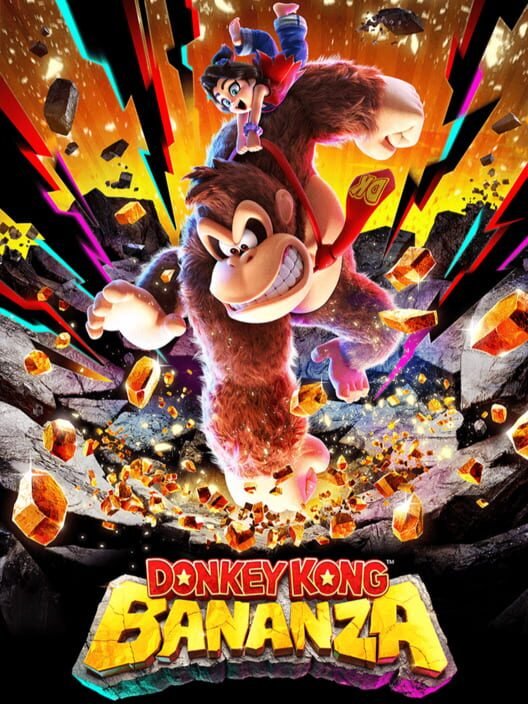
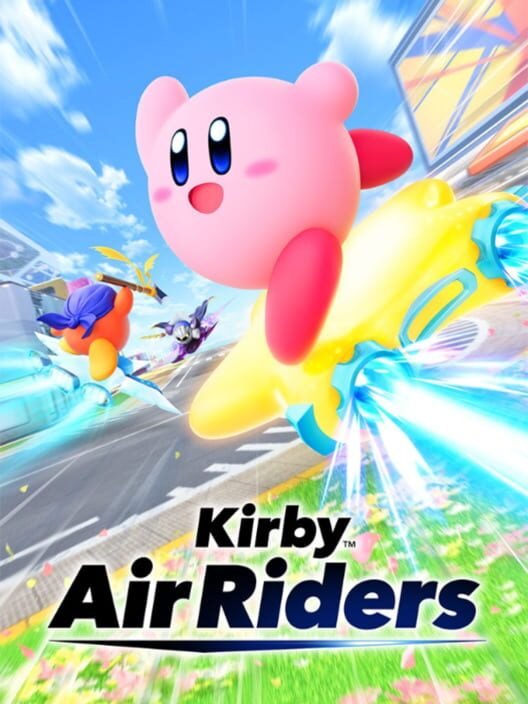
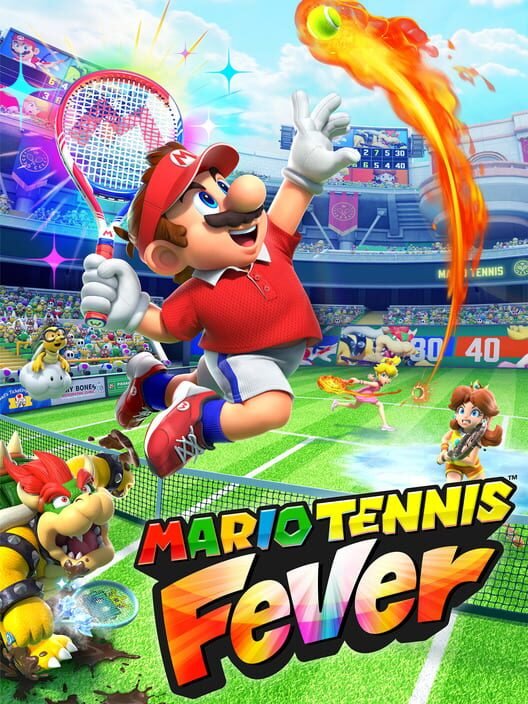
The Nintendo Life GameShare guide names Donkey Kong Bananza, Kirby Air Riders and Mario Tennis Fever among the local-play titles, along with Hyrule Warriors: Age of Imprisonment and Mortal Kombat: Legacy Kollection.
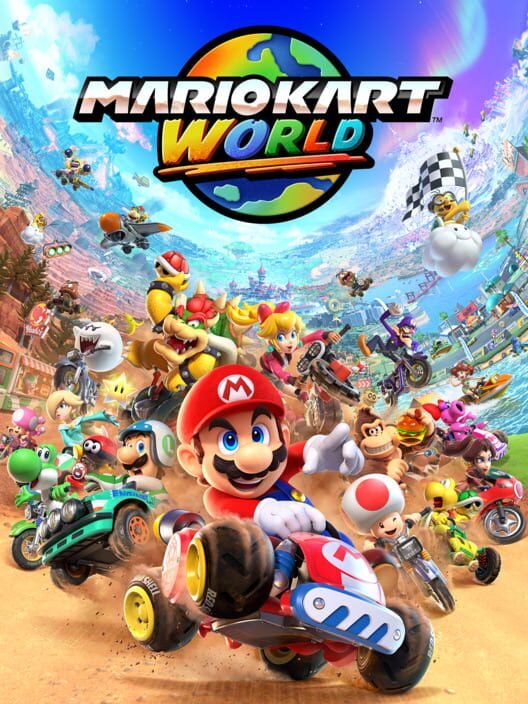
We did not find Mario Kart World on that list, so do not assume the biggest launch game works. If it matters to you, confirm on Nintendo's page for the game before you invite anyone round.
Donkey Kong Bananza is the clearest example. GamesRadar reported that it works with a Switch 1 locally, while two Switch 2 owners can also link up online.
- 4
- Systems in one session
- Nintendo's FAQ
- 1
- Must be a Switch 2
- The host
- 0
- Games a guest must own
- The host owns it
- Local
- How a Switch 1 joins
- Wireless, same room
A caution on every list you will find, ours included: the sources we read were published at different times, and one reader reported a game missing from Nintendo Life's table that does support GameShare. Lists lag behind updates. The game's own Nintendo page is the final word.
There is also a cost question for online sessions. One third-party wiki says GameChat has needed a Nintendo Switch Online membership for both players since 31 March 2026. We could not confirm that on Nintendo's pages, so we leave it as unconfirmed. It does not affect a Switch 1 guest, who joins locally.
SourcesNintendo Life GameShare guide · GamesRadar
03What about Switch 2 Edition games on a Switch 1?
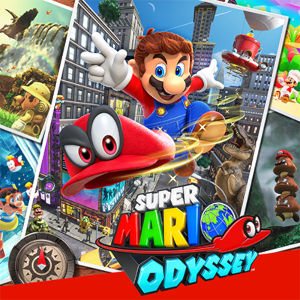
 Artwork for Super Mario Odyssey
This is the confusing one. A Switch 2 Edition is a Switch game bundled with an upgrade pack. The original game keeps working on a Switch 1, and only the upgrade features need a Switch 2.
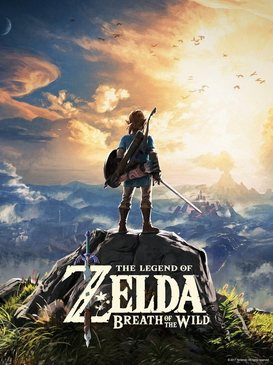
In other words, if you buy a Switch 2 Edition of an older game, you can still play the original version on your old console. You forfeit the upgrade there, as Mein-MMO notes for Breath of the Wild. Our Switch 1 games on Switch 2 guide lists the upgrade packs and prices.
Switch games that run on both
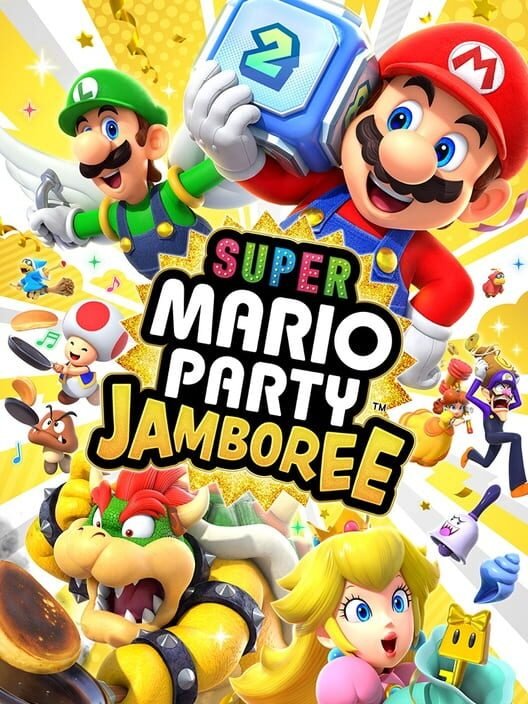
Original versions play on a Switch 1. The Switch 2 versions need a Switch 2.
04Is there a cloud option or a Switch 1 trick?
 Artwork for Mario Tennis Fever
Not officially. We found no Nintendo announcement of cloud streaming for Switch 2 games. The claims we saw came from small blogs or described third-party cloud ports on a few titles, which are separate cases.
Be careful with 'hacks', downloads and modded firmware. They break Nintendo's terms and can get an account banned, and Switch 1 hardware could not run these games anyway. Mein-MMO's explanation is simple: the old hardware is too weak for the new games.
- RumourA Switch 2 emulator or patch for the Switch 1No credible source. The hardware cannot do it, and unofficial tools carry ban and security risks.
- RumourNintendo Switch Online cloud streaming for Switch 2 gamesNo announcement found. Check Nintendo's news page for any change.
05How do you check a game before you rely on it?
Before launch: your checklist
- 1Open the game's Nintendo pageLook for GameShare in the features list. Nintendo says compatibility is decided game by game.
- 2Check local or onlineSome games allow only one connection type. Switch 1 guests need the local-wireless version.
- 3Check the player countA session holds up to four systems, so one host plus up to three guests.
- 4Try it once before the partyUpdate both consoles first. Switch 1 games also need an update before GameShare works, per Nintendo Everything.
One more point for families. A Switch 2 owner can host while two children each hold an older Switch. That is a cheap way to bring a second and third player into a game, which is the best case for GameShare. It is not a way to give a Switch 1 a Switch 2 library.
06Should you buy a Switch 2 or stay on your Switch 1?
 Artwork for Mario Kart World
Stay on the Switch 1 if you mostly replay your library and play with a Switch 2 owner now and then. GameShare covers the multiplayer side for the games that support it.
Upgrade if you want the games that only exist on Switch 2, or if your old console is wearing out. Our Switch 2 worth-it guide gives a clear verdict by buyer type.
Quick answers
Can a Switch 2 game cartridge be used in a Switch 1?
No. Nintendo's pages say Switch 2 games load only on a Switch 2. A Switch 1 can only join a supported game through GameShare.
Can I use GameShare online with a Switch 1?
No. Switch 1 guests join over local wireless only. Online GameShare through GameChat is for Switch 2 systems.
Why can the Switch 1 not run Switch 2 games?
Mainly hardware. Switch 2 games are built for a faster processor and more memory, and Nintendo has not provided a streaming workaround.
Do I need to own the game to join a GameShare session?
No. The host owns it, and the guest receives a temporary copy for that session.
Will Switch 2 games ever come to Switch 1 on the cloud?
Nobody has announced it. Treat claims of a cloud option as unconfirmed until Nintendo says so.
Keep going
Facts checked against the sources tracked on our hub. Confirmed, reported and rumoured claims are labelled.