The short answer
Spend on the screen, the drive and comfort, not on frame rate. GTA 6 targets 30fps on PS5 and Xbox Series X|S, needs up to 212 GB, and gives the PS5 Pro PSSR upscaling. We give prices only where a maker published them; check the price on the day.
For GTA 6, spend money on three things in this order: a drive with room for up to 212 GB, a TV with a good picture and a low-lag game mode, and a headset you can wear for hours. High refresh rates matter less, because Rockstar confirmed on 10 November that the game is "targeting 30 frames per second" on PS5 and Xbox Series X|S. Below are three budgets, with prices only where a maker or Sony published one.
- Confirmed30fps target on PS5 and Series X|SRockstar, 10 November, via GamingBible. Exact resolutions were not given.
- ConfirmedPS5 Pro: PSSR upscaling and ray-traced shadowsSame Rockstar announcement.
- ConfirmedUp to 212 GB installRockstar's preload details, which depend on your device.
- RumourHDR support in GTA 6We found no Rockstar statement either way. GTA V on current consoles had HDR, but that is not proof.
SourcesGamingBible
01Why do these four things matter for GTA 6?
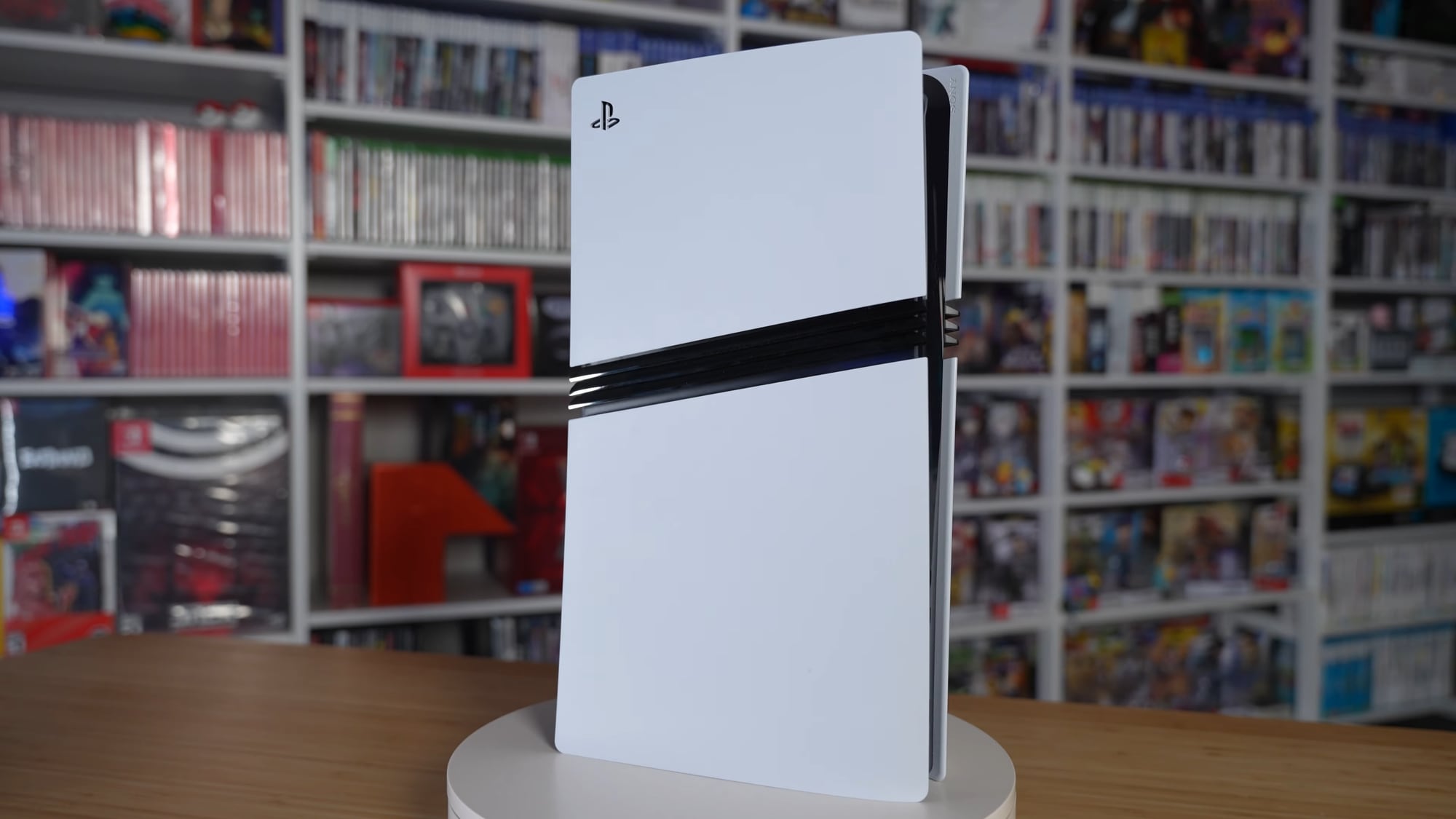
A 30fps target means the picture does the talking, not the frame counter. That favours a clean image (the Pro's PSSR upscaling matters on a 4K screen) and a TV that does not add delay. It also means a 120Hz panel is a nice extra rather than a need, and that a 4K TV and a 1080p one will both show the same frame rate. Our 60fps explainer has the detail.
The 212 GB figure is the other fixed point. On a 1 TB console, one GTA 6 install takes about a fifth of the drive. Reports put the usable space on a 512 GB Xbox Series S at around 364 GB, so GTA 6 would take more than half of it. See our storage upgrade guide for the rules.
02Budget: use what you have, and spend almost nothing
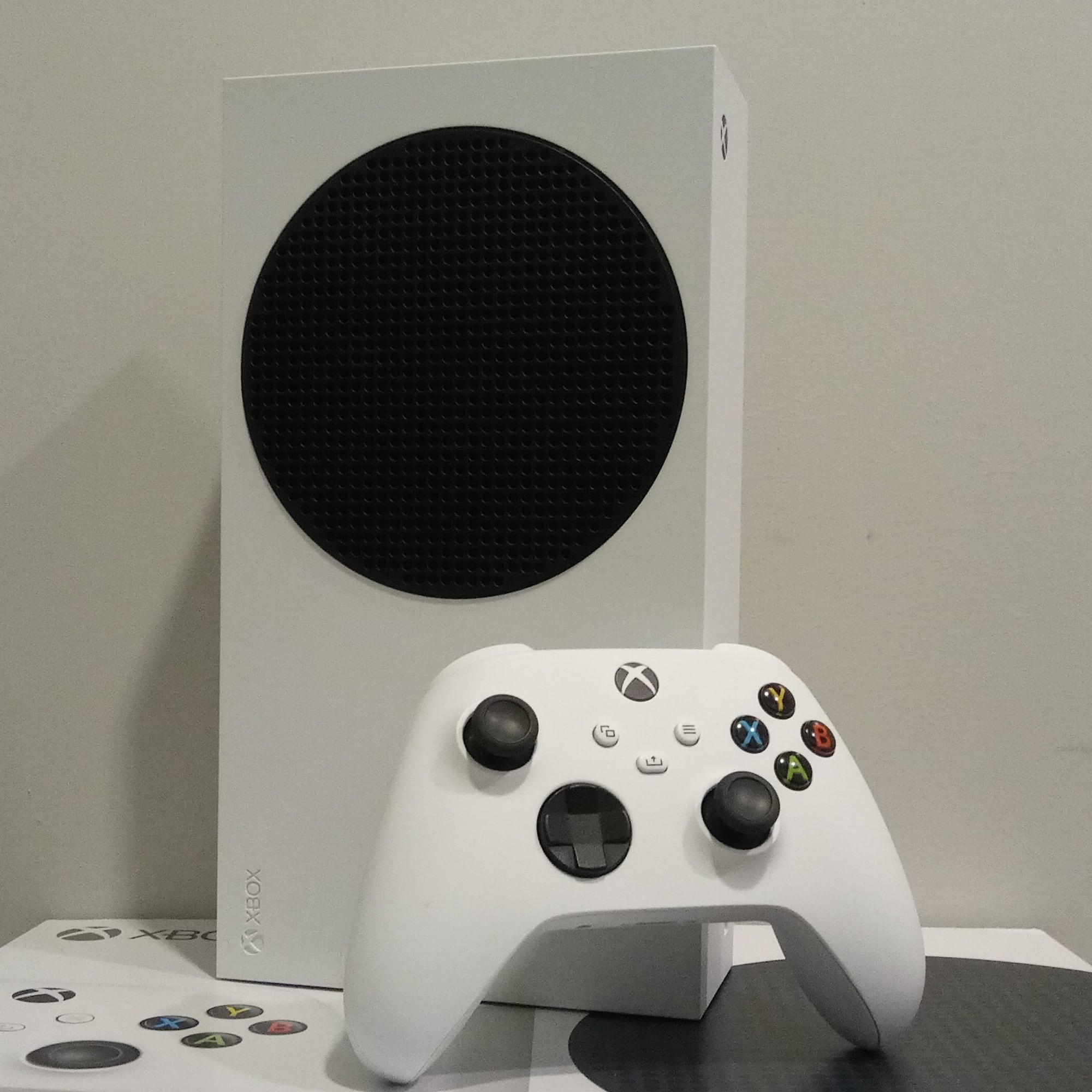
Before launch: your checklist
- 1TVAny 4K or 1080p set will do. Switch on Game Mode and turn off motion smoothing; extra processing only adds delay at 30fps.
- 2StorageFree space for free: delete finished games and park what you can. Our list of [games under 10 GB](/articles/games-under-10gb-when-gta-6-fills-your-storage) helps.
- 3HeadsetA wired headset with a 3.5 mm jack plugs into the controller. Cheap, and no battery to charge.
- 4ControllerThe one in the box. Charge it before midnight on 18 November.
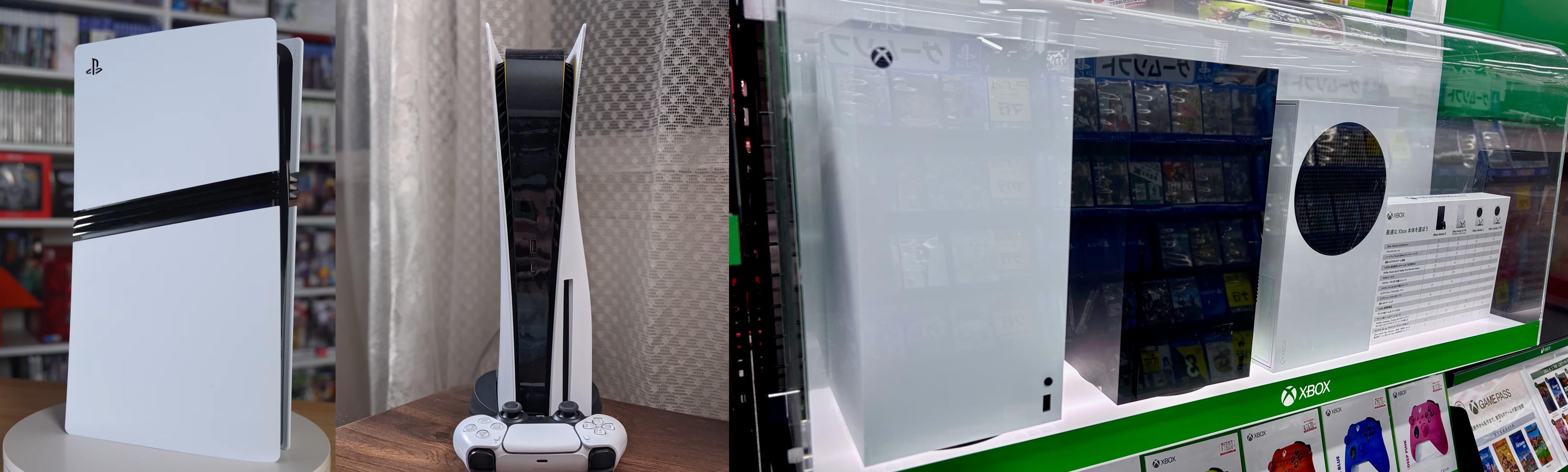
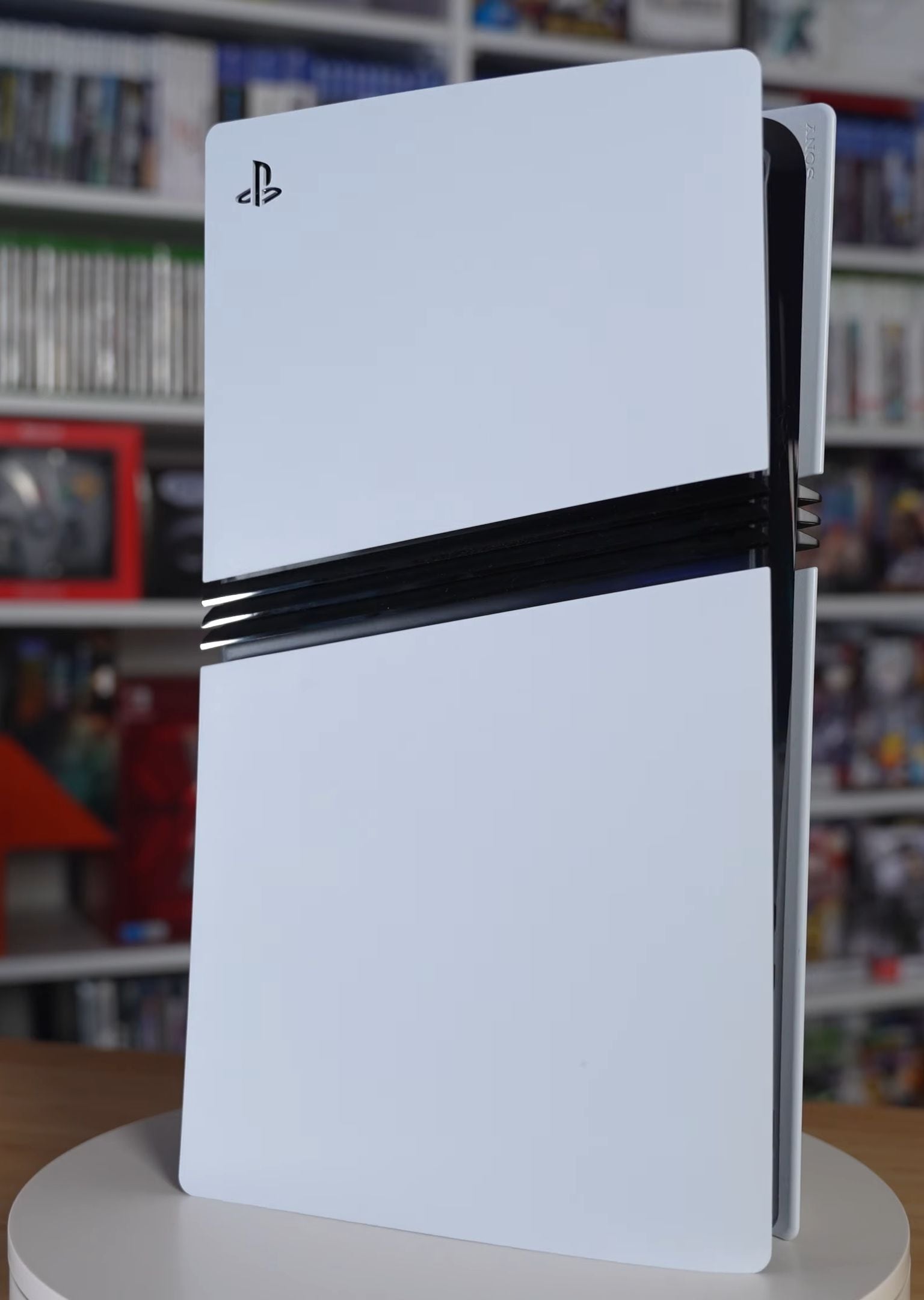
This tier costs nothing if you already own a console. If you need one, Sony's own prices from 2 April are $599.99 / £519.99 for the PS5 Digital Edition and $649.99 / £569.99 for the disc version (PlayStation Blog). Retailers may differ, so check the price on the day.
The honest summary is that a console is a fixed point and everything around it is a choice. You can play GTA 6 well on the box as it comes. The rest of this page is about what improves the experience for the least money, in the order we would buy it.
- $599.99 / £519.99
- PS5 Digital Edition
- Sony list price, from 2 April
- $649.99 / £569.99
- PS5 with disc drive
- Sony list price, from 2 April
- $899.99 / £789.99
- PS5 Pro
- Sony list price, from 2 April
SourcesPlayStation Blog
03Middle: the upgrades that change the experience
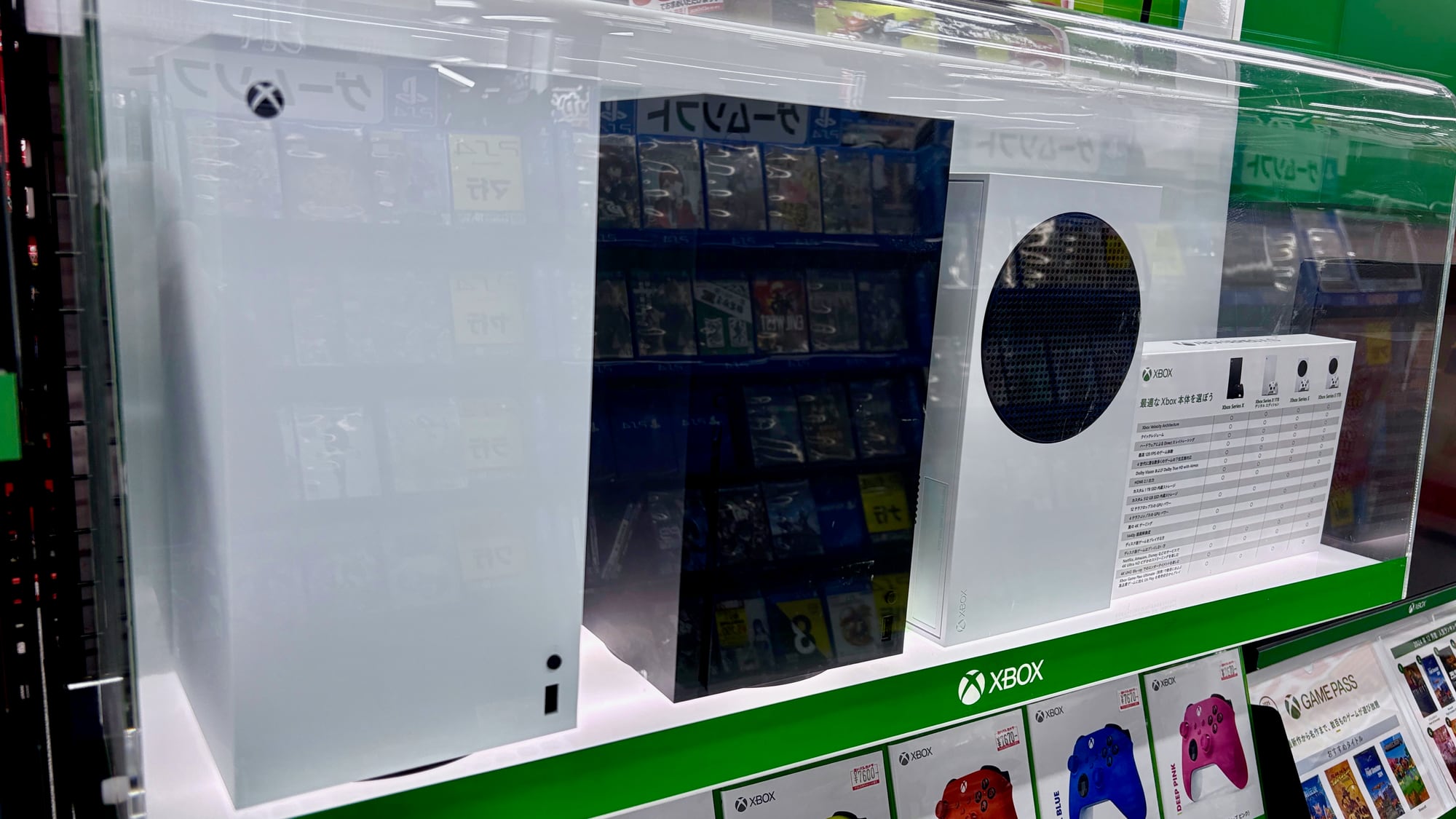
Before launch: your checklist
- 1TVA 4K set with HDR10, local dimming or an OLED panel, and a Game Mode. The picture will matter more than the refresh rate.
- 2StoragePS5: a PCIe Gen4 M.2 SSD with a heatsink, 250 GB to 8 TB, per Sony's support page. Xbox Series X|S: the Seagate Storage Expansion Card. 1 TB is the sensible floor.
- 3HeadsetSony's Pulse range or Microsoft's Xbox Wireless Headset. Wireless and 3D audio are the upgrade; check the price on the day.
- 4ControllerA second DualSense or Xbox controller so one is always charged.
We name no drive prices because storage prices have moved a lot in 2026 and we could not check a live listing today. Sony warns heatsink sizes vary, so check the fit before you buy, and read our storage guide for what we could verify.
Headsets are worth a thought because both main controllers take a 3.5 mm plug, so you do not need to pay for wireless to get decent sound. What you pay extra for is comfort over a long session and a mic that does not pick up the room. Neither console's own audio features have been confirmed for GTA 6, so do not buy for 3D audio alone.
04Premium: if the picture is the point
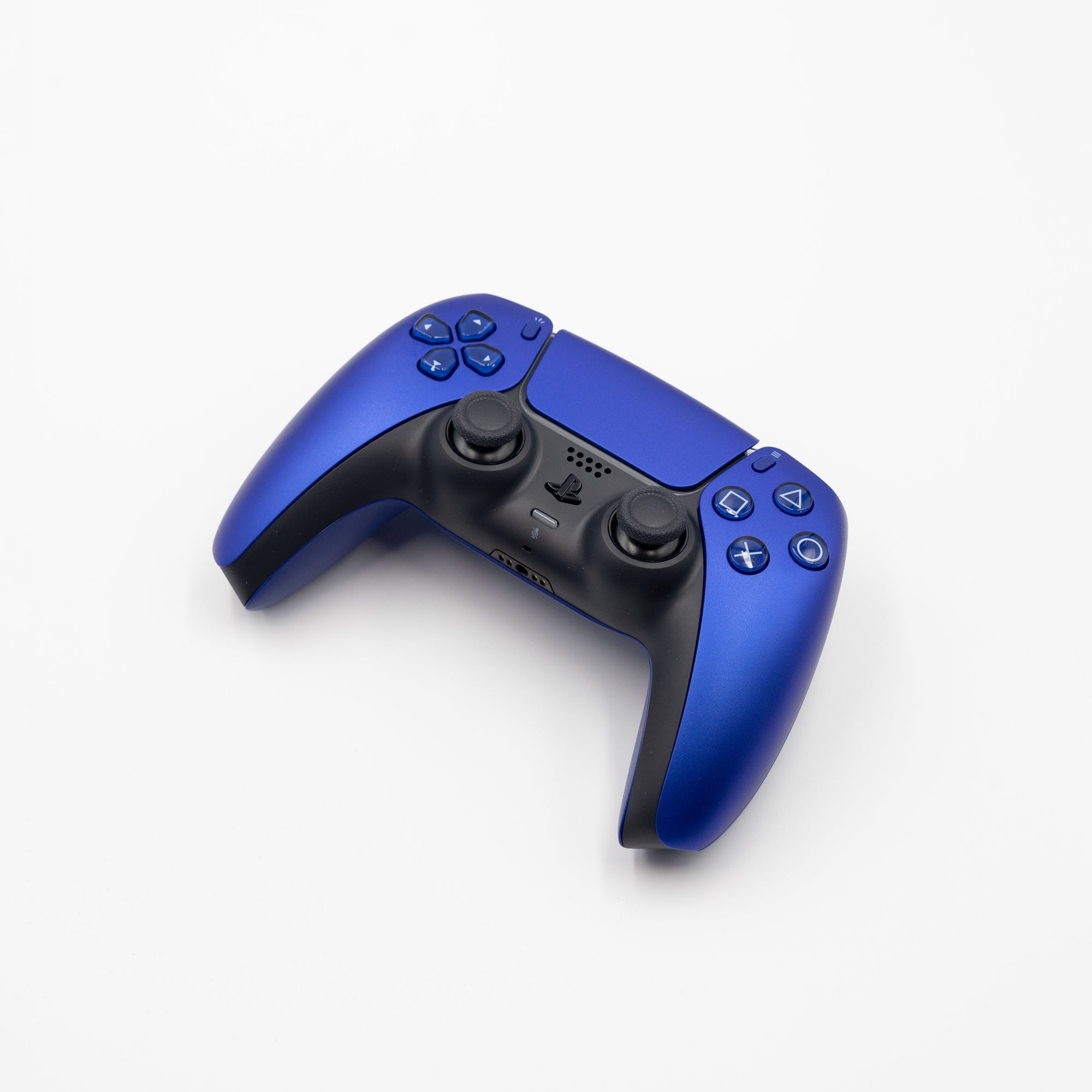
Before launch: your checklist
- 1ConsoleThe PS5 Pro is $899.99 / £789.99 on Sony's April price list, with PSSR and ray-traced shadows confirmed for GTA 6. Black Friday is 27 November, so check the price on the day.
- 2TVA good OLED or high-end mini-LED with HDMI 2.1, VRR and HDR. VRR smooths uneven frame times, which we expect to help a 30fps game. That is our reasoning, not Rockstar's.
- 3Storage2 TB or more, so GTA 6 and a second big game both fit.
- 4Headset and controllerA premium wireless headset and a DualSense Edge, which one outlet lists at $199.99 in the US. Reported, so check the price on the day.
Is the premium route worth it? We would not say yes by default. It is worth it only if you play on a big screen and care how the picture looks. If your TV is a 1080p set in the bedroom, the Pro's upscaling is wasted, and the money is better spent on a drive and a headset. If you already own a recent OLED, the best upgrade may simply be a second controller.
05How do you test your setup before launch?
Before launch: your checklist
- 1Run the console's HDR set-upBoth consoles have a calibration screen. Do it in a dark room, once.
- 2Play any game for ten minutesCheck lag in Game Mode with a game you know, such as a racing or shooting game from your library.
- 3Check free space on the install driveYou want 212 GB plus spare room for an update.
Two settings do most of the work on any TV: Game Mode, which cuts processing delay, and turning off motion smoothing, which invents frames the game never drew. If HDR is on offer, run your console's HDR calibration once before launch night so you are not in a settings menu at midnight.
Our launch-night checklist has the rest, including the unlock time for your country.
06What can you safely skip?
Skip anything sold on frame rate. A 144Hz monitor or a 120Hz TV will not turn a 30fps game into a 60fps one, and Rockstar has said nothing about a 60fps mode. If a 40fps or 60fps option appears later, you can upgrade then, and the gear you own will still work.
Skip bundles you do not need, too. Console bundles with GTA 6 exist at some retailers; our bundle guide separates the official ones from the rest. And skip buying on launch day just for the discount: Black Friday is eight days after launch, and prices could move either way.
07Which budget should you pick?
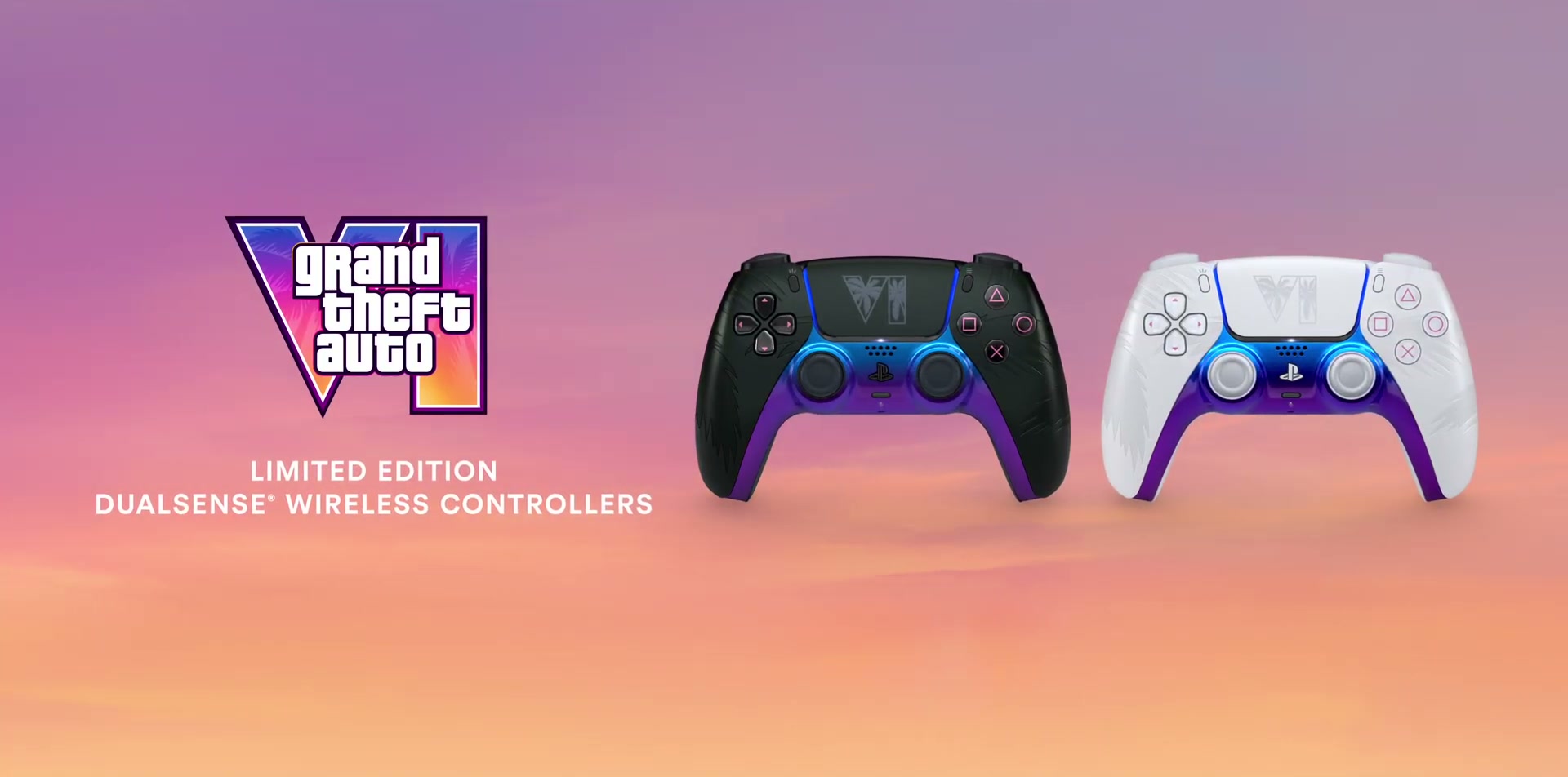
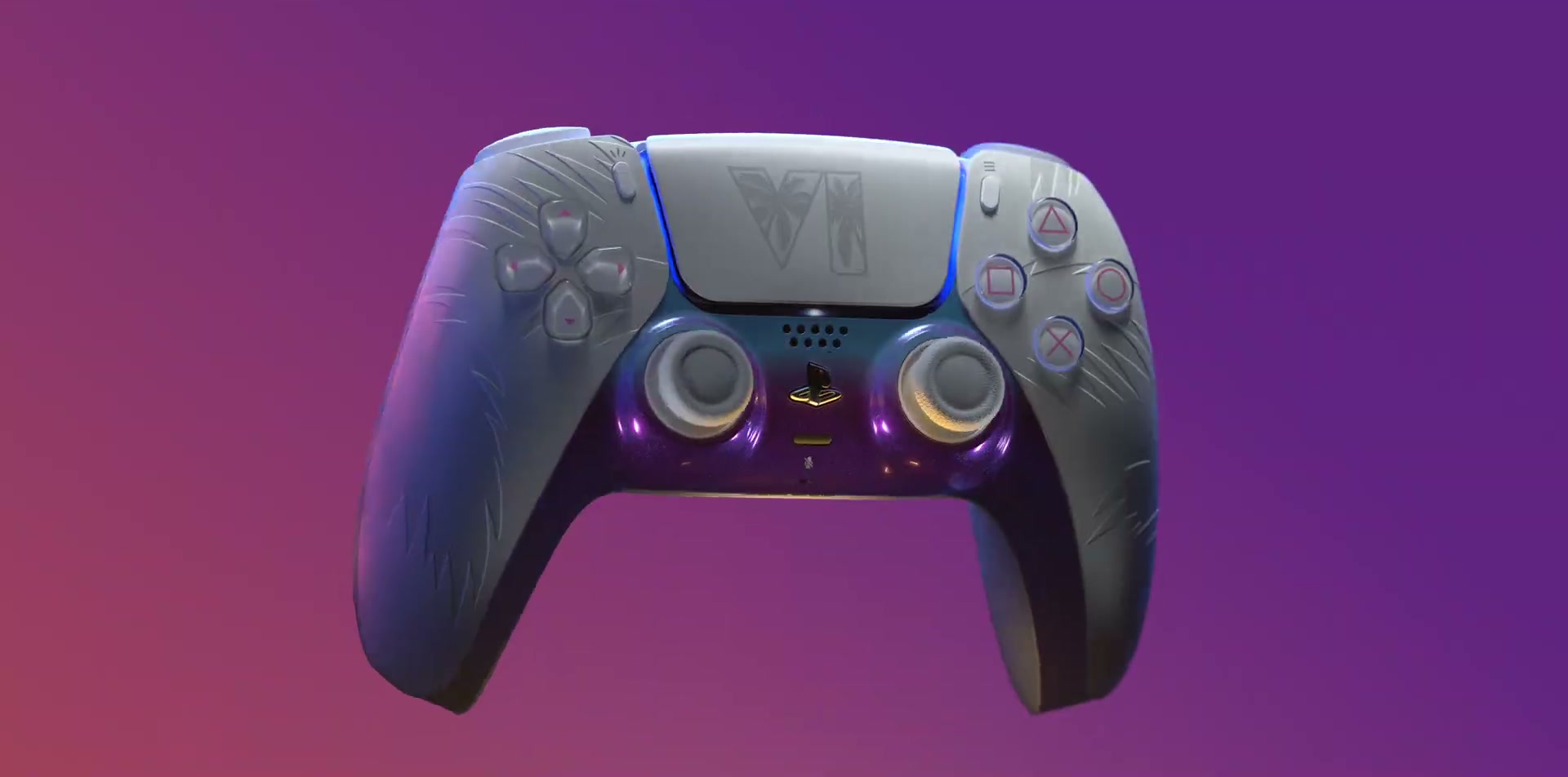
Our verdict: start at the Budget tier and move up one item at a time. A drive and a headset are the two upgrades most players will feel in the first hour. A new TV is the one to wait on, because its price will drop in the Black Friday sales, and the game will not look worse in the meantime. See also our limited-edition DualSense piece if you want the controller to match.
One last point on prices: hardware has been getting more expensive in 2026, and Sony's own list prices rose in April. That is why this page quotes Sony's published figures and leaves everything else to the retailer's page on the day. A price we could not verify is not a price we will print.
Quick answers
Do I need a 120Hz TV for GTA 6?
No. Rockstar is targeting 30fps, so 120Hz is not needed, although a TV with VRR may help. That part is our reasoning.
How much storage do I need for GTA 6?
Up to 212 GB per Rockstar. Leave extra room for any patch.
Does GTA 6 support HDR?
Not confirmed by anything we found. Check the display options on 19 November.
Next steps
Image credits (5)
- A PlayStation 5 Pro console: BeatEmUps, CC BY 3.0, via Wikimedia Commons
- An Xbox Series S with its controller: AsmodeanUnderscore, CC BY-SA 4.0, via Wikimedia Commons
- An Xbox Series X and Series S side by side: Kyu3a, CC BY-SA 4.0, via Wikimedia Commons
- A cobalt blue DualSense wireless controller: Sonson2, CC0, via Wikimedia Commons
- A PlayStation 5 Pro console standing upright: BeatEmUps, CC BY 3.0, via Wikimedia Commons
Facts checked against the sources tracked on our hub. Confirmed, reported and rumoured claims are labelled.