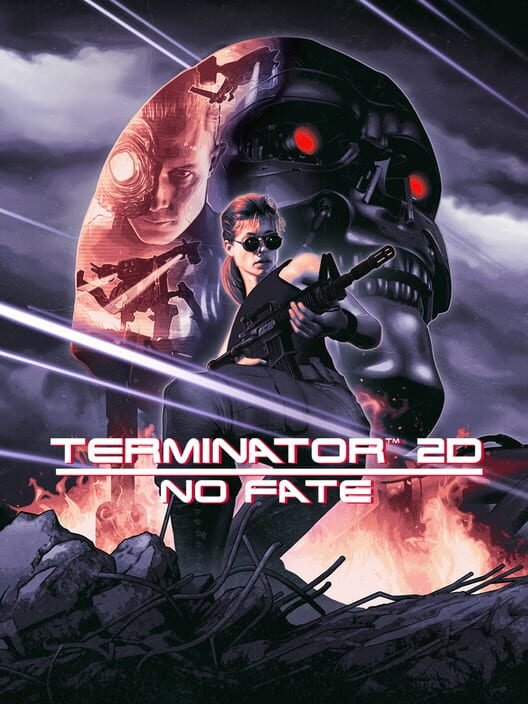
Can my PC run Terminator 2D: No Fate?
See the developer's requirements below and 4 GB of memory, with about 1 GB of free space. Tell us your PC and we will check.
System requirements
| Part | Minimum | Recommended |
|---|---|---|
| Graphics card | 1GB VRAM | – |
| Processor | Intel Core i5 (x86, x64 architecture with SSE2 instruction set support, ARM64) | – |
| Memory | 4 GB | – |
| Storage | 1 GB | – |
| Windows | Windows 10 version 21H1 (build 19043) or newer | – |
As listed on the game’s Steam page by its developer. See it on Steam
Quick answers
What are the minimum PC requirements for Terminator 2D: No Fate?
Graphics: 1GB VRAM. Processor: Intel Core i5 (x86, x64 architecture with SSE2 instruction set support, ARM64). Memory: 4 GB. Storage: 1 GB.
What are the recommended PC requirements for Terminator 2D: No Fate?
The developer has not listed recommended requirements.
How much storage does Terminator 2D: No Fate need?
About 1 GB of free space.
More about running Terminator 2D: No Fate on PC
Memory and storage
How much RAM does Terminator 2D: No Fate need?
4 GB minimum.
Is 8 GB of RAM enough for Terminator 2D: No Fate?
Yes, 8 GB meets its requirements.
What processor do I need for Terminator 2D: No Fate?
Minimum: Intel Core i5 (x86, x64 architecture with SSE2 instruction set support, ARM64).
How much storage does Terminator 2D: No Fate need on PC?
About 1 GB of free space.
Does Terminator 2D: No Fate need an SSD?
The requirements don't ask for one, but an SSD will load faster.
Systems
What version of Windows does Terminator 2D: No Fate need?
Windows 10 version 21H1 (build 19043) or newer. Windows 7 and 8 aren't listed.
Can I play Terminator 2D: No Fate on a Mac?
Yes, there's a macOS version.
Can I play Terminator 2D: No Fate on Steam Deck?
Yes, it's Steam Deck Verified.
Can I play Terminator 2D: No Fate on PC with a controller?
Yes, it has full controller support.