Wallpapers
GTA 6 wallpapers in 4K
31 official images from Rockstar, free to download for desktop (3840 × 2160) and phone (1290 × 2796).
3840 × 2160 (4K) · 31 wallpapers
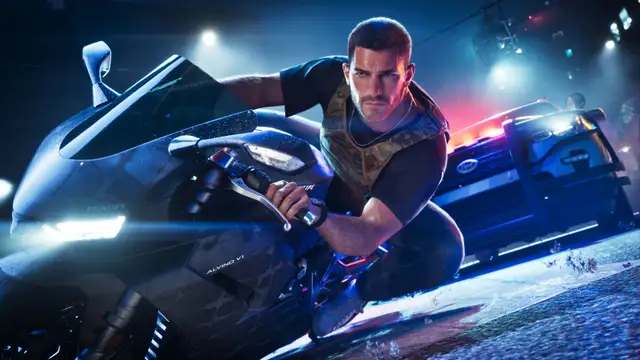
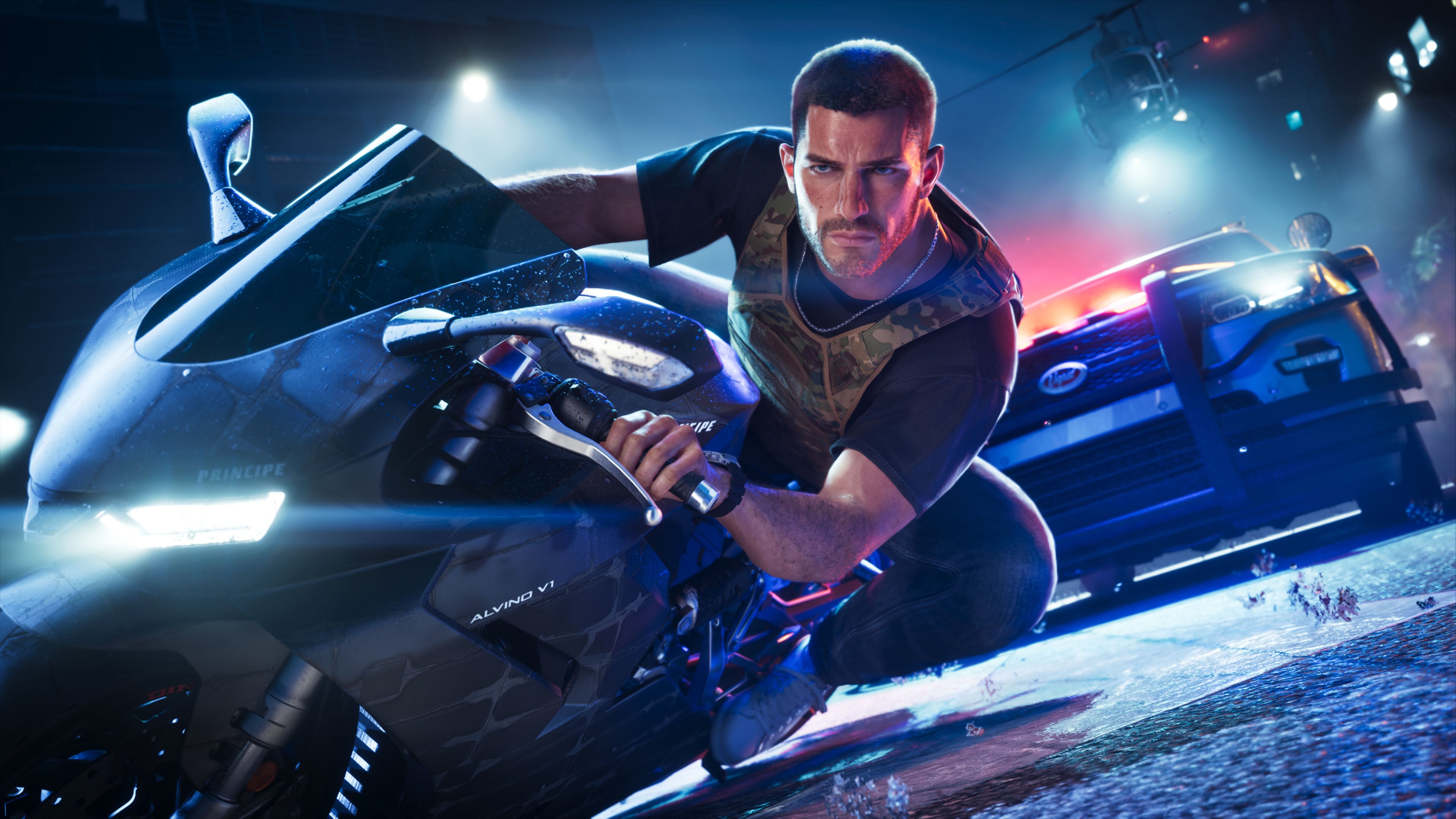
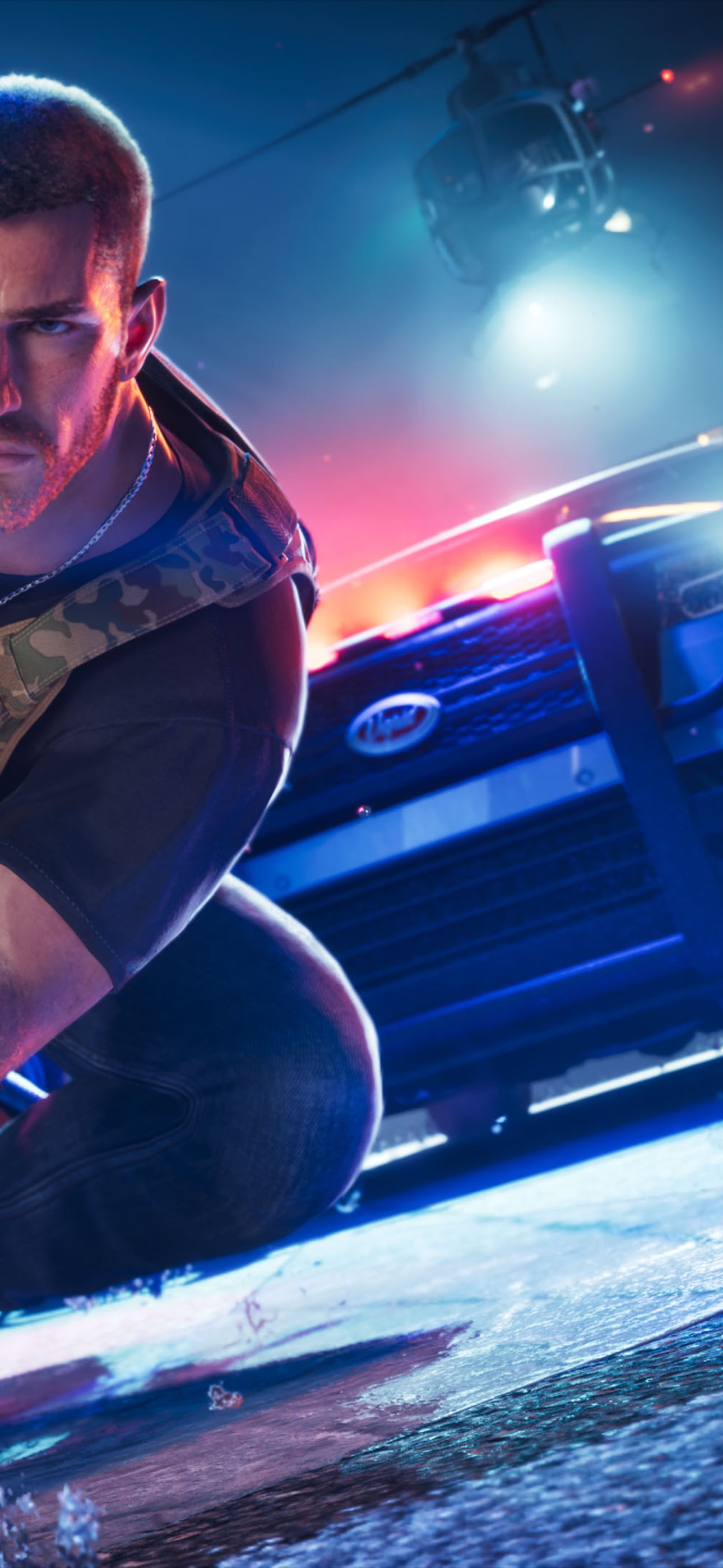
Jason on a motorbike, police lights behind
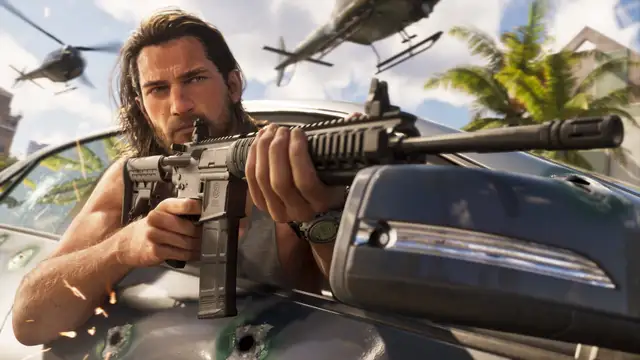
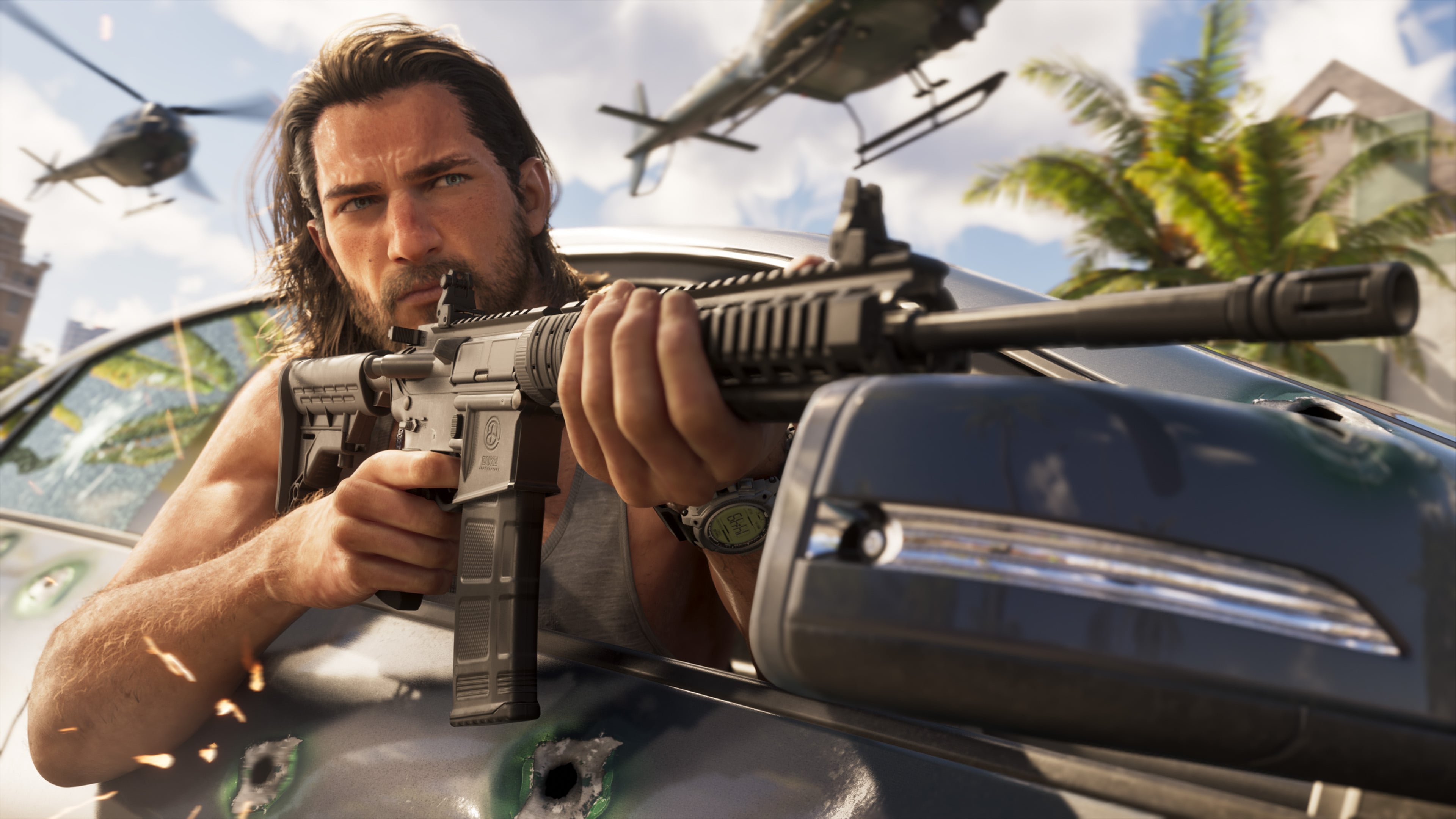
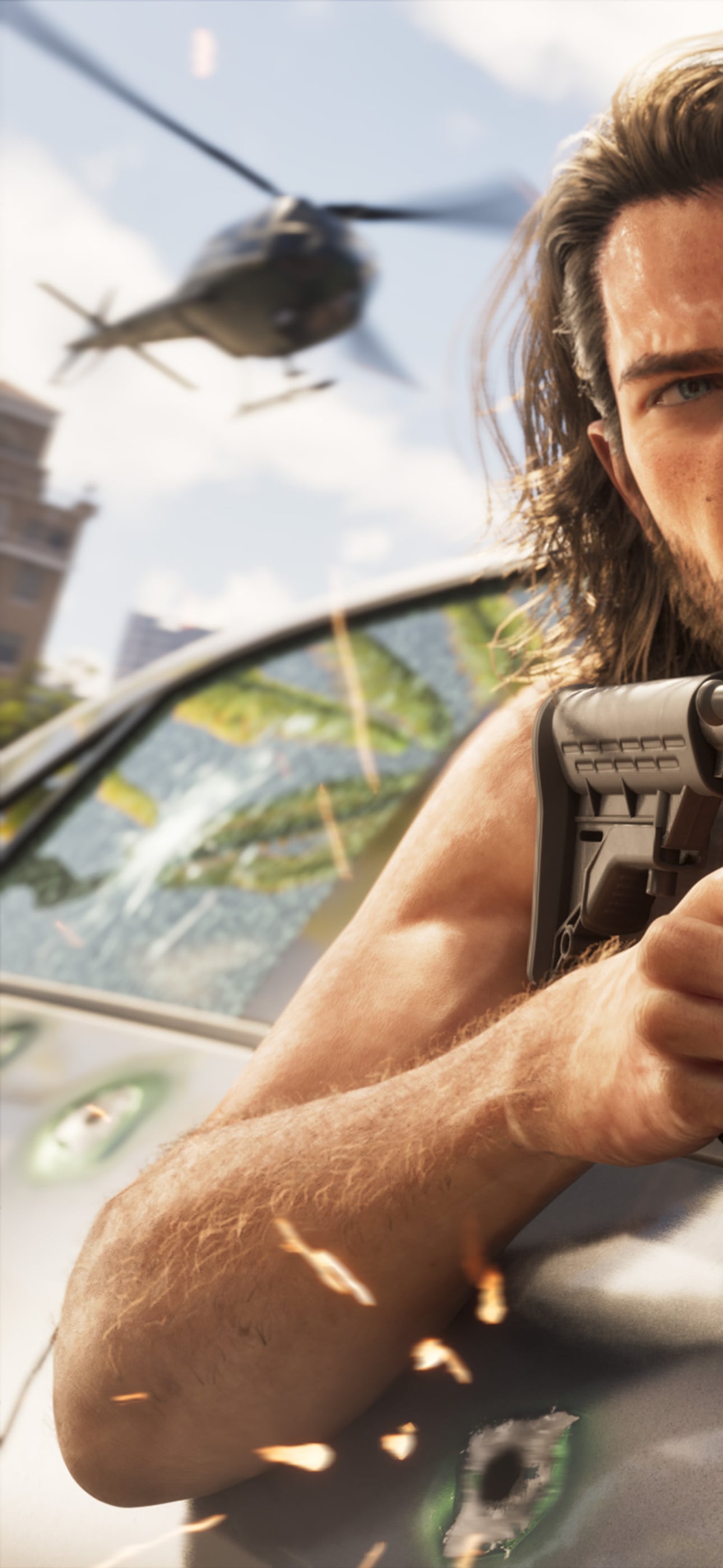
Jason takes aim behind a car, helicopters overhead
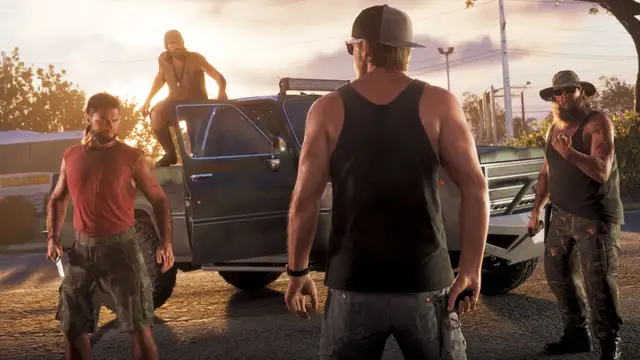
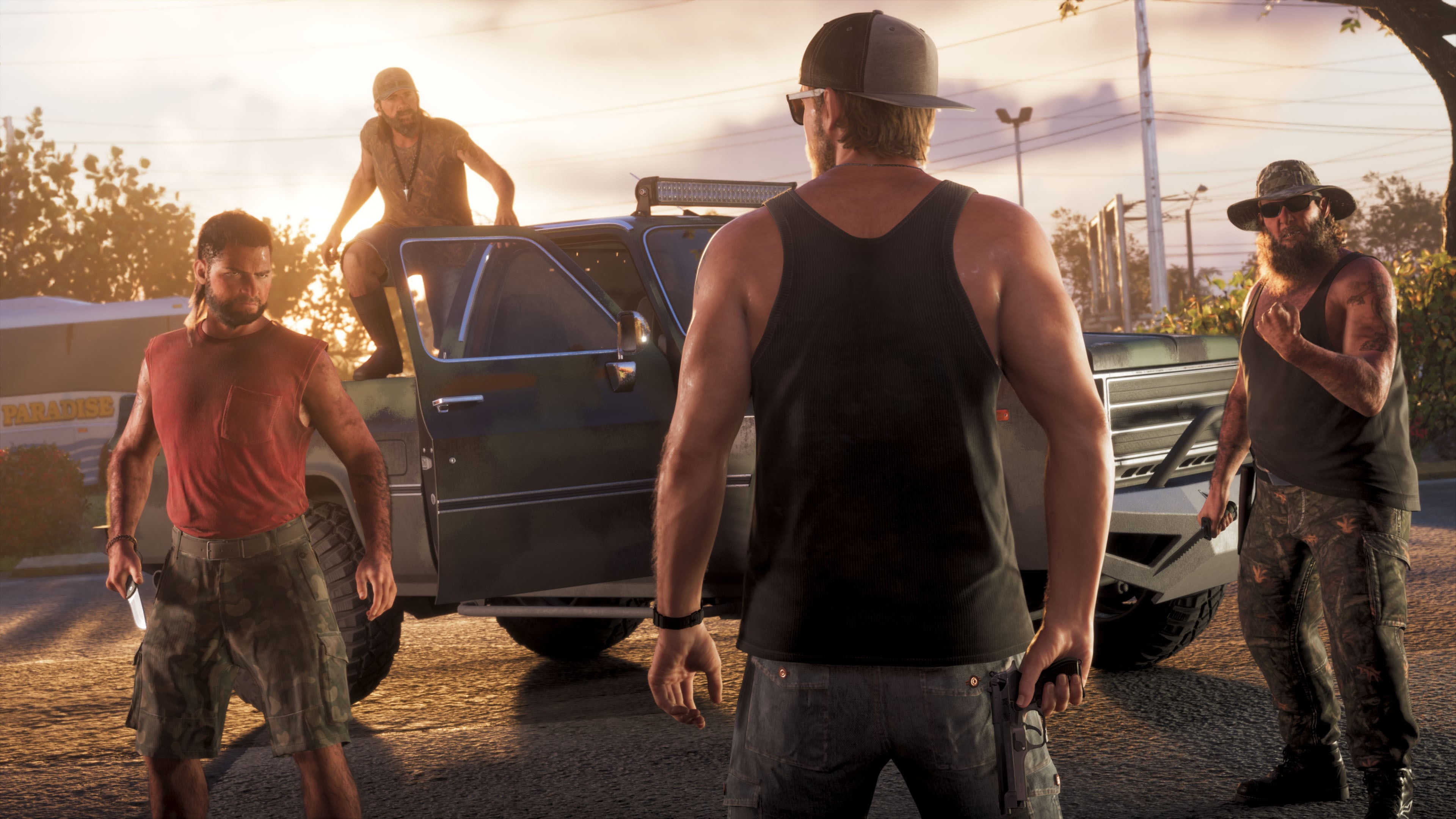
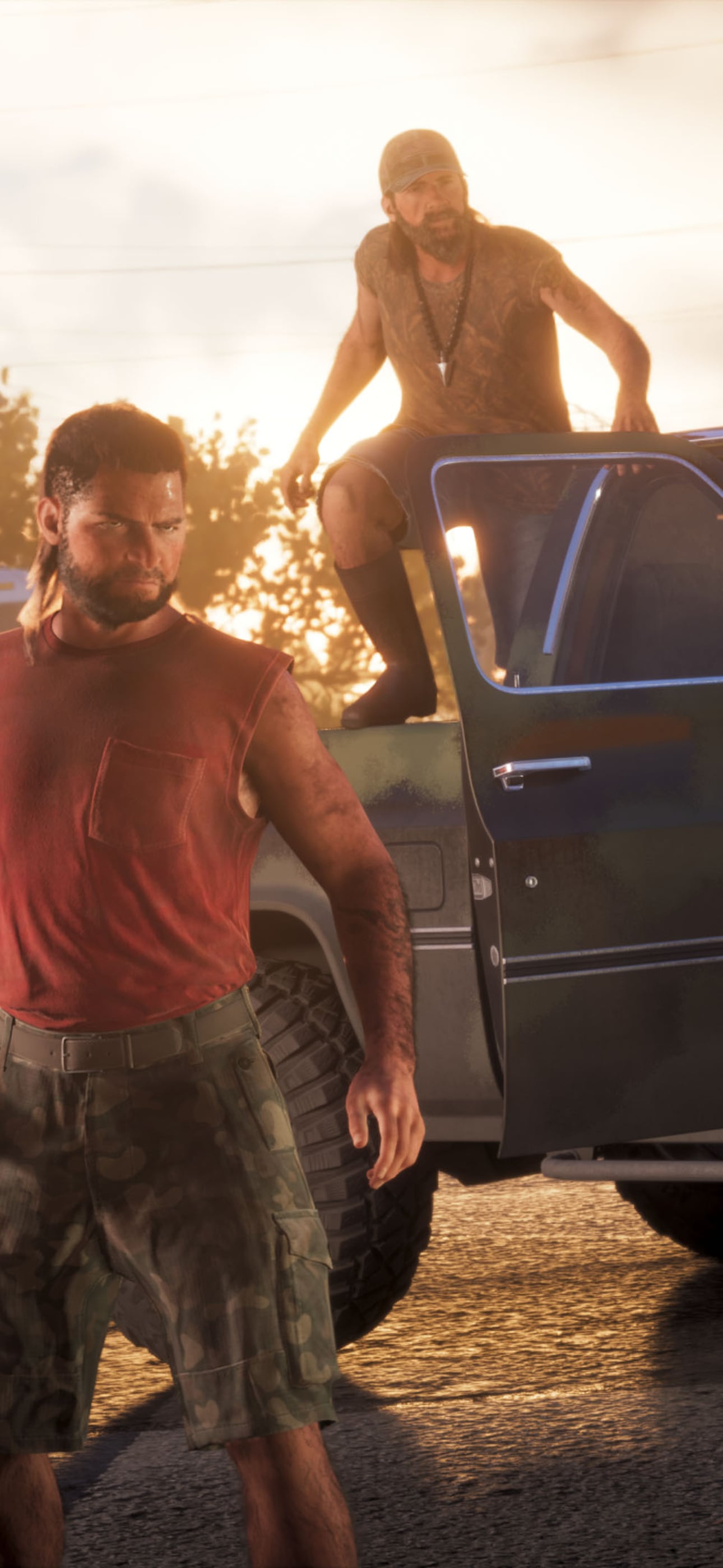
Jason faces a crew by a pickup truck
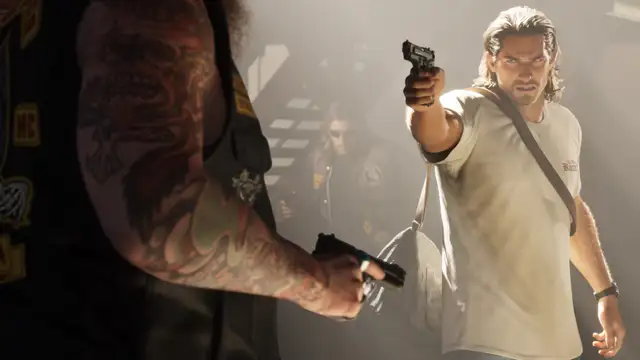
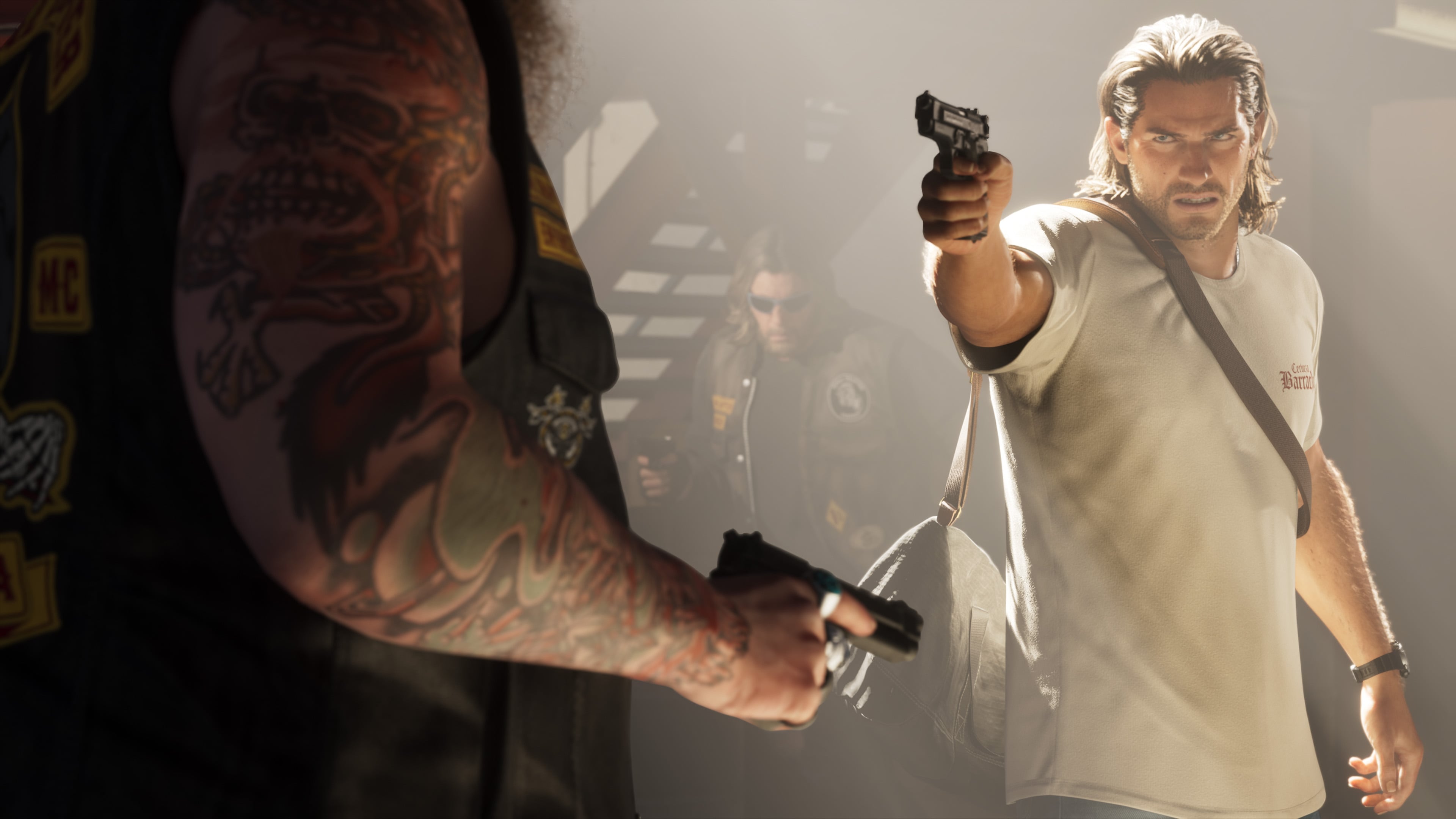
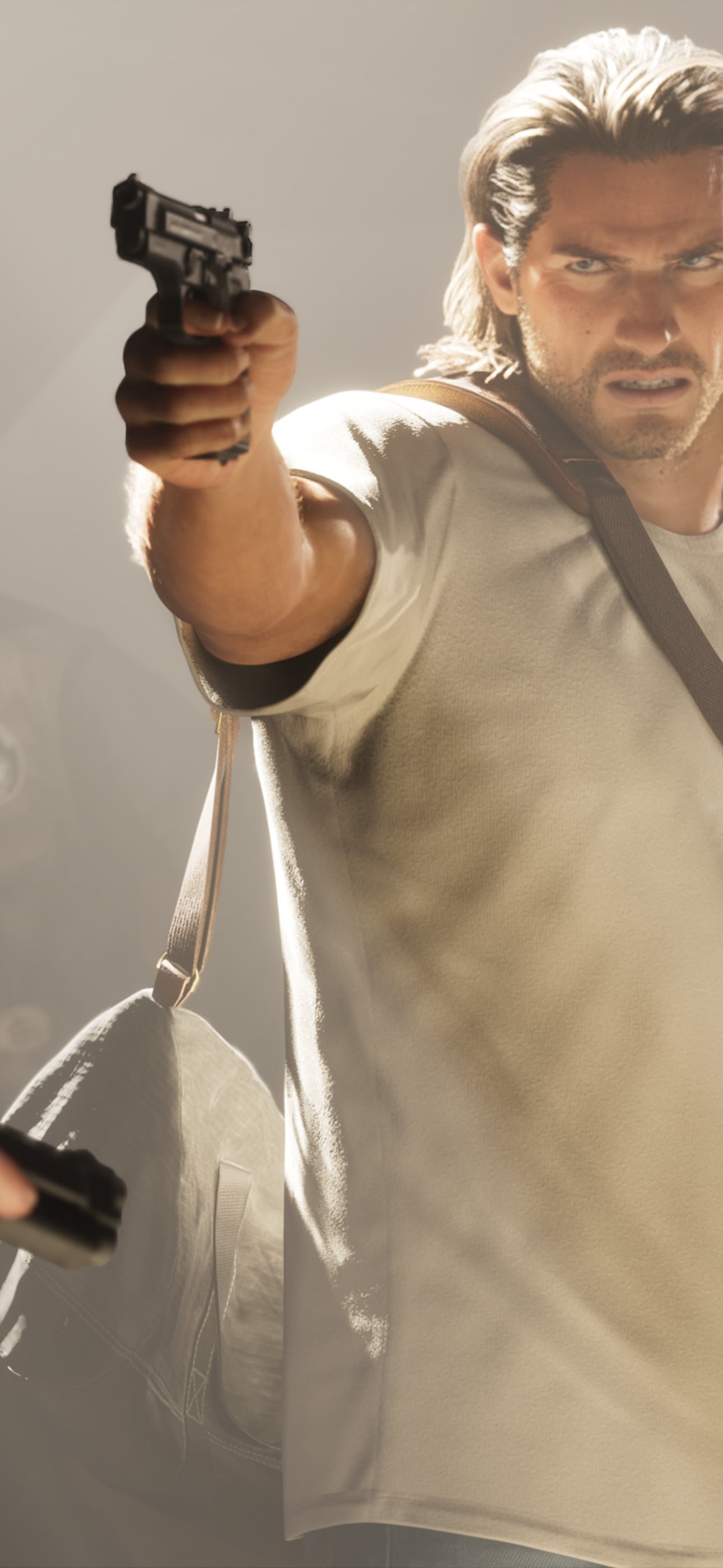
Jason draws a pistol in a stand-off
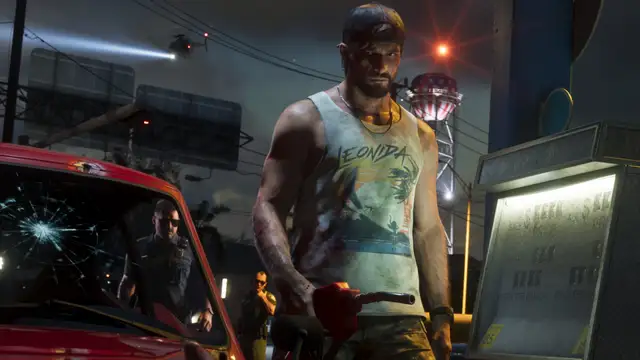
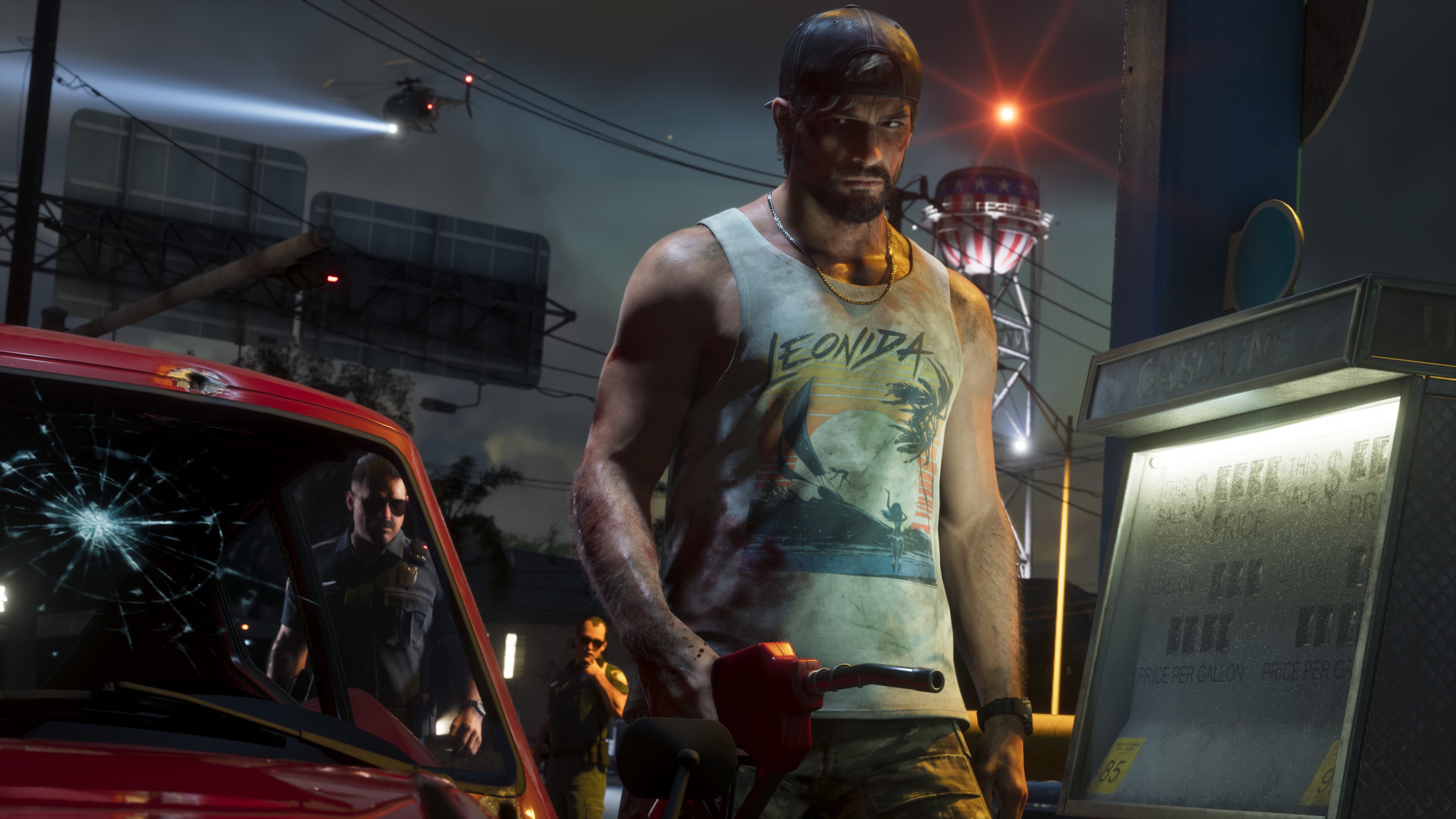
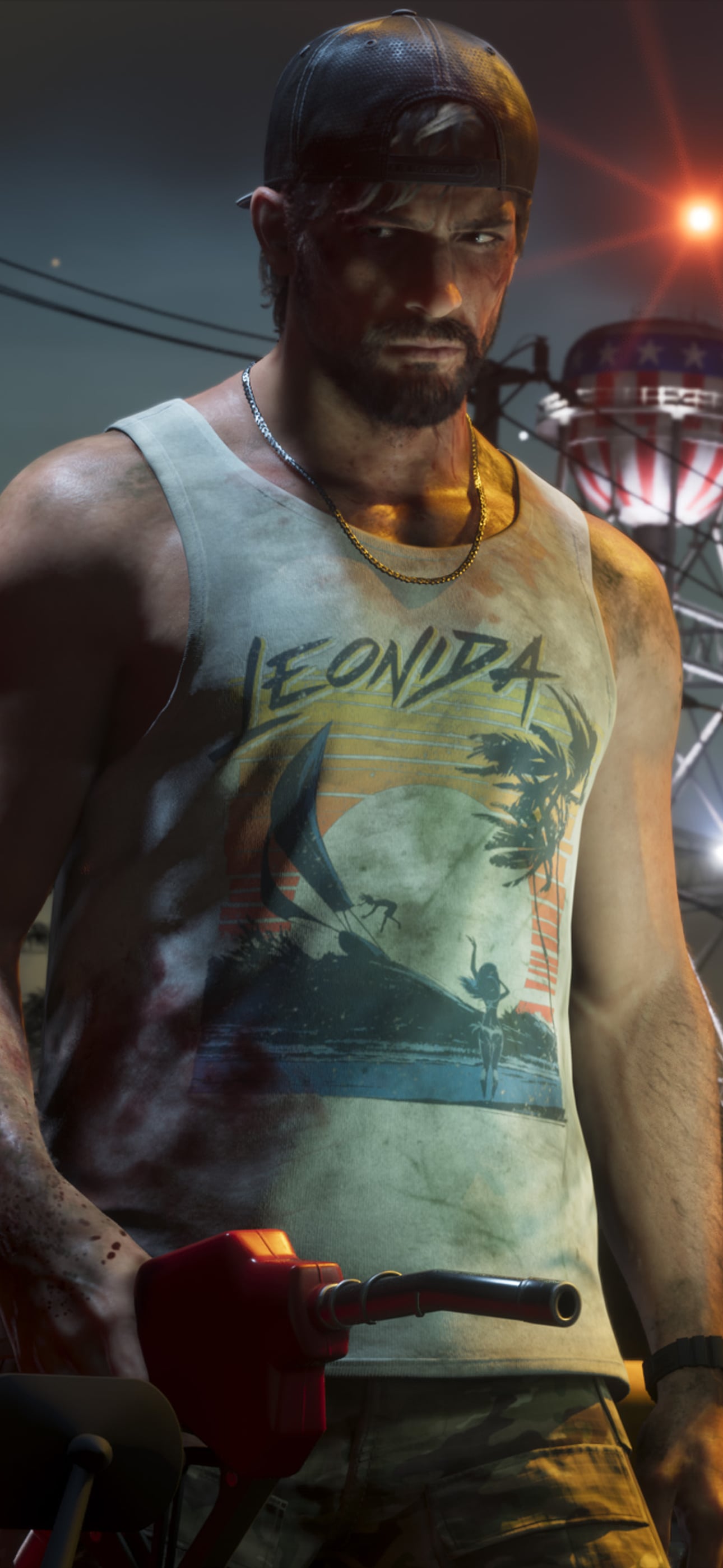
Jason at a gas station at night
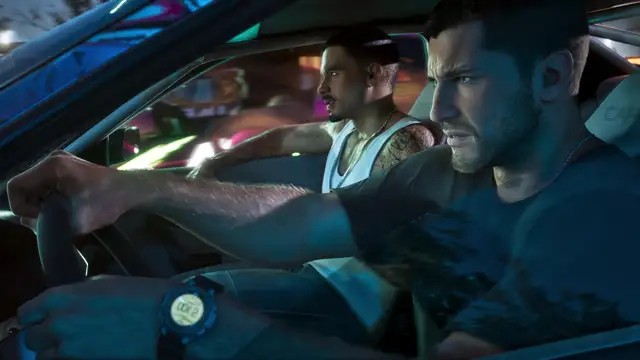
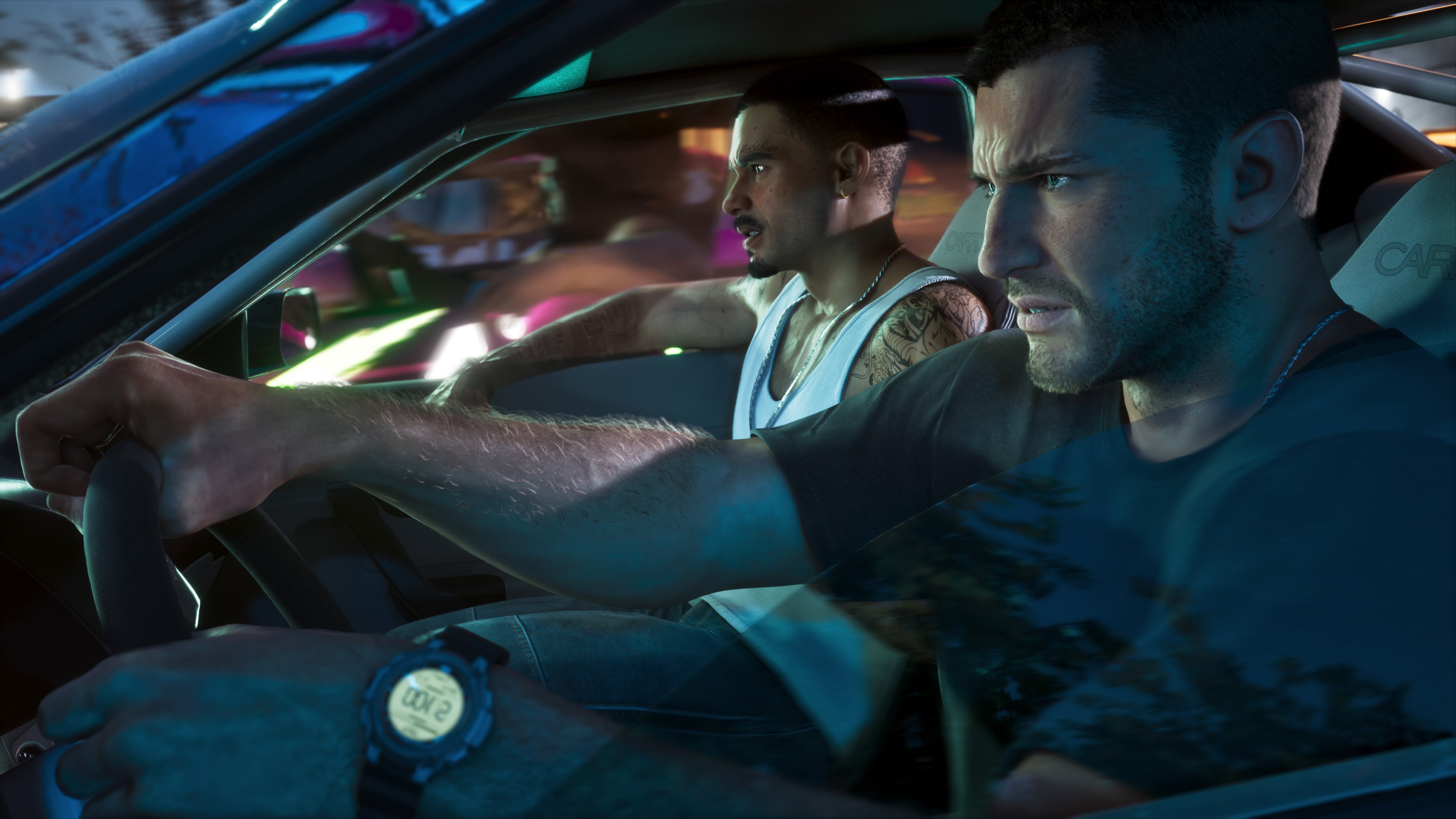
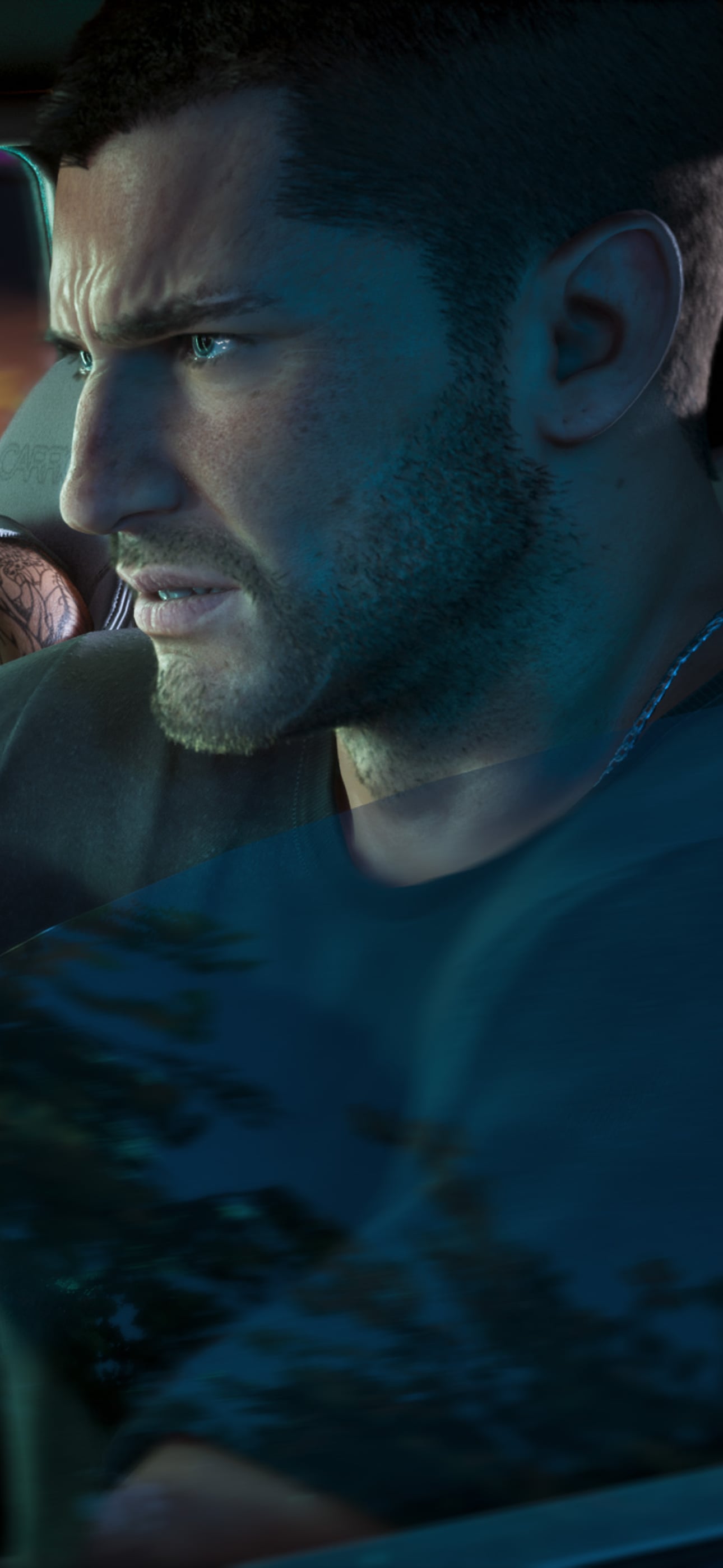
Jason driving at night with a passenger
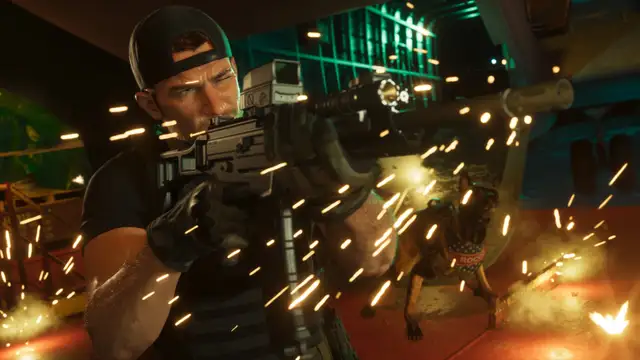
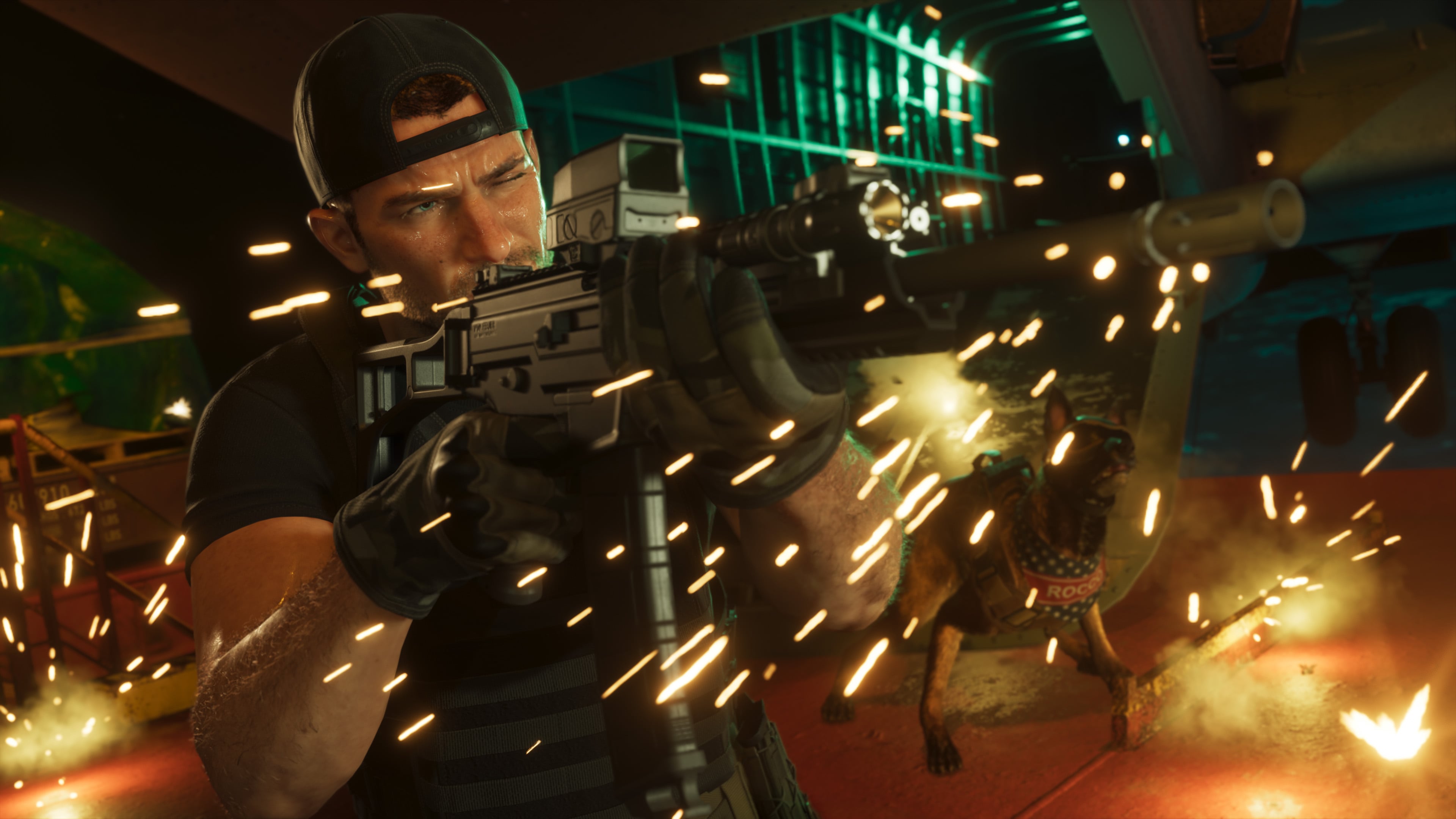
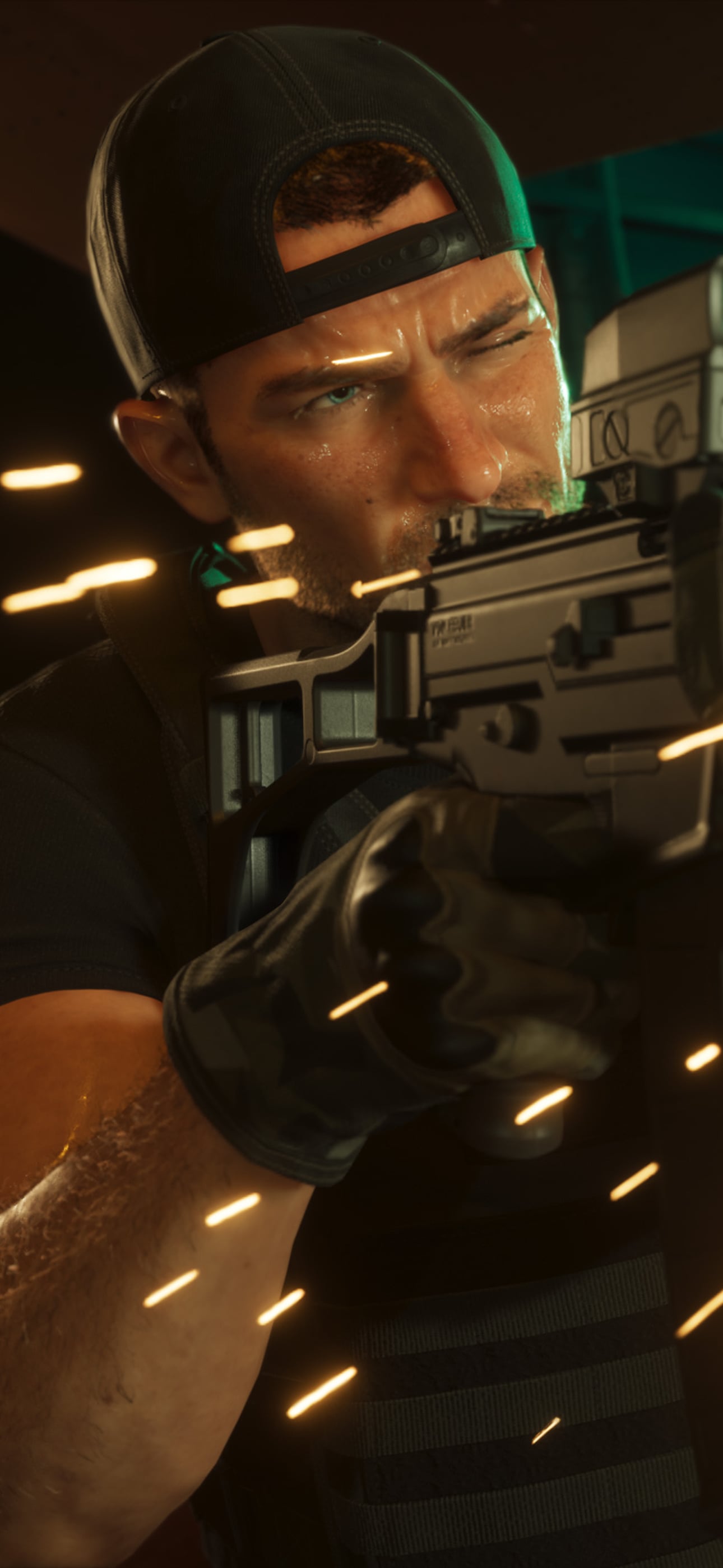
Jason fires a rifle in a shoot-out
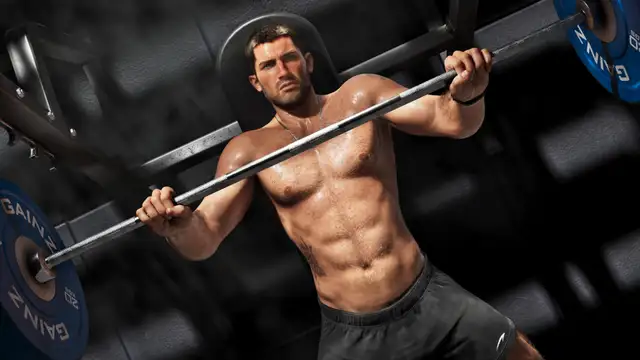
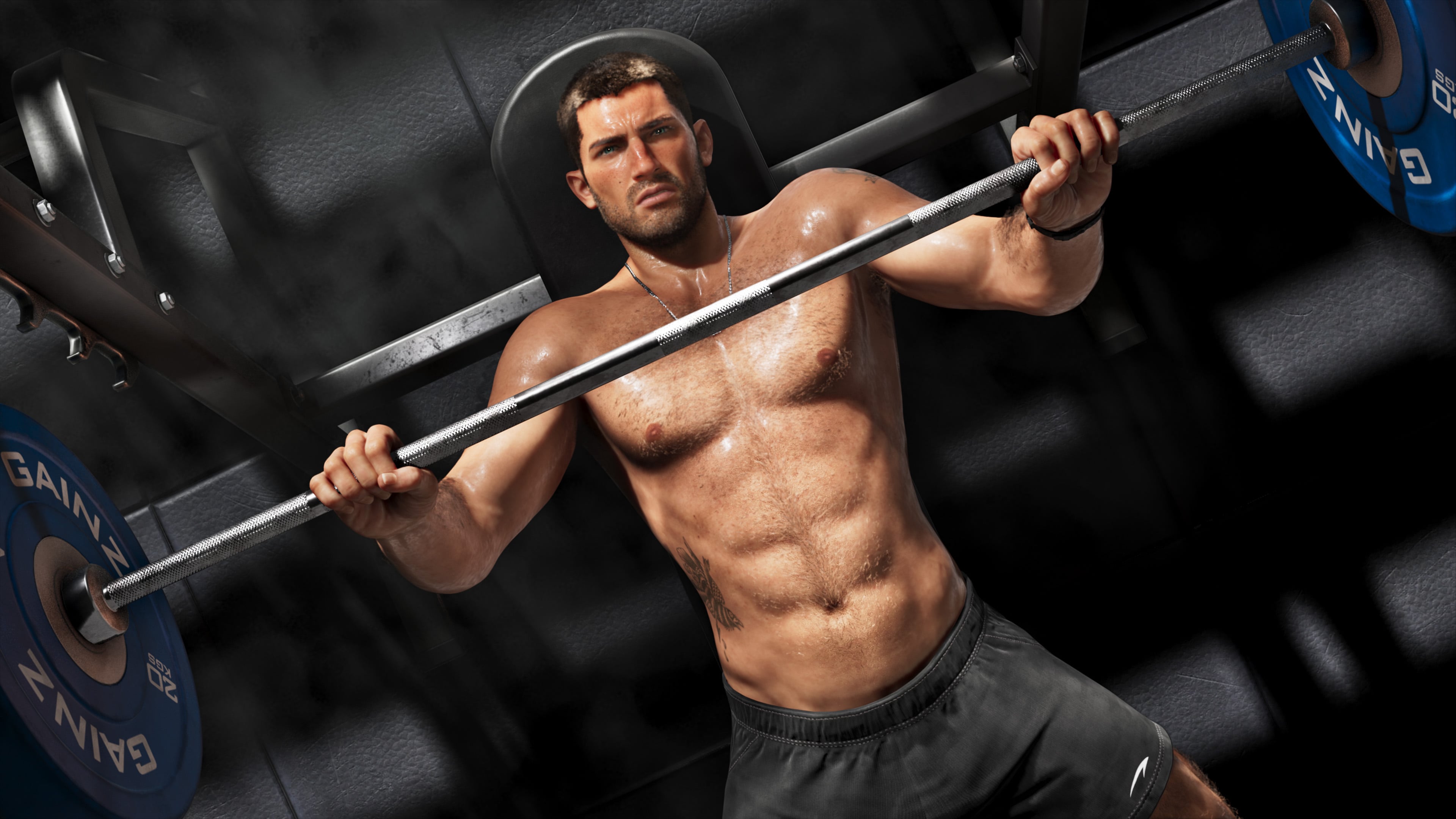
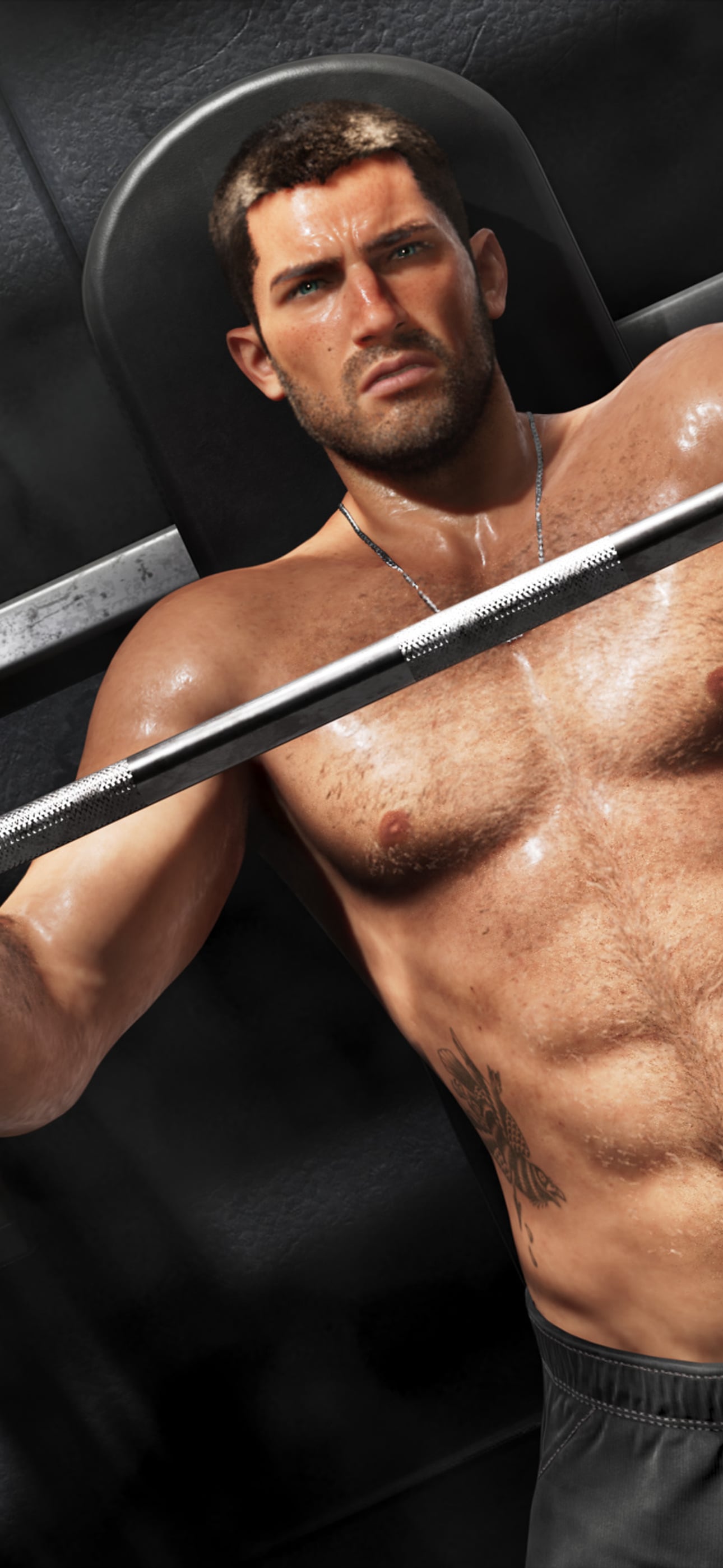
Jason lifting weights at the gym
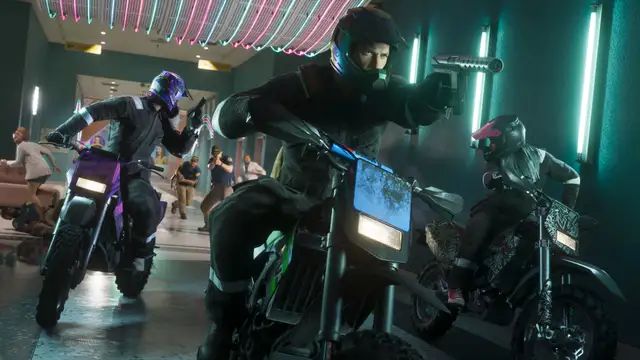
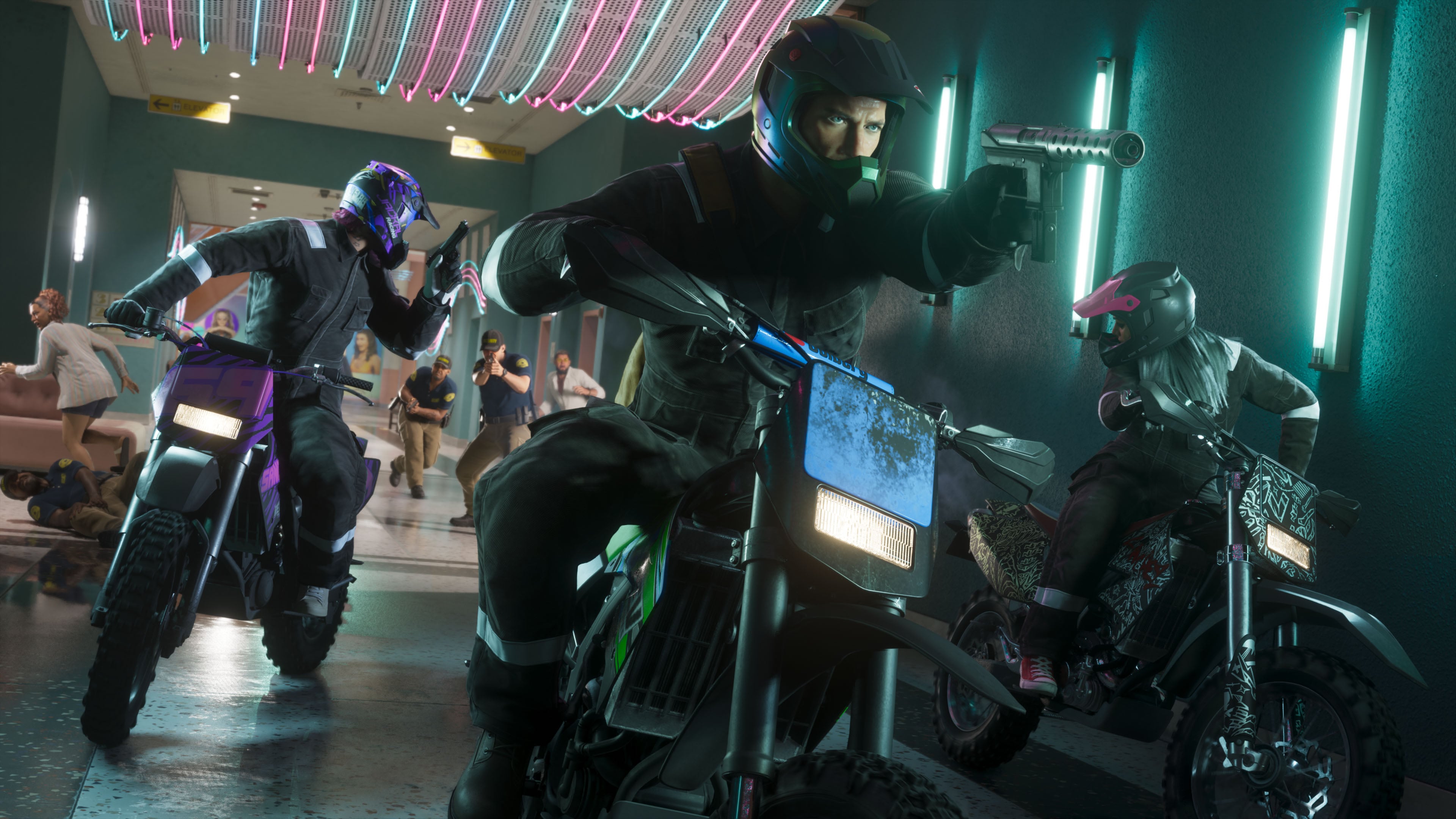
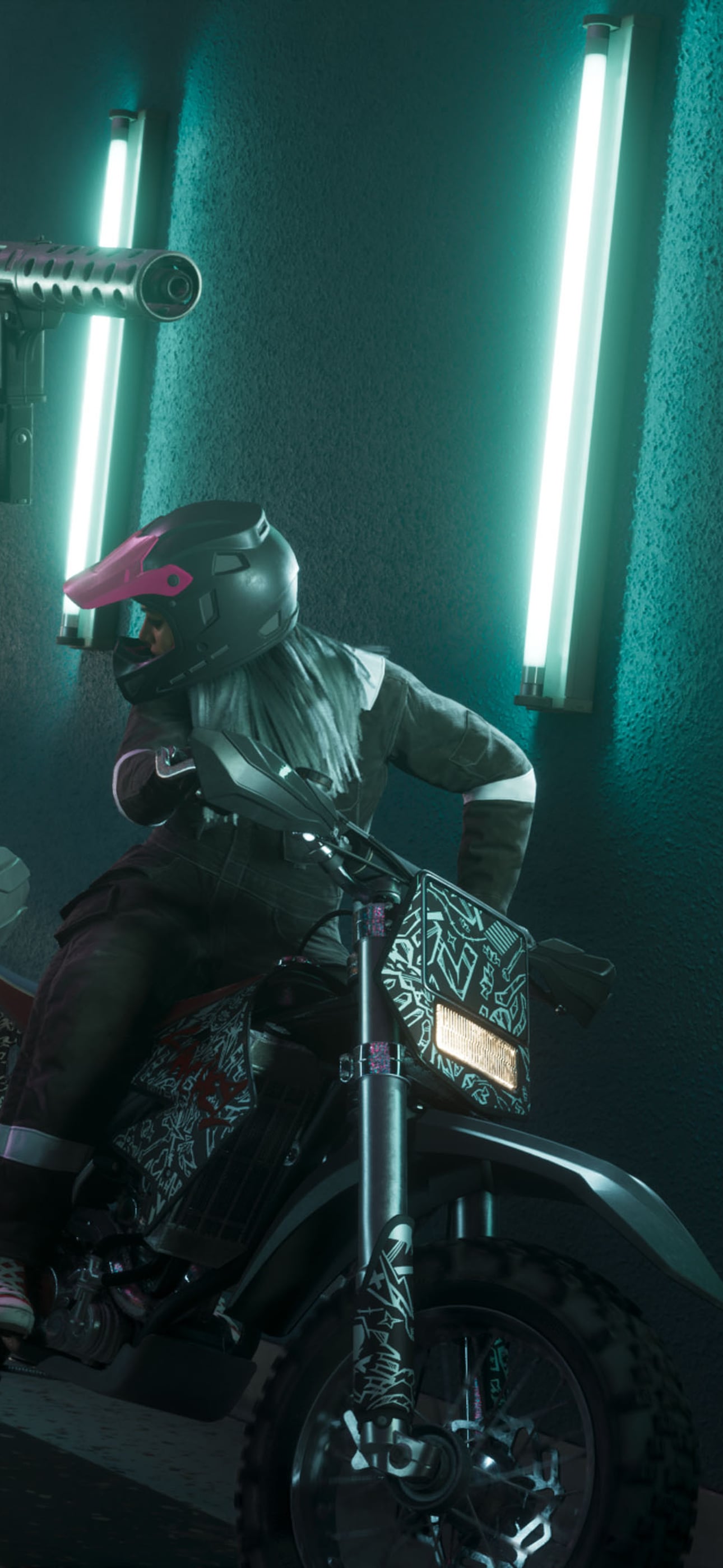
Masked riders on dirt bikes inside a mall
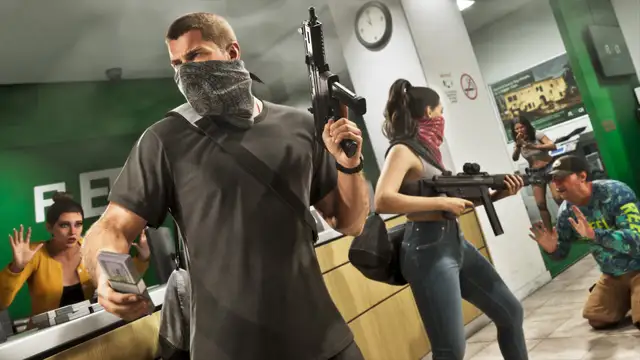
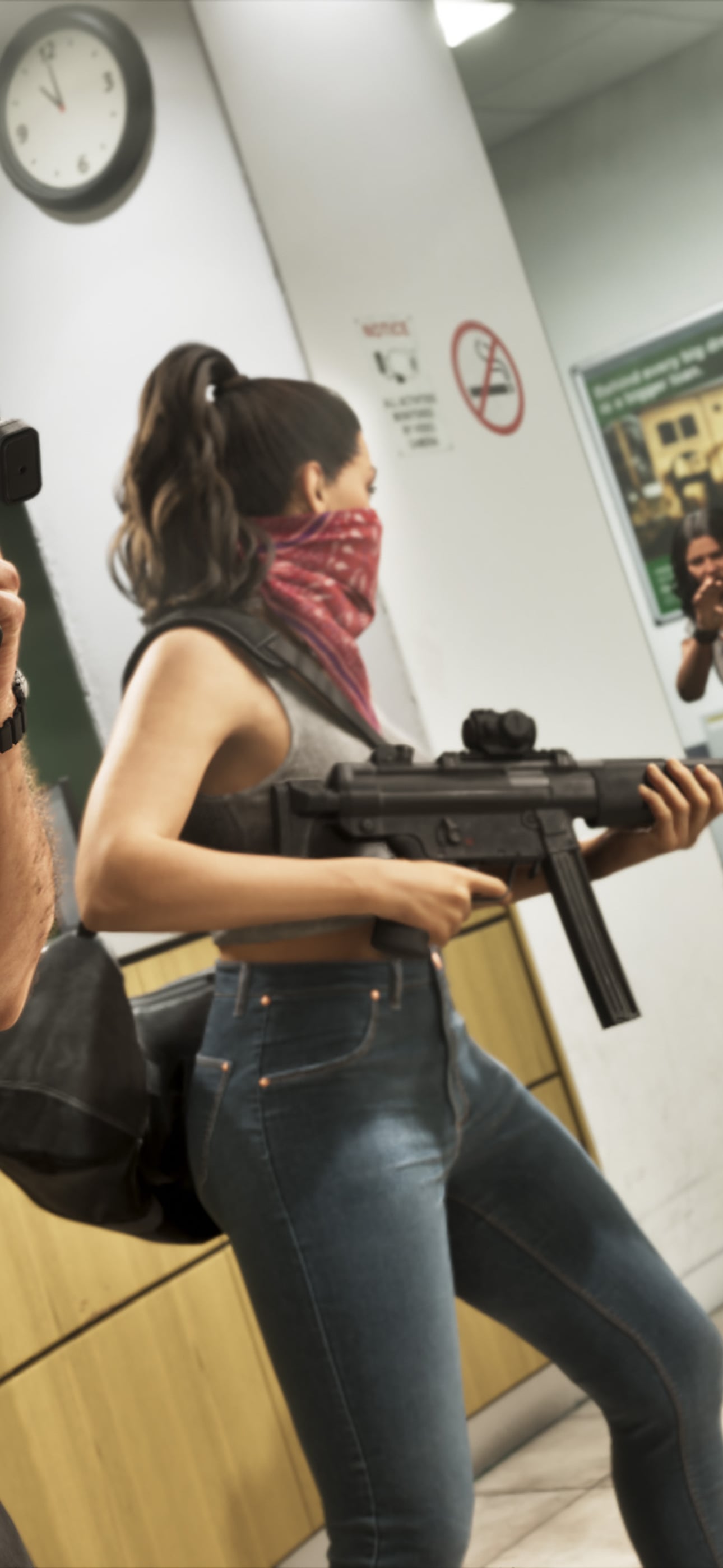
Jason and Lucia, masked, rob a store
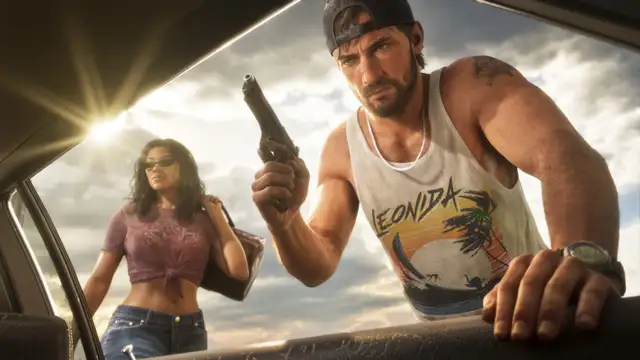
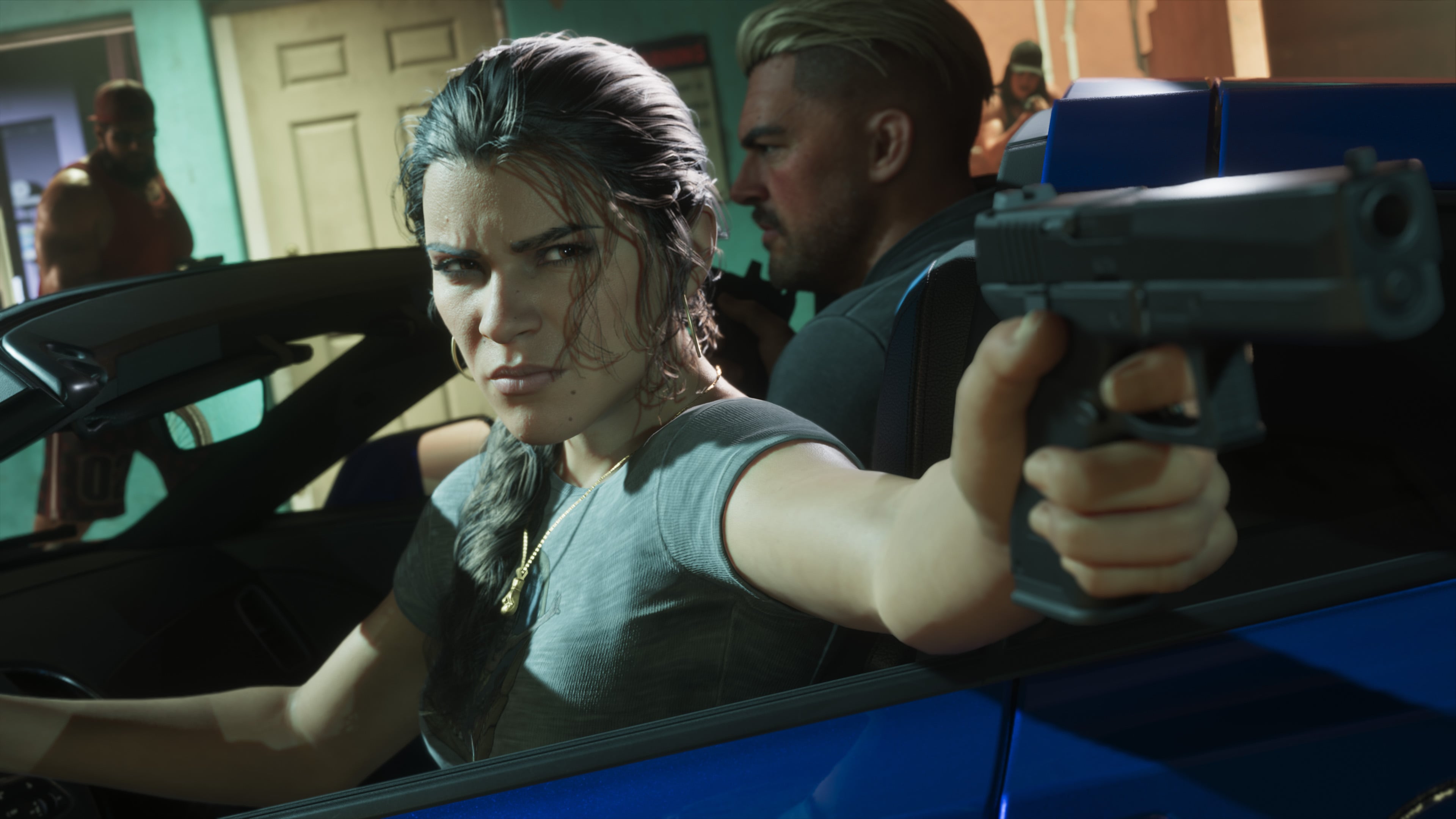
Jason and Lucia by a car, pistol drawn
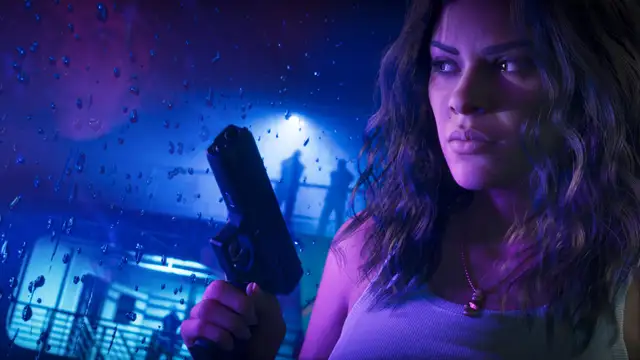
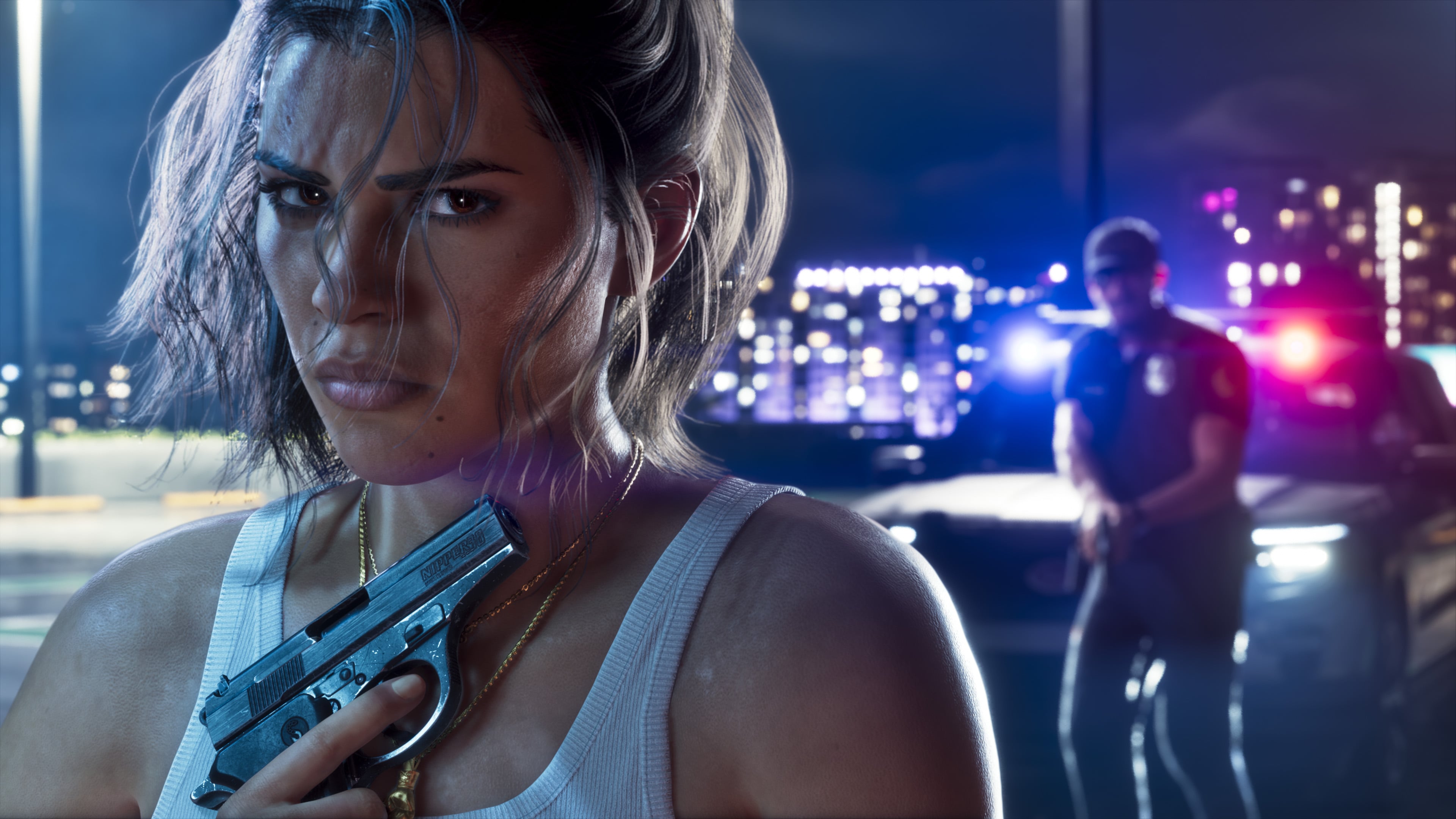
Lucia with a pistol on a rainy night
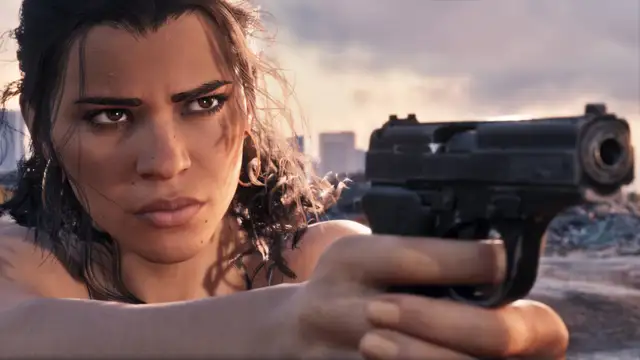
Lucia takes aim at dusk
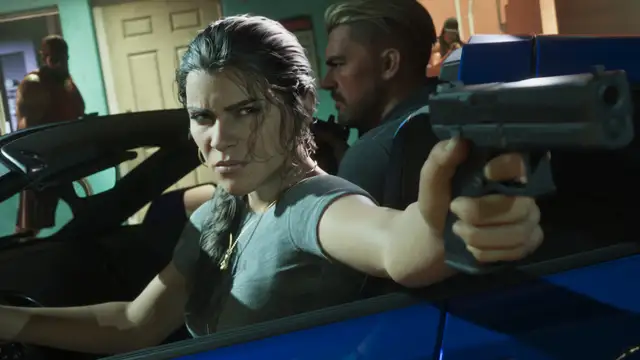
Lucia aims from a car
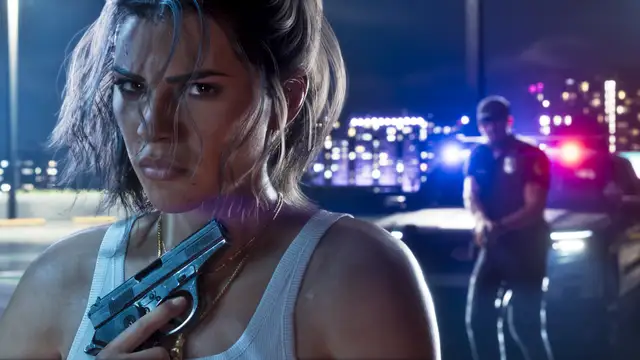
Lucia at a police stop at night
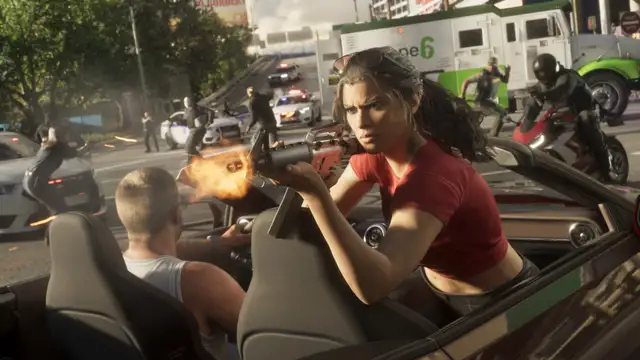
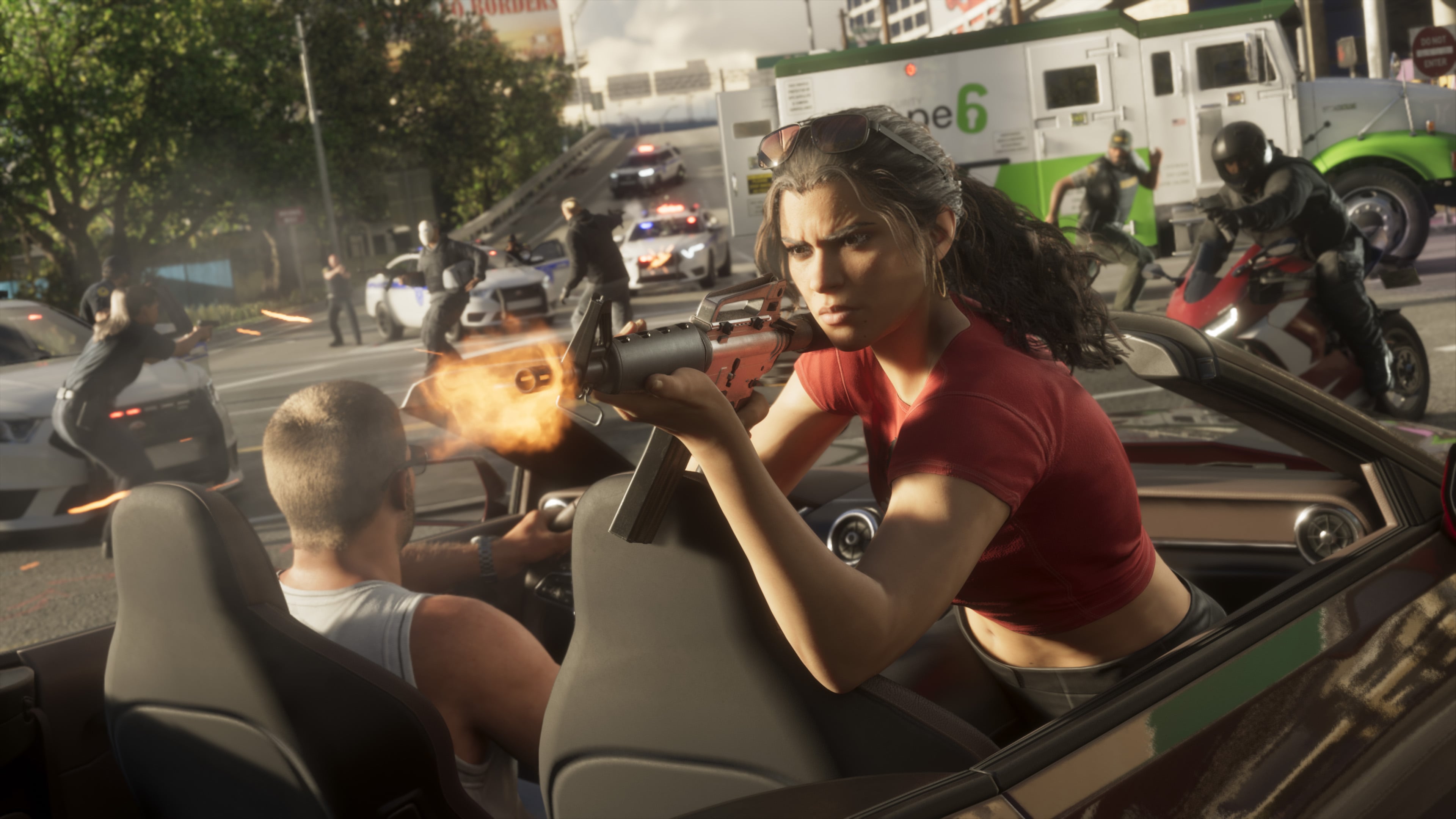
Lucia fires from a convertible in a police chase
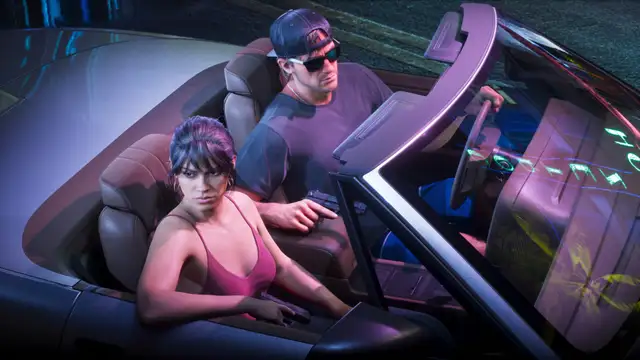
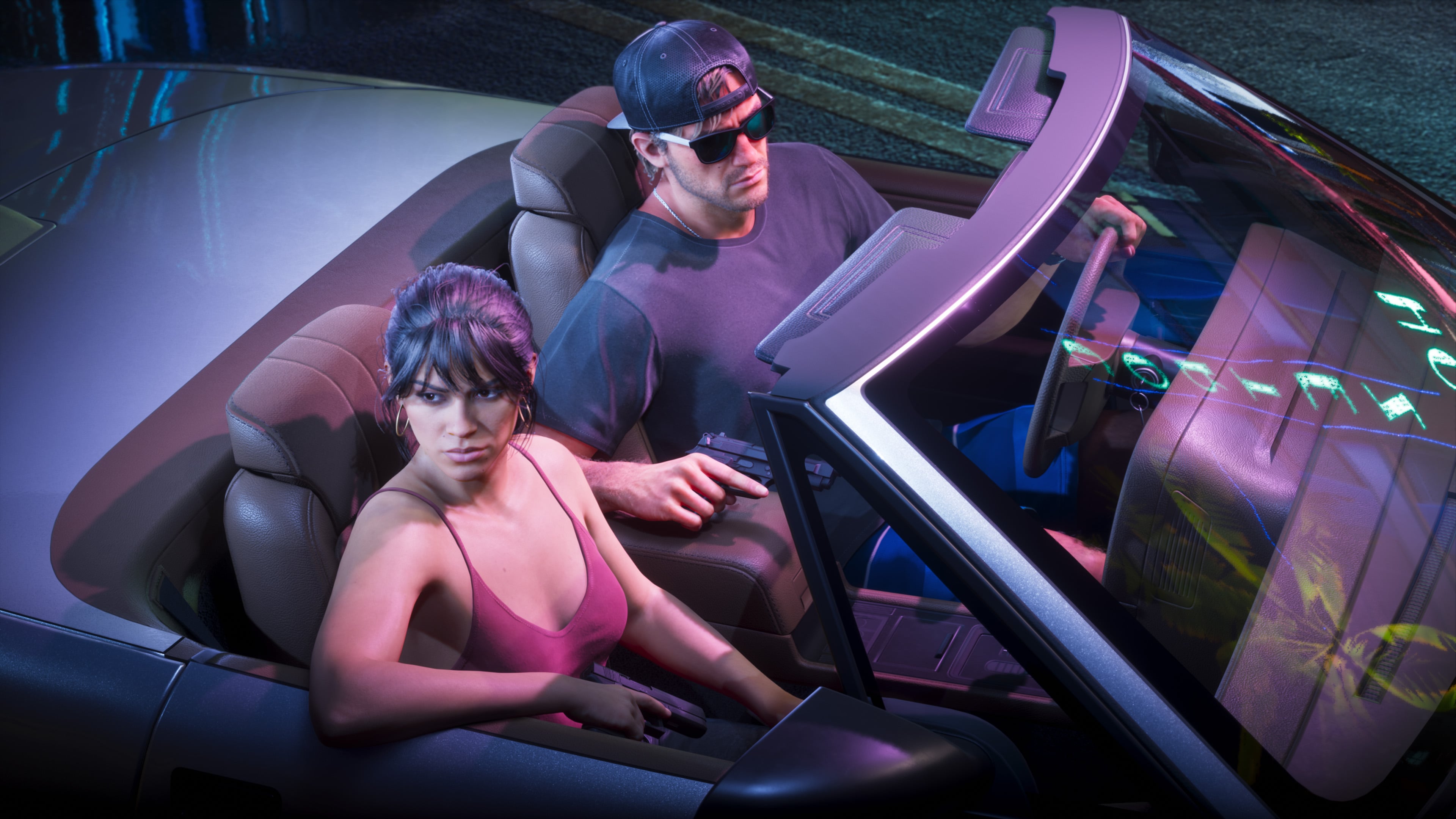
Lucia and Jason in a convertible at night
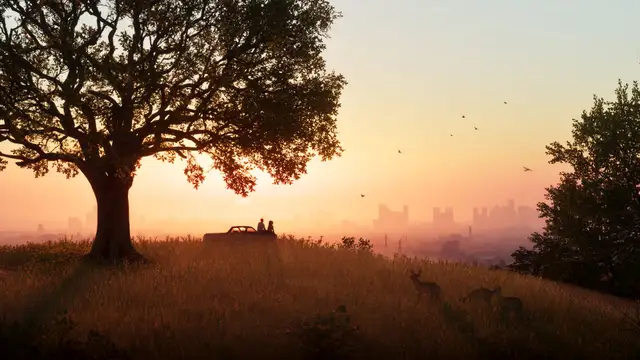
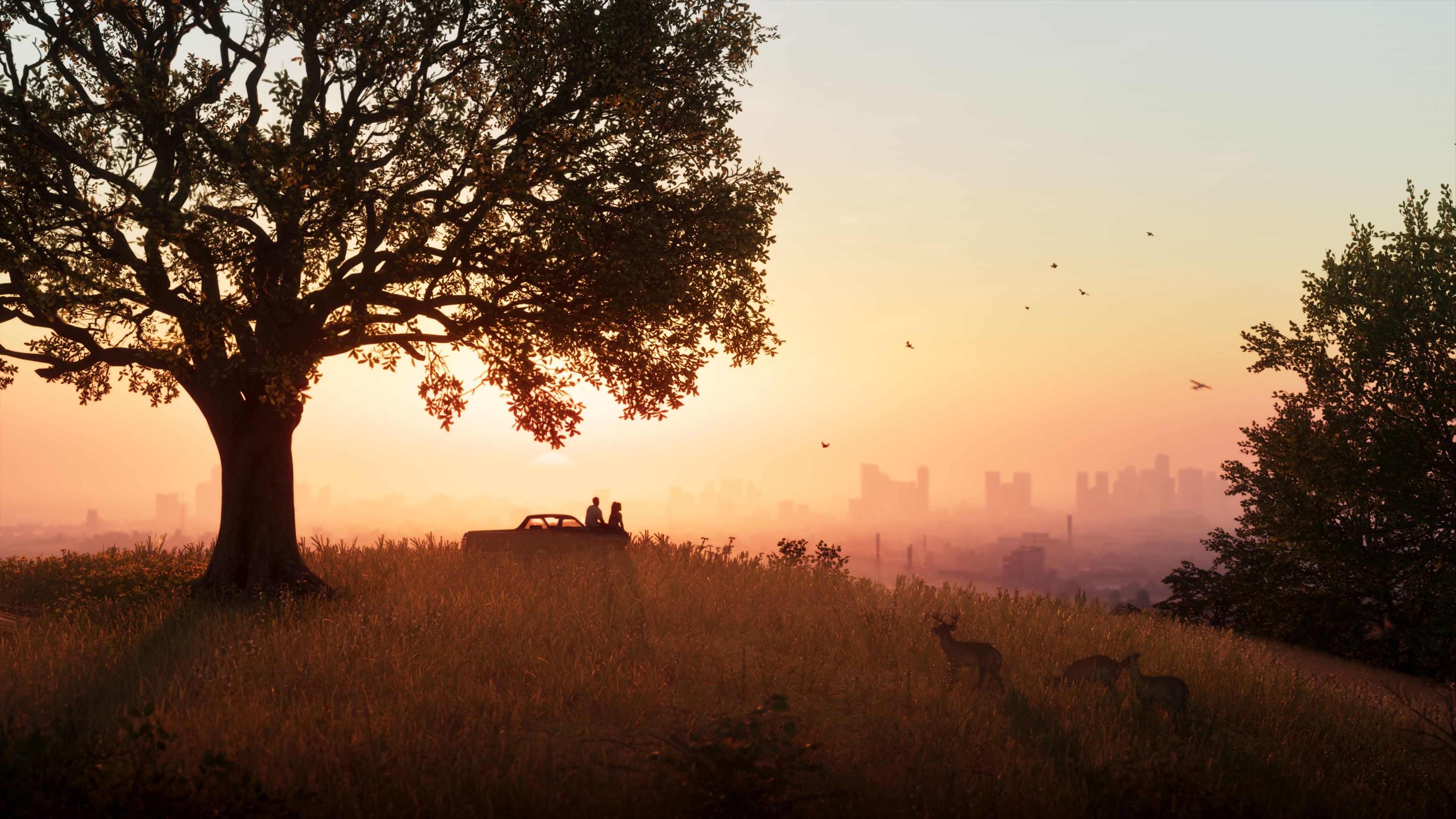
Lucia and Jason watch the sun set over Vice City
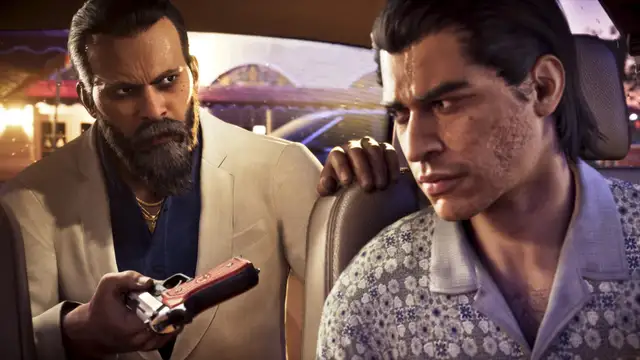
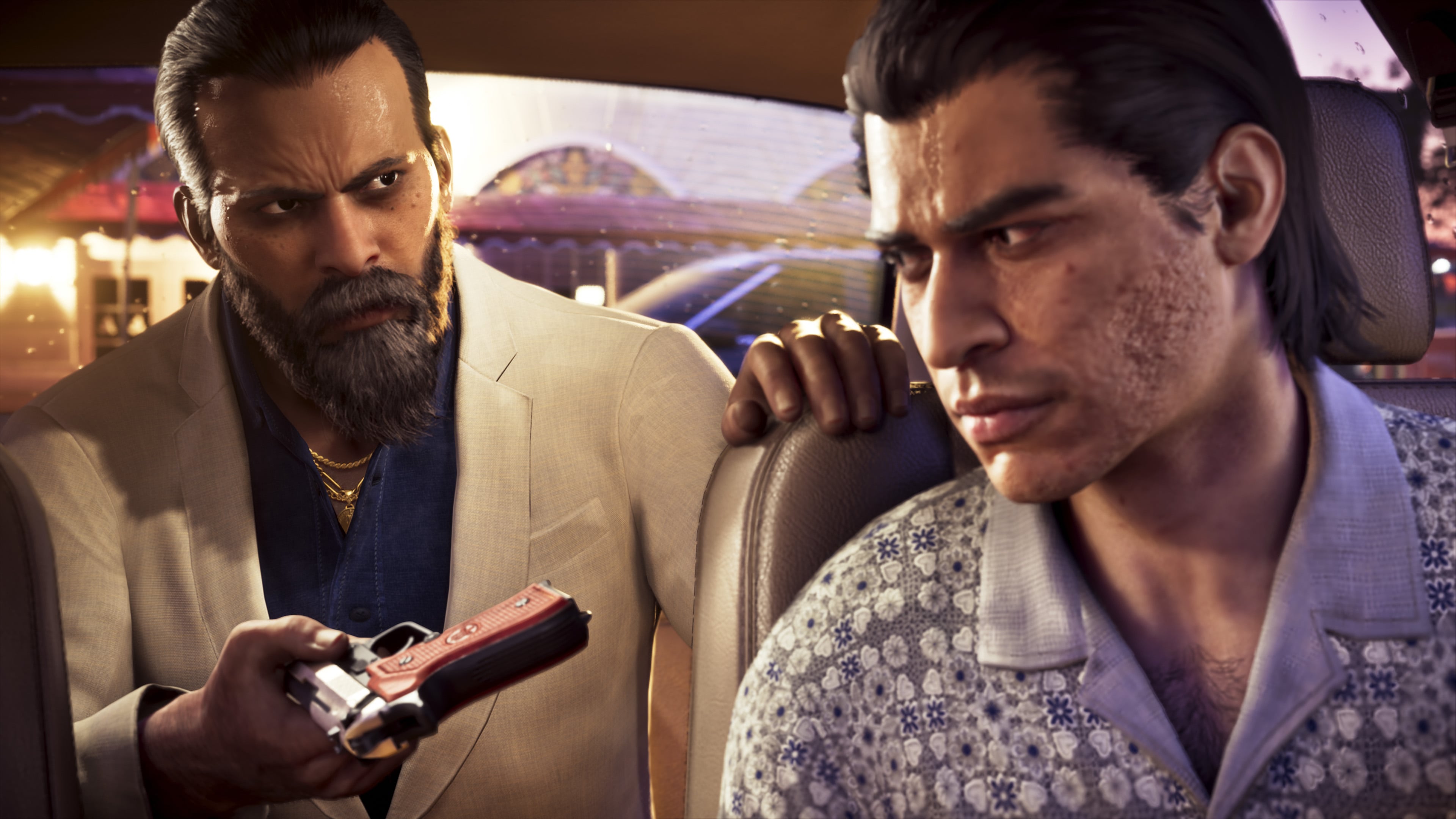
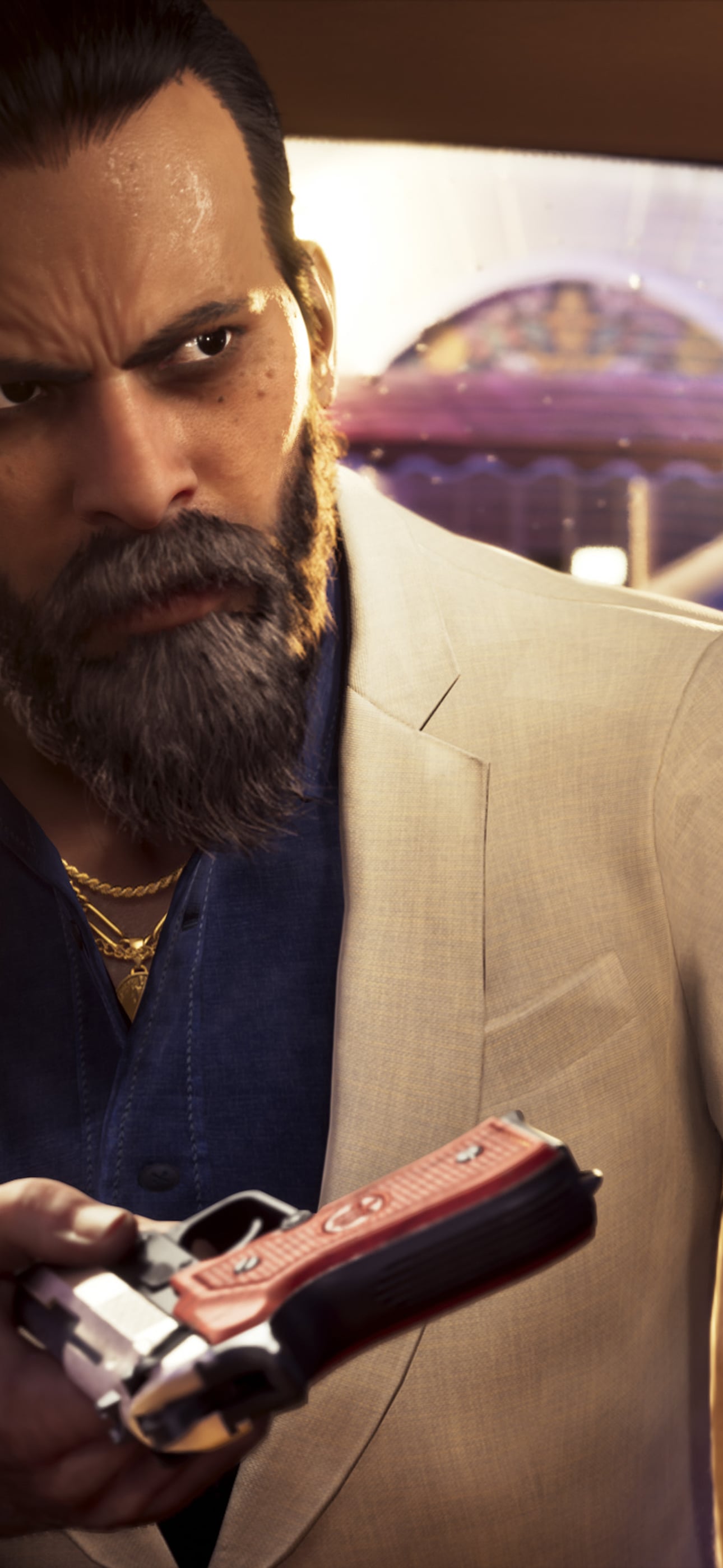
Two men in a car's back seat, one with a revolver
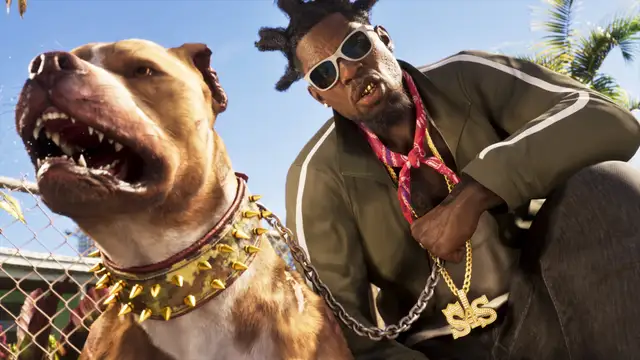
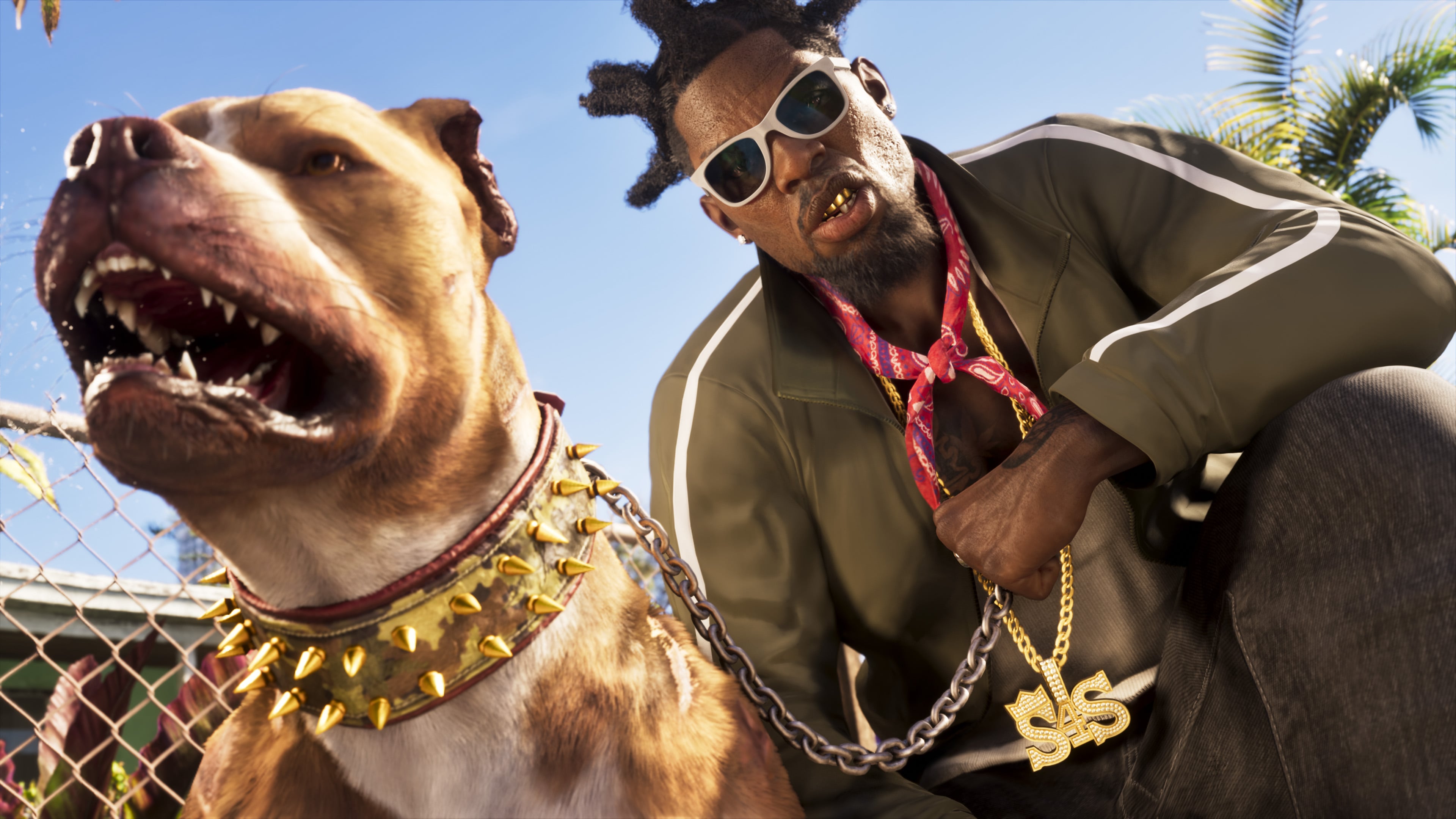
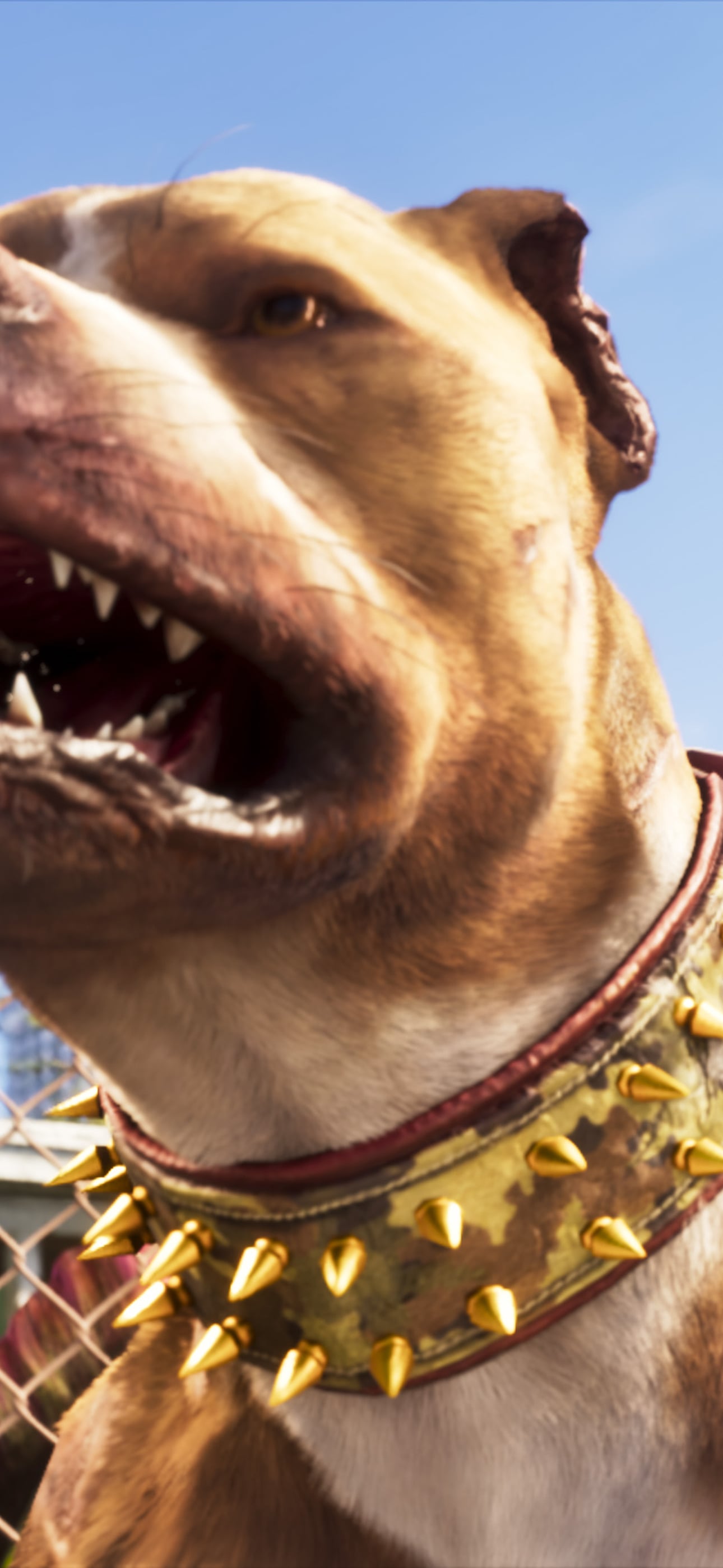
A Vice City local and his dog in spiked collars
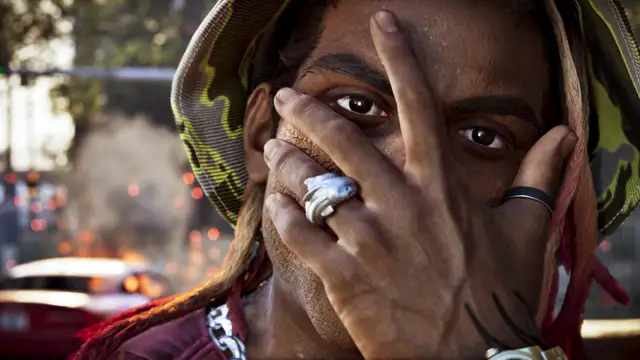
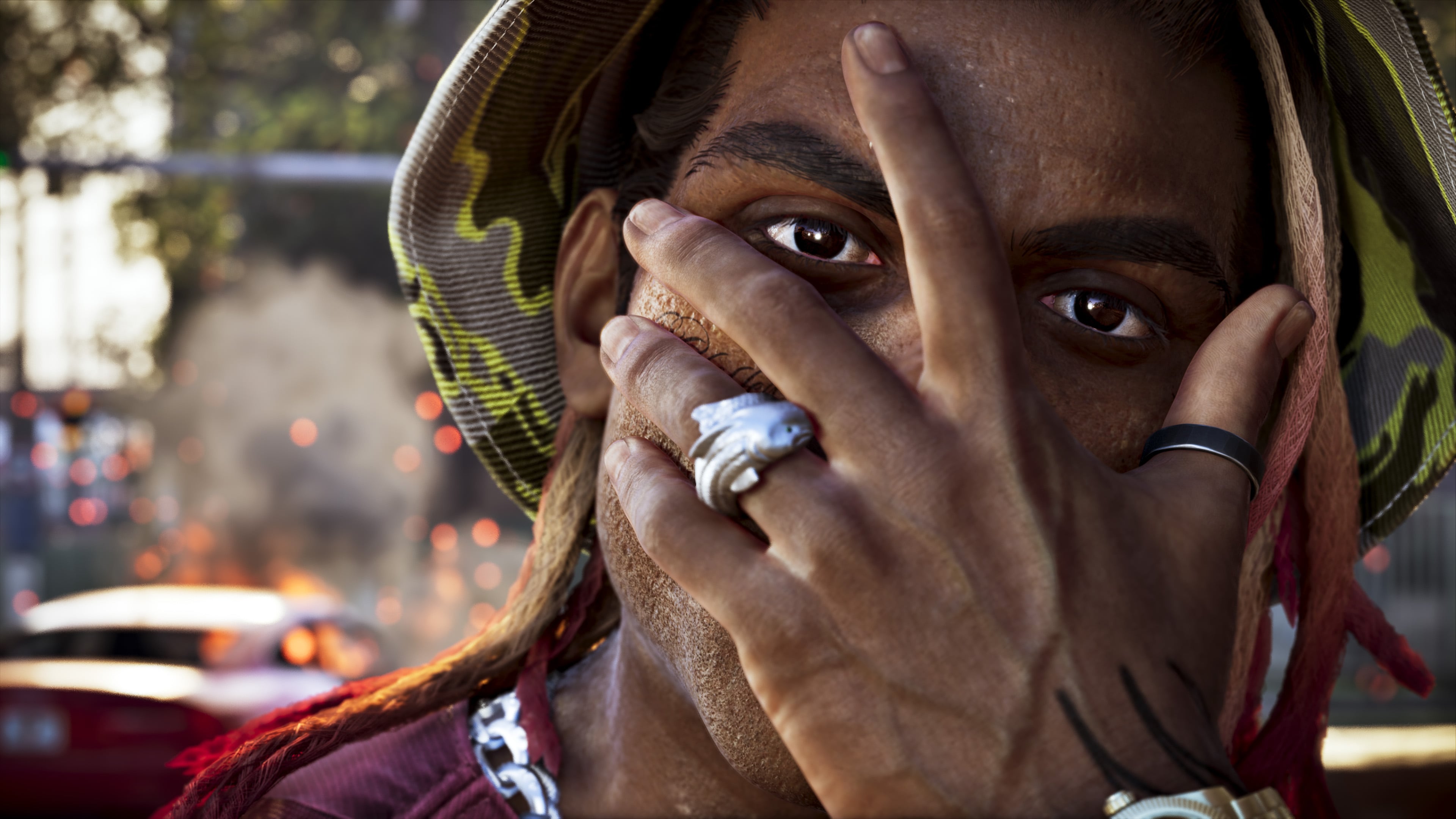
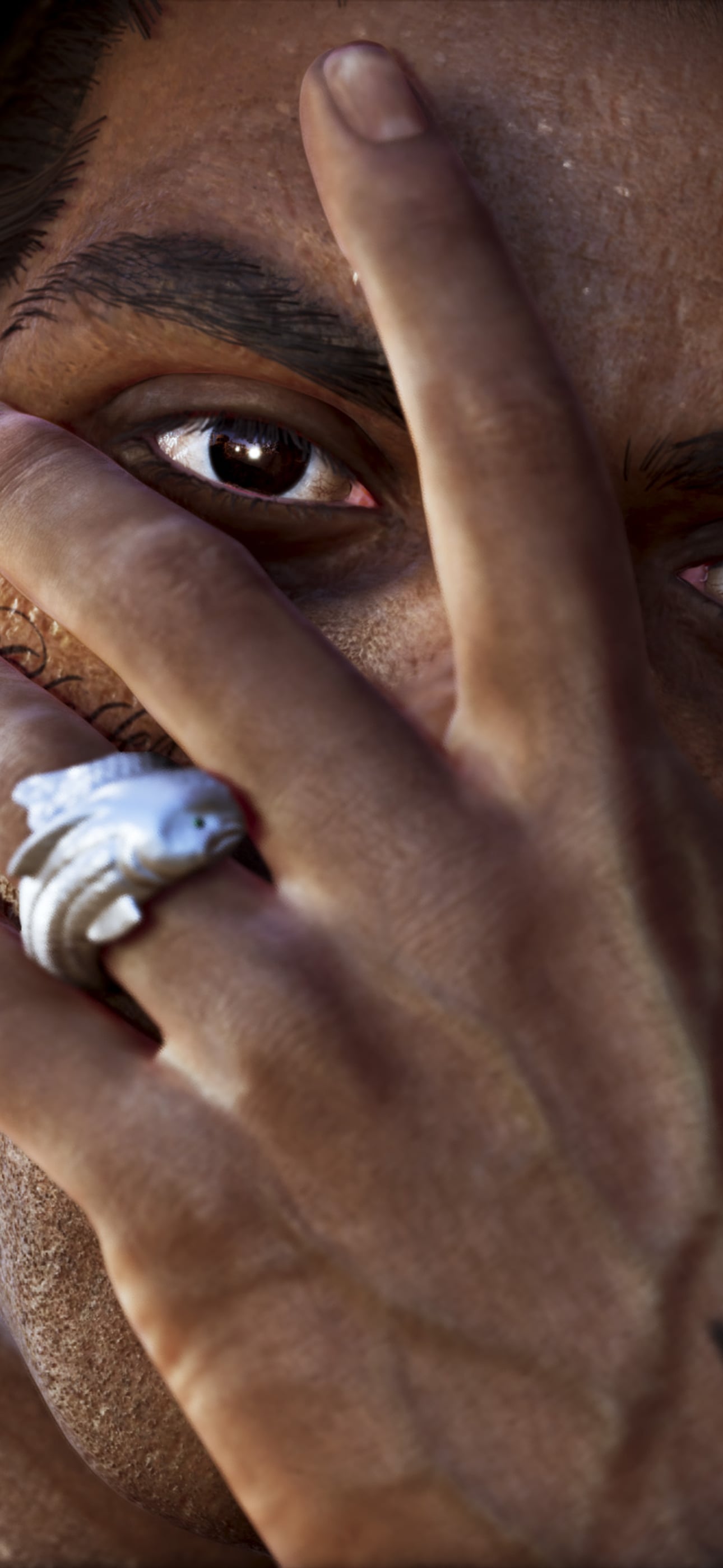
A Vice City local, close-up
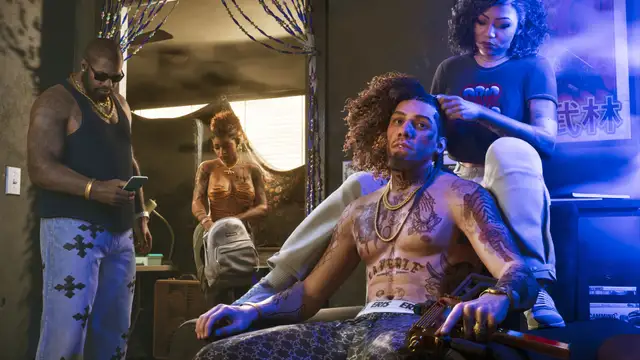
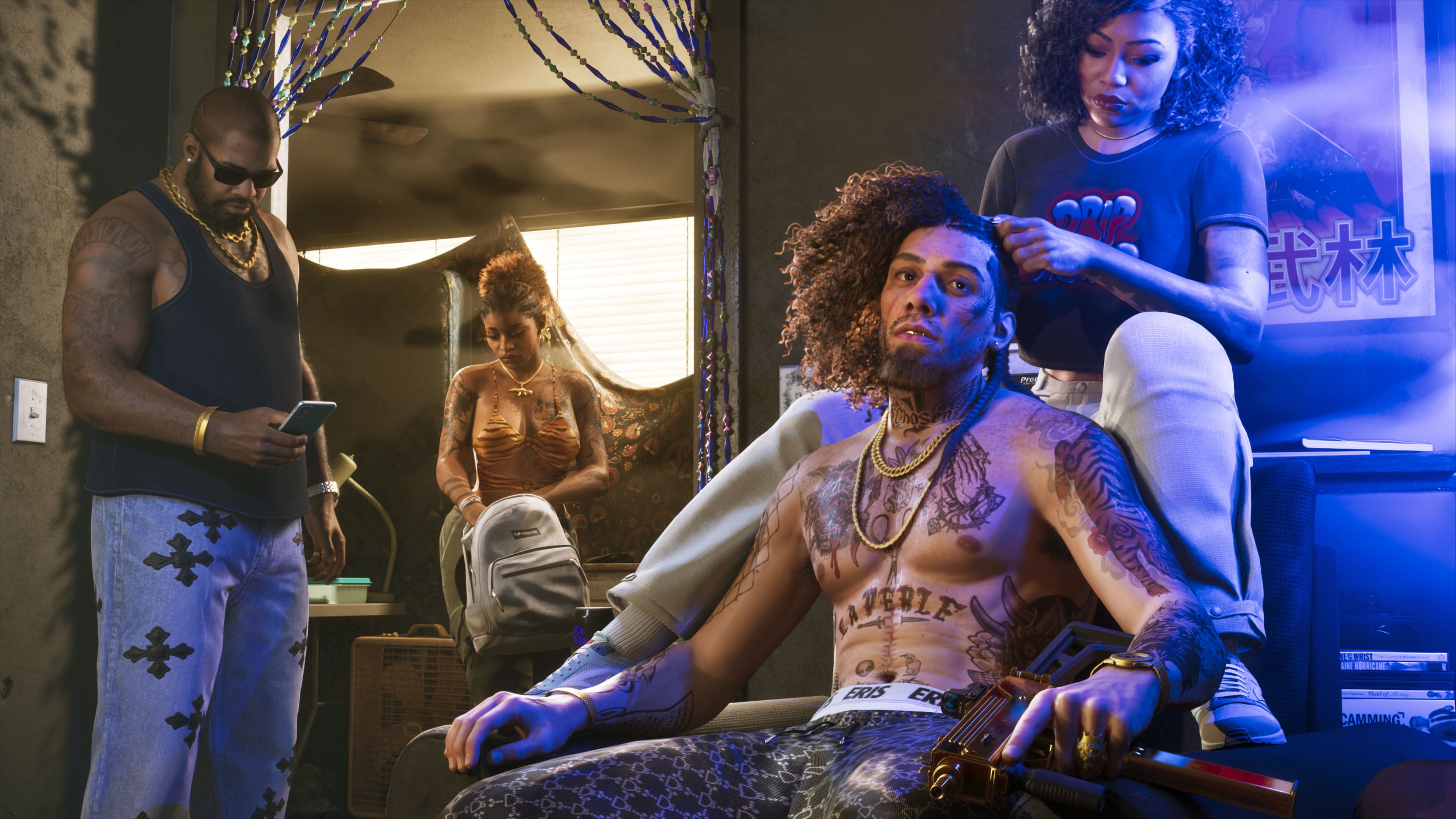
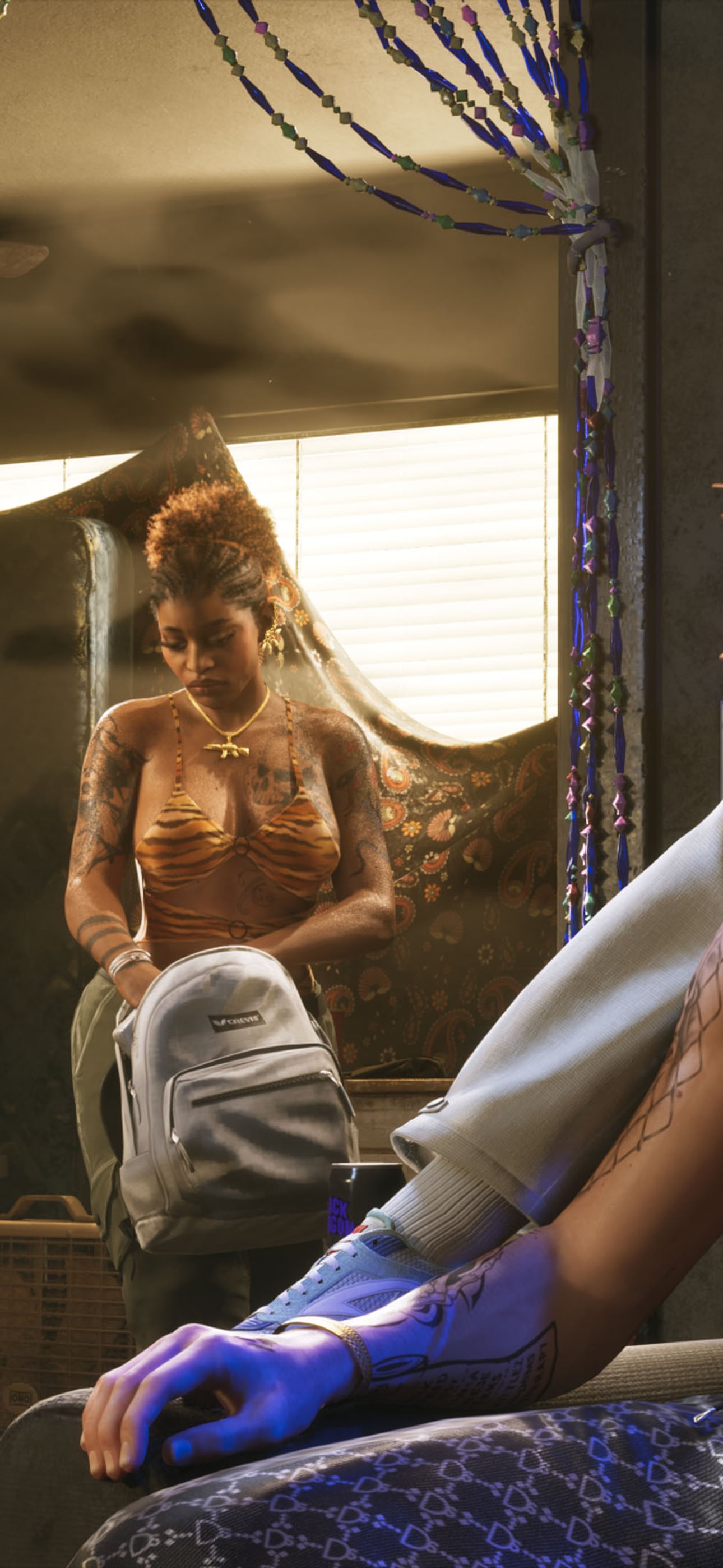
A tattooed man gets his hair braided
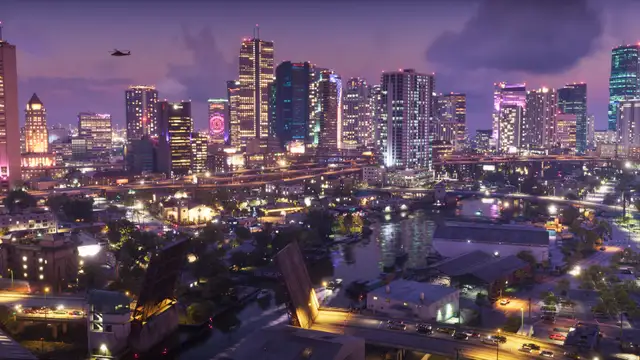
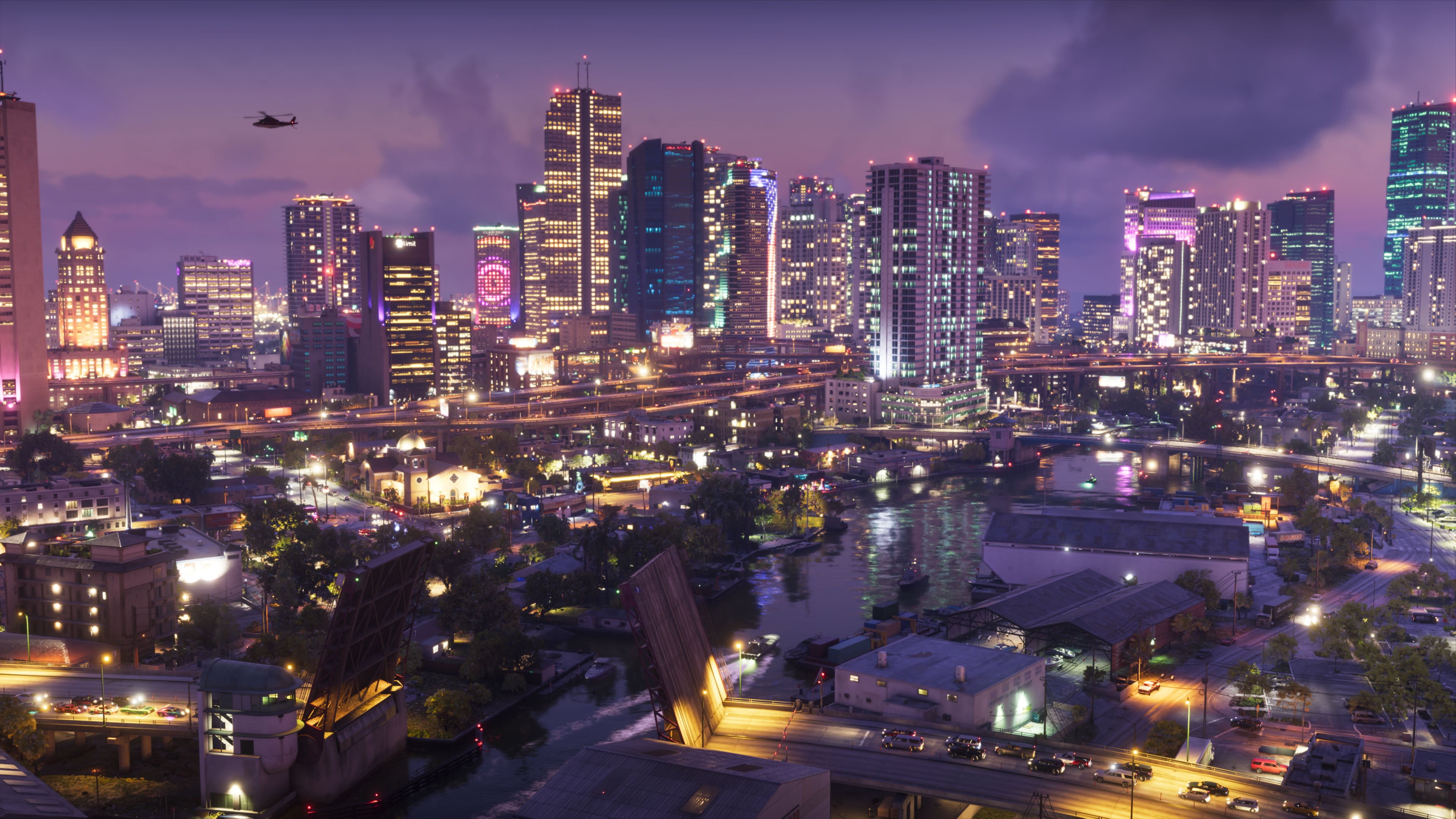
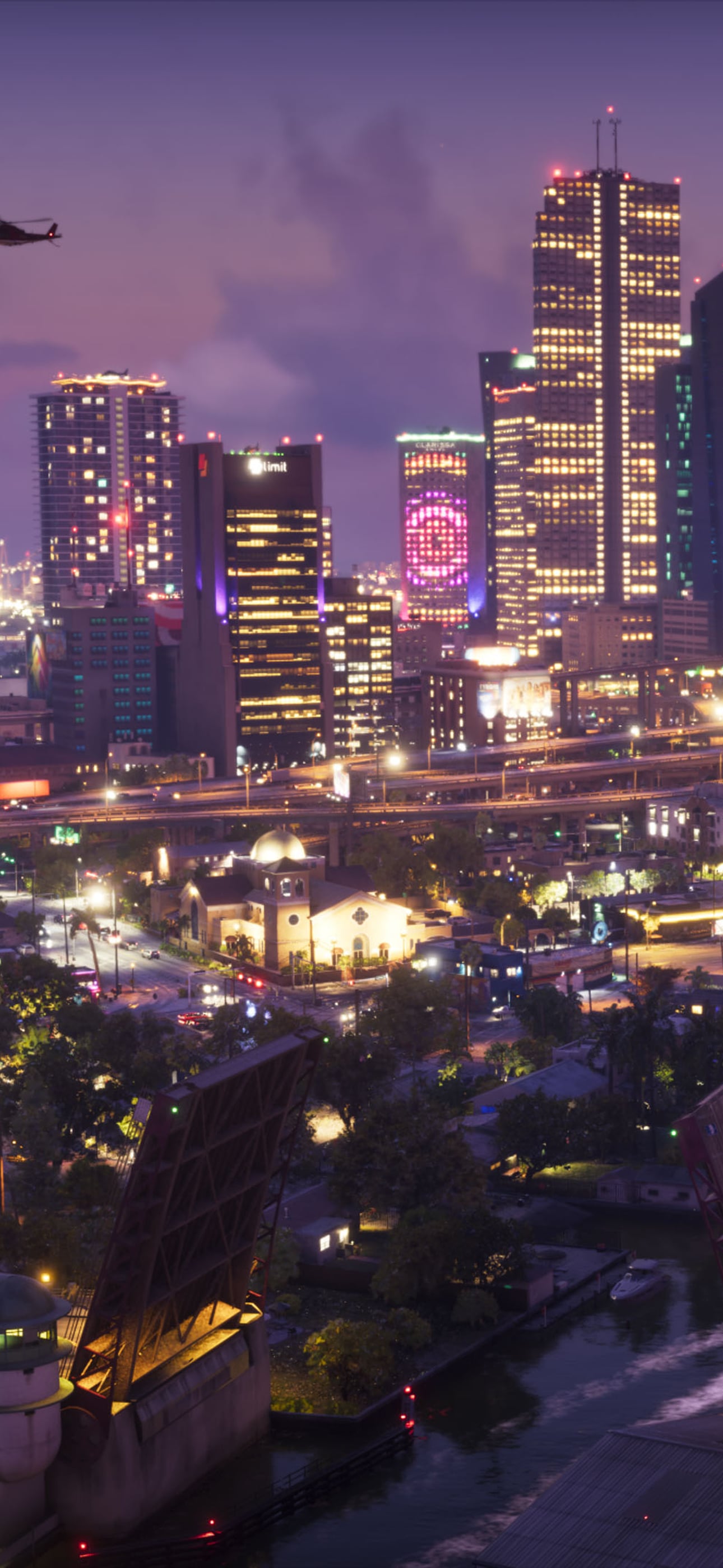
Vice City's skyline and bridges at night
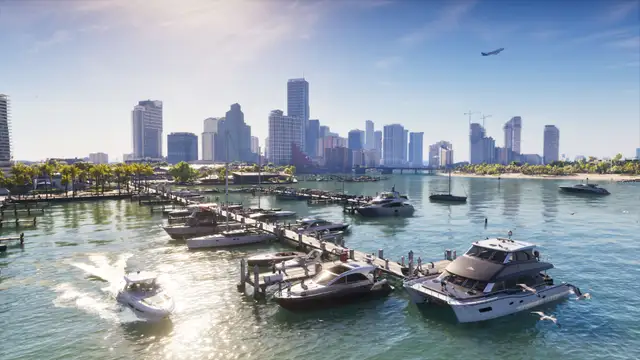
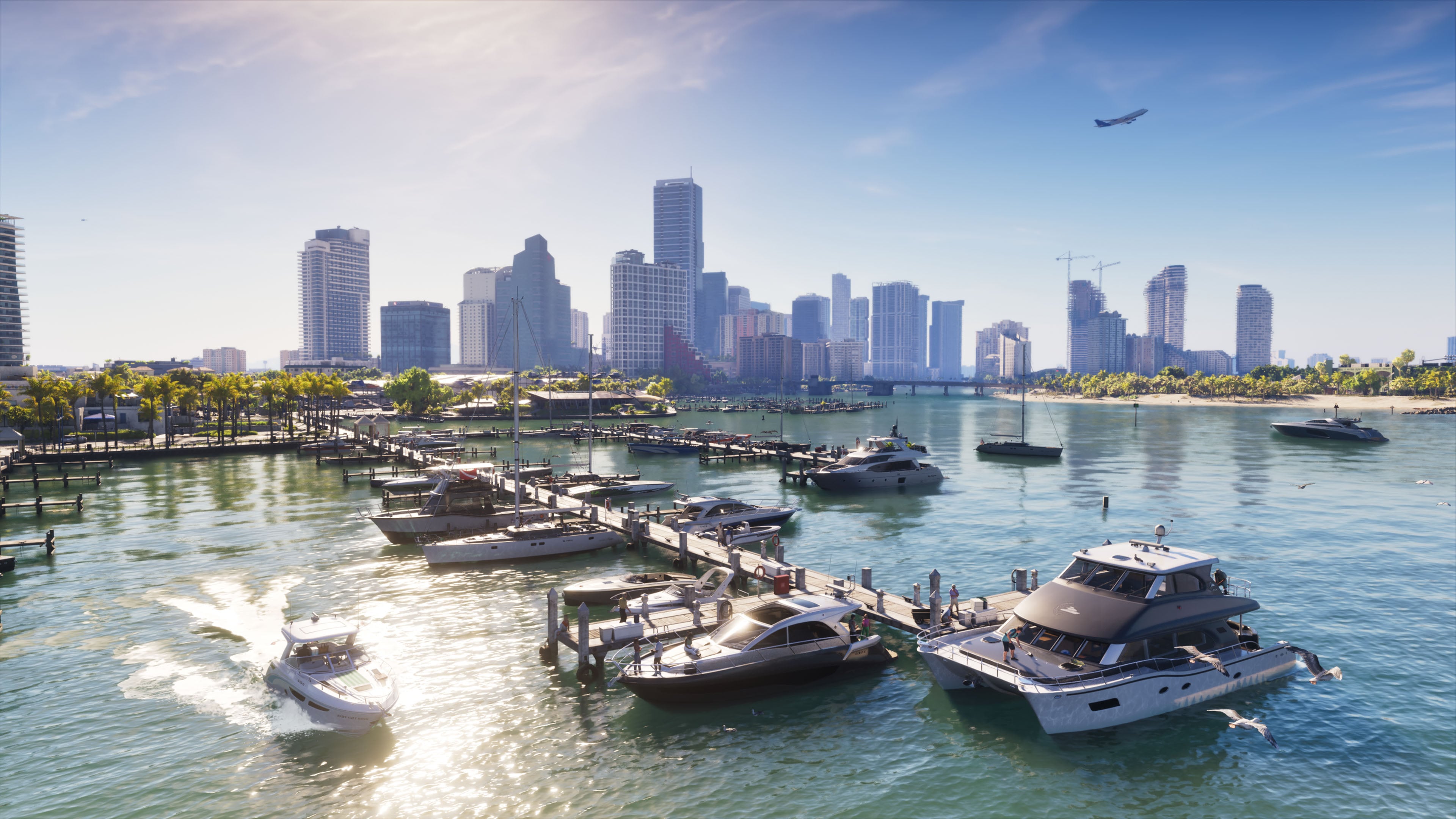
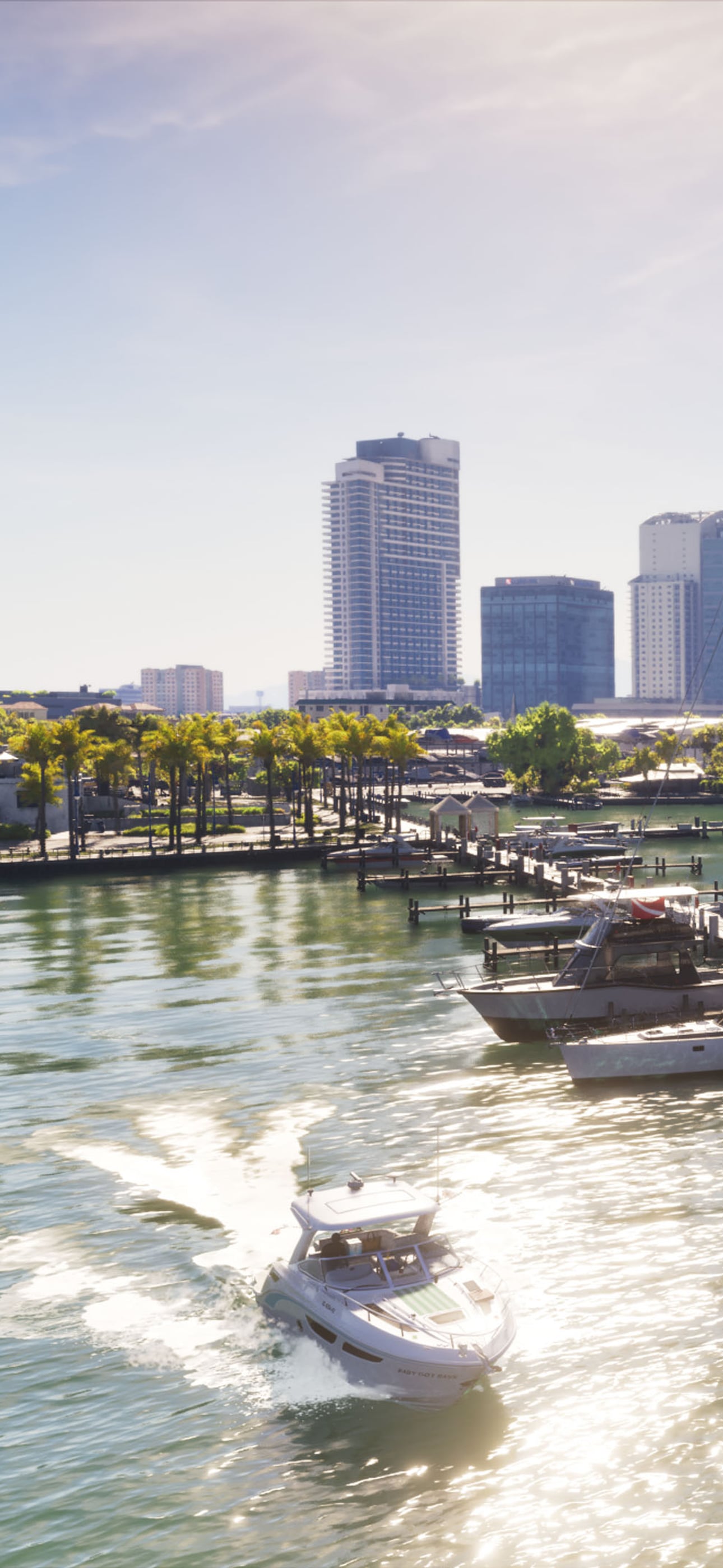
Boats in a marina below the Vice City skyline
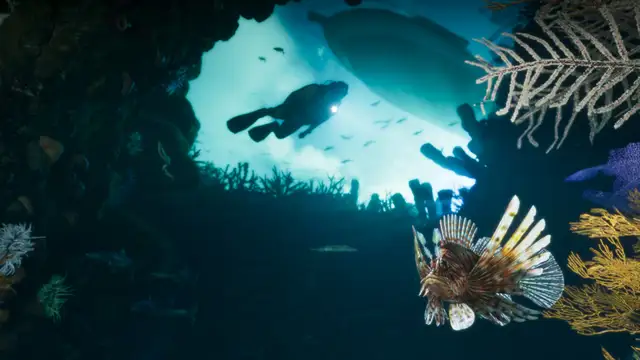
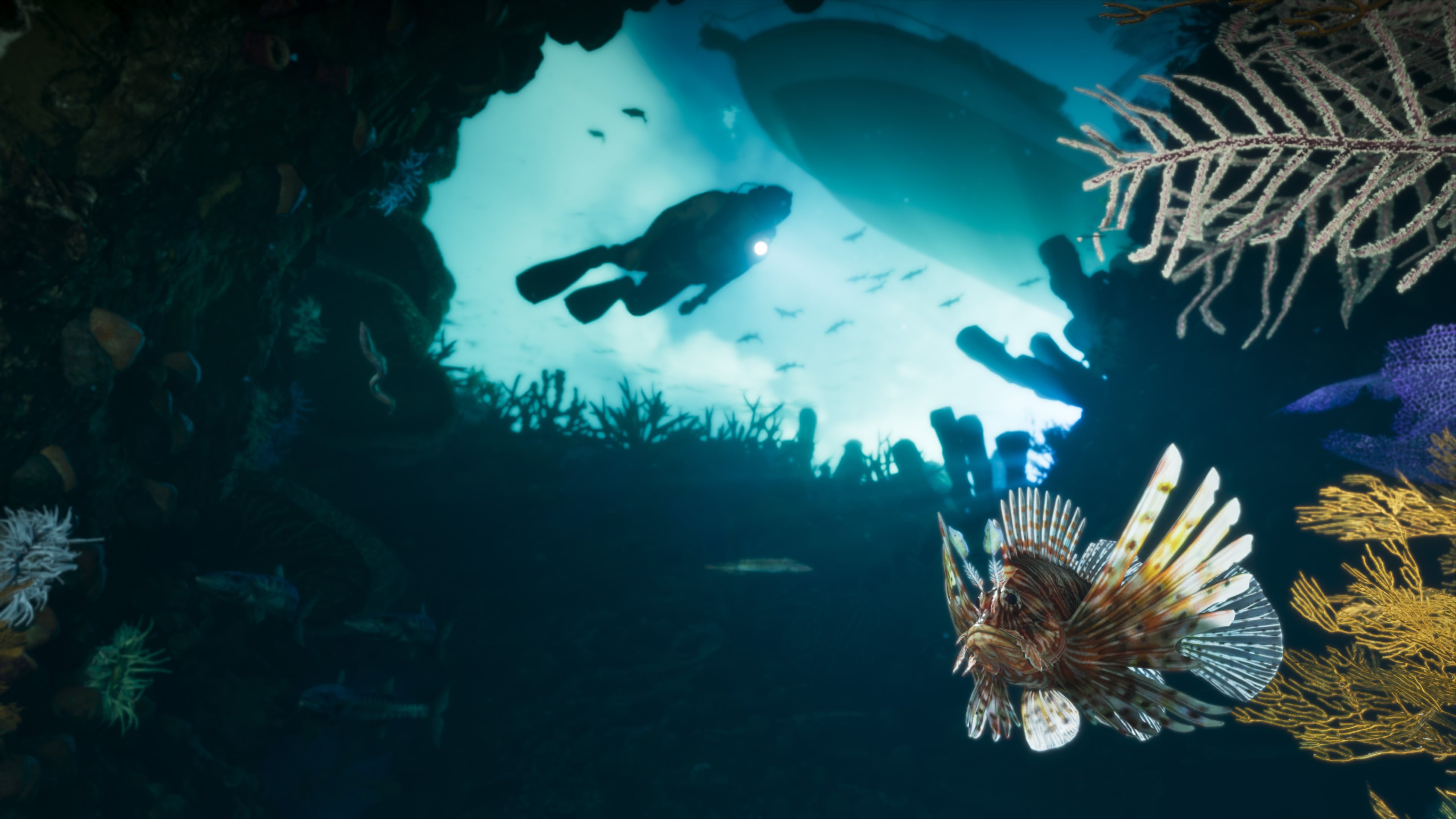
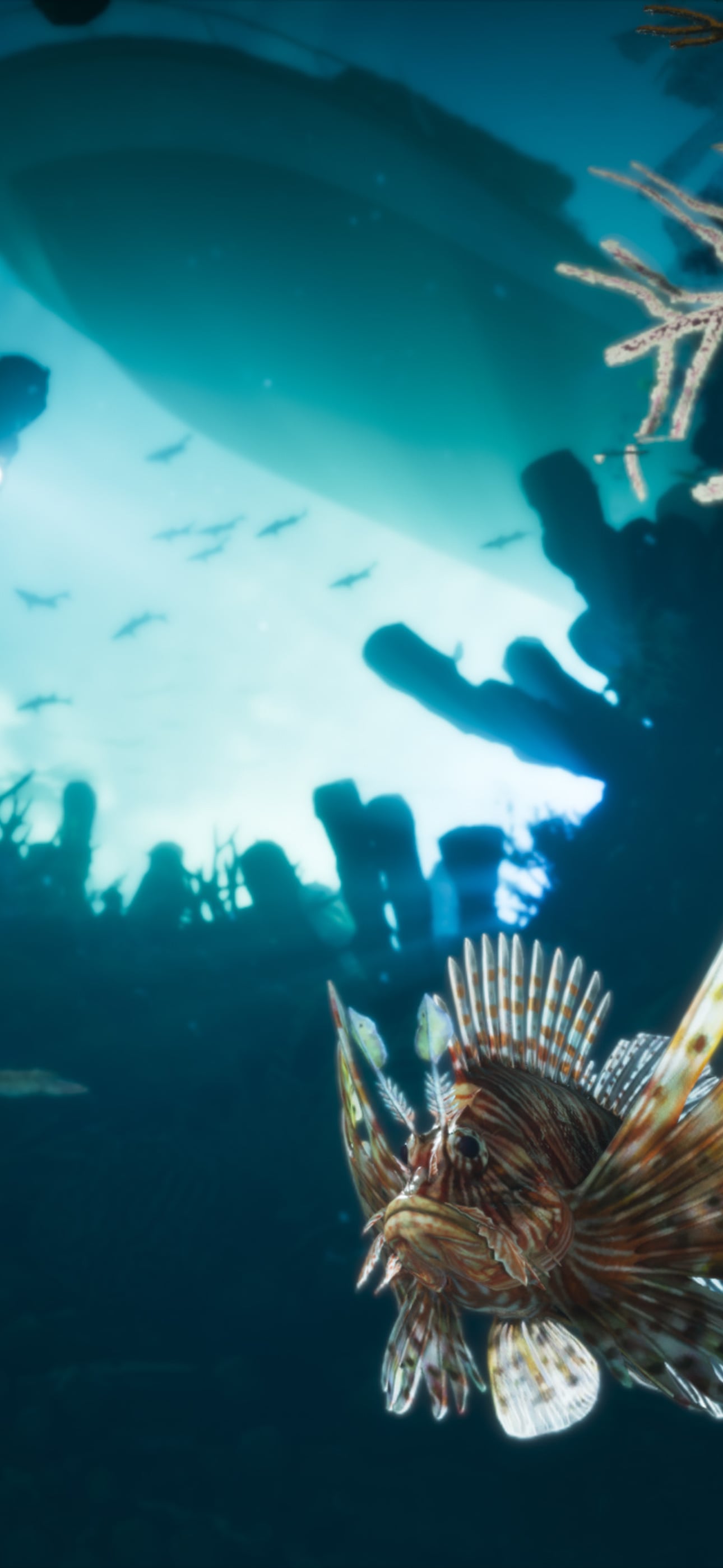
A diver and a lionfish on a reef in the Leonida Keys
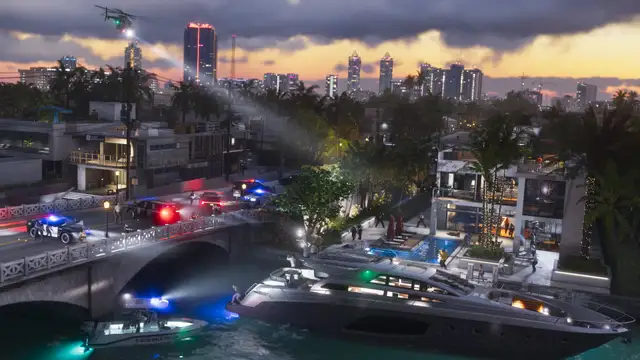
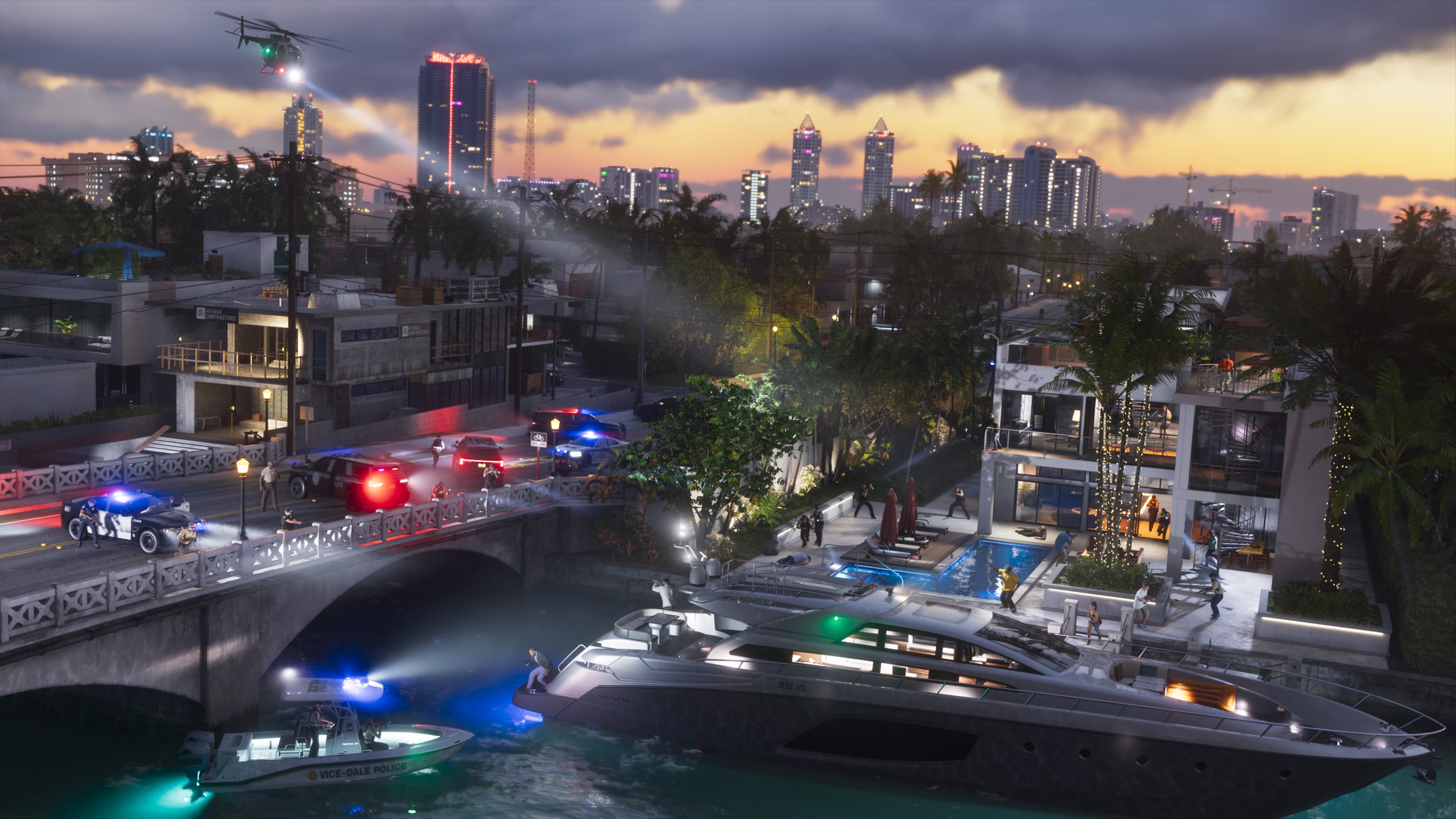
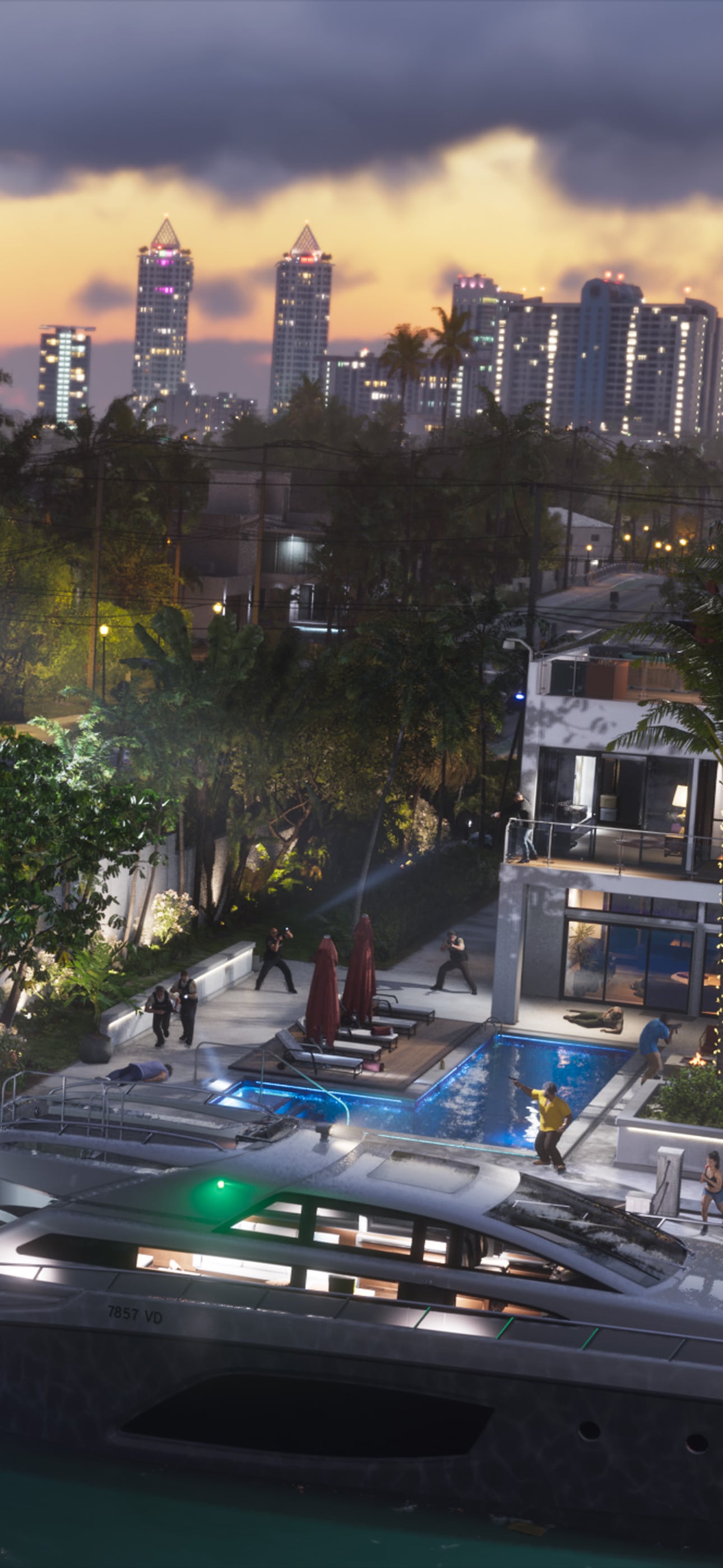
A police raid on a waterfront mansion at dusk
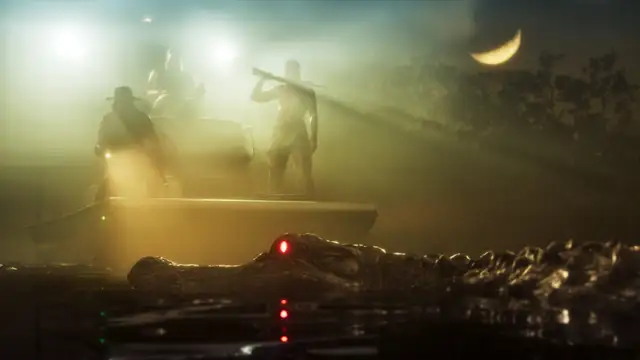
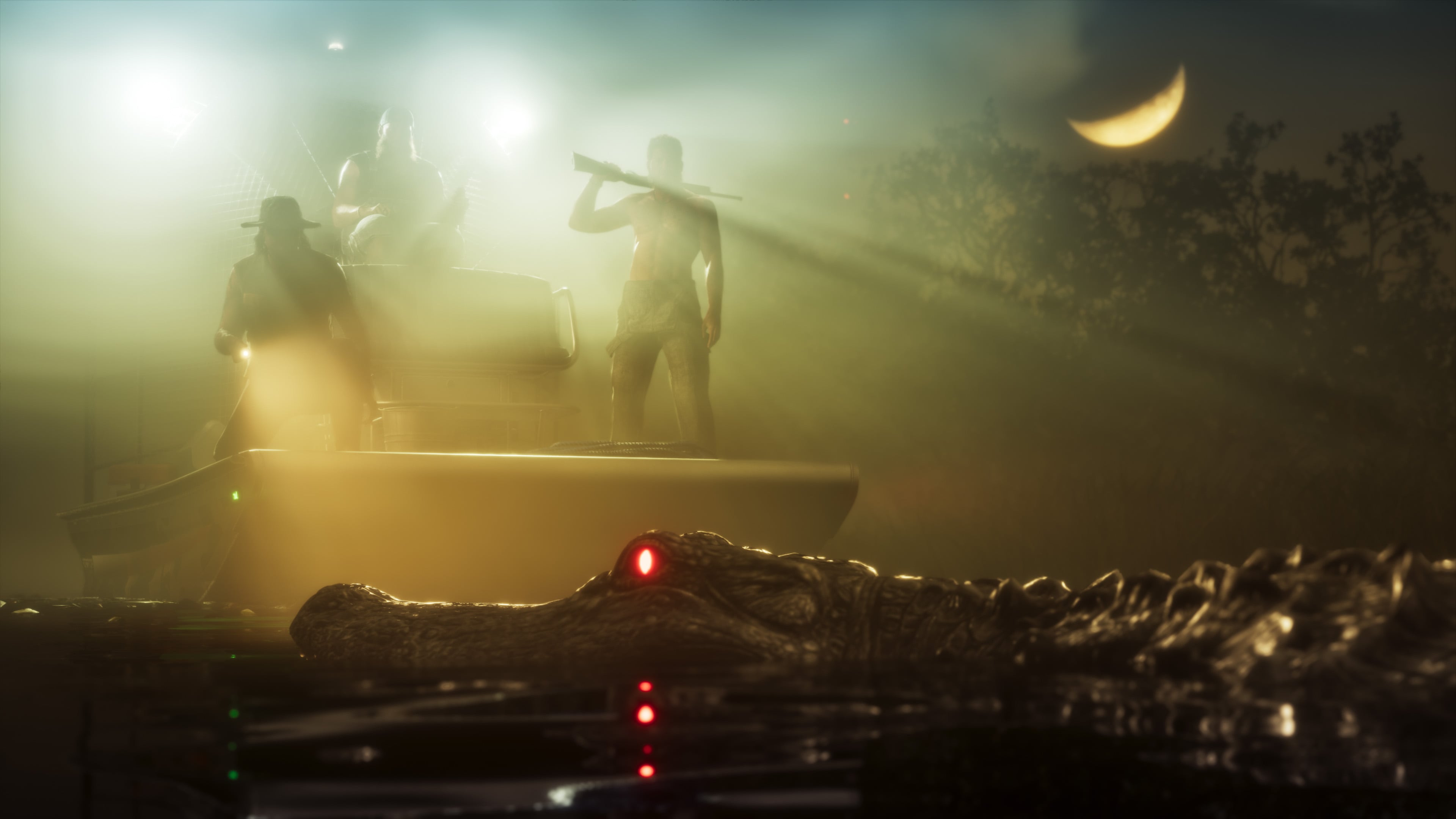
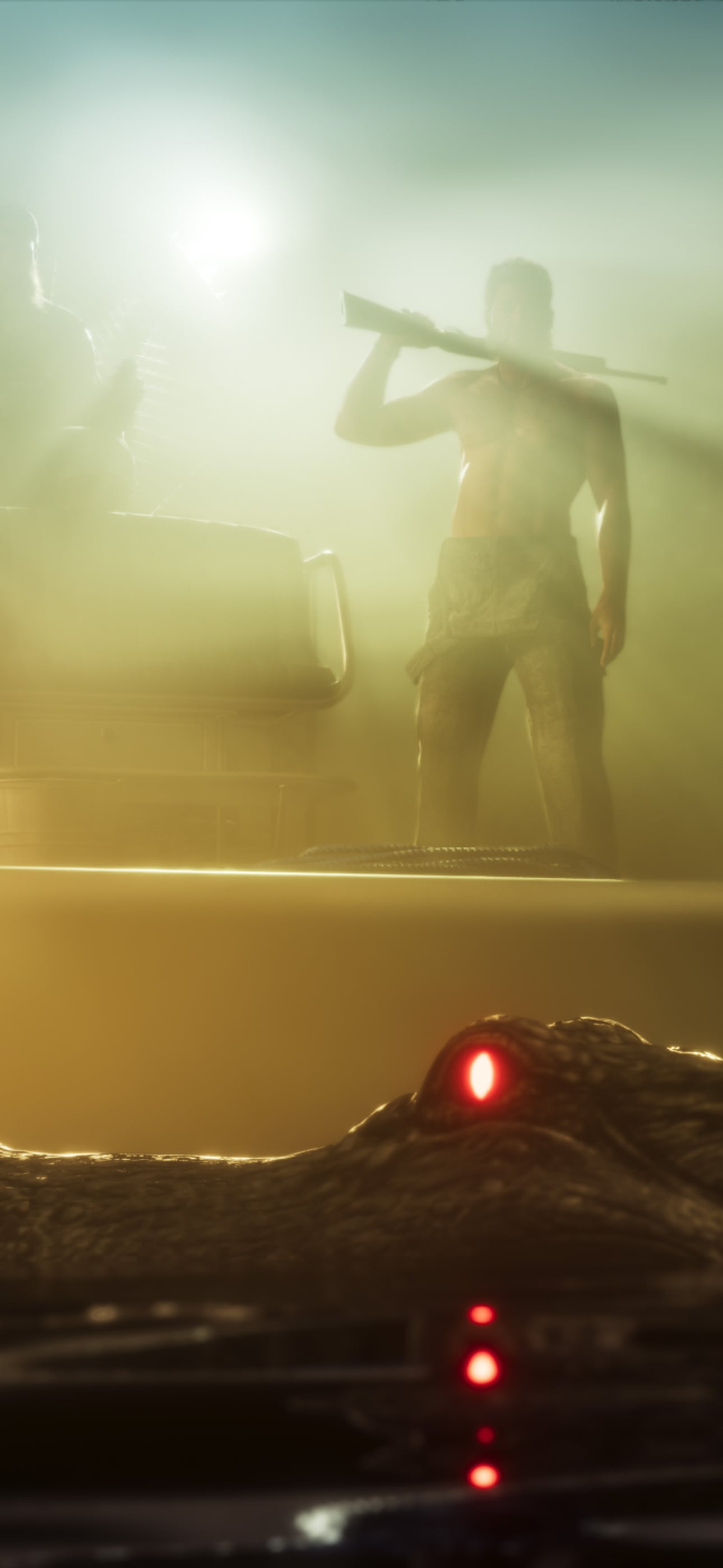
An alligator in the misty Grassrivers at night
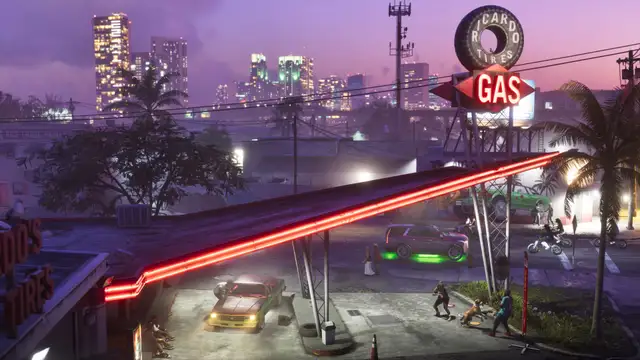
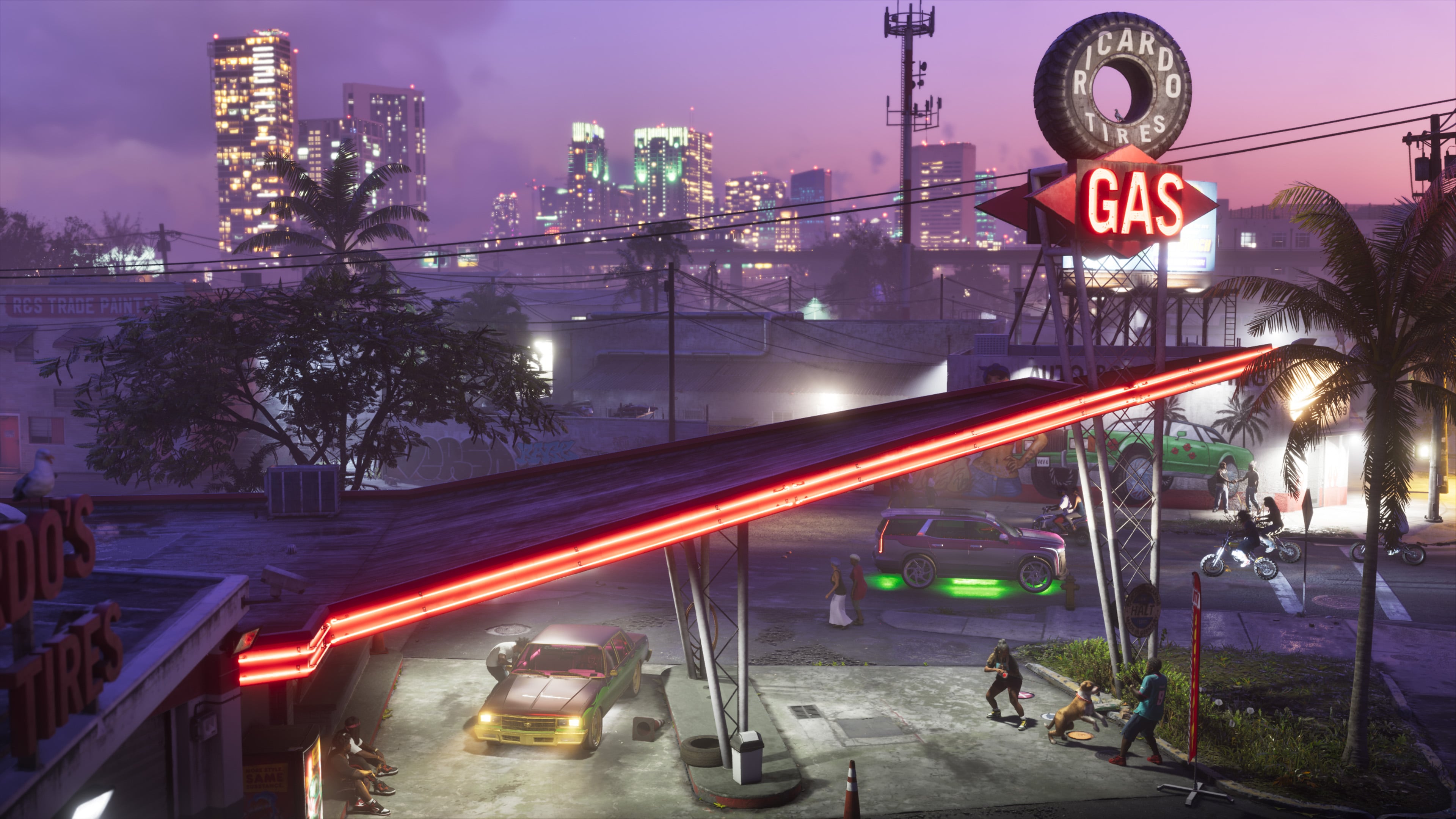
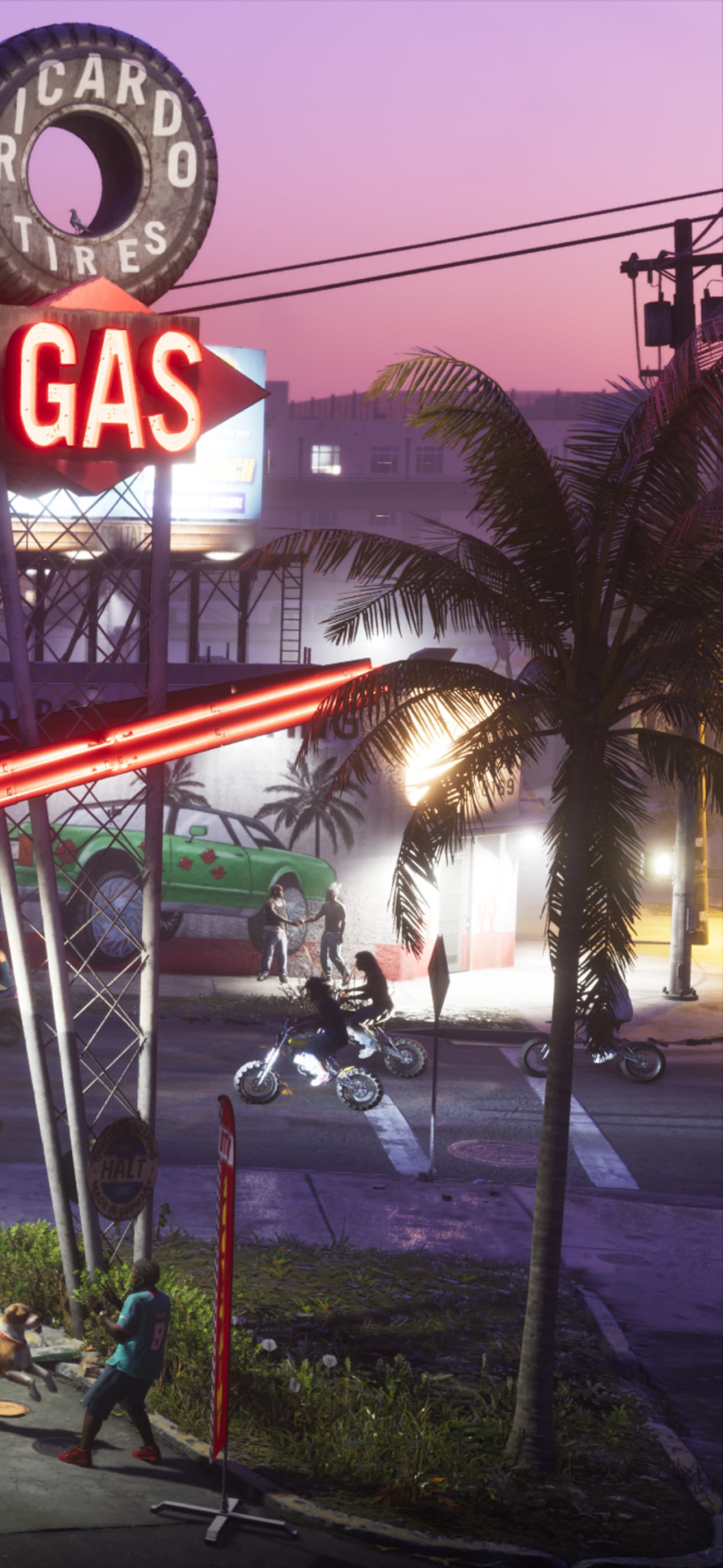
A neon gas station at dusk, the skyline behind
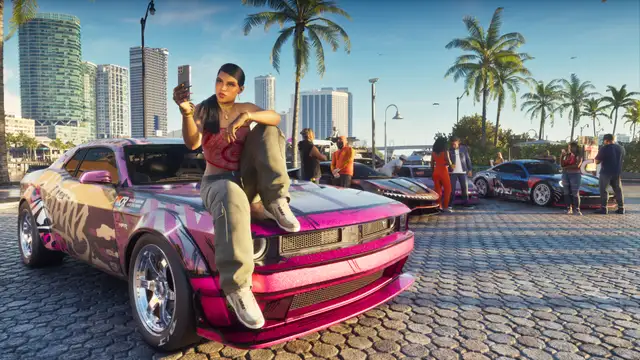
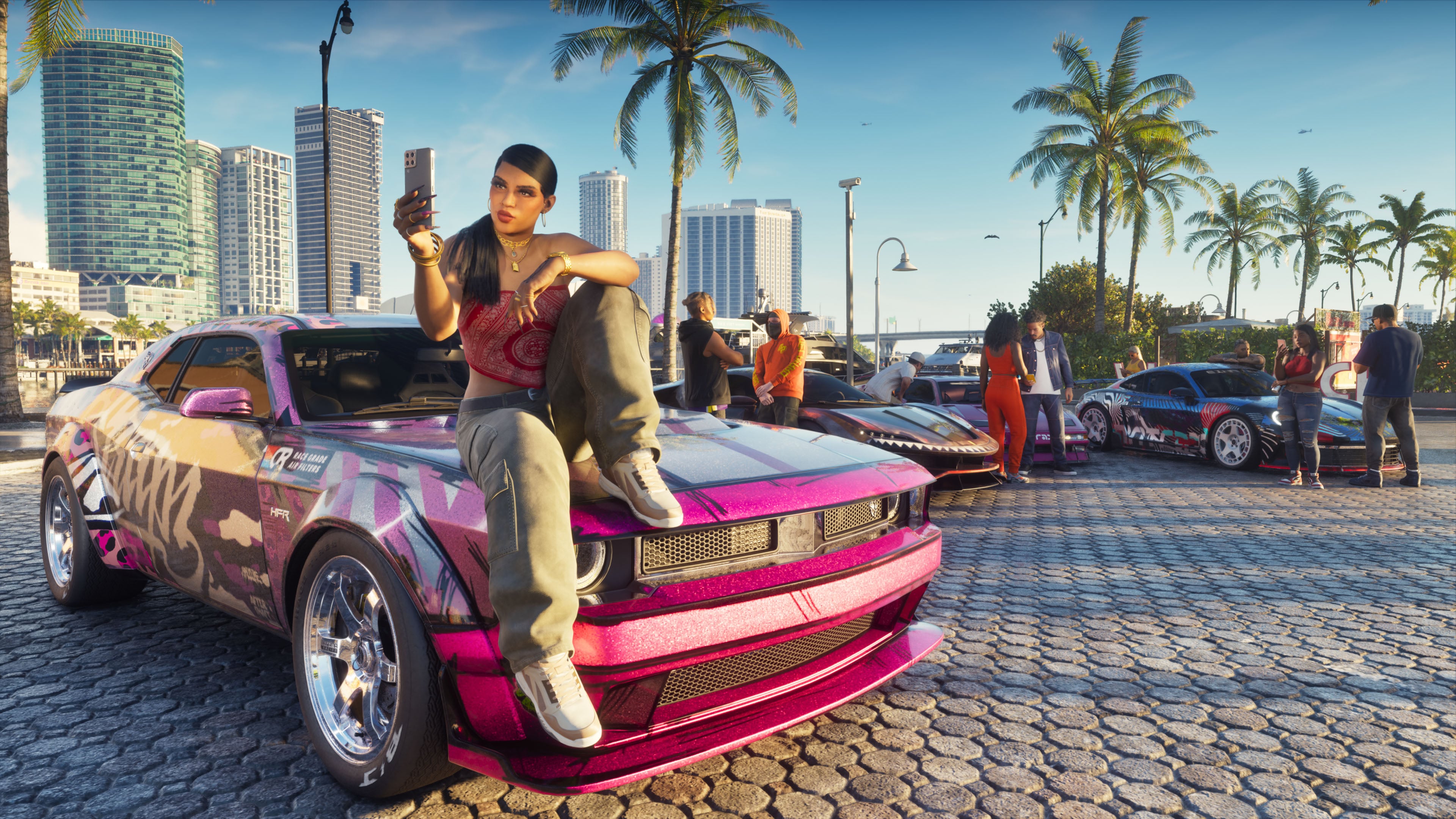
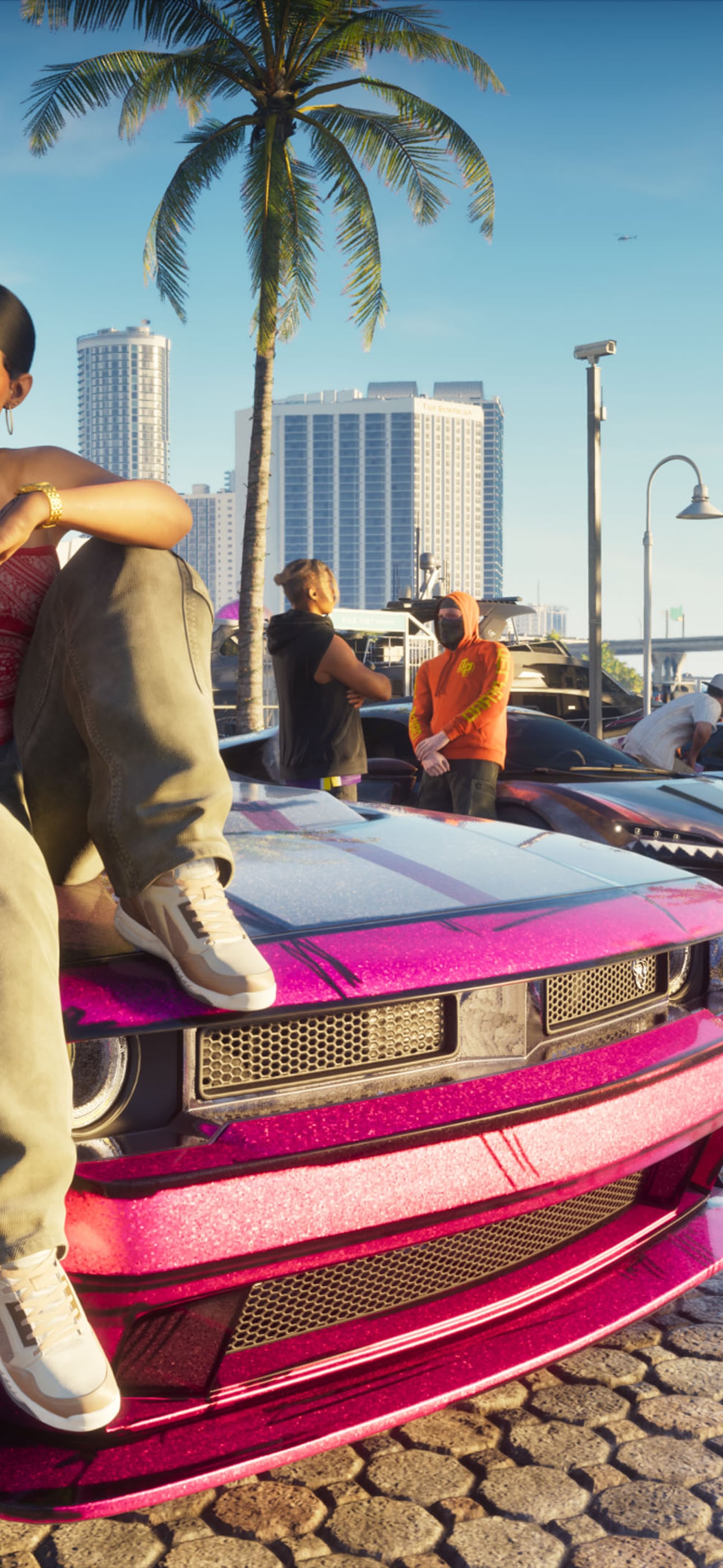
A car meet by the water
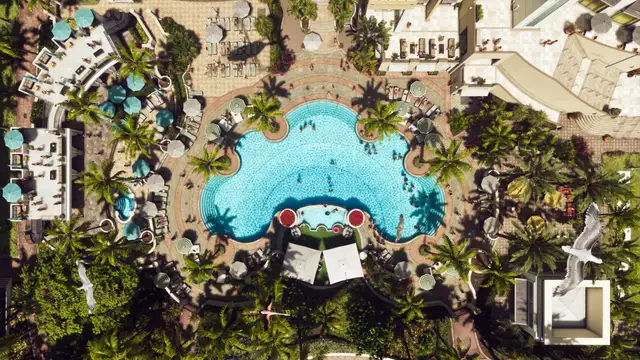
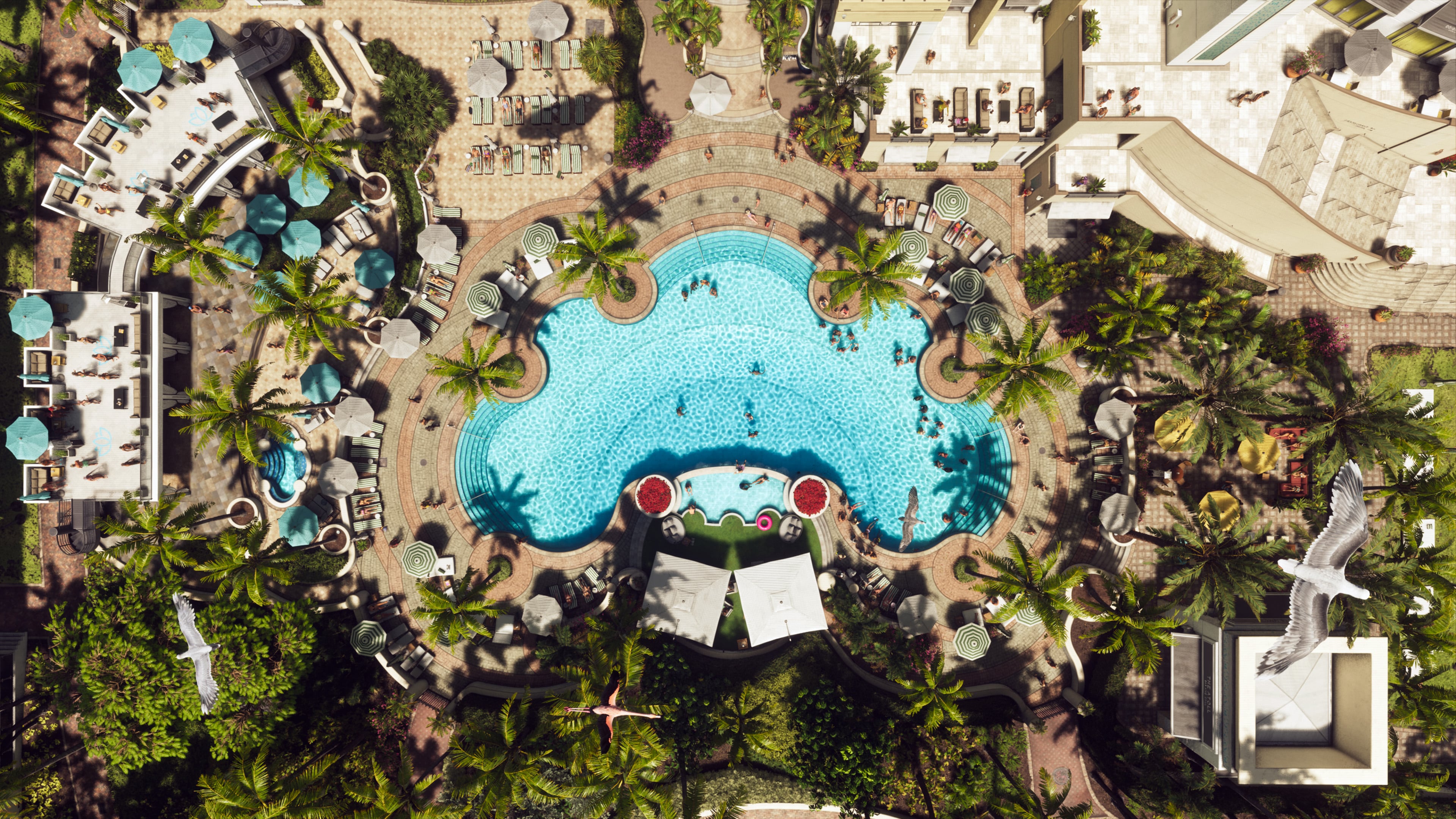
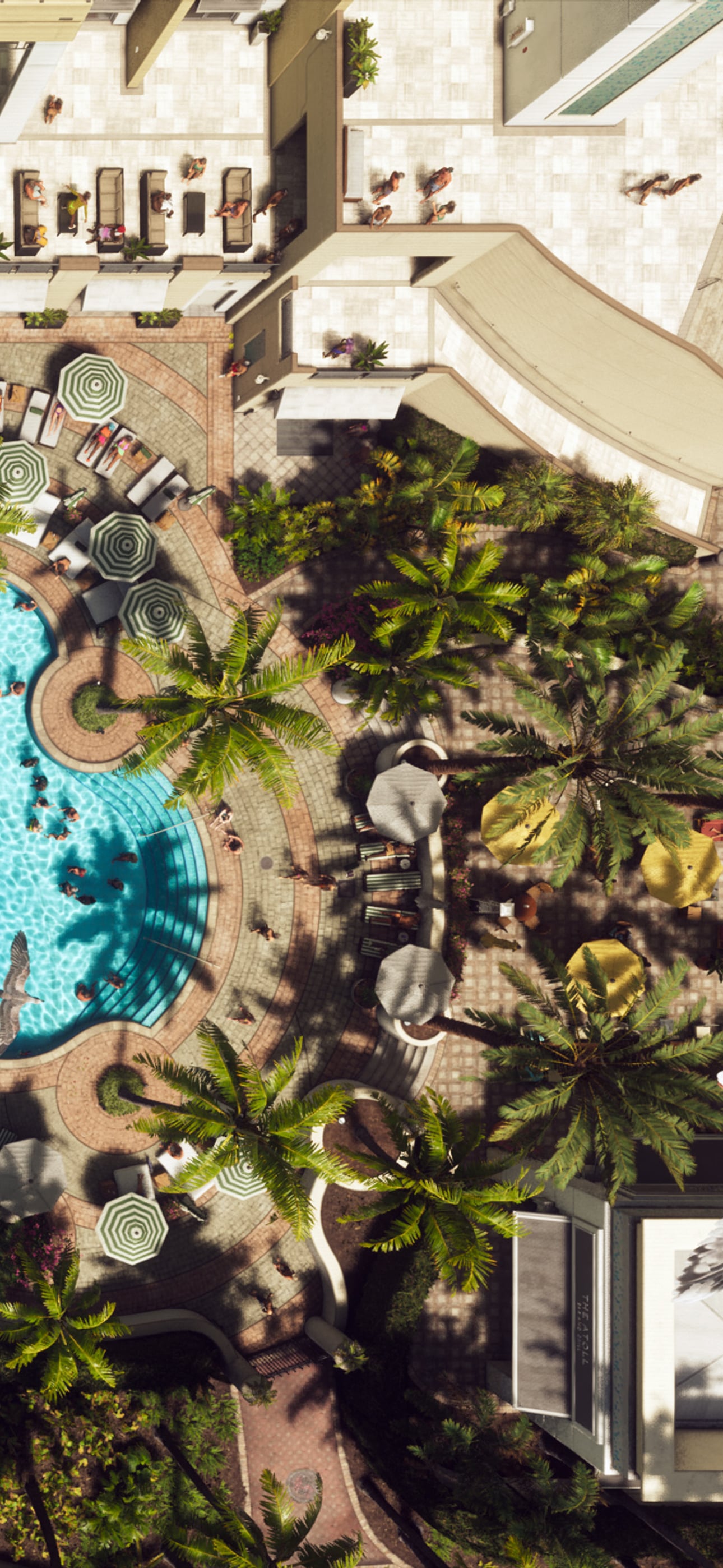
A resort pool from above, ringed by palms
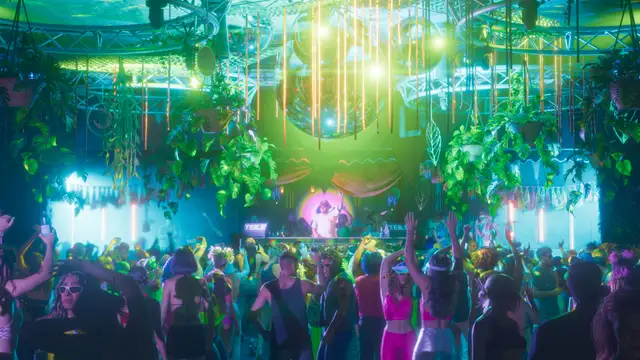
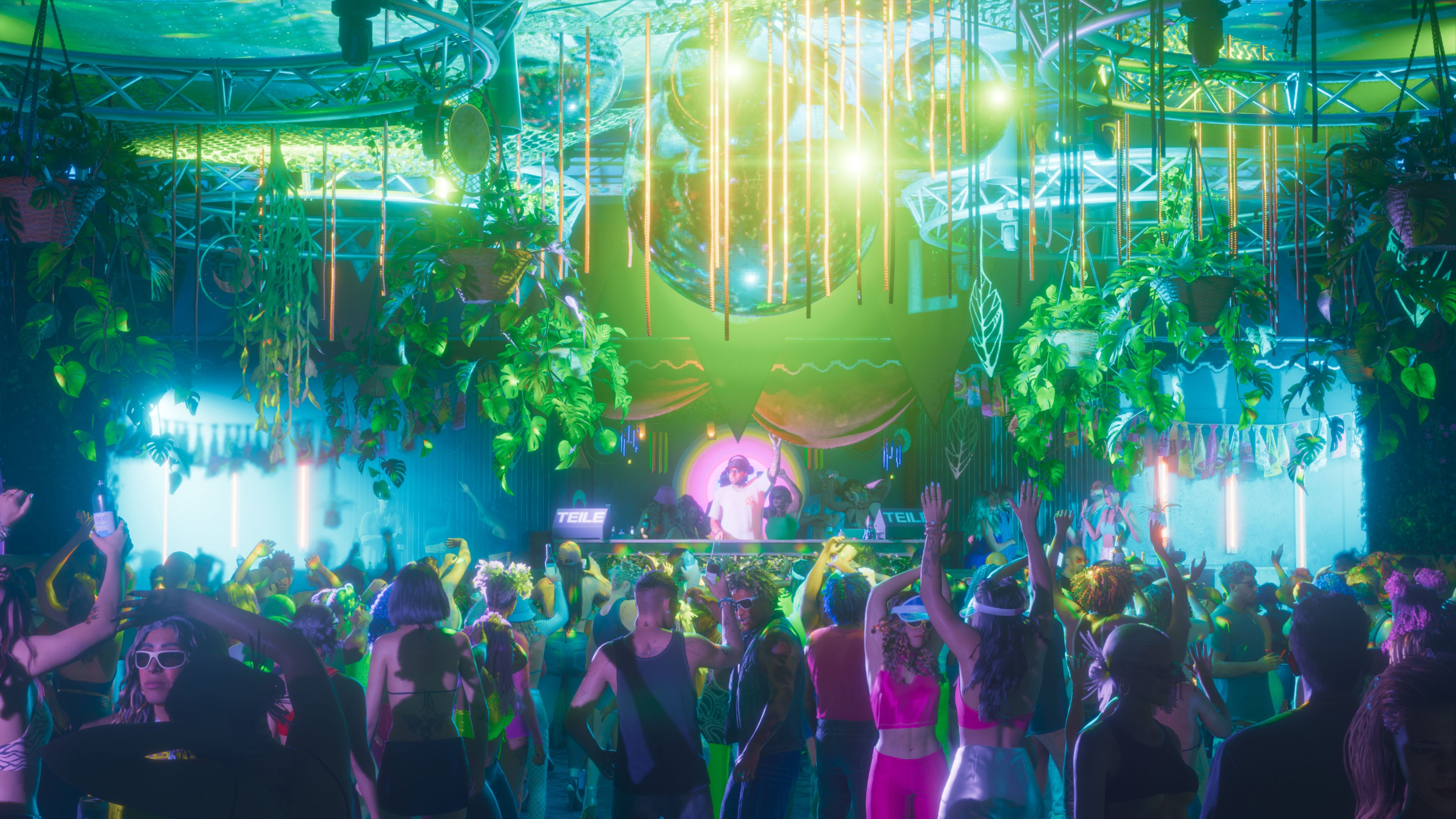
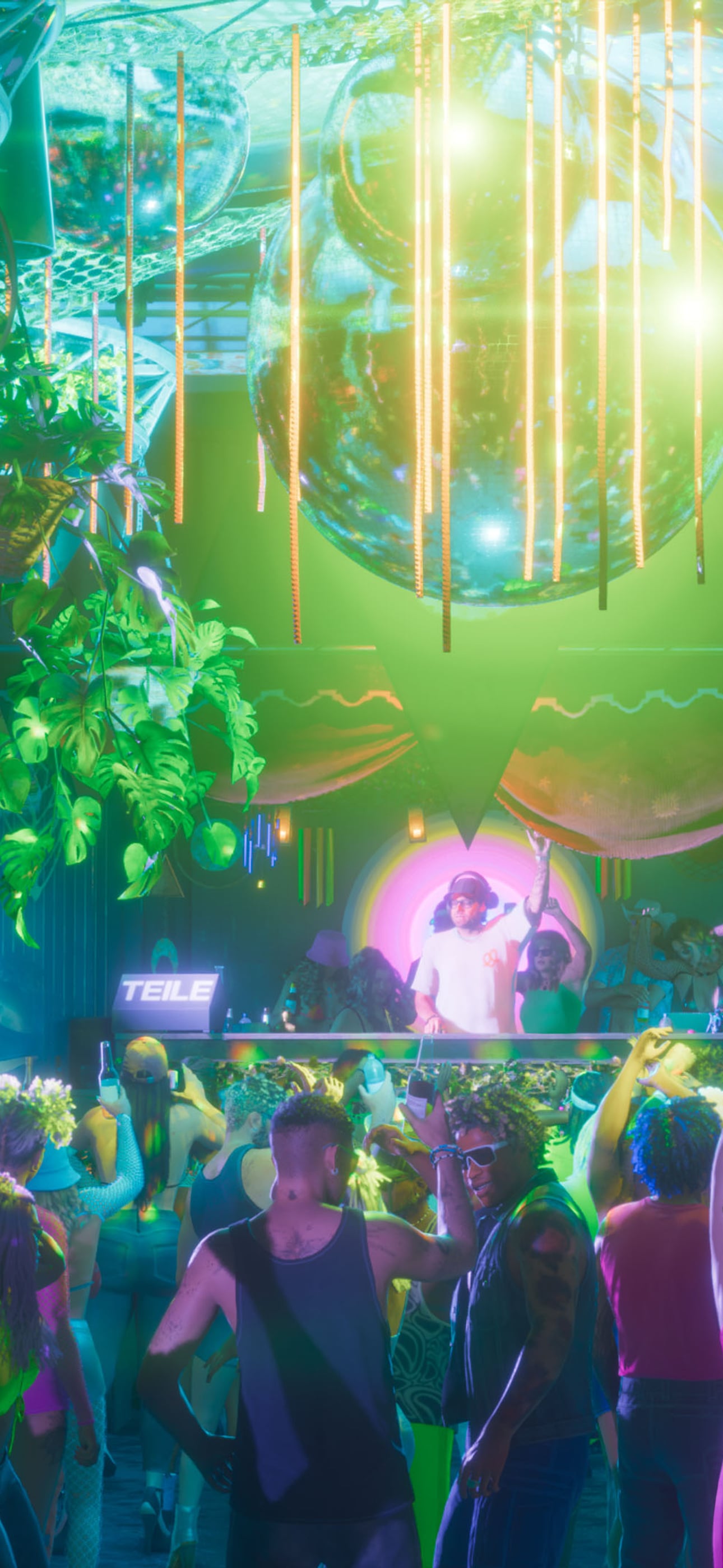
A packed Vice City nightclub dance floor
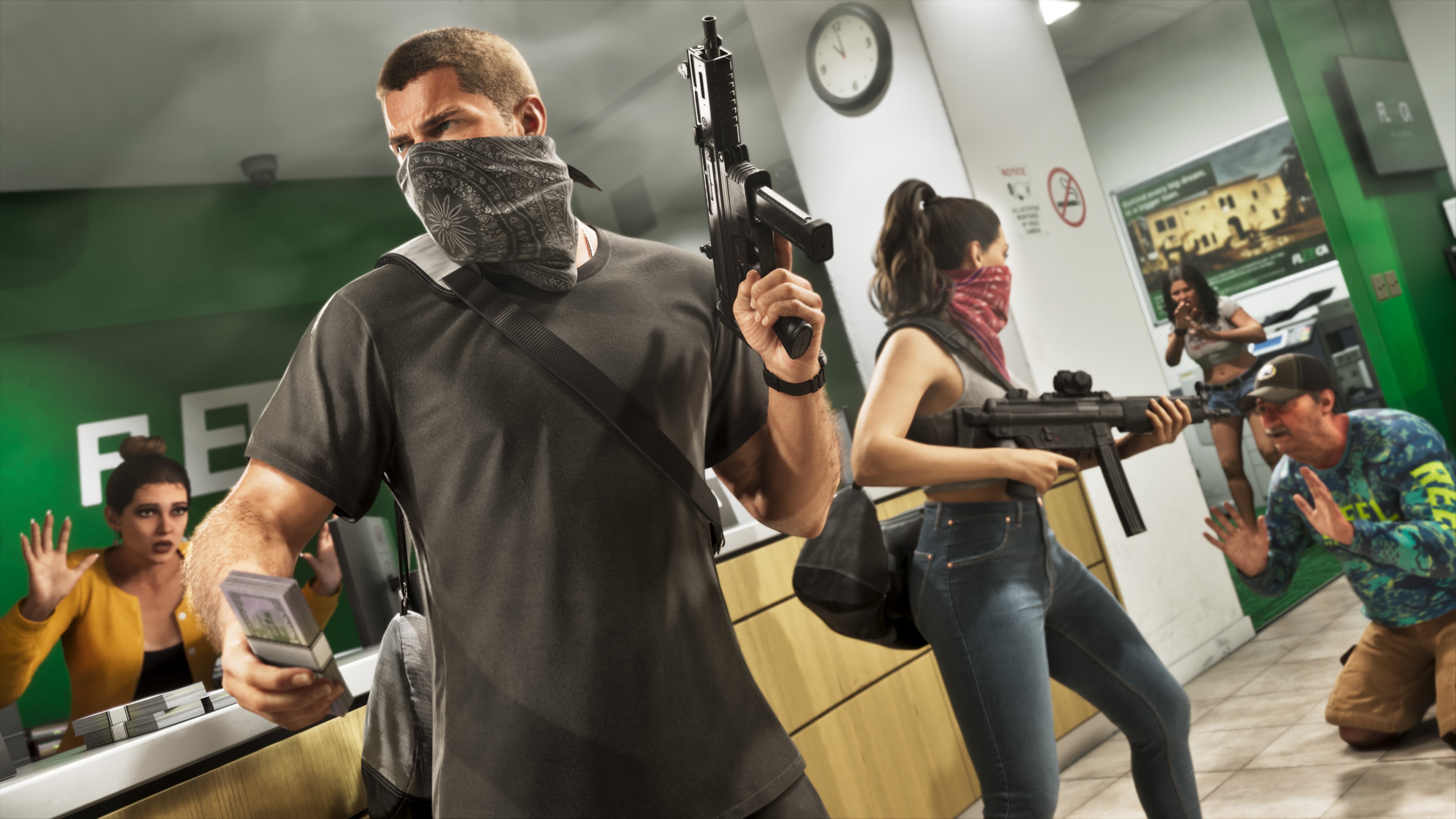
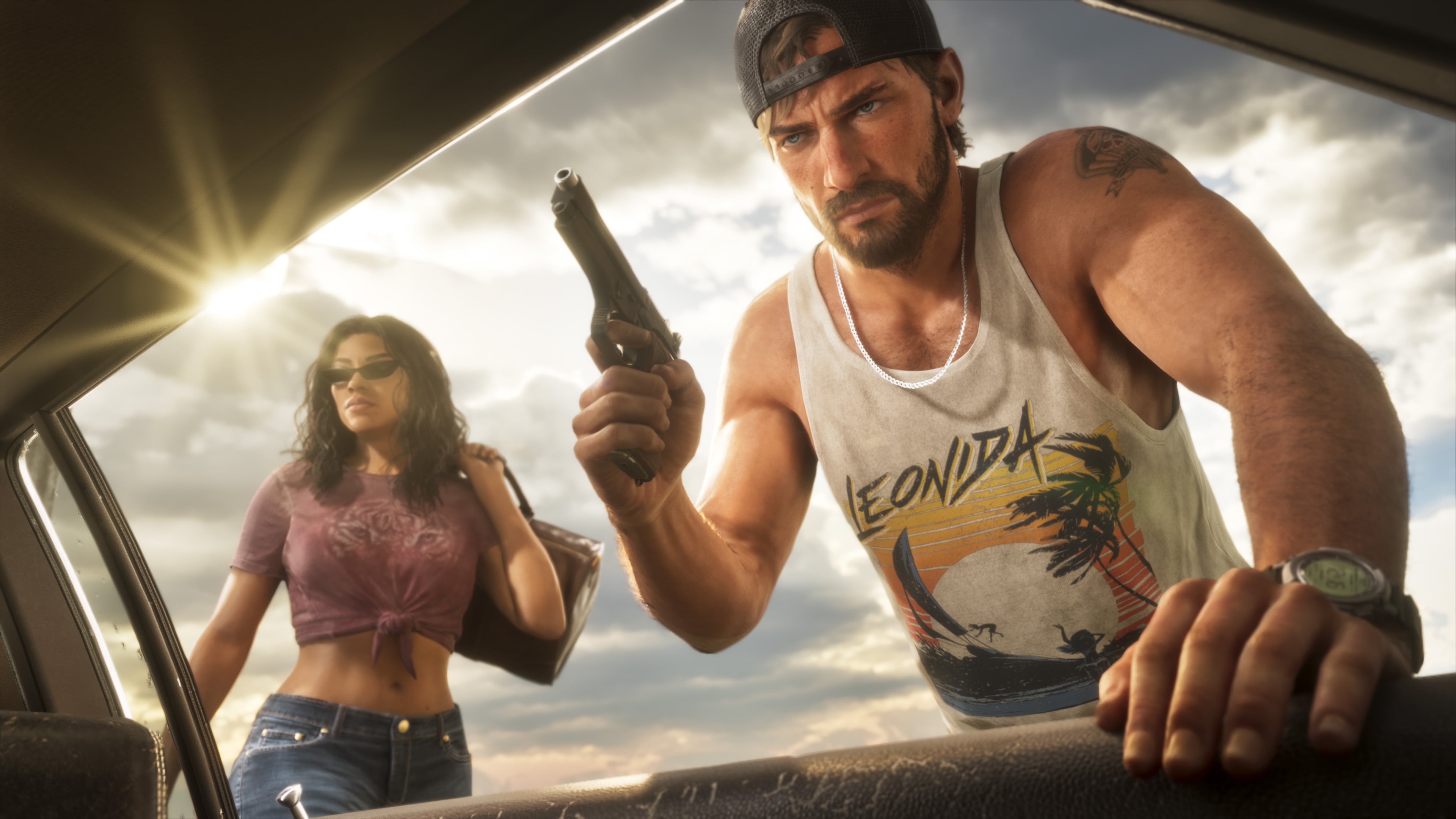
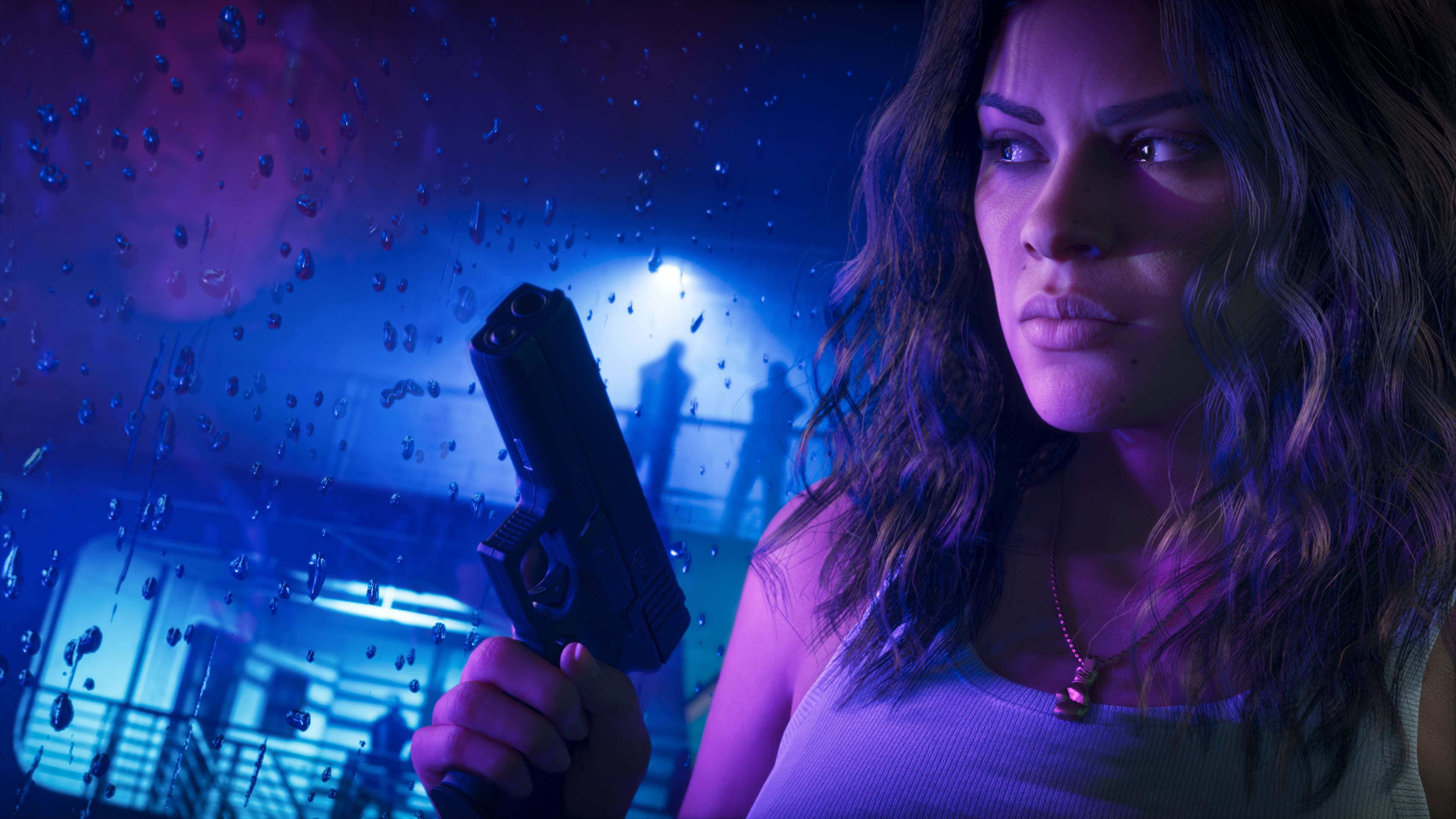
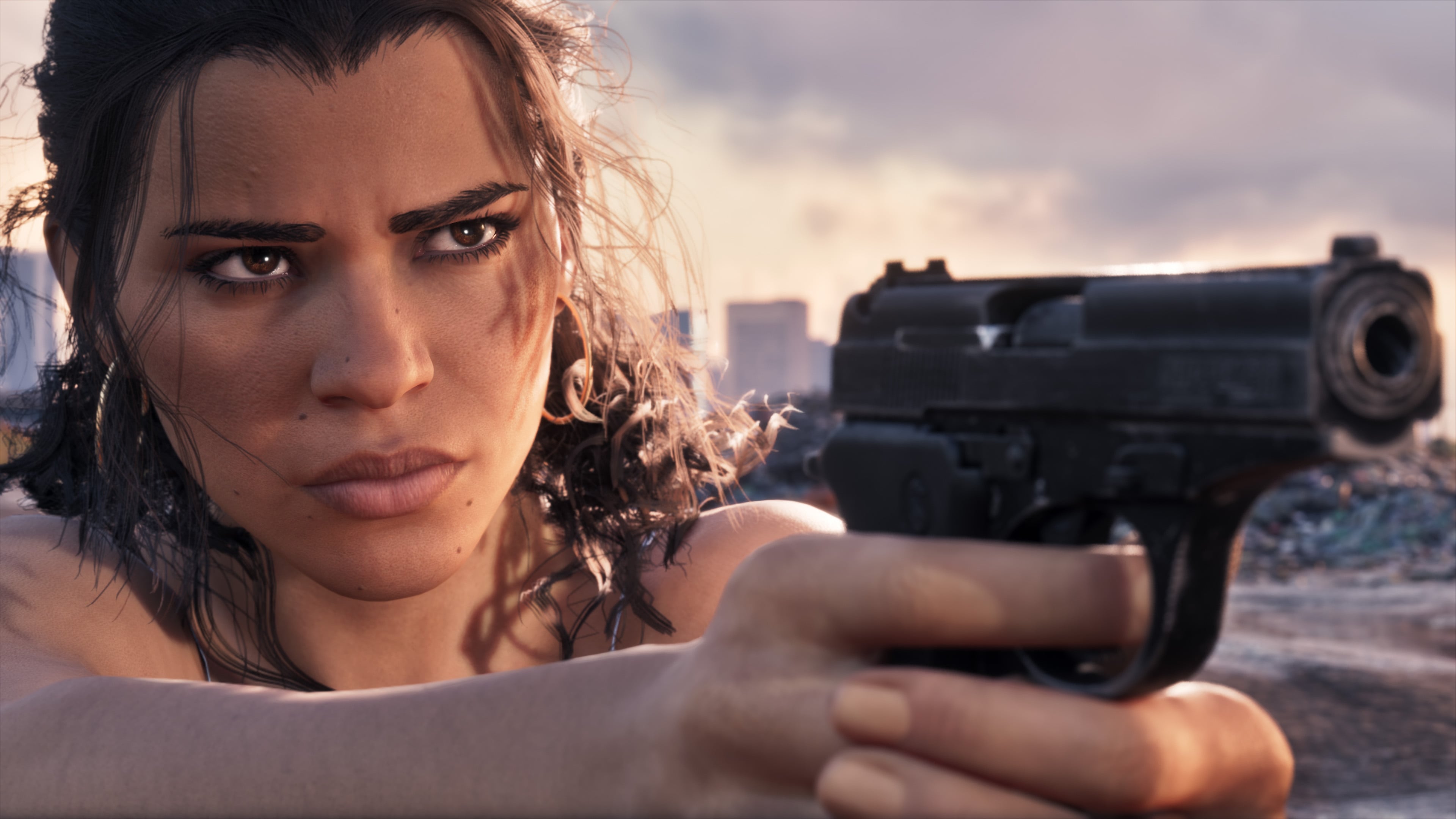
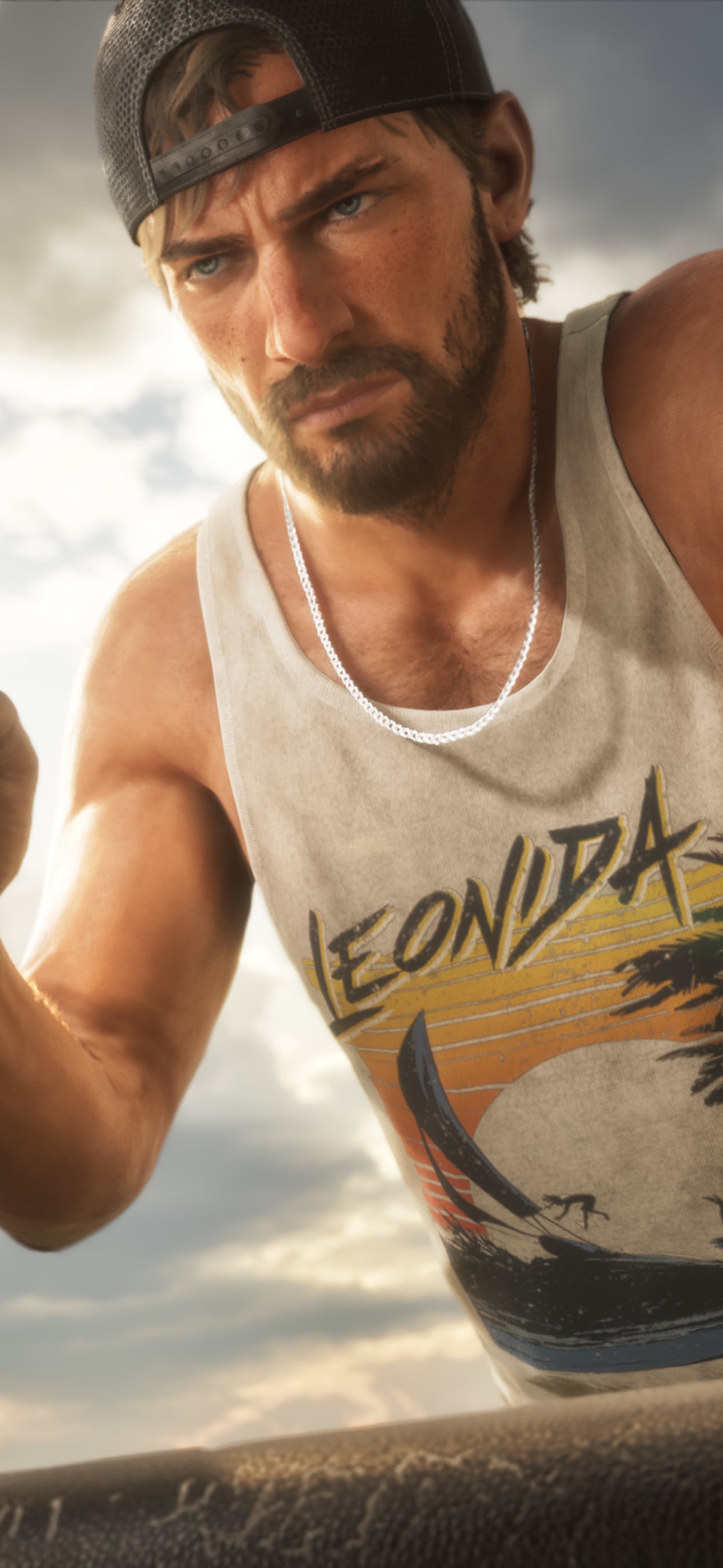
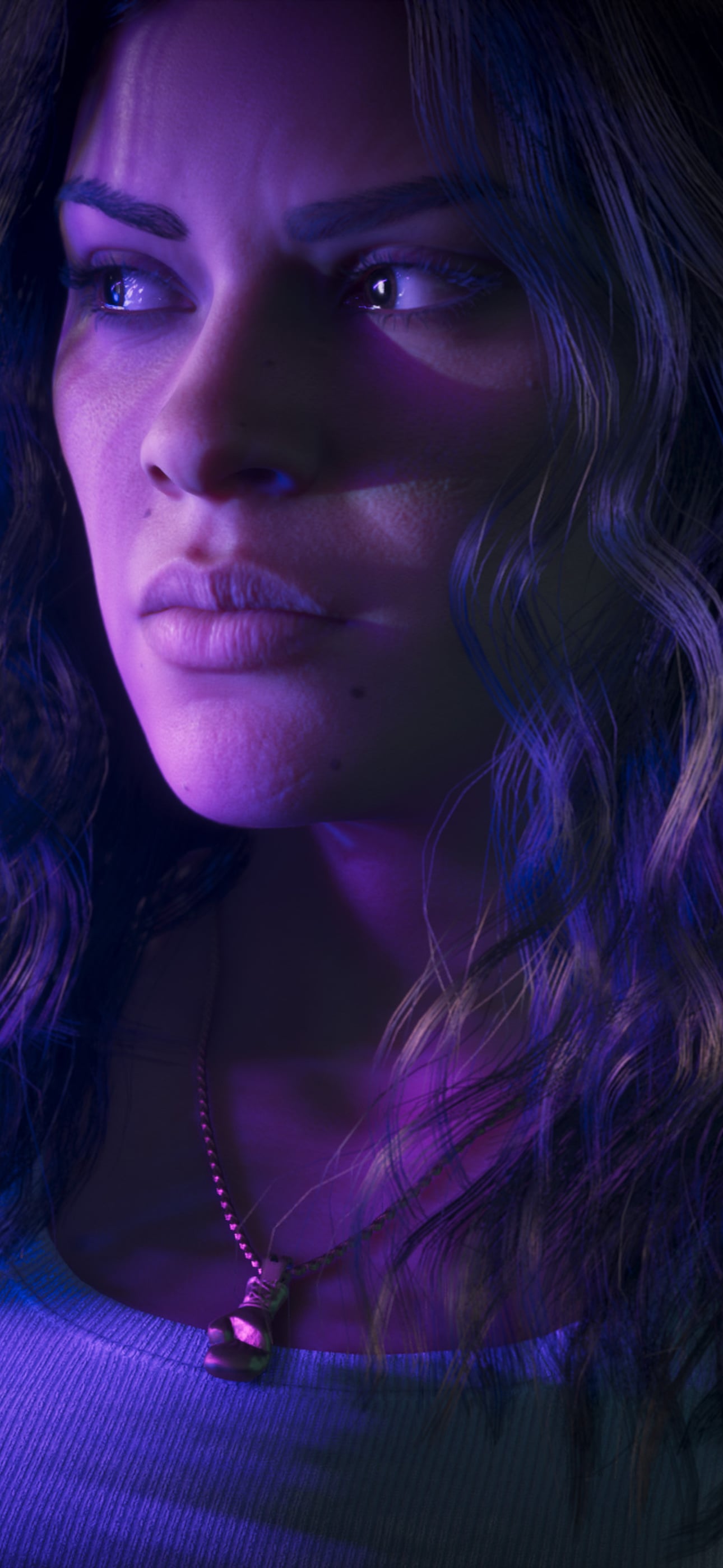
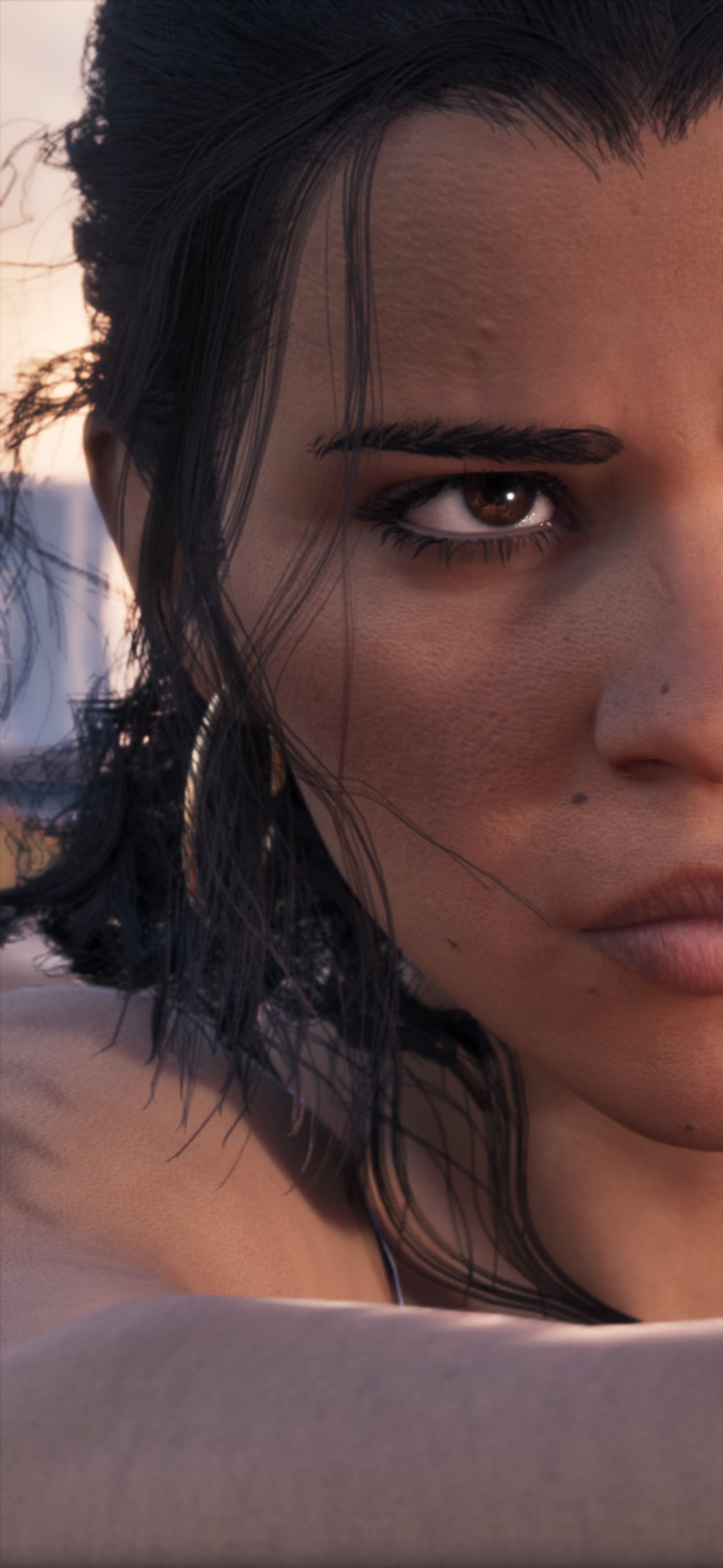
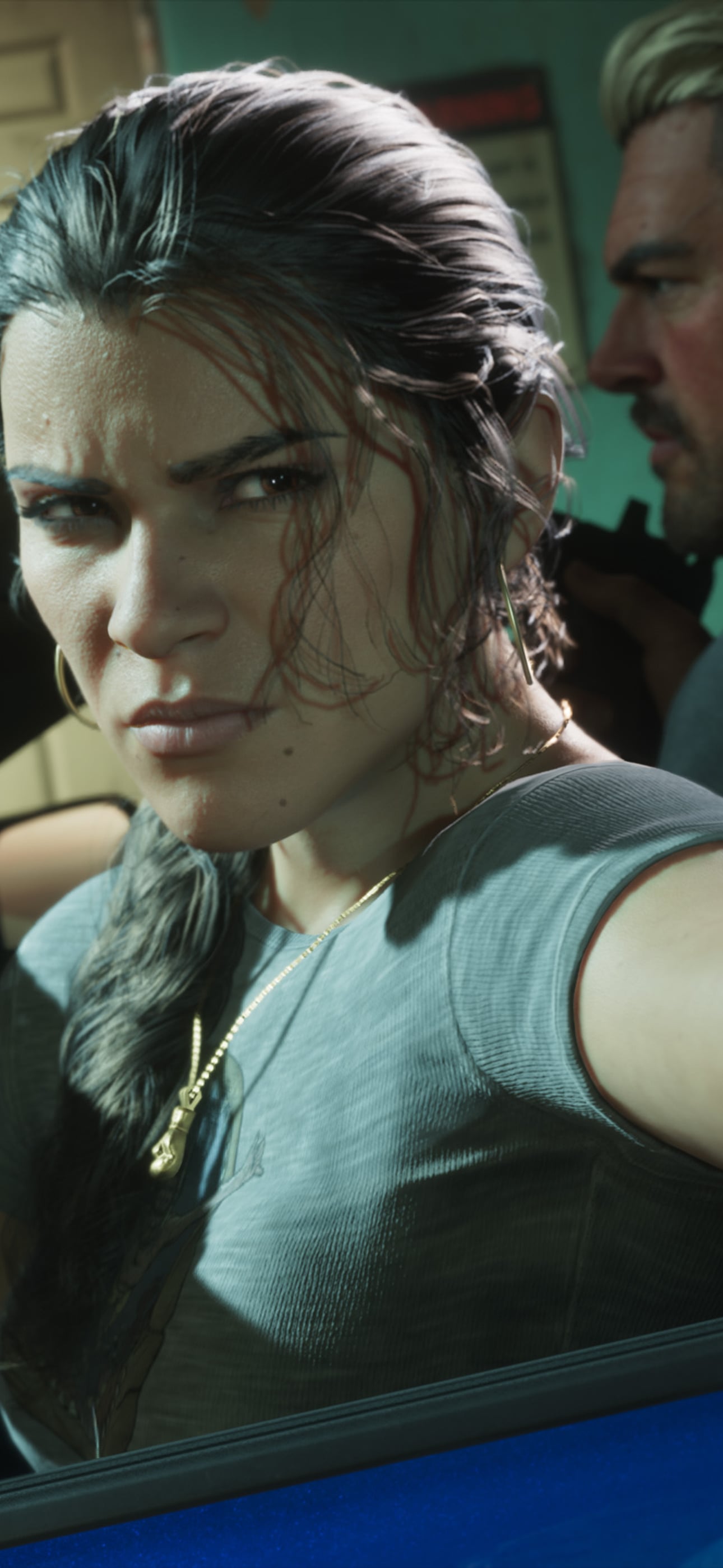
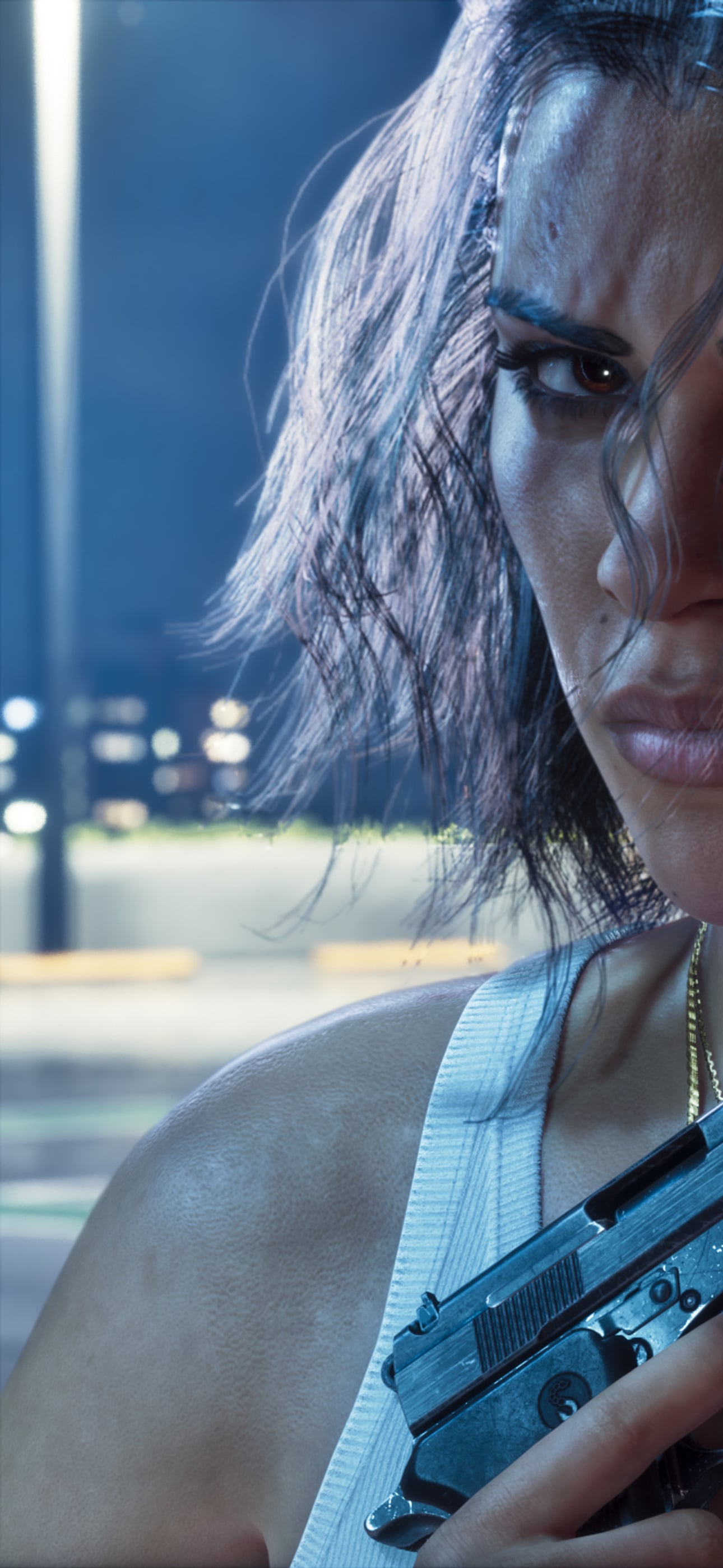
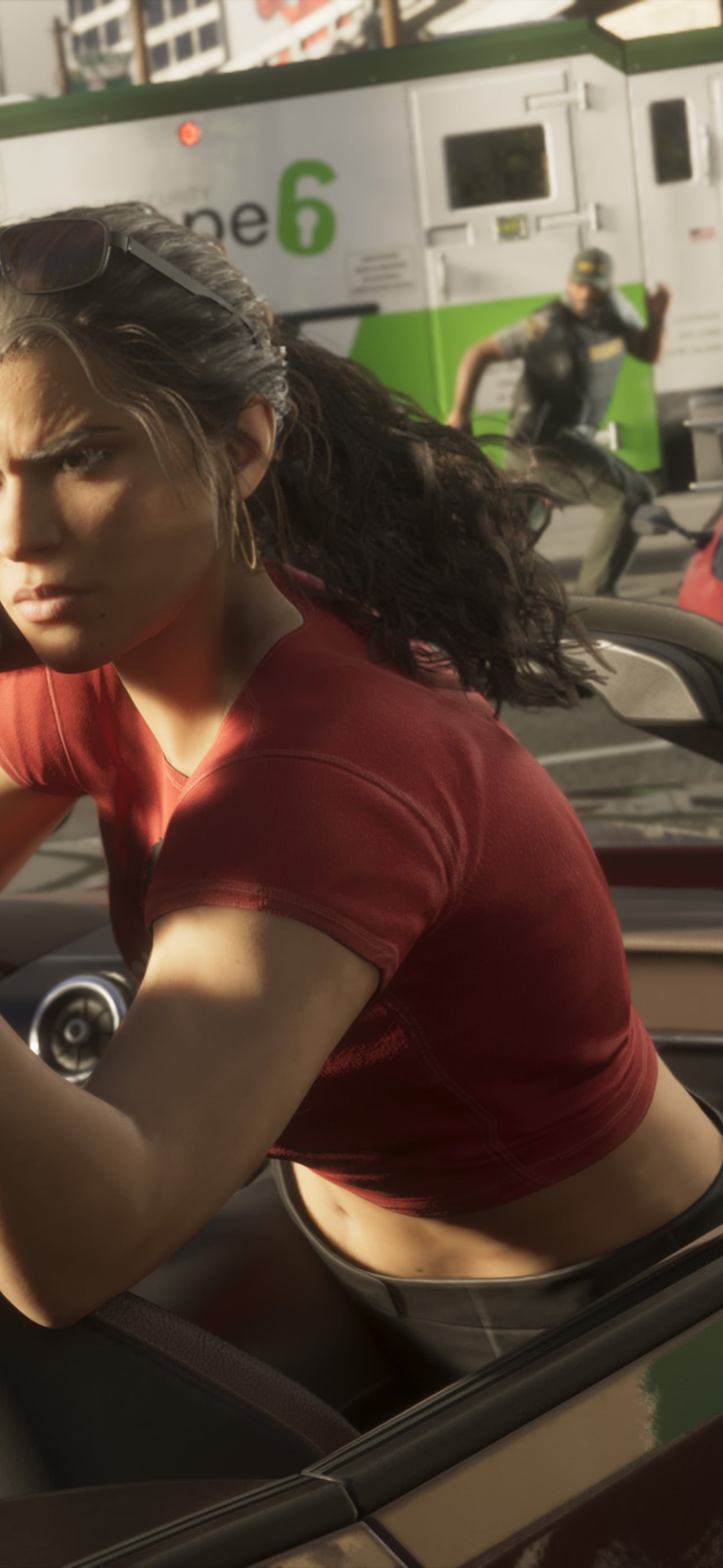
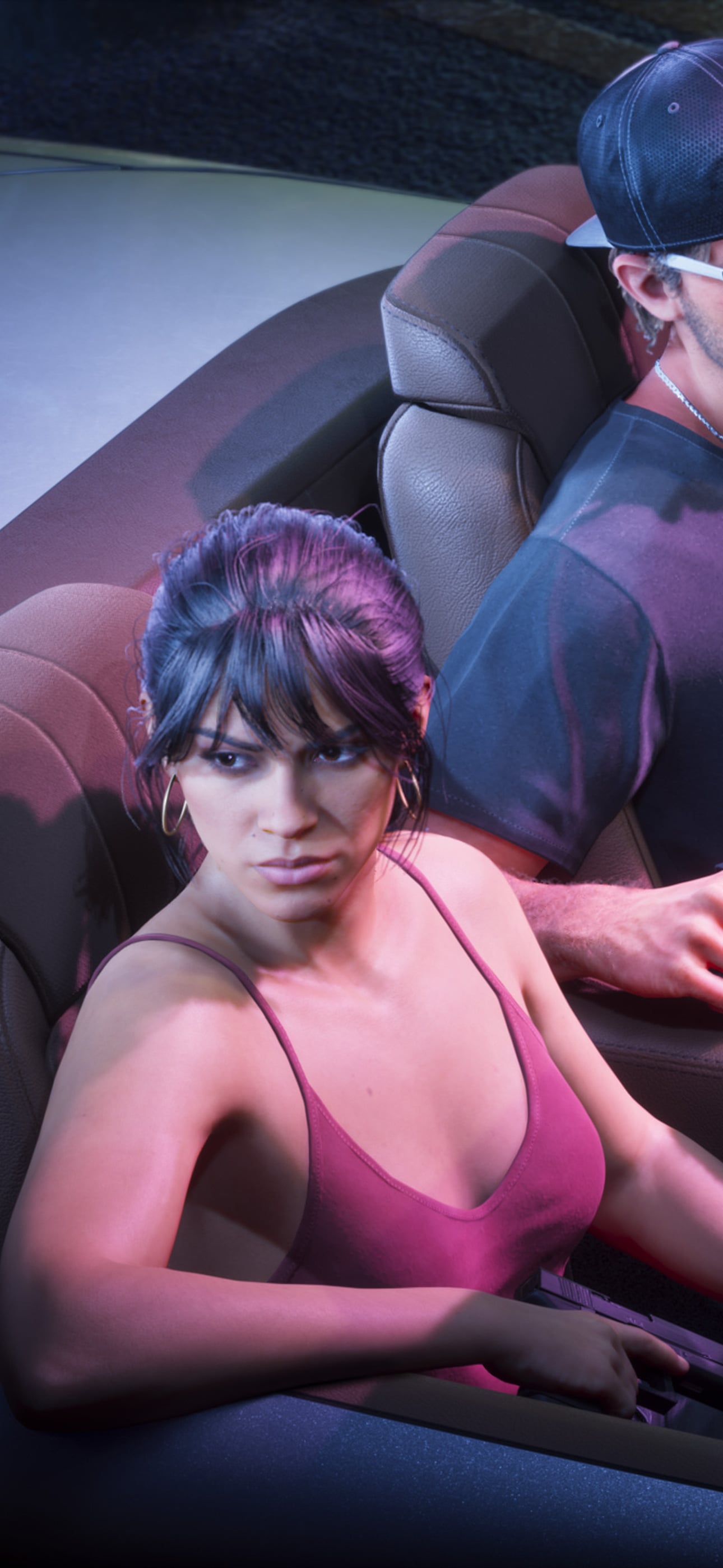
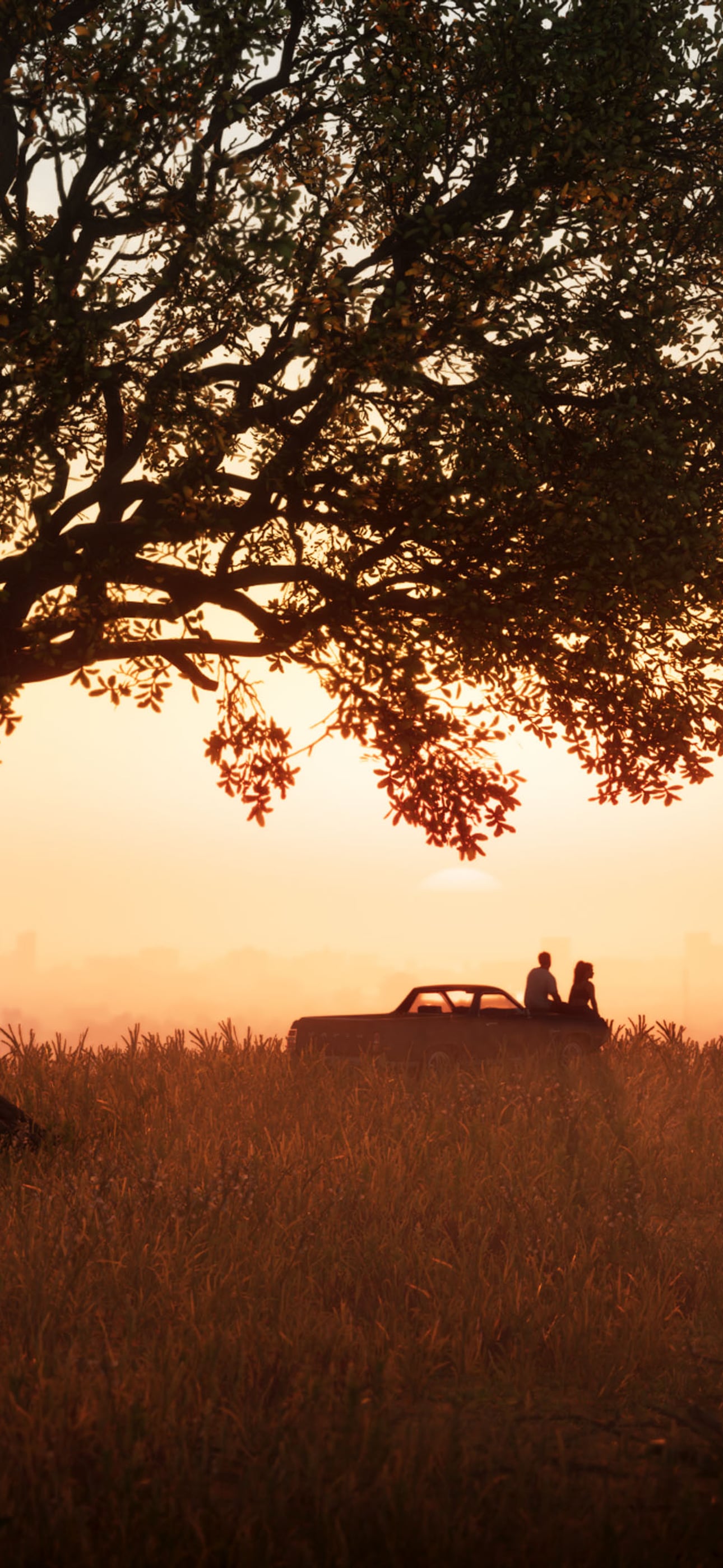
Images: Rockstar Games
How to
Set it as your wallpaper
iPhone
Tap Download for phone. Open the image, tap Share, then Save Image. In Photos, open it, tap Share again and choose Use as Wallpaper.
Android
Tap Download for phone. Open it in Photos or Gallery, tap the three-dot menu and choose Set as wallpaper (the wording varies by phone).
Windows
Download the 4K file, right-click it in your Downloads folder and choose Set as desktop background.
Mac
Download the 4K file, Control-click it in Finder and choose Set Desktop Picture.
More about GTA 6 wallpapers
Are these GTA 6 wallpapers official?
Yes. They are the official screenshots from Rockstar's Launch Gallery, resized for screens. The images belong to Rockstar Games.
What resolution are the GTA 6 4K wallpapers?
Desktop files are 3840 × 2160 (4K UHD, 16:9). Phone files are 1290 × 2796, which fills a modern iPhone or Android screen.
Are the GTA 6 wallpapers free?
Yes, free to download for personal use as your desktop or phone background. Please don't sell them: the art is Rockstar's.
Will they fit an ultrawide monitor or an older phone?
The 4K file scales down to any 16:9 screen. On an ultrawide monitor choose Fill. On a phone, pinch to adjust the crop when you set it.
Where can I see every GTA 6 screenshot?
Our gallery has every official screenshot and piece of art, including images that are not in this wallpaper set.