The short answer
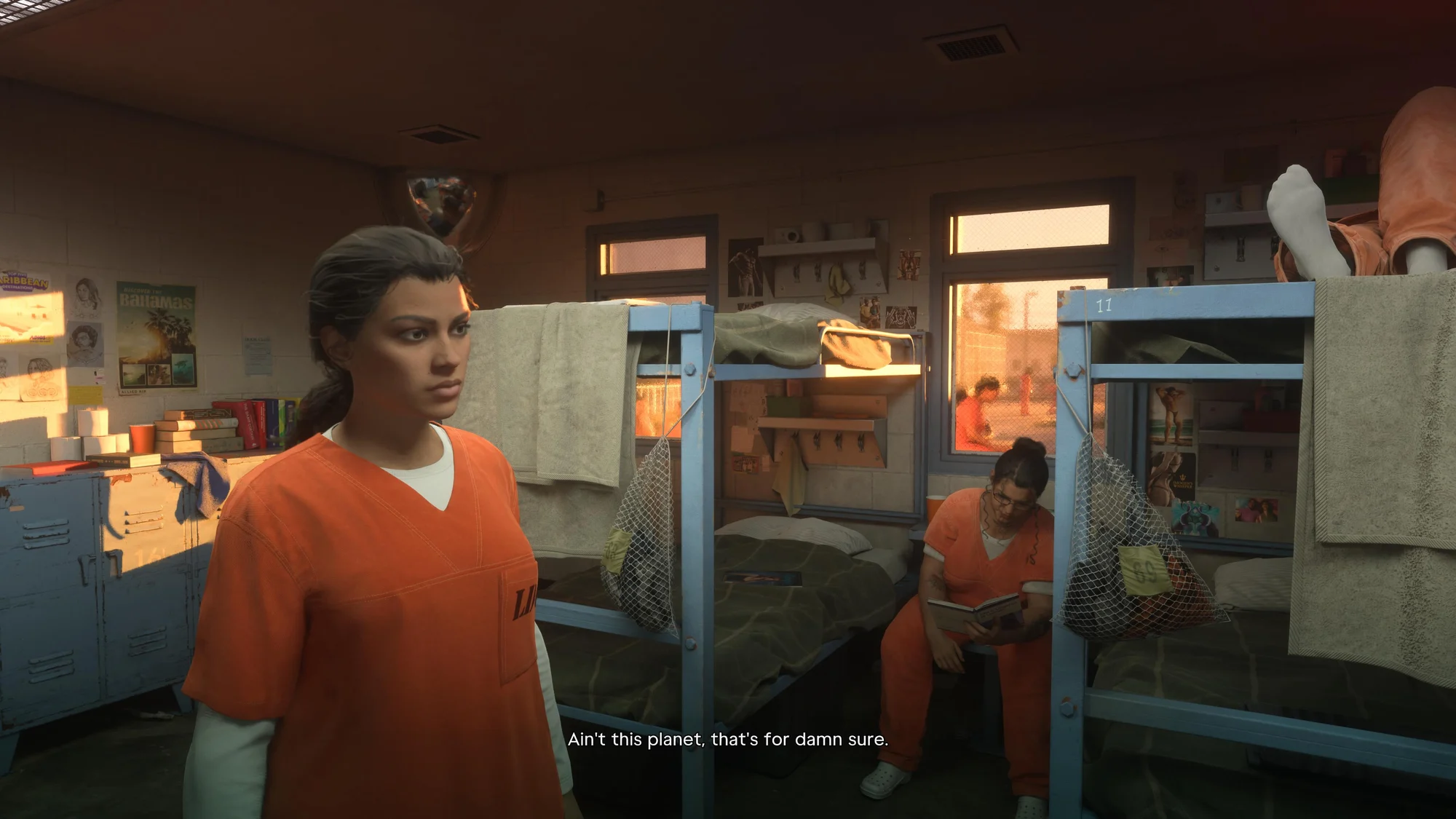
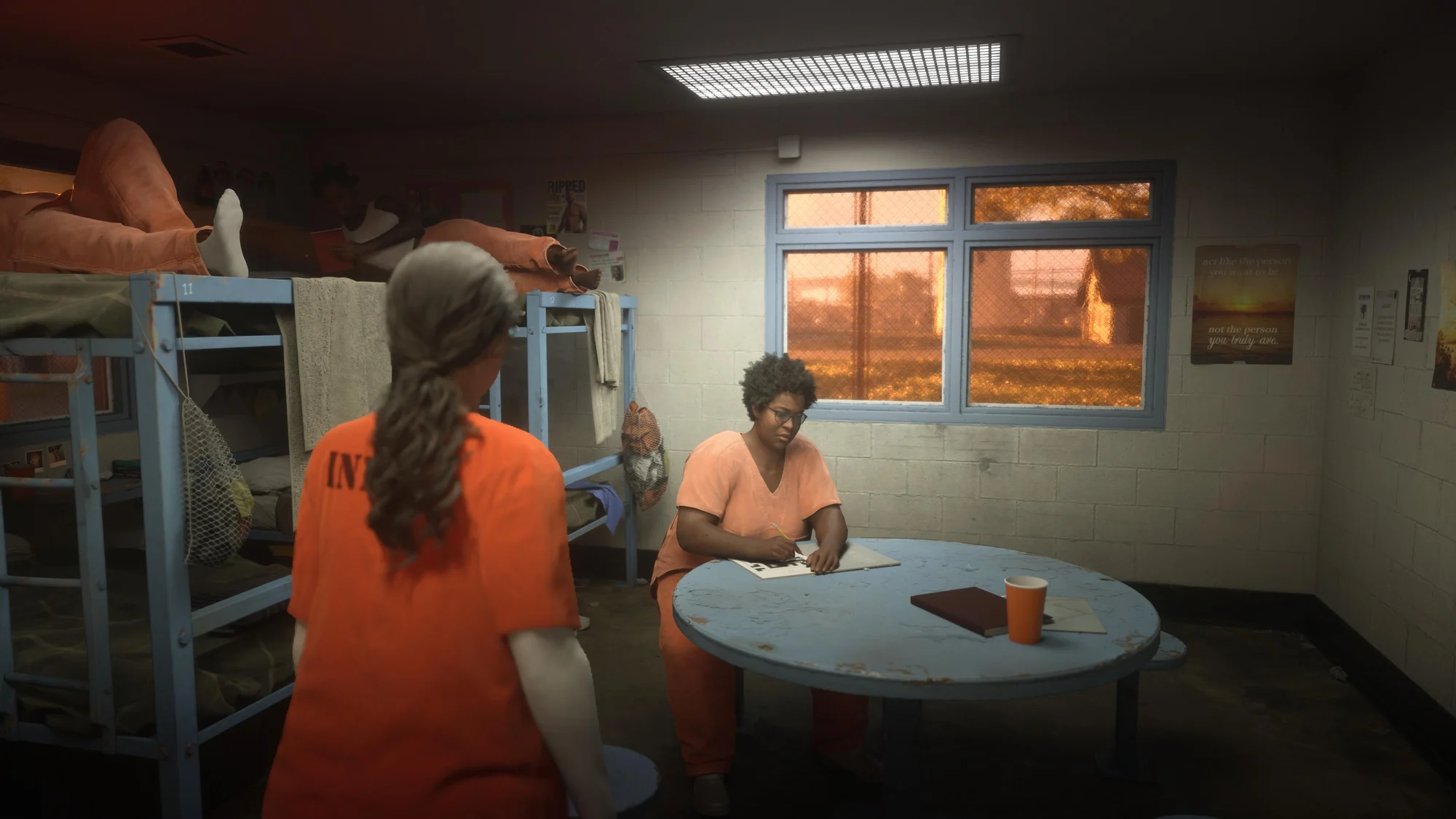
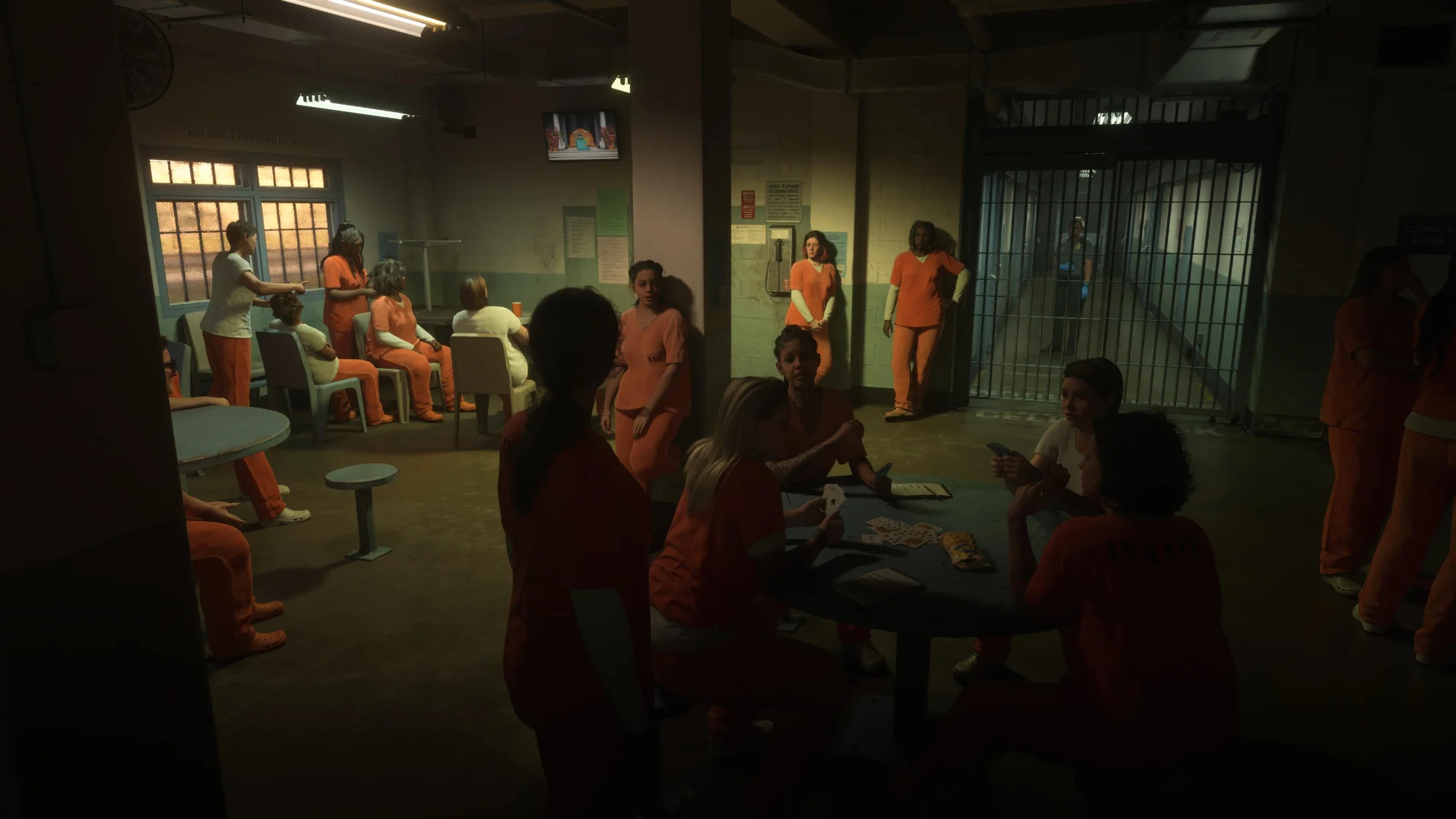
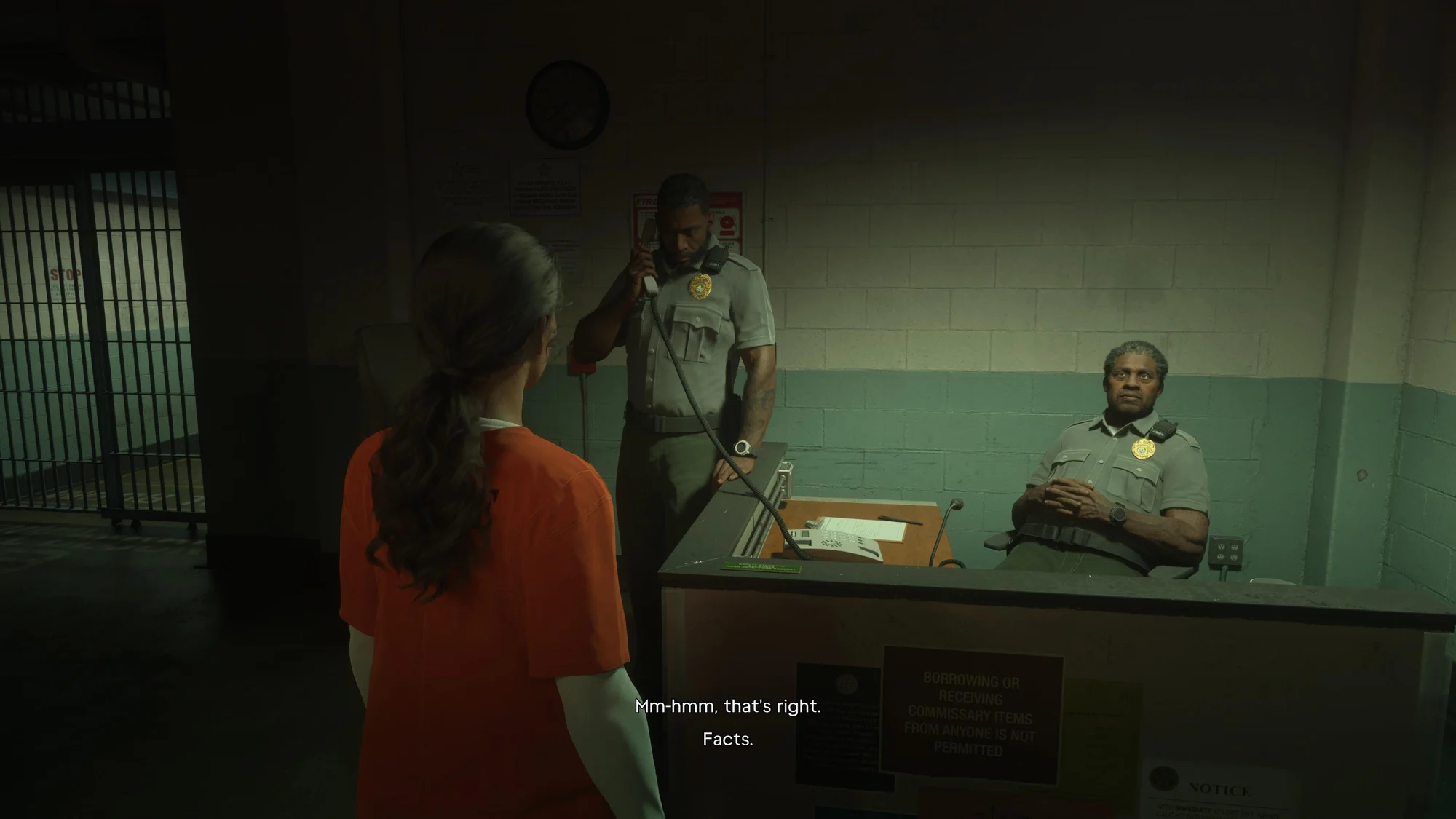
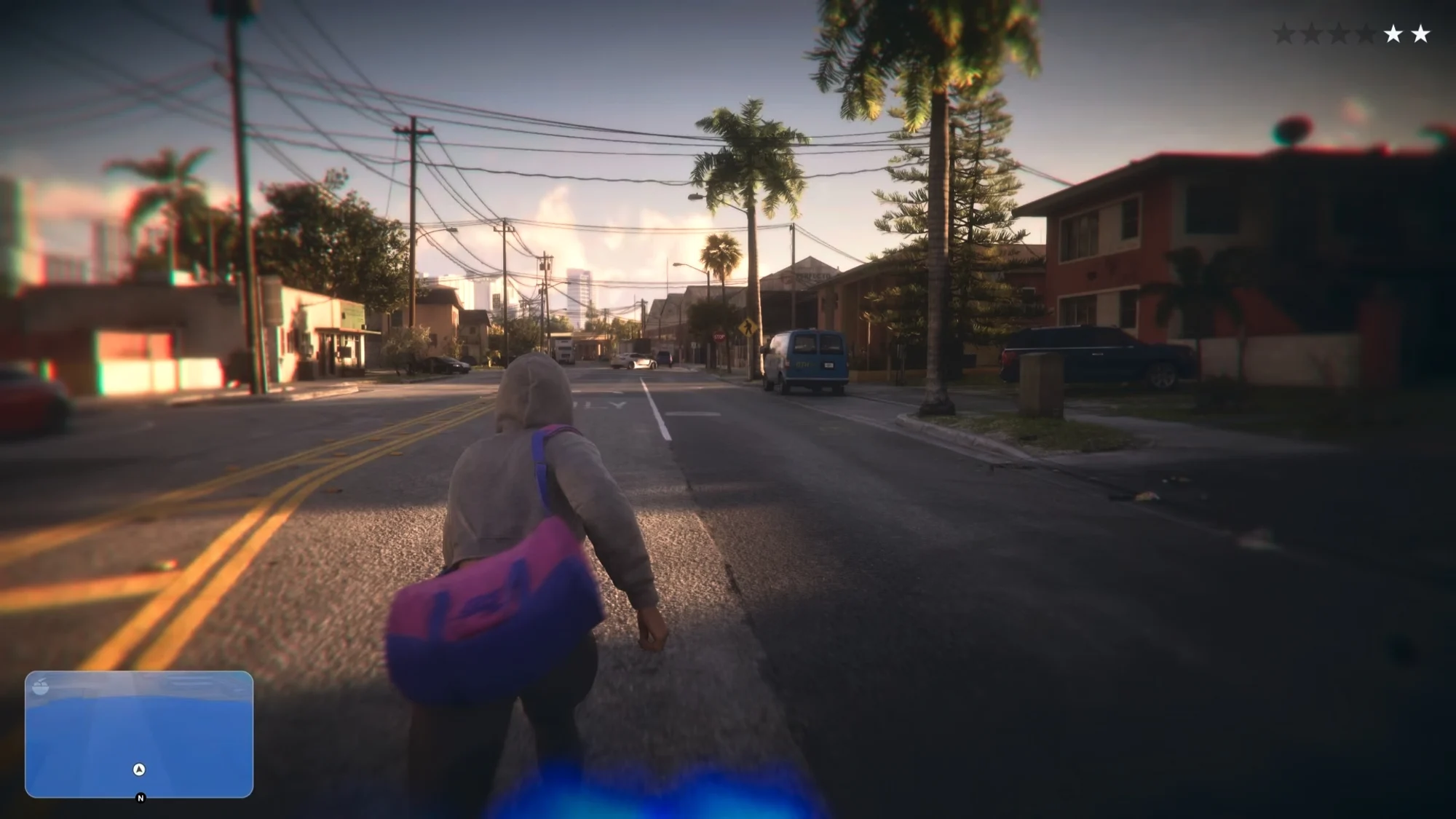
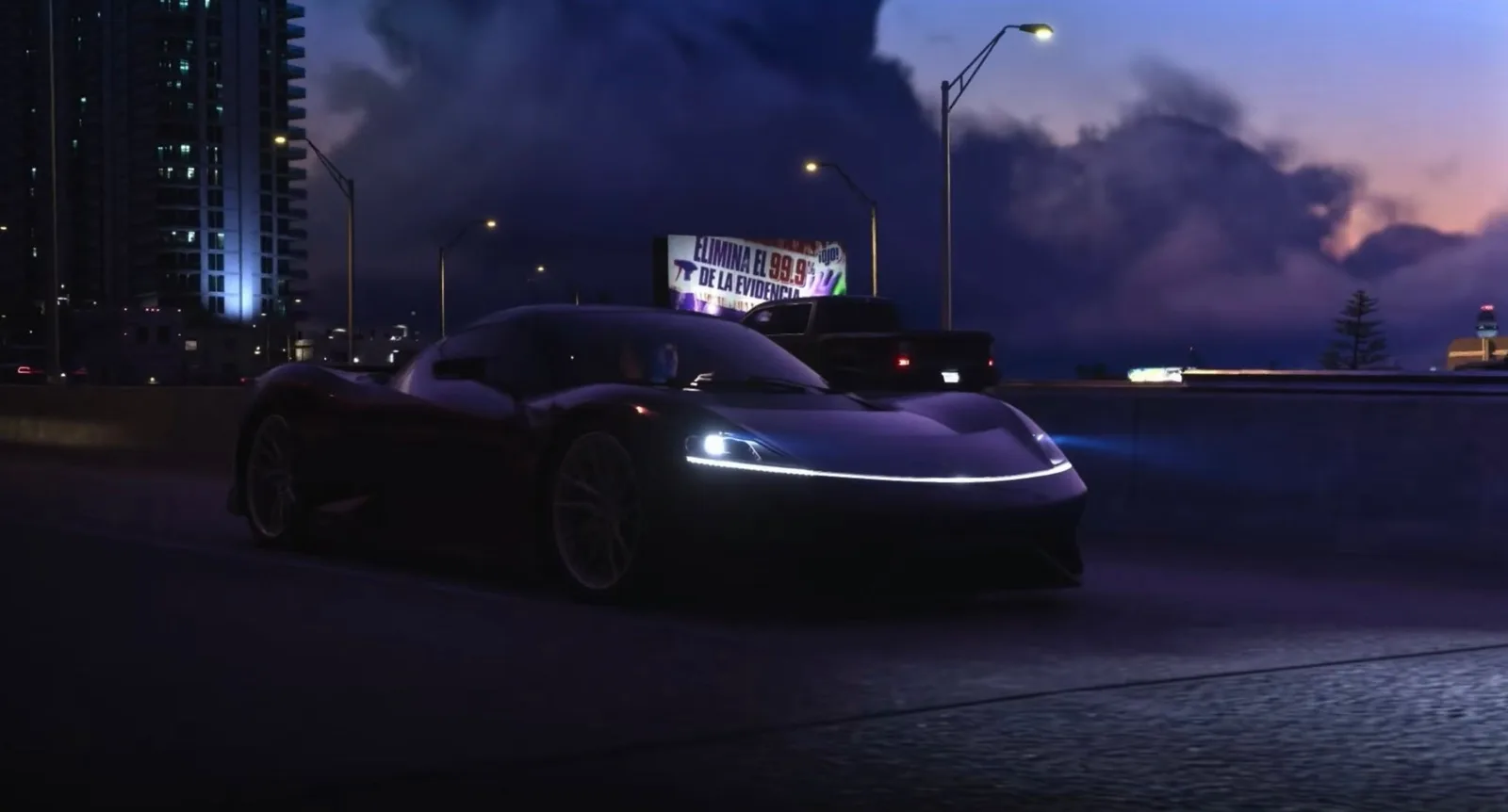
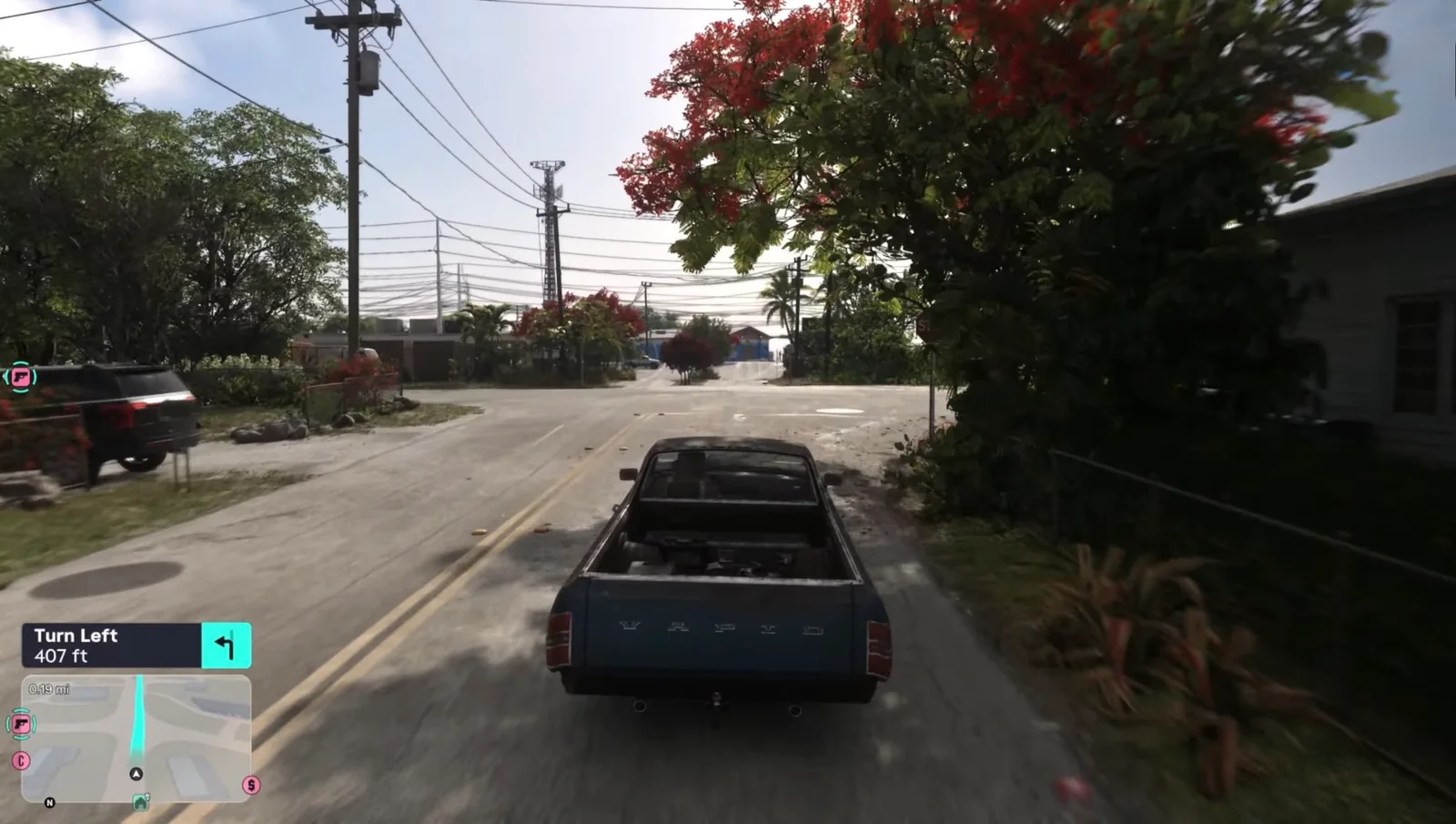
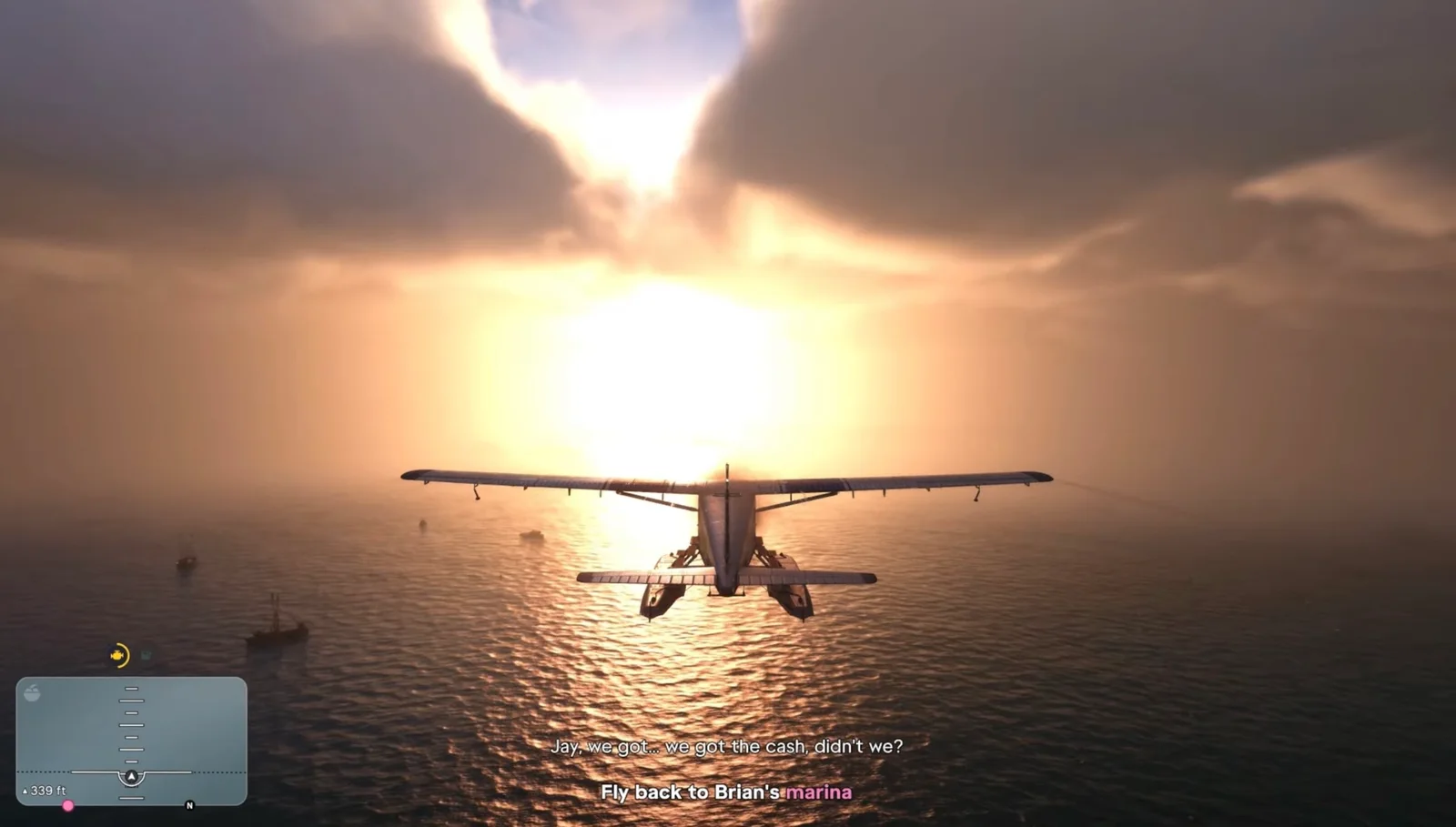
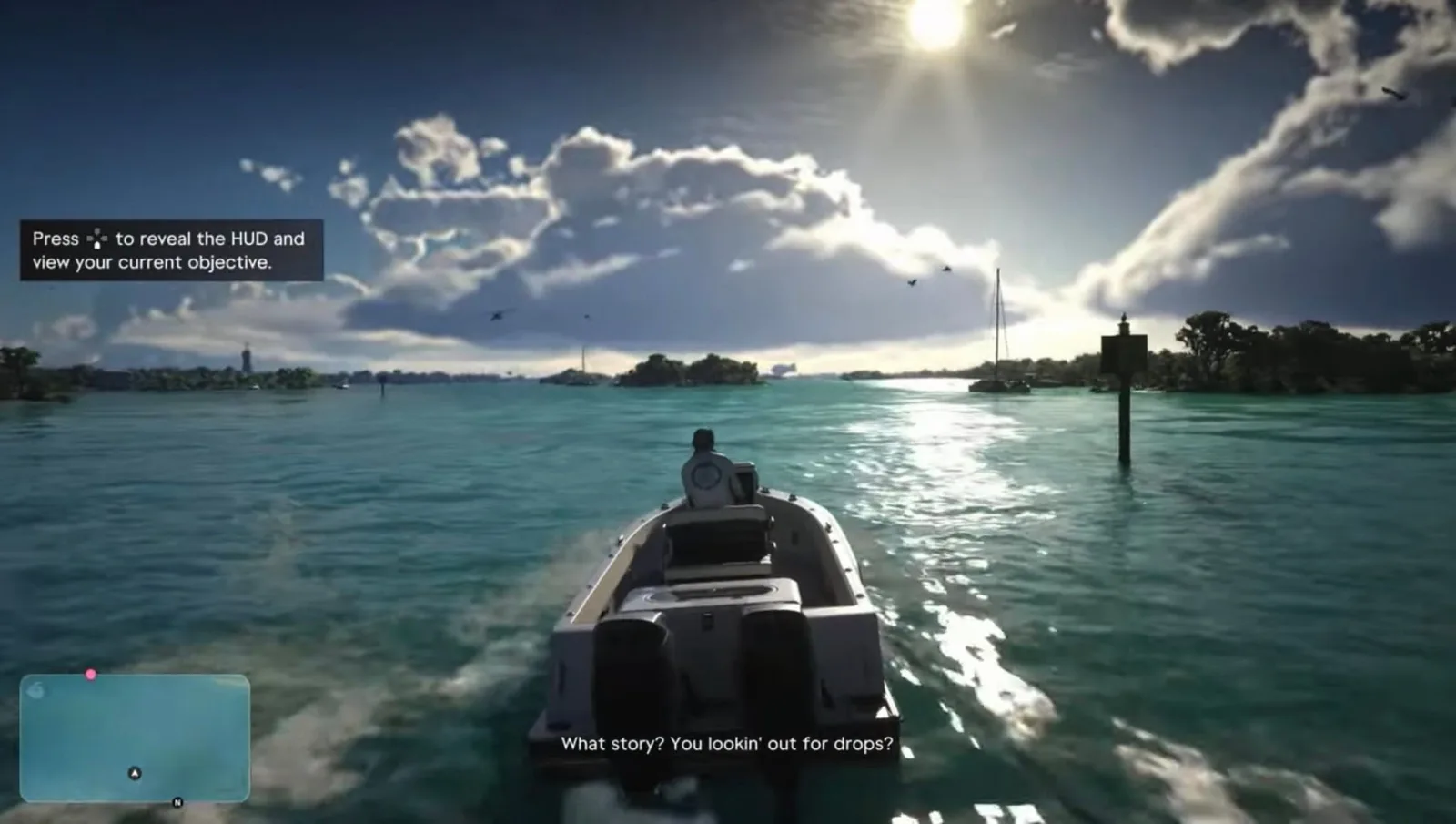
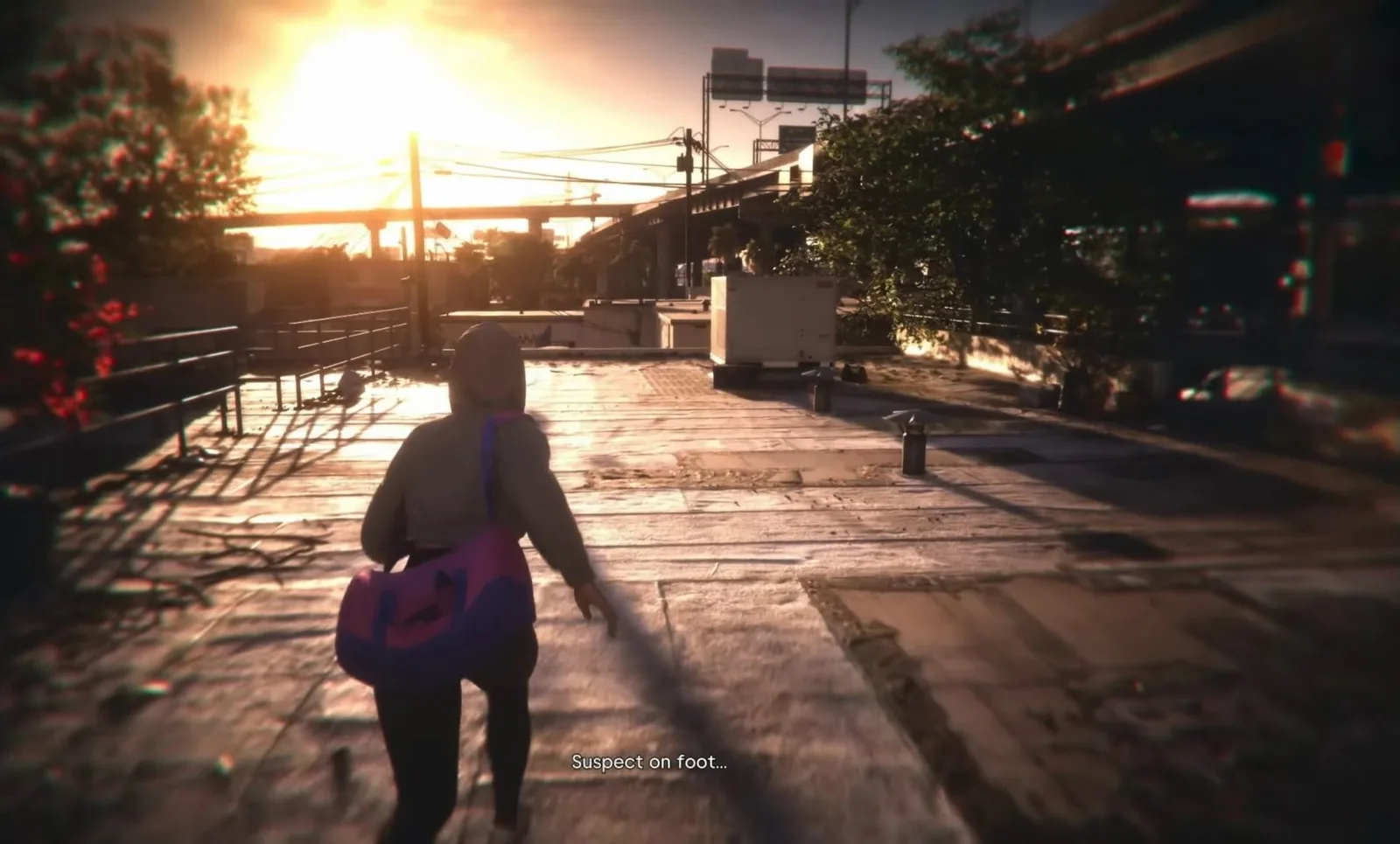
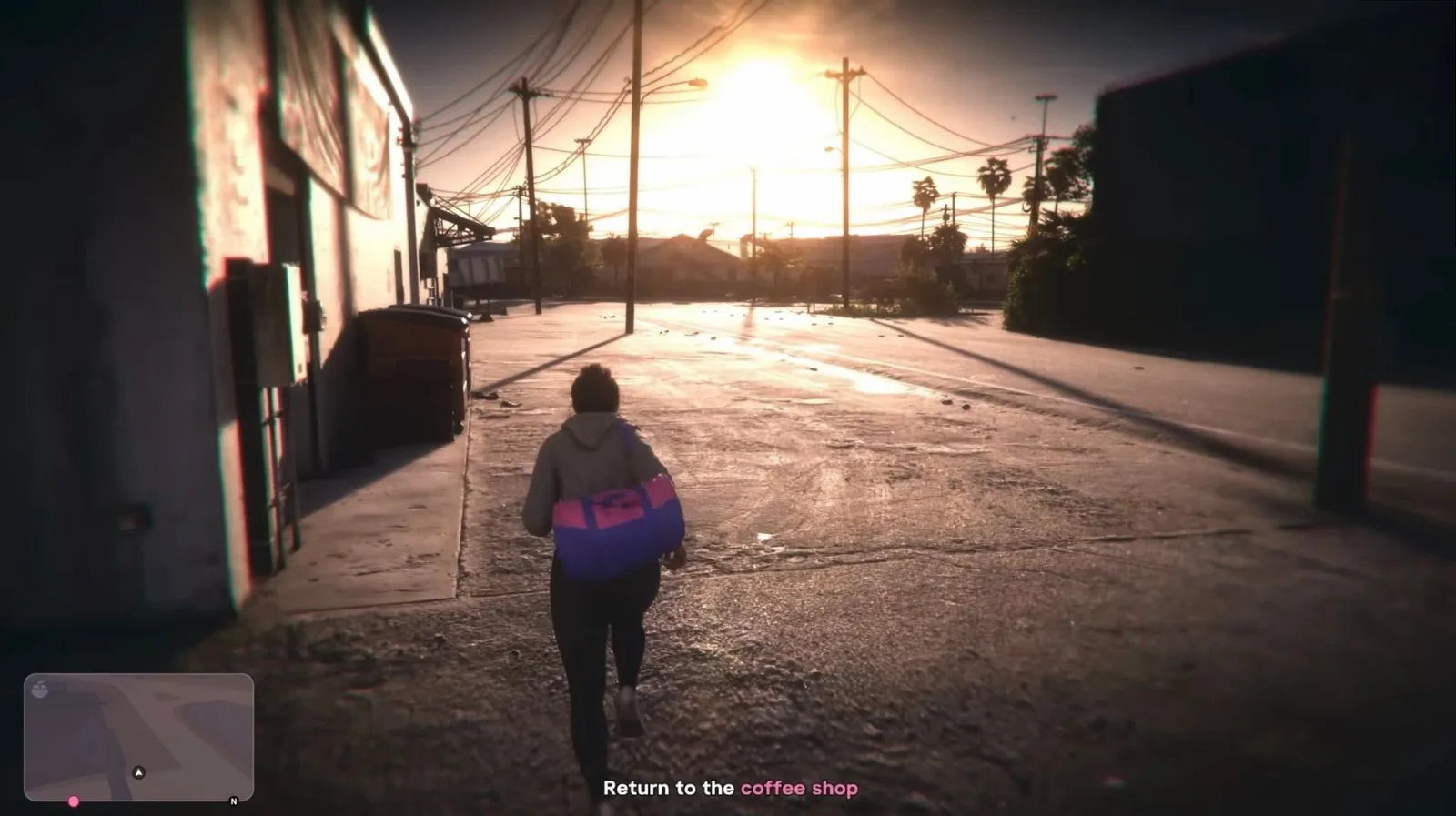
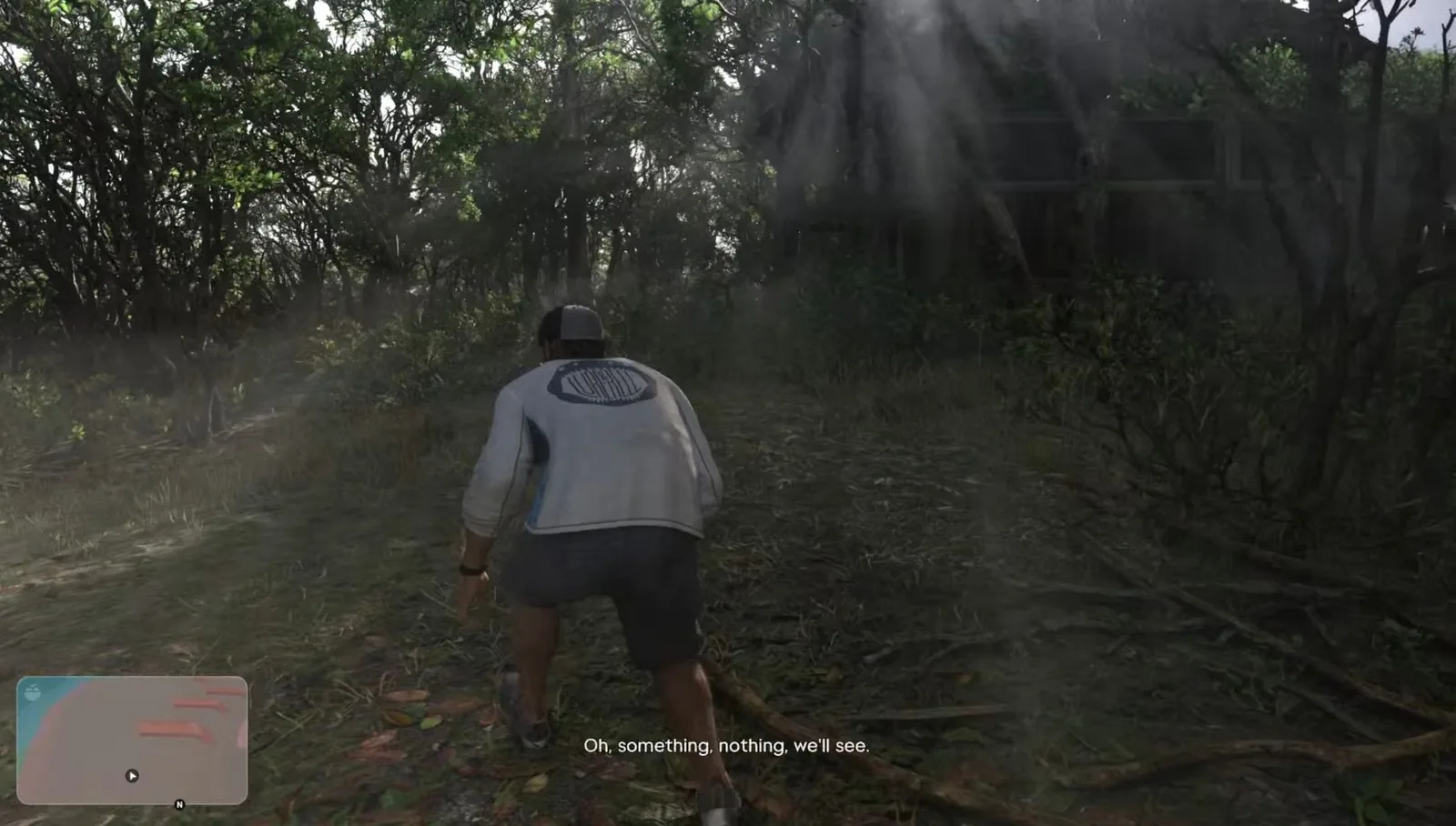
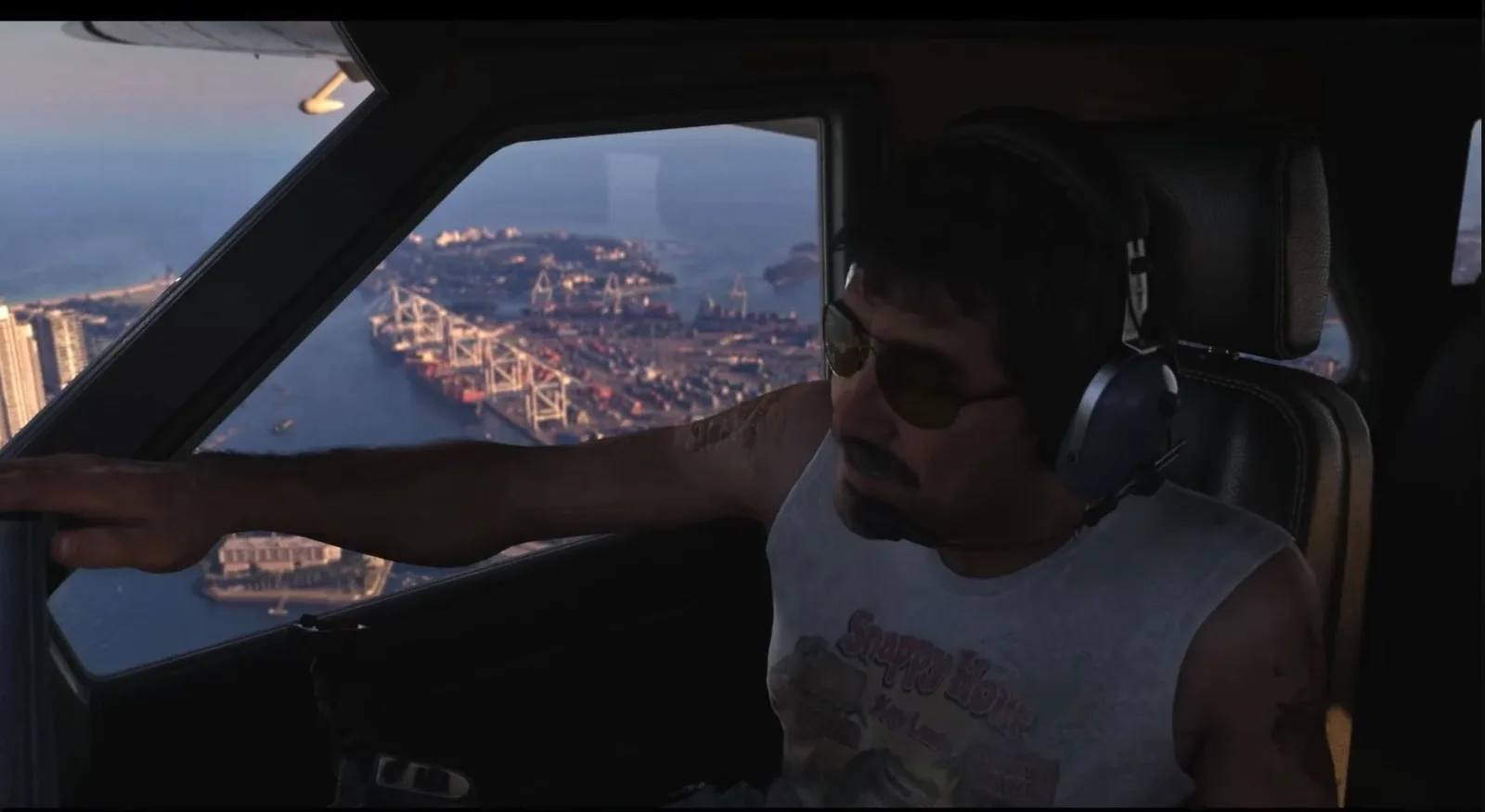
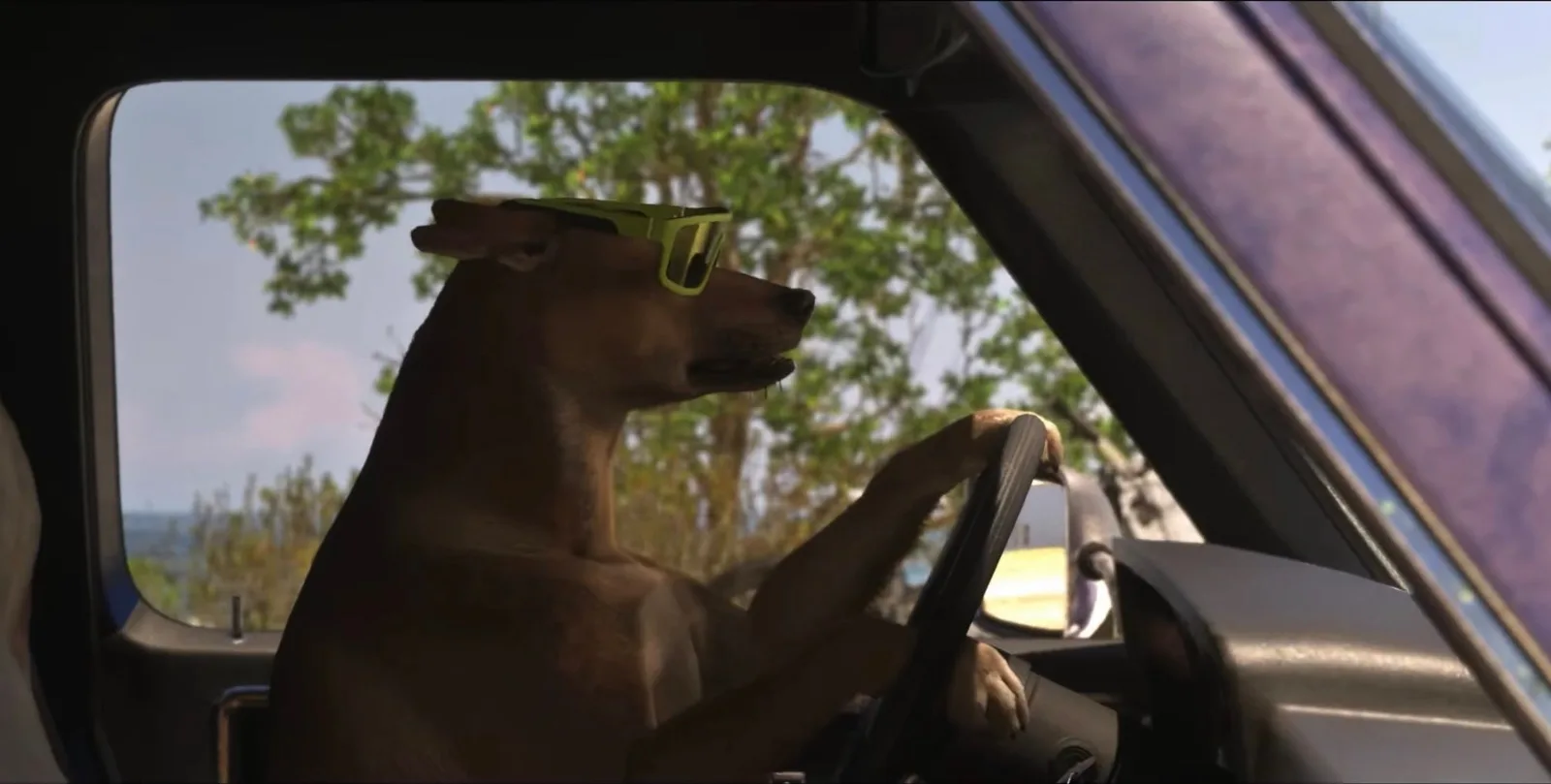
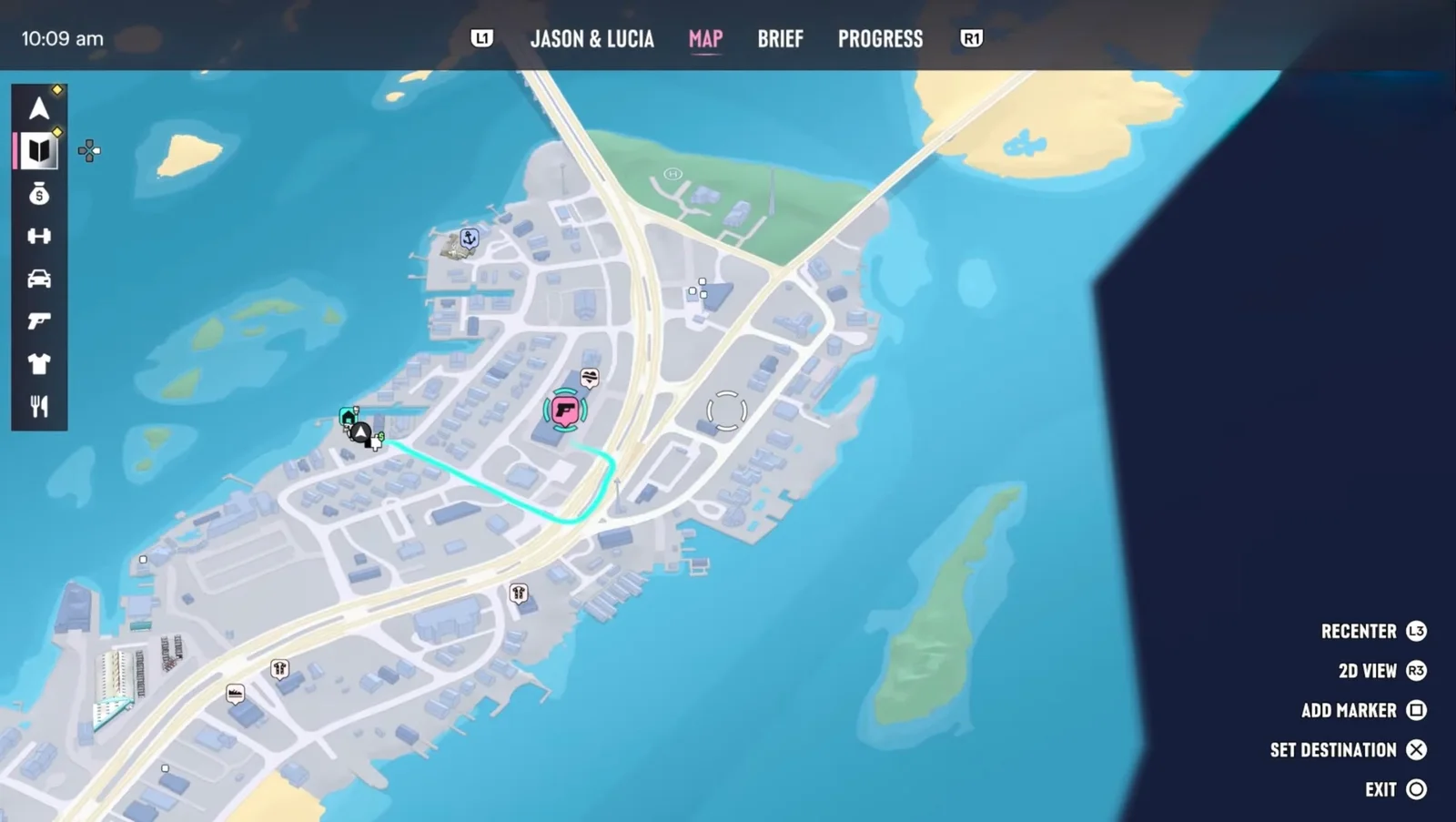
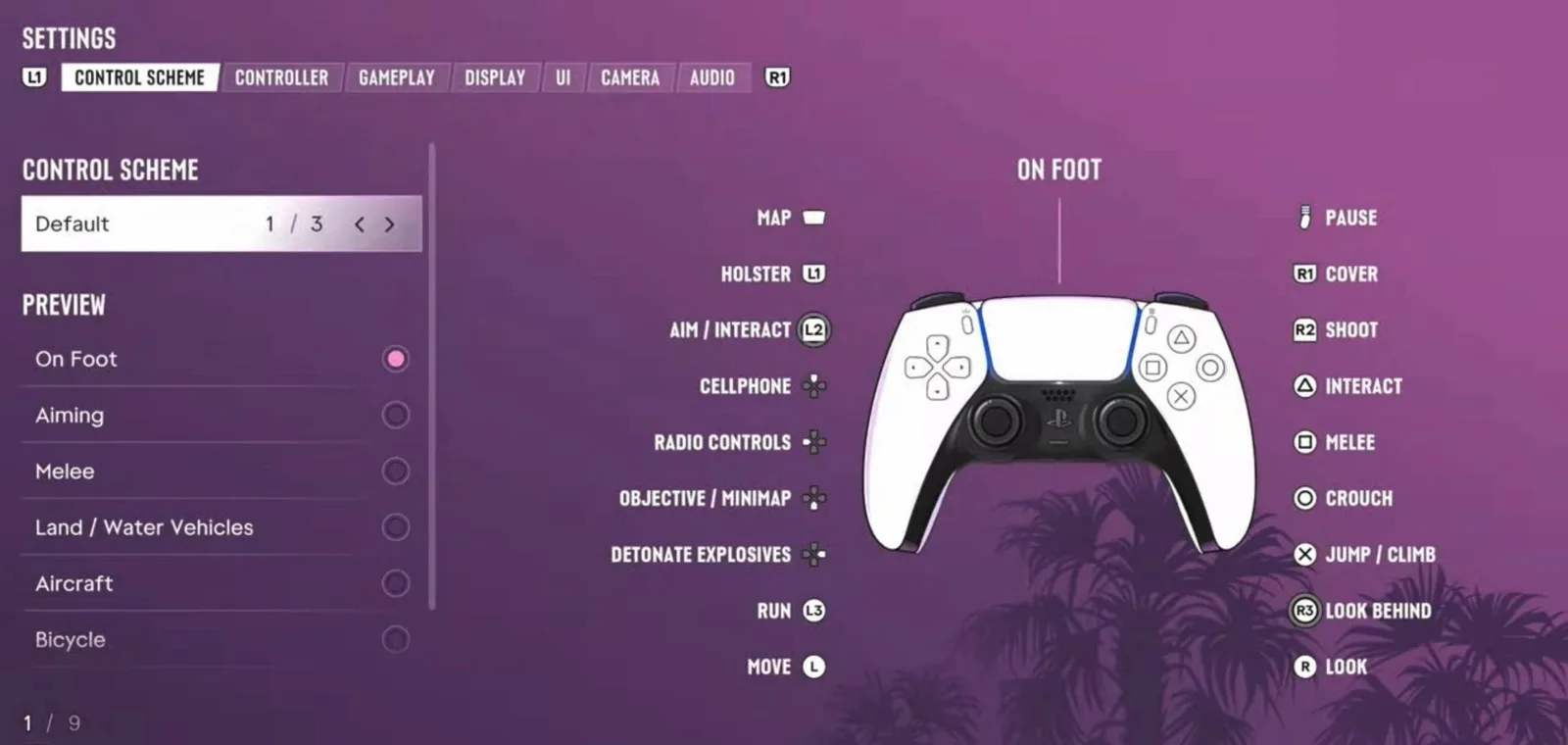
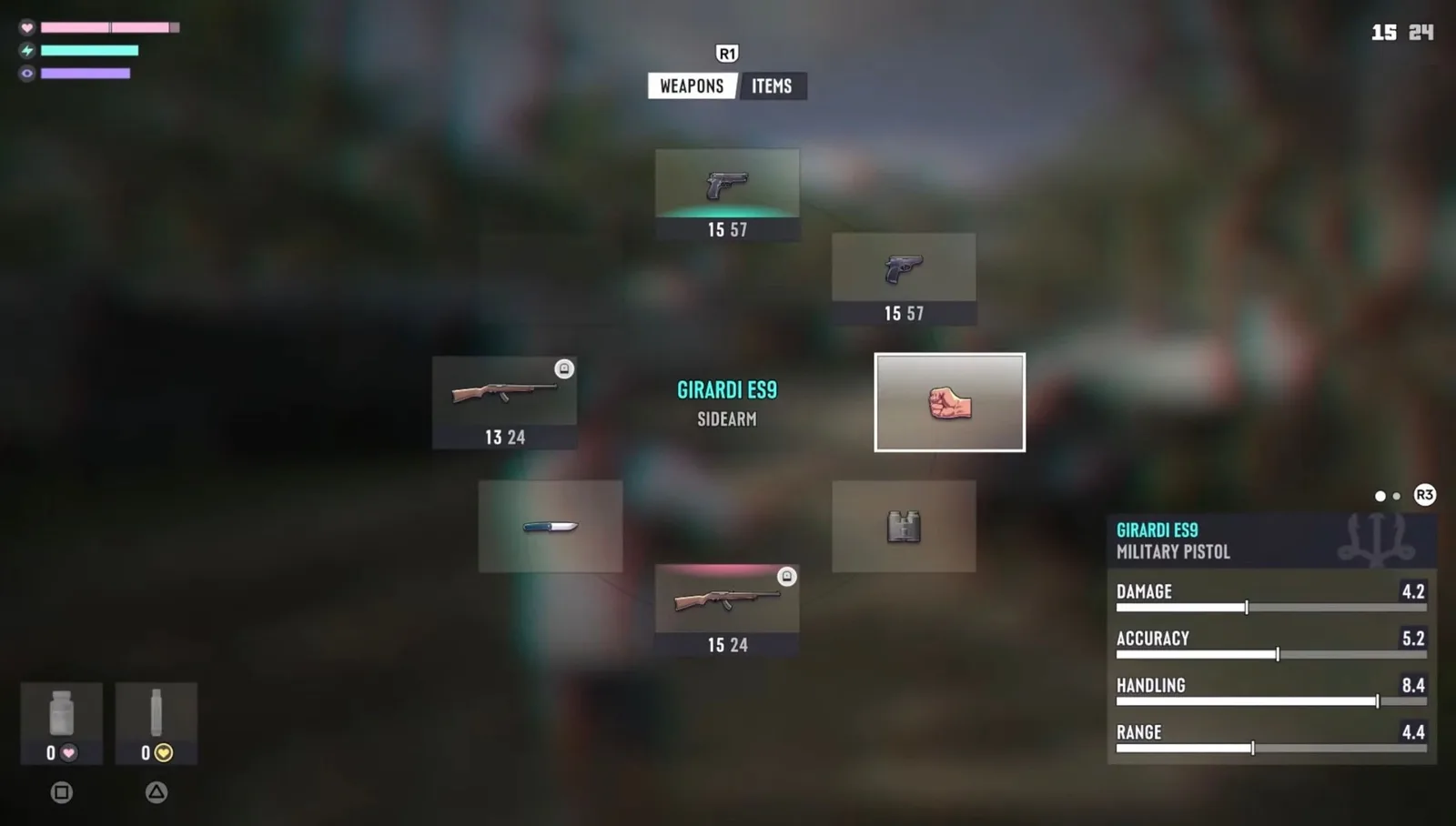
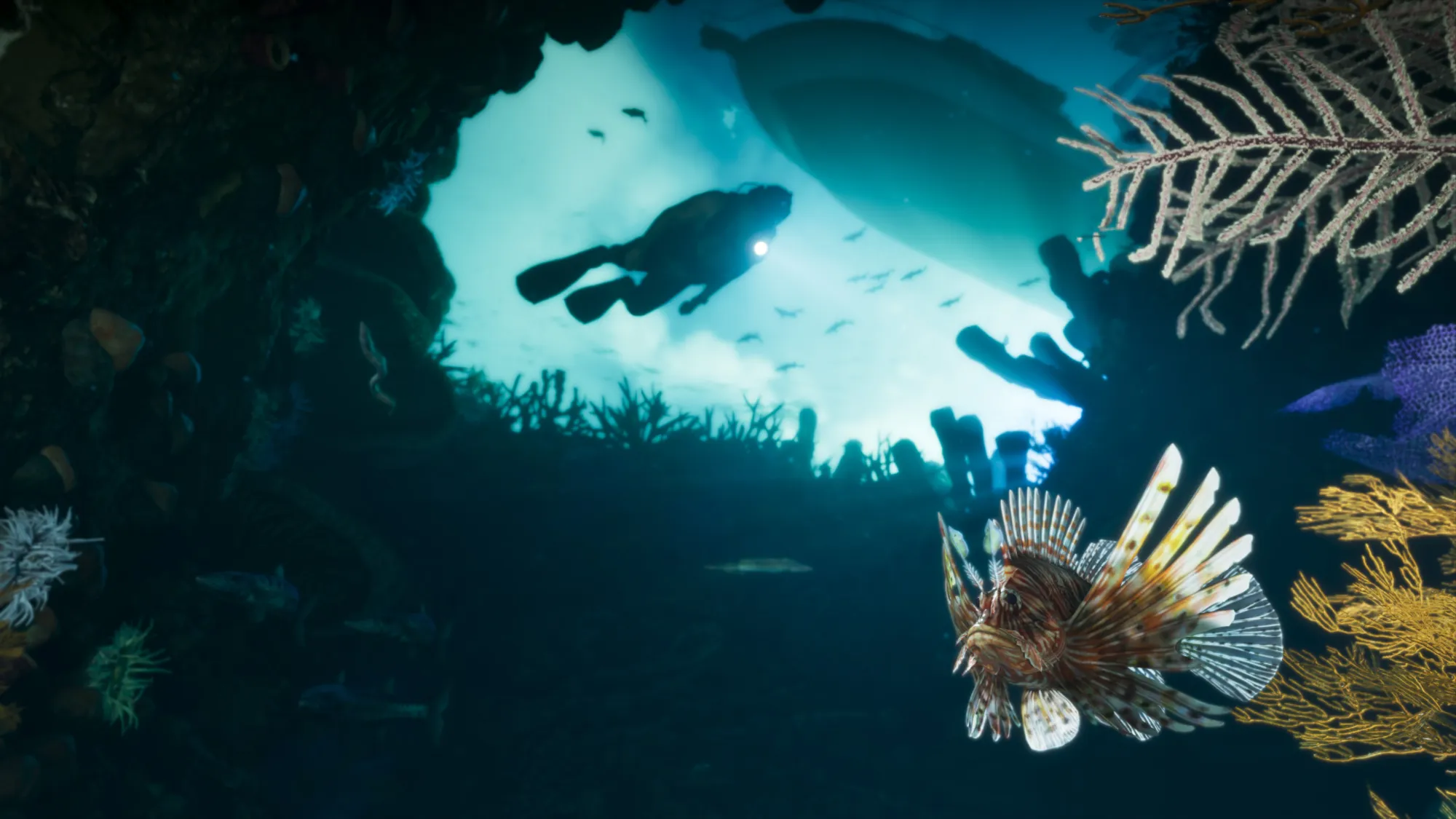
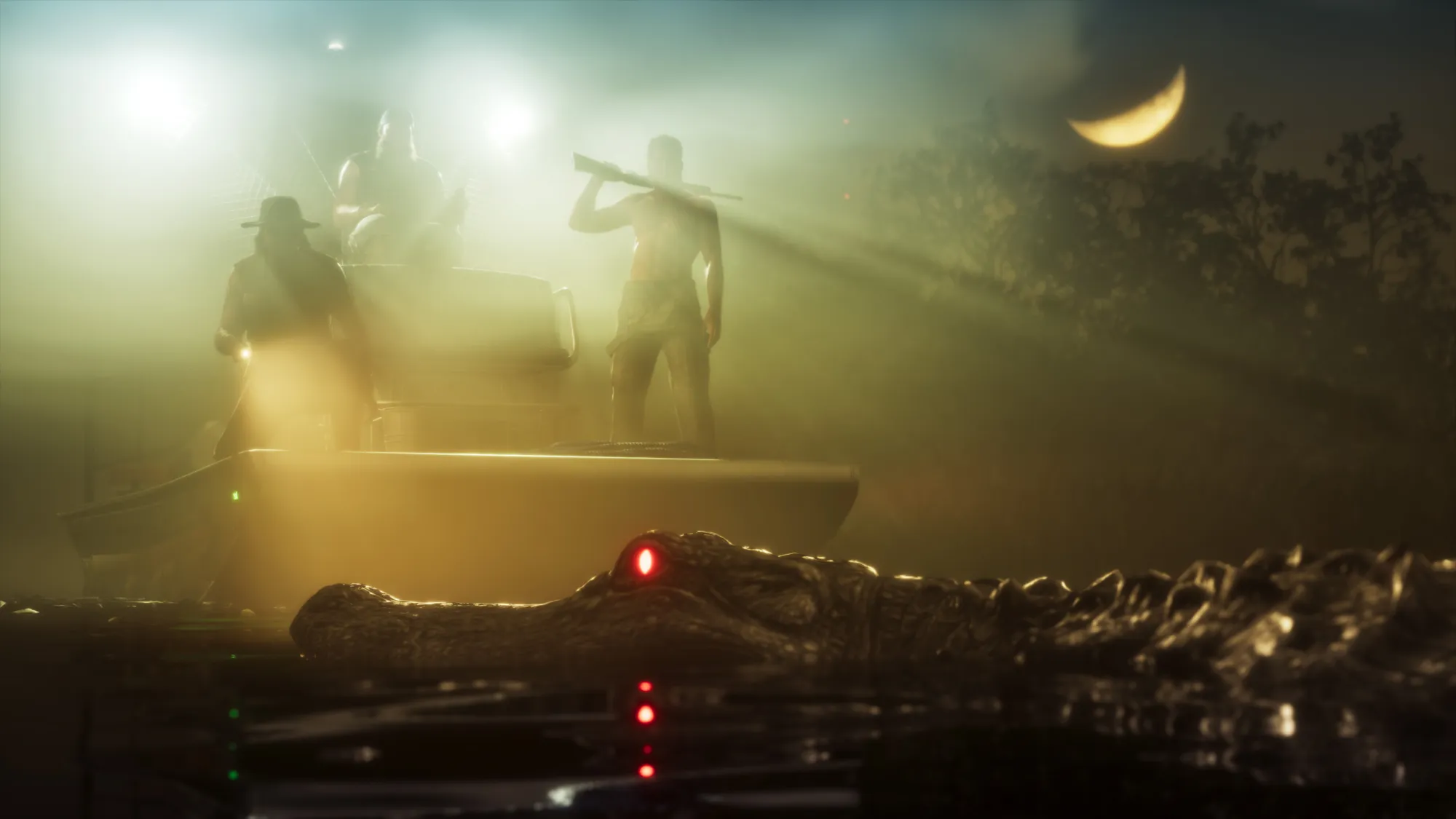
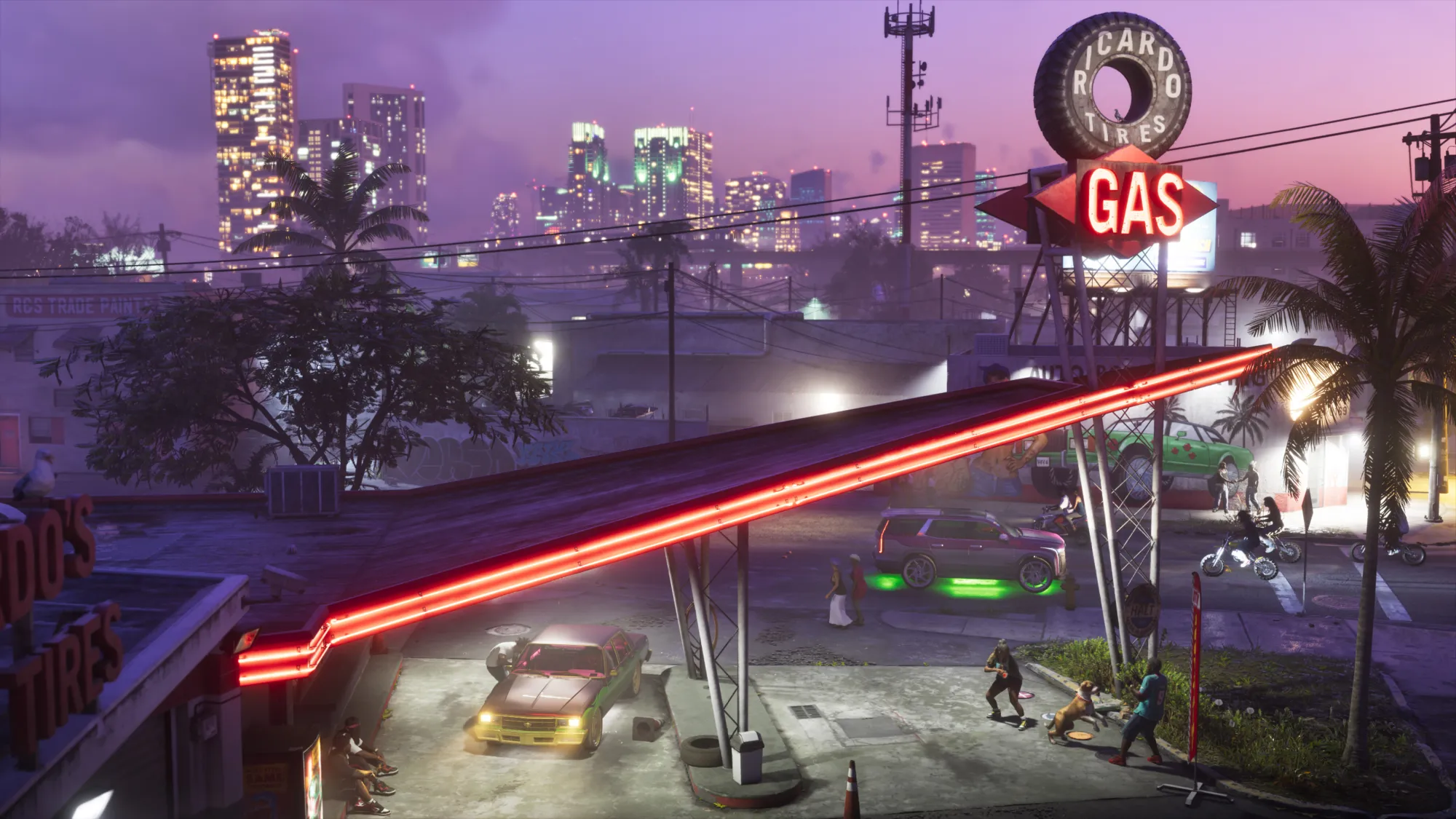
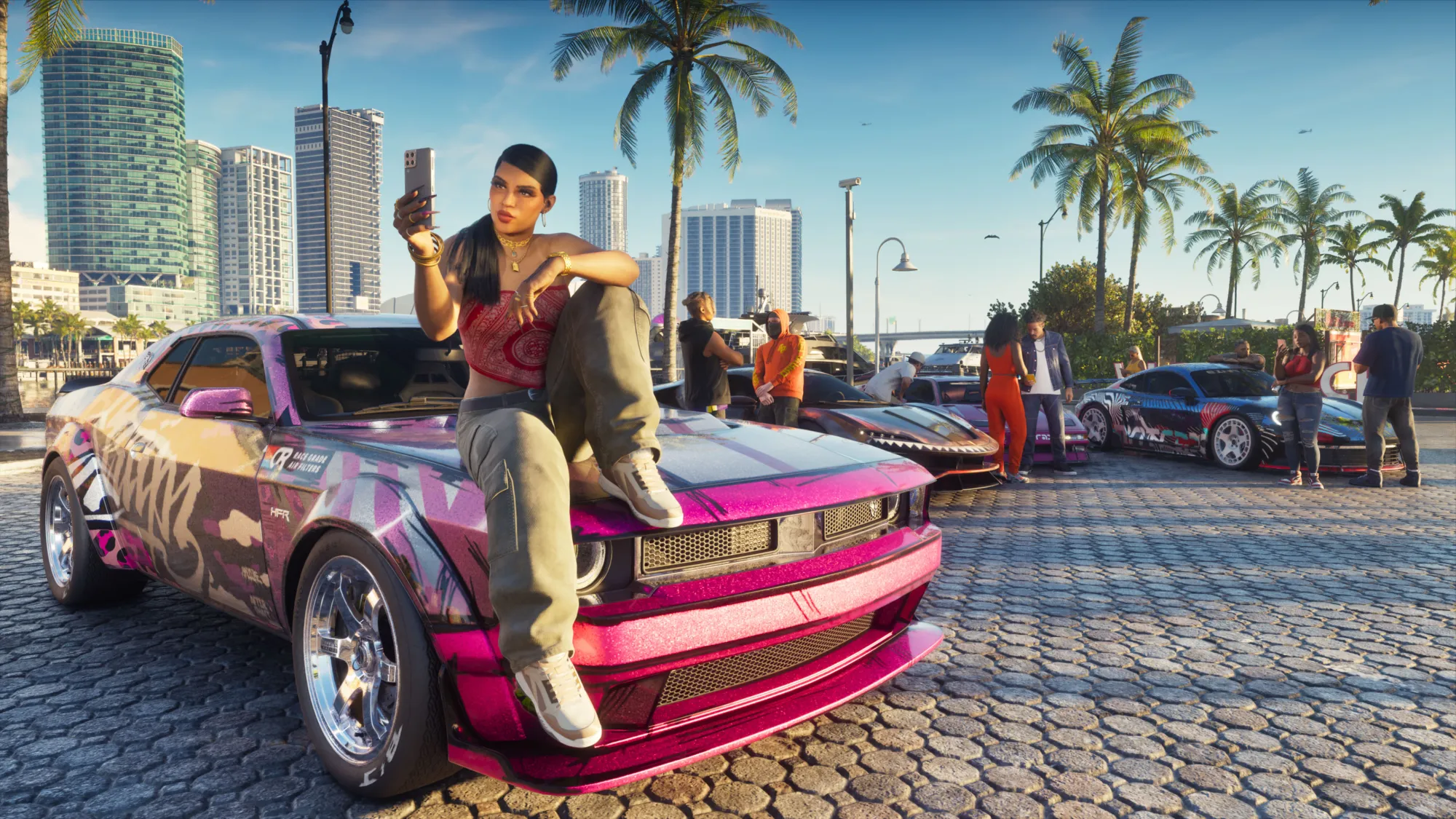
These are GTA 6 screenshots from launch day: real gameplay of Vice City and the rest of Leonida, the in-game map and menus, two PS5 vs PS5 Pro comparisons from Digital Foundry, and the best of Rockstar's official images. We add more as players reach new places.
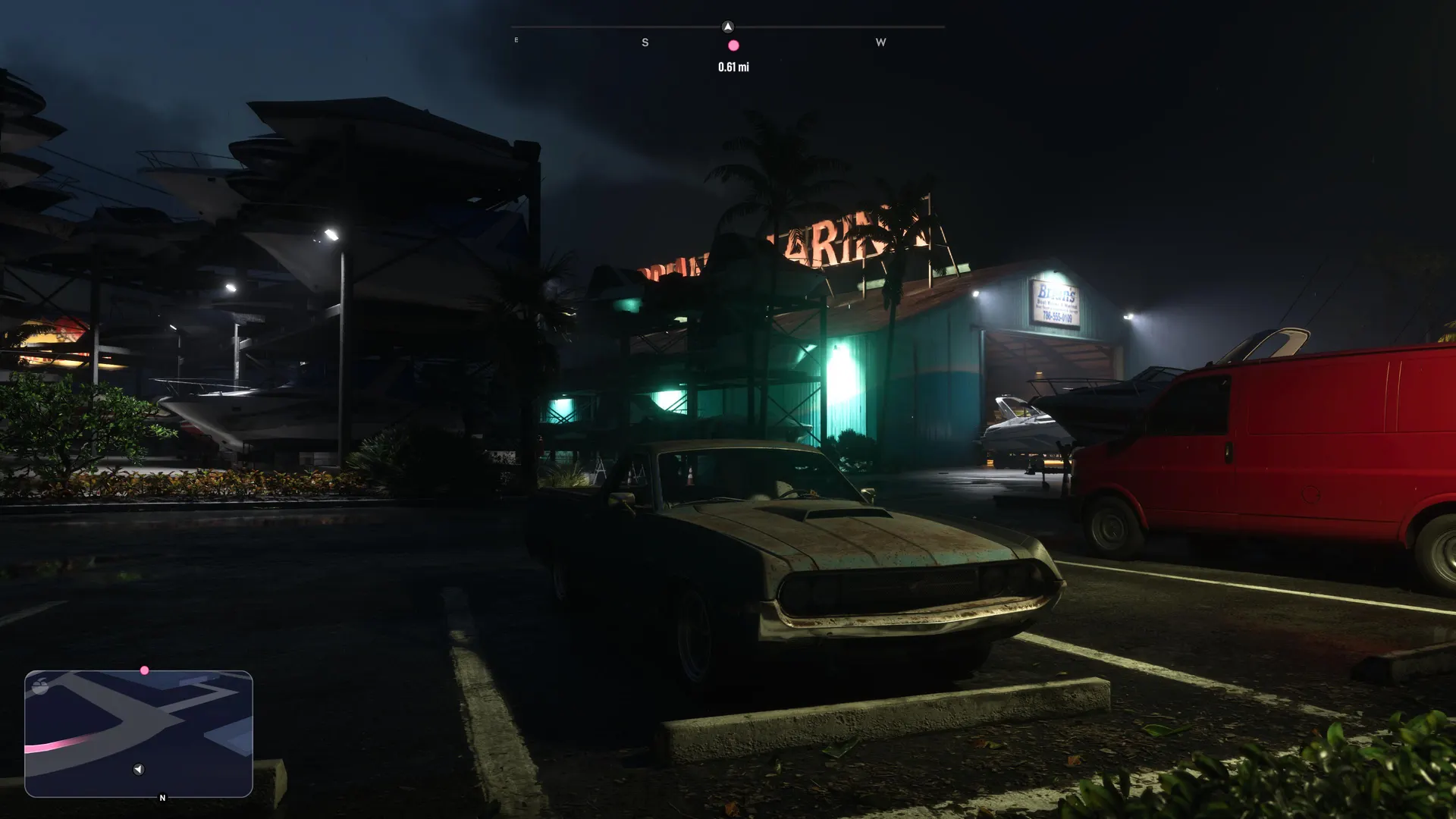
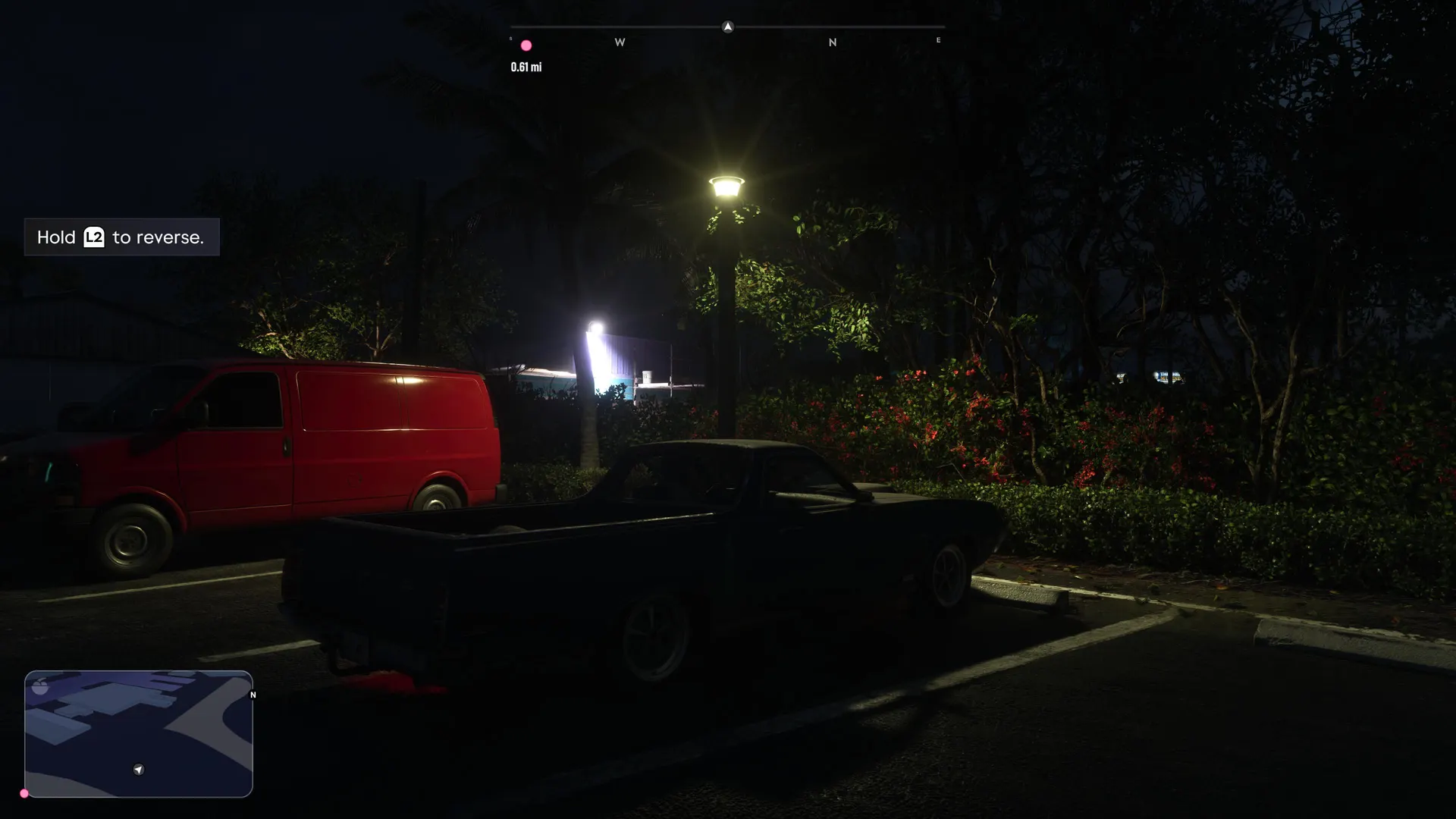
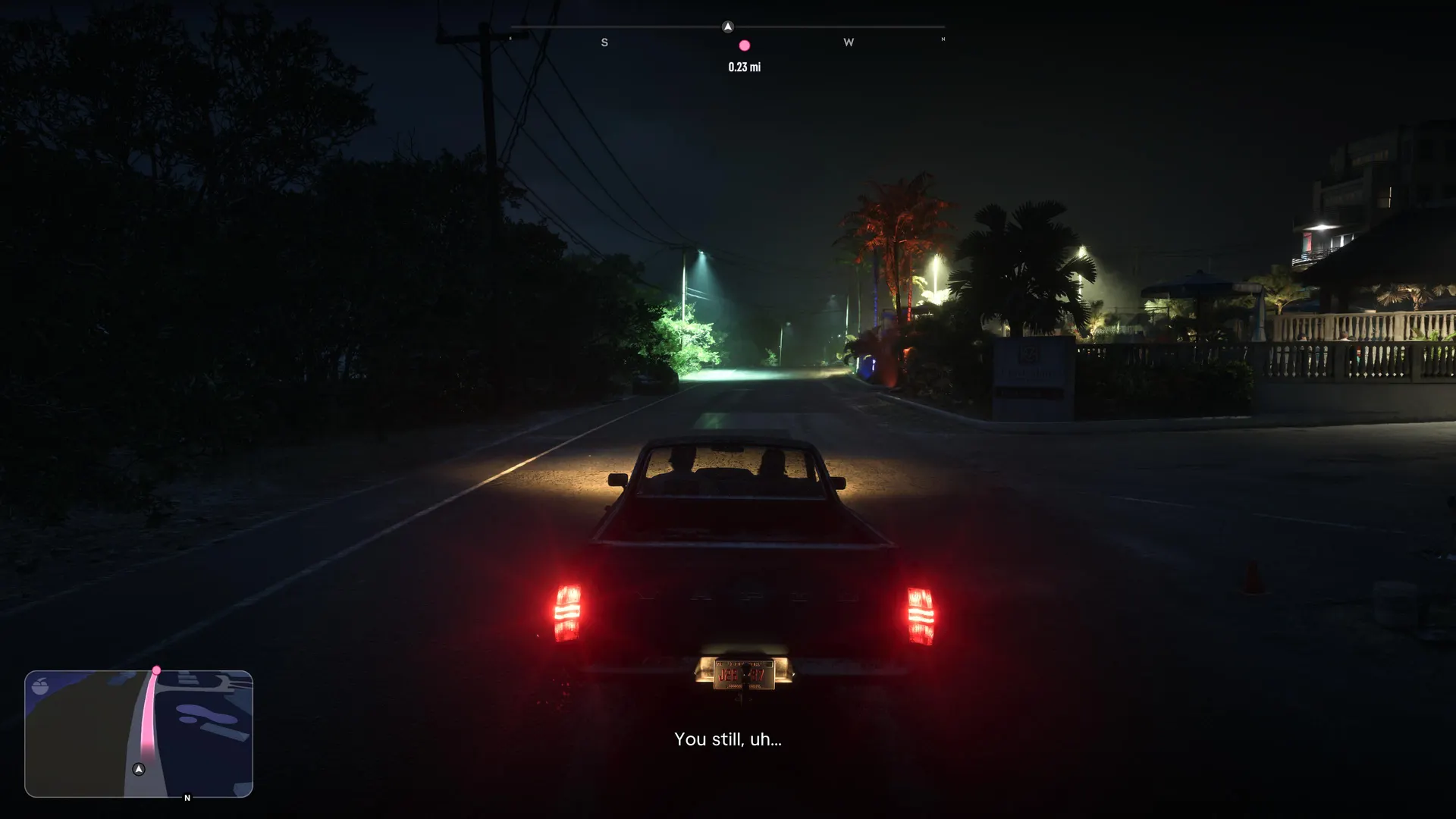
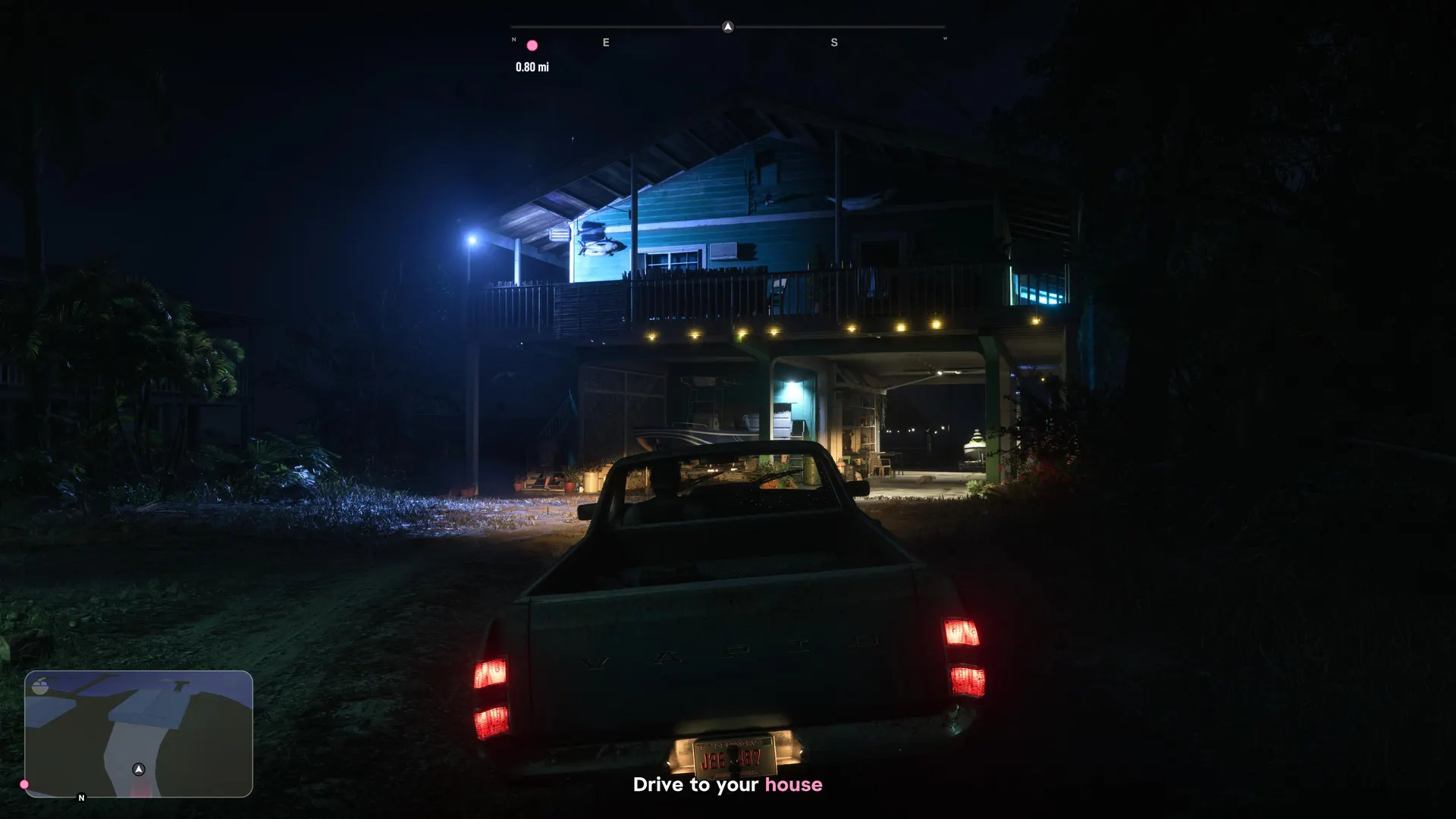
01Our own screenshots (PS5 Pro, 4K)
Captured by us on a PS5 Pro on launch night, from the opening hours. More as we play.
02More from our game
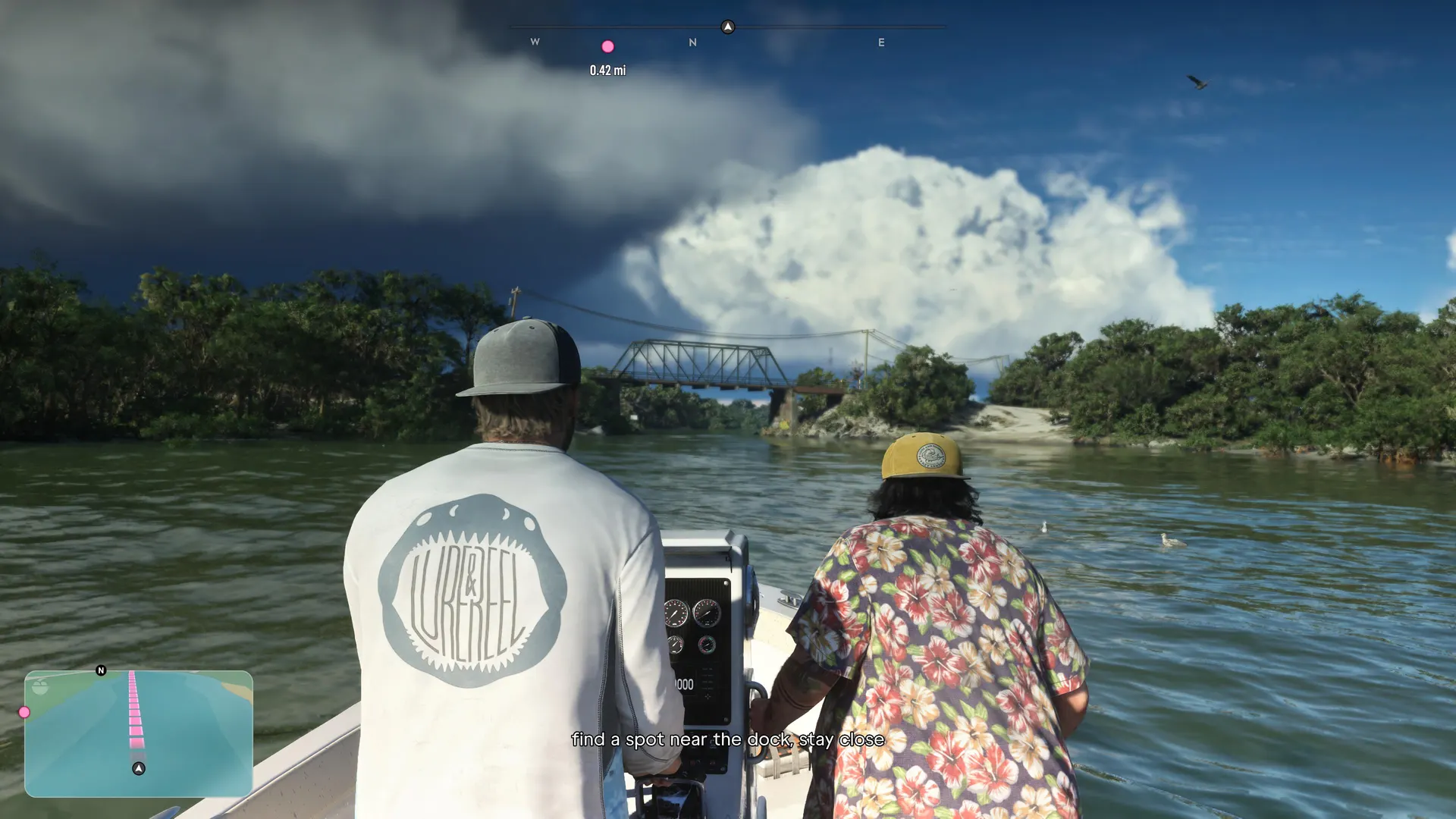
Boat trips, night drives, the wardrobe, working out and car customization, all captured on our PS5 Pro.
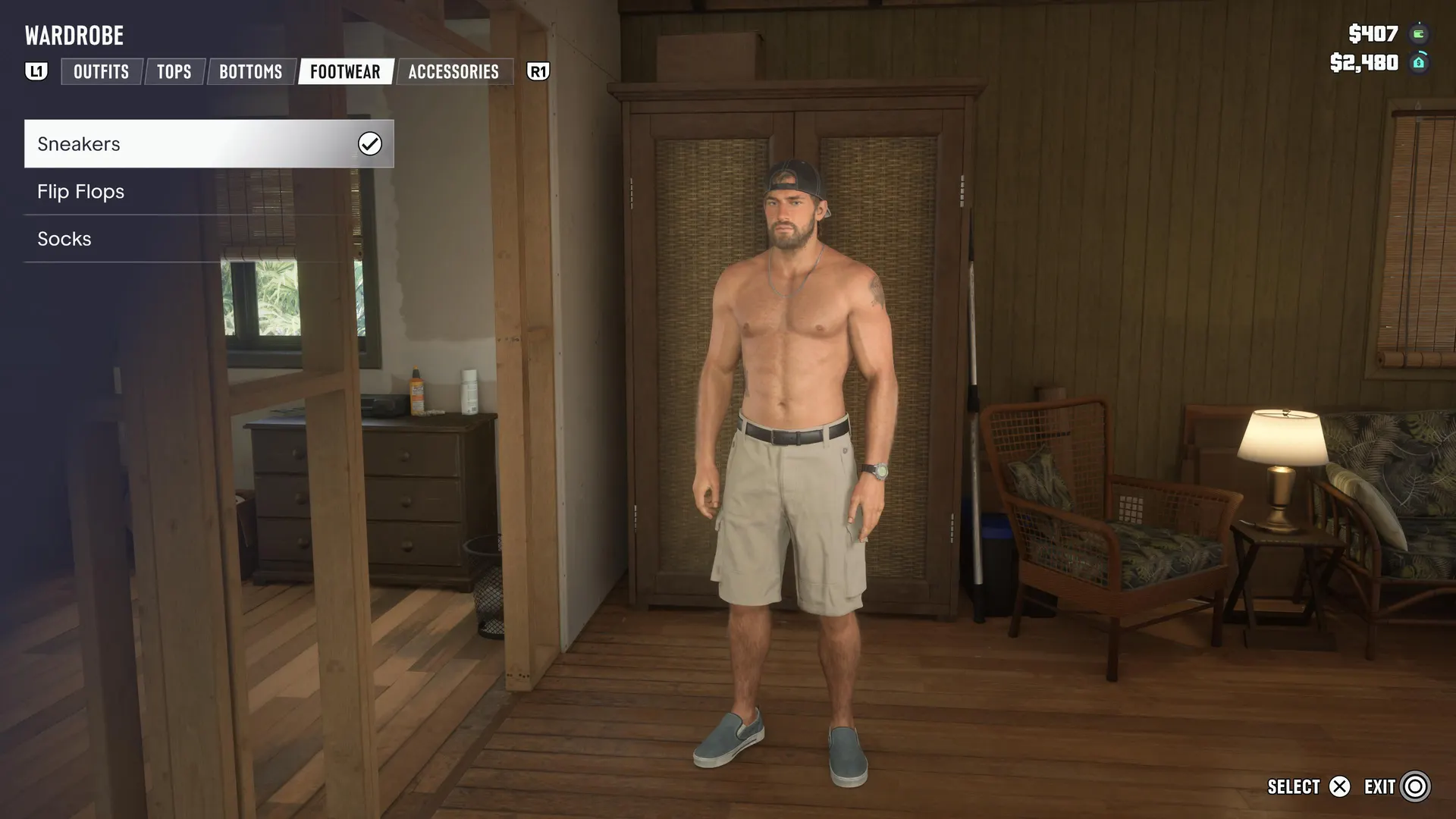
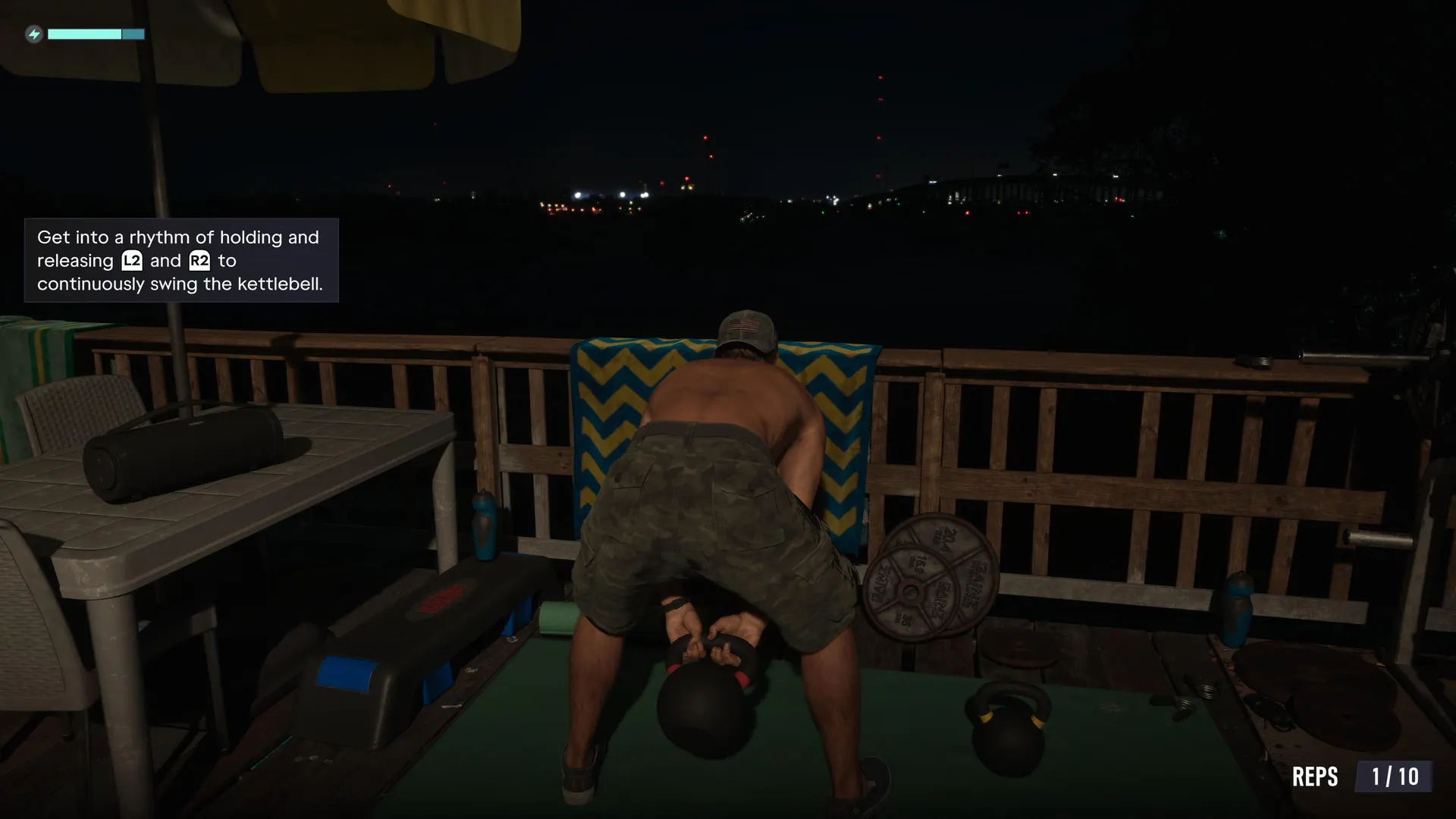
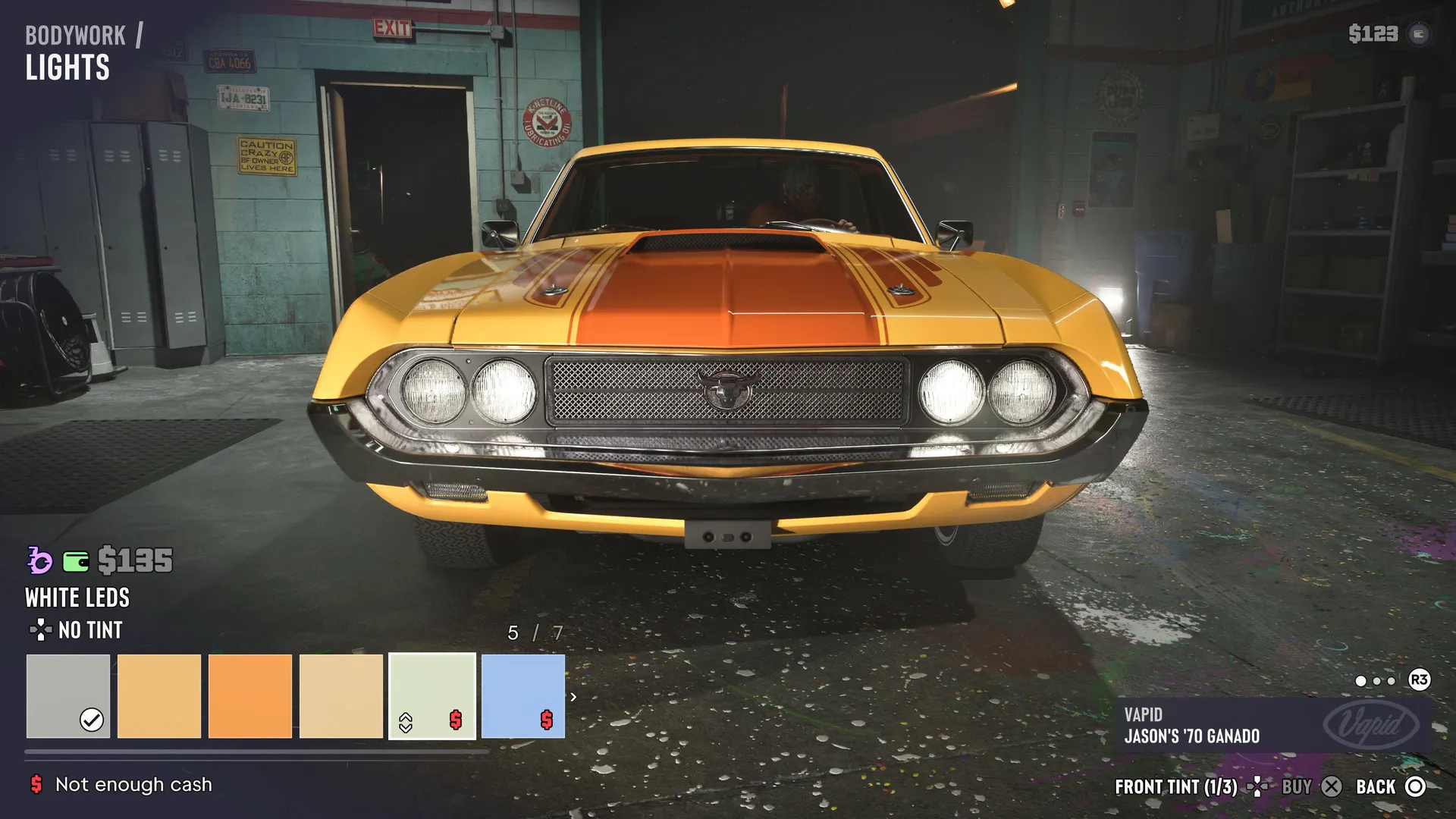
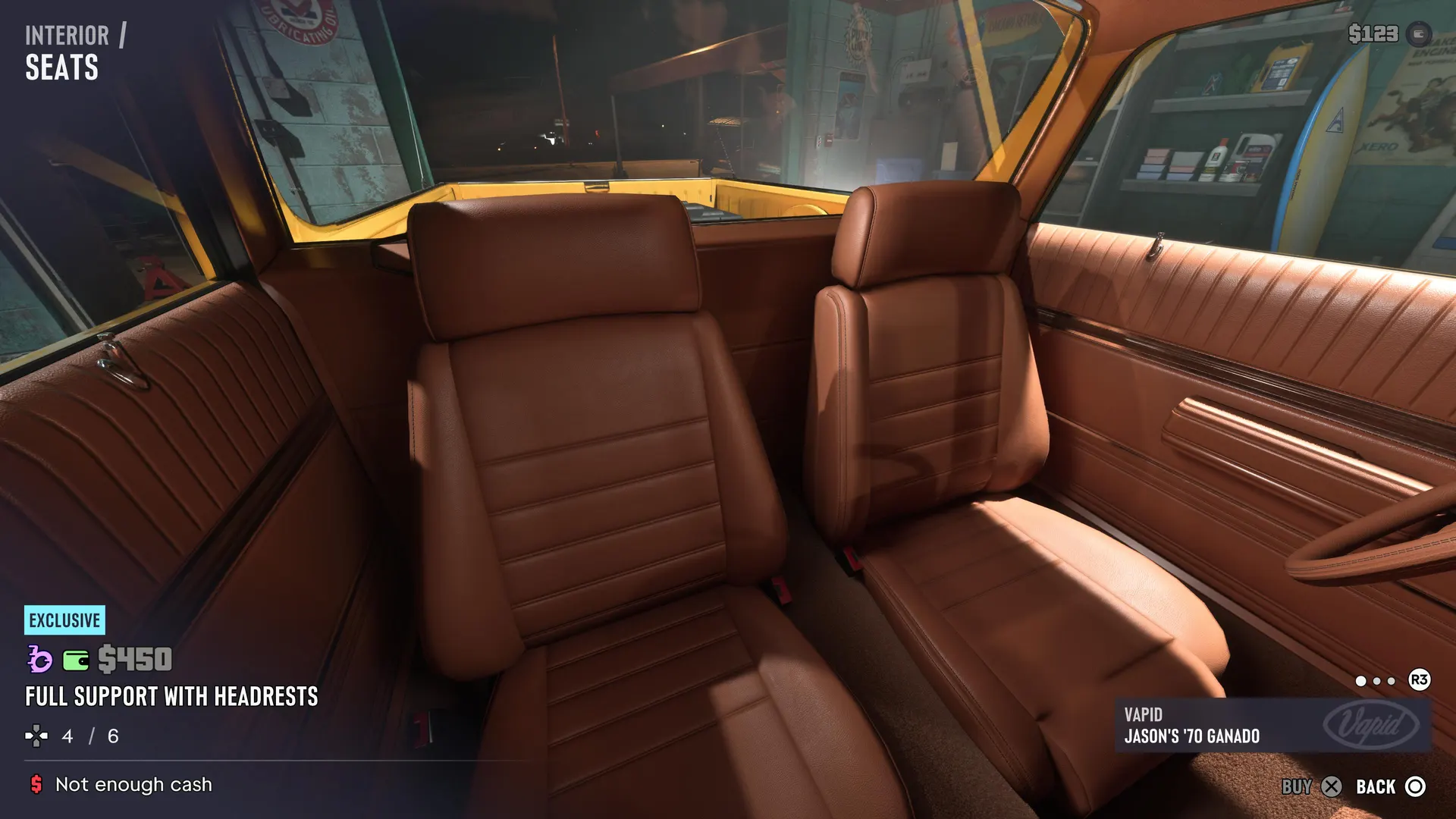
03Gameplay screenshots
Real in-game images from the first hours: driving, flying, the Keys, the swamps, the map and the menus.
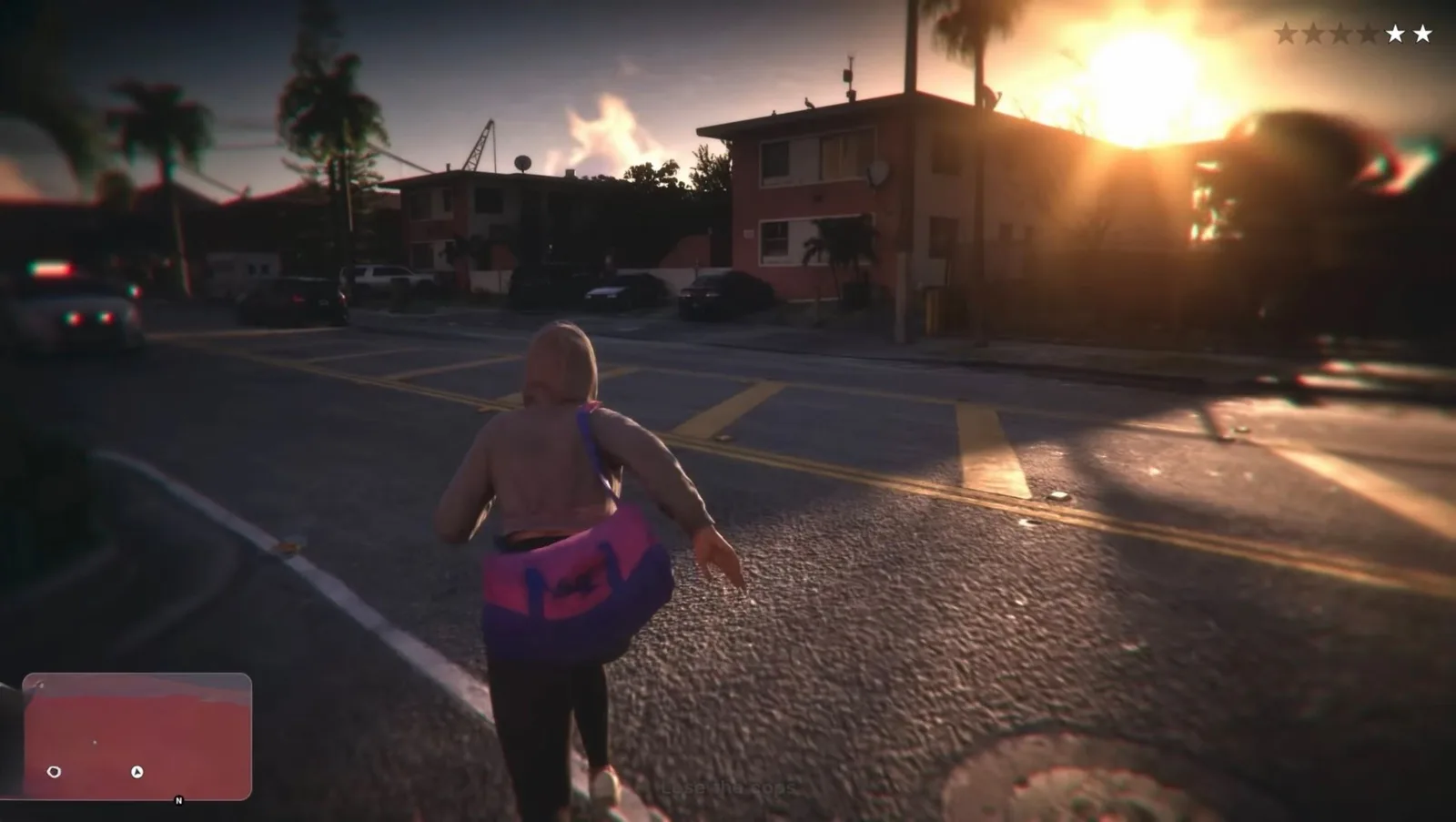
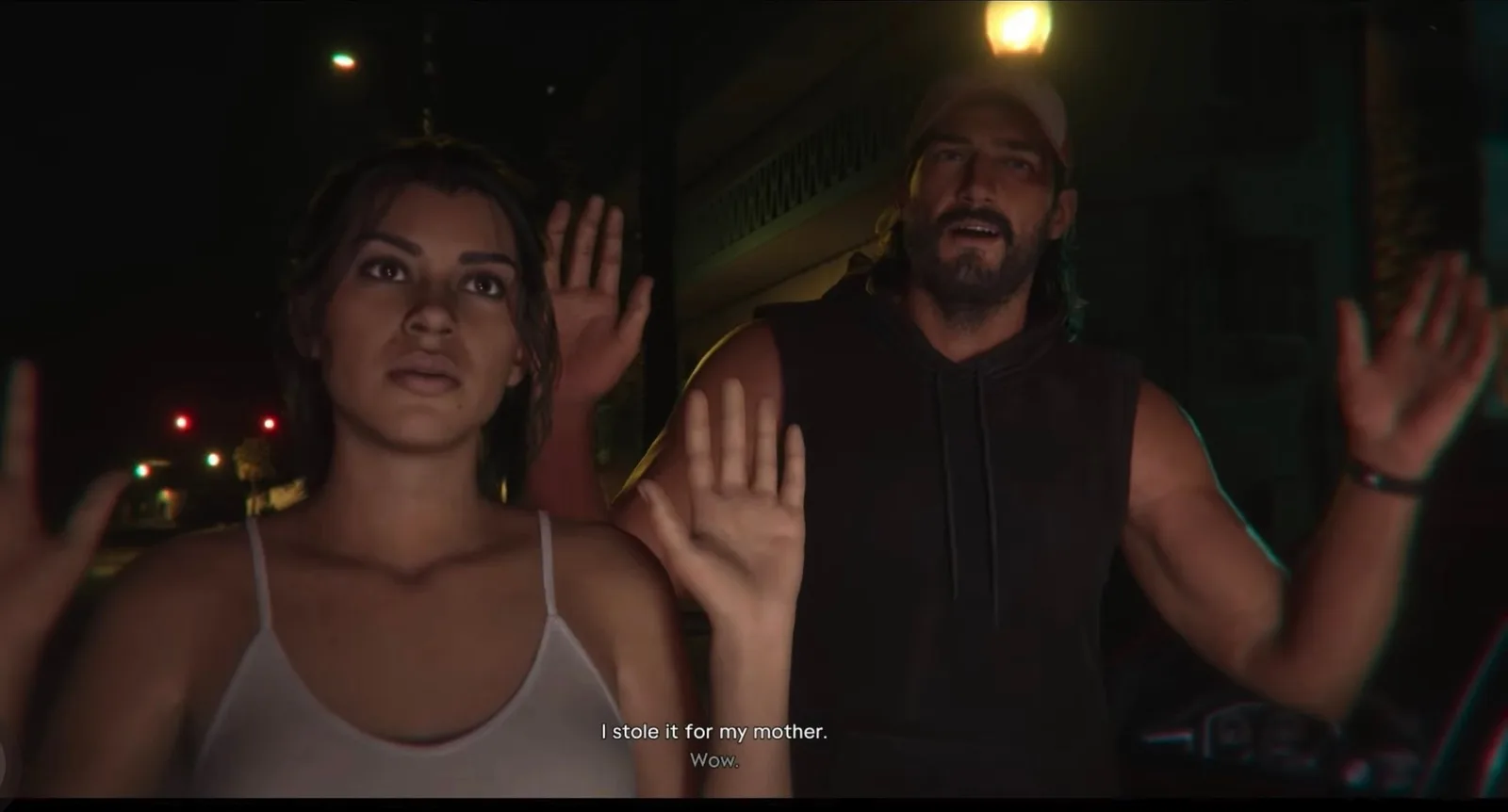
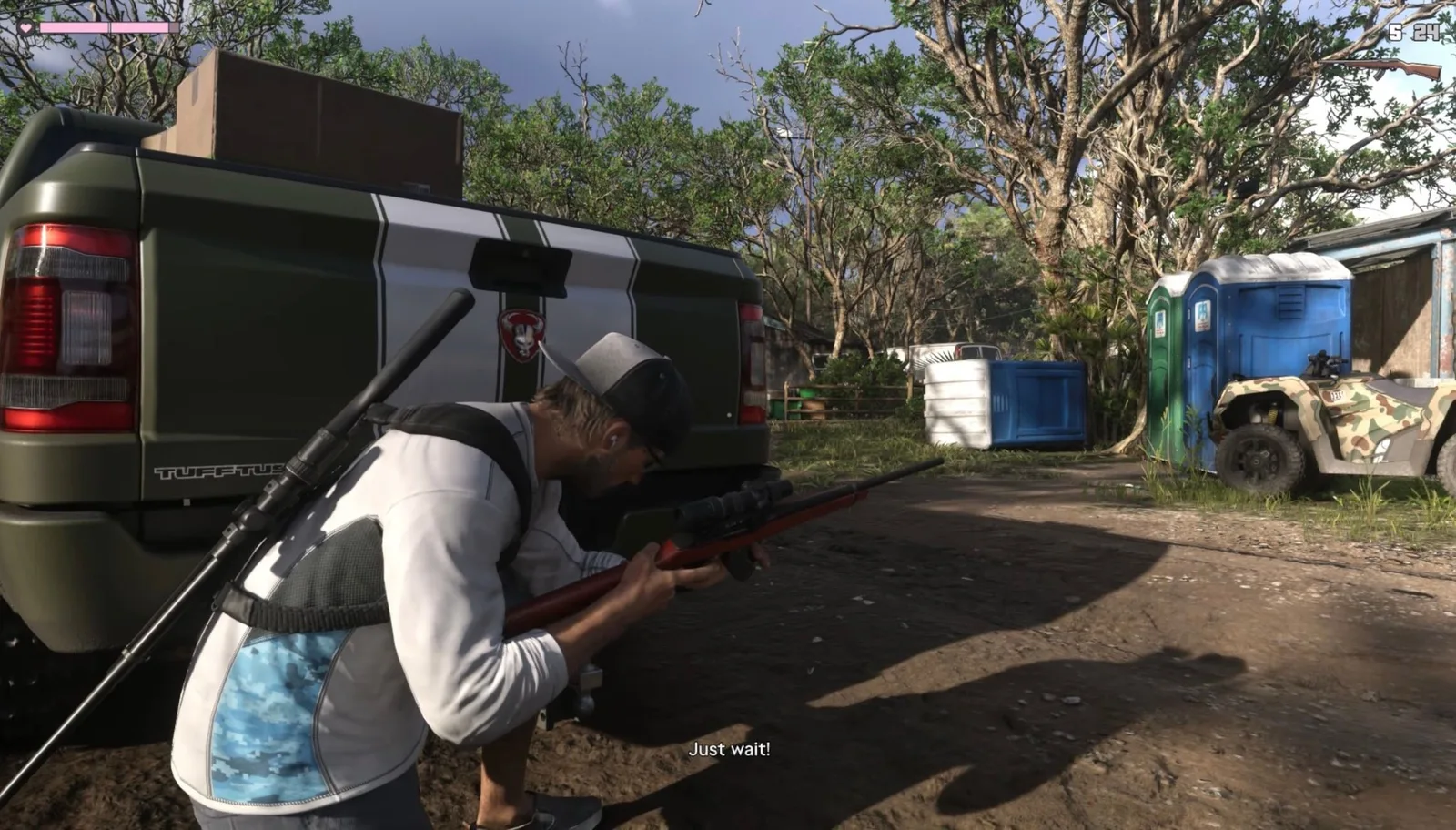
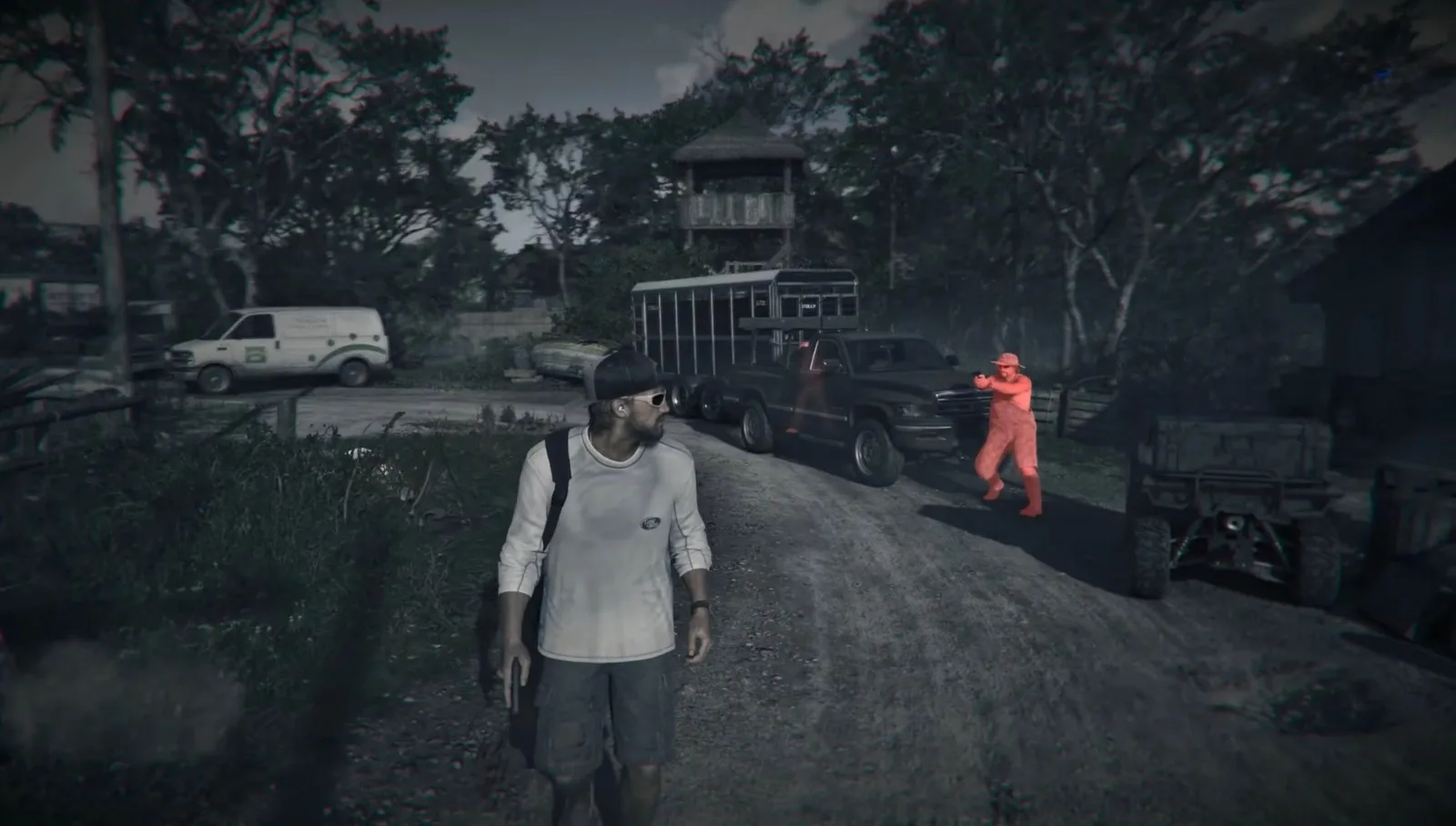
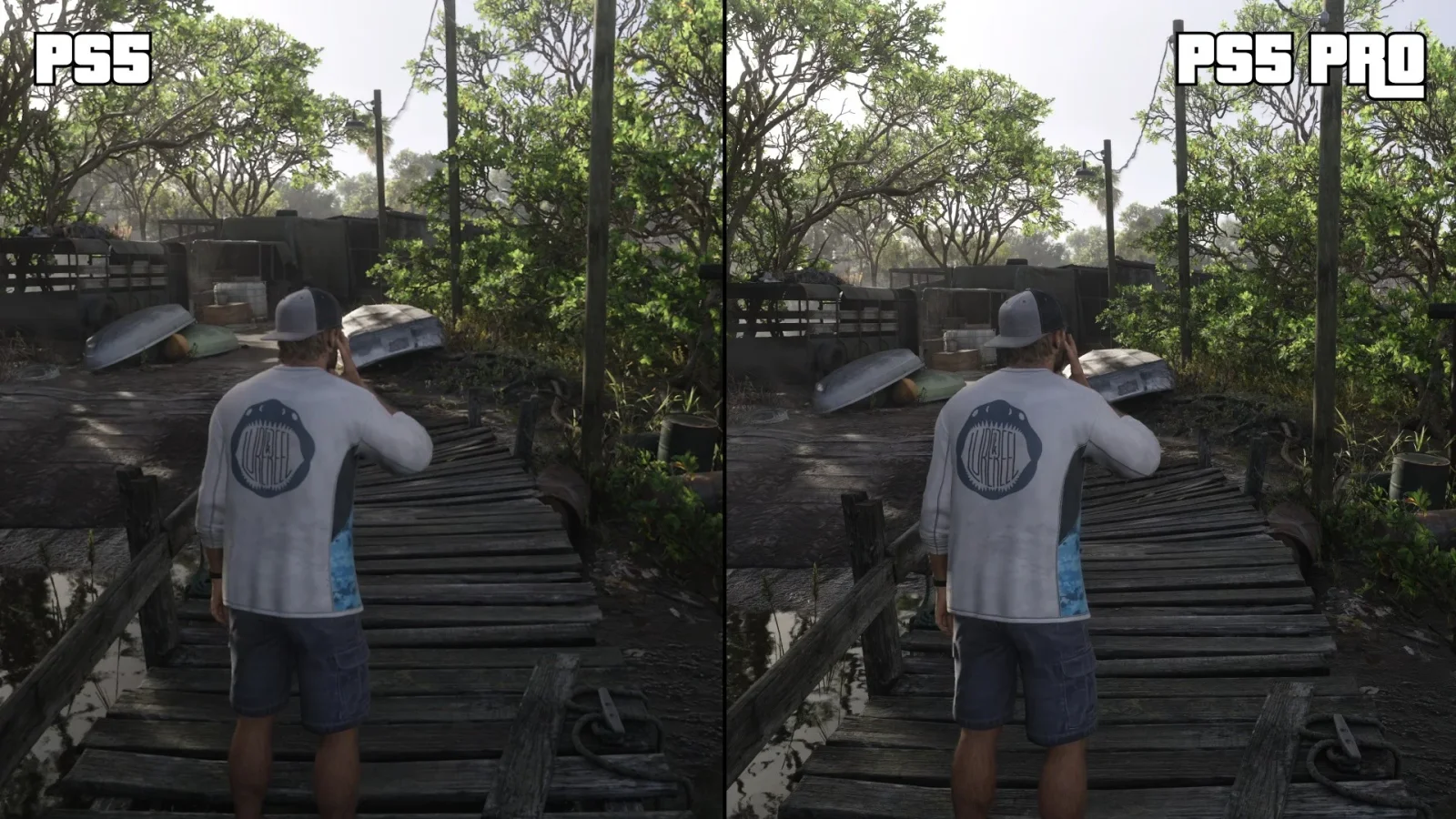
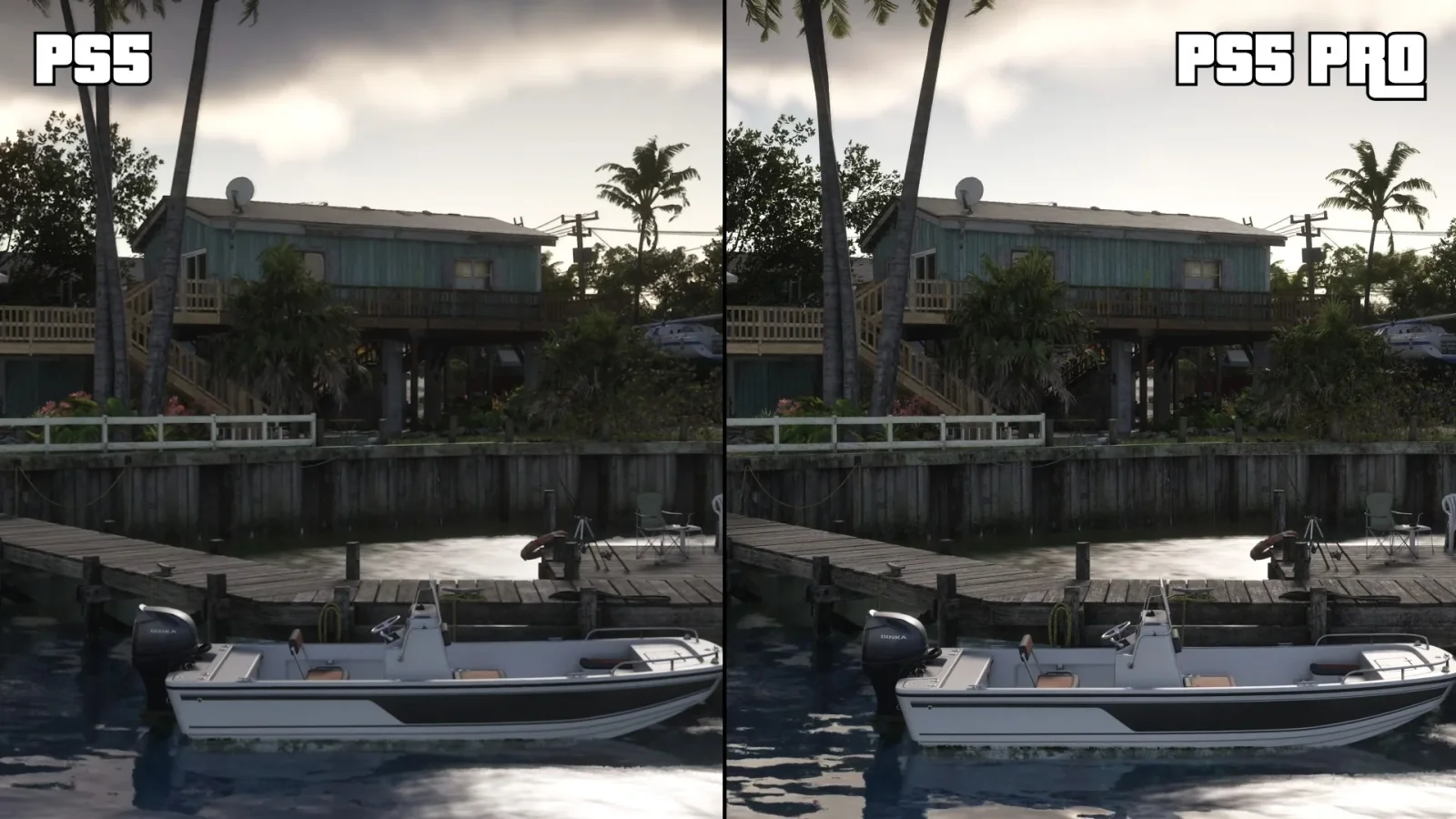
04PS5 vs PS5 Pro
Both run at 1440p and 30fps; the Pro adds PSSR upscaling and ray-traced shadows. The full comparison.
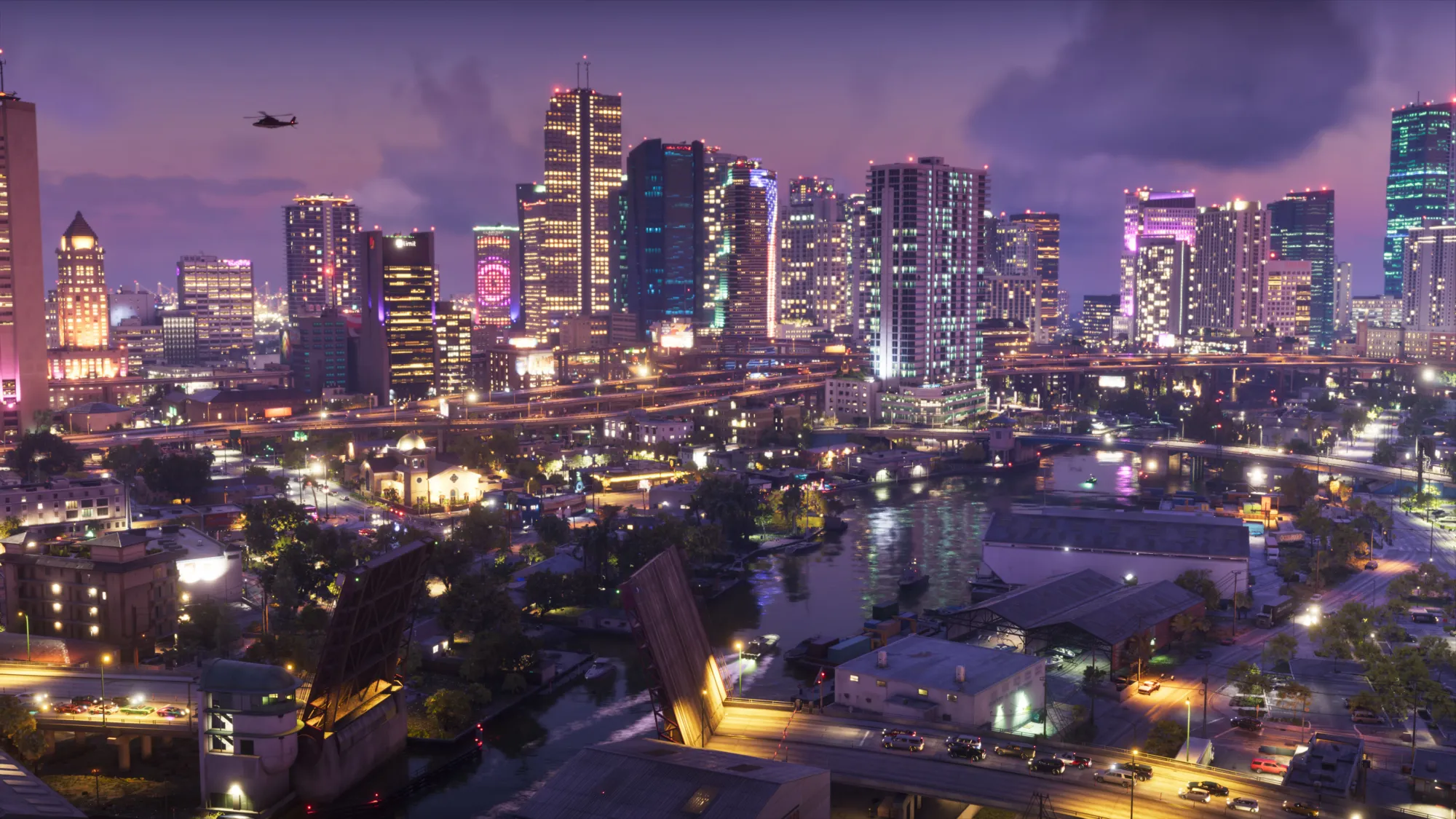
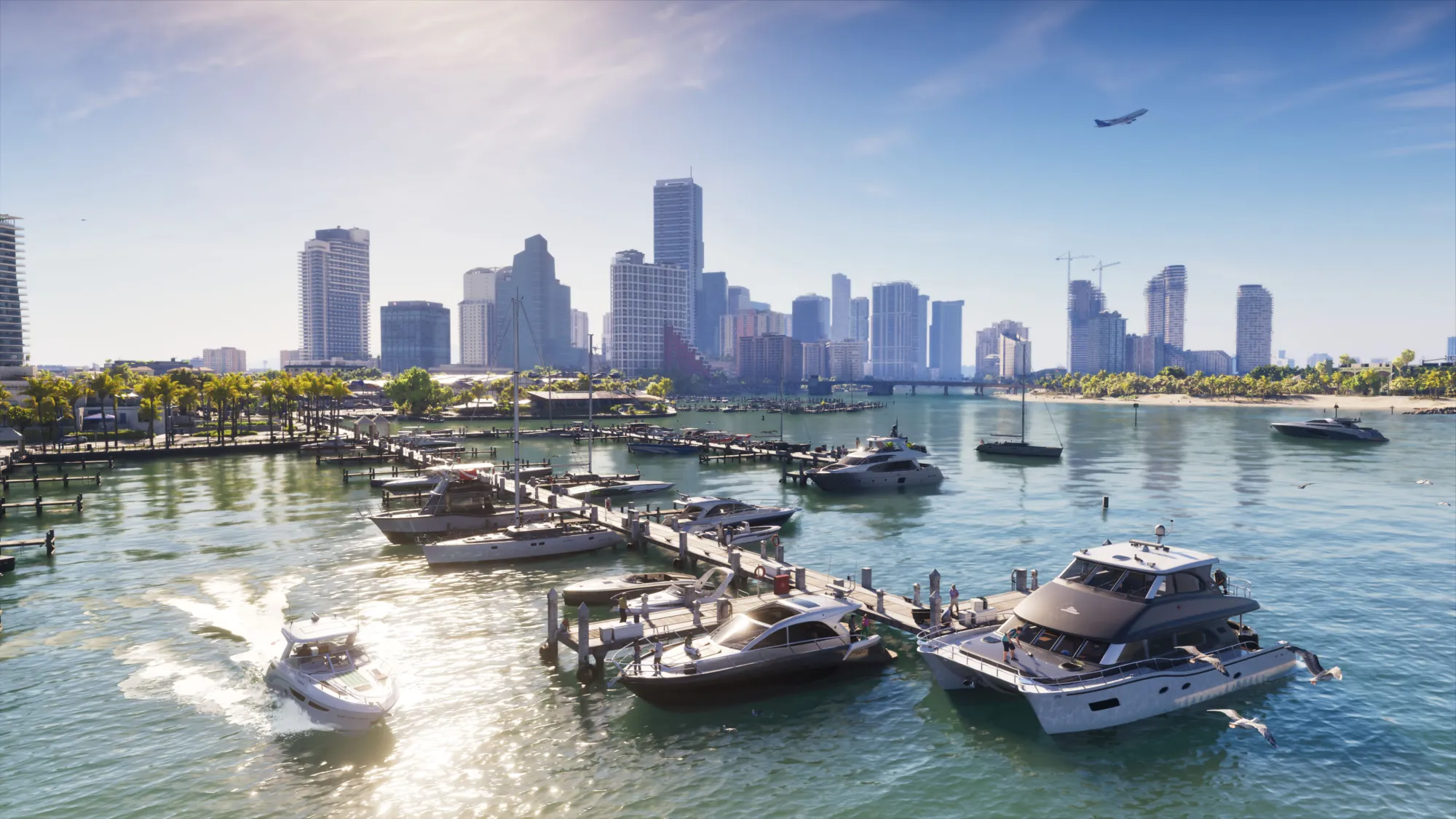
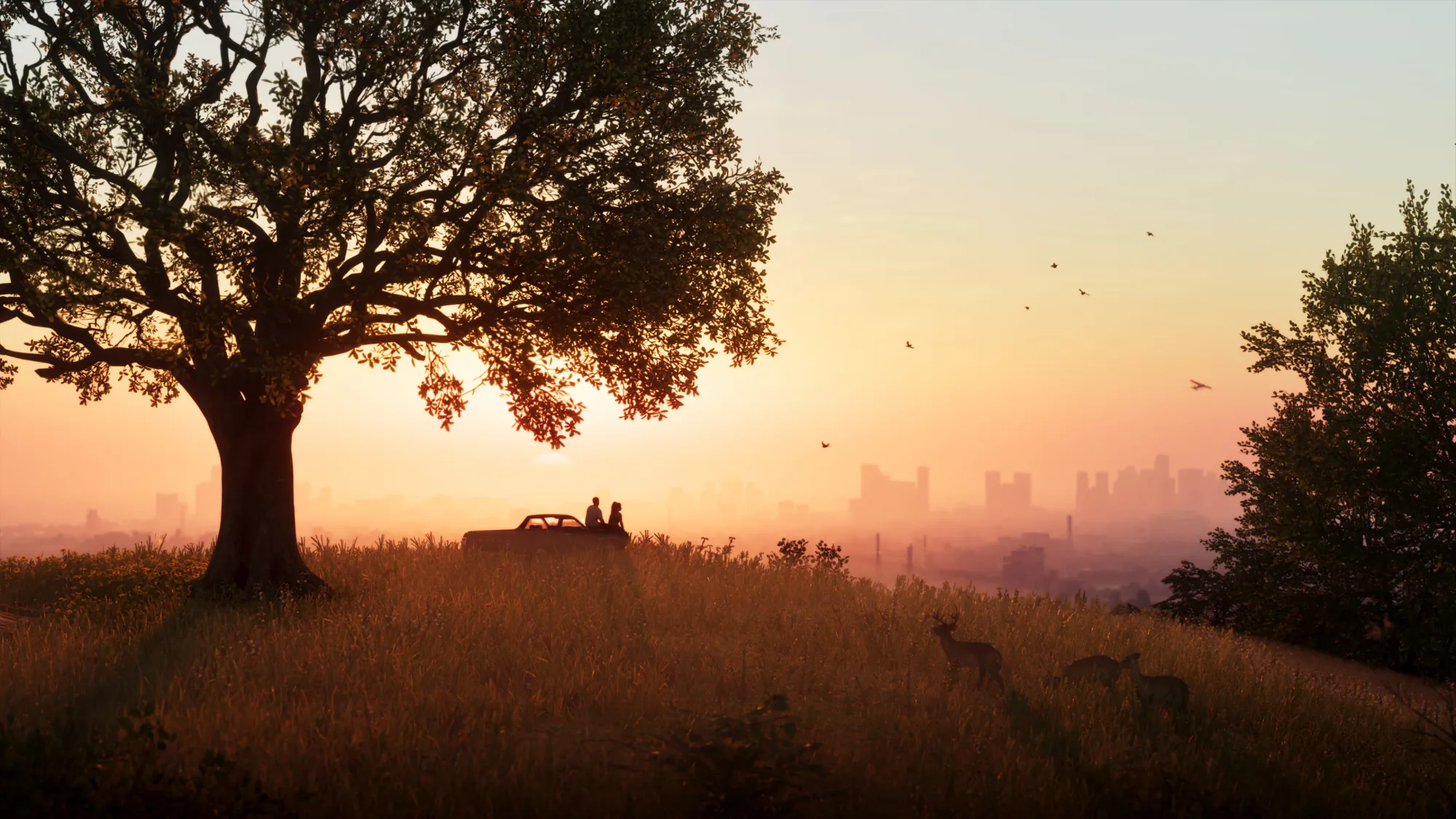
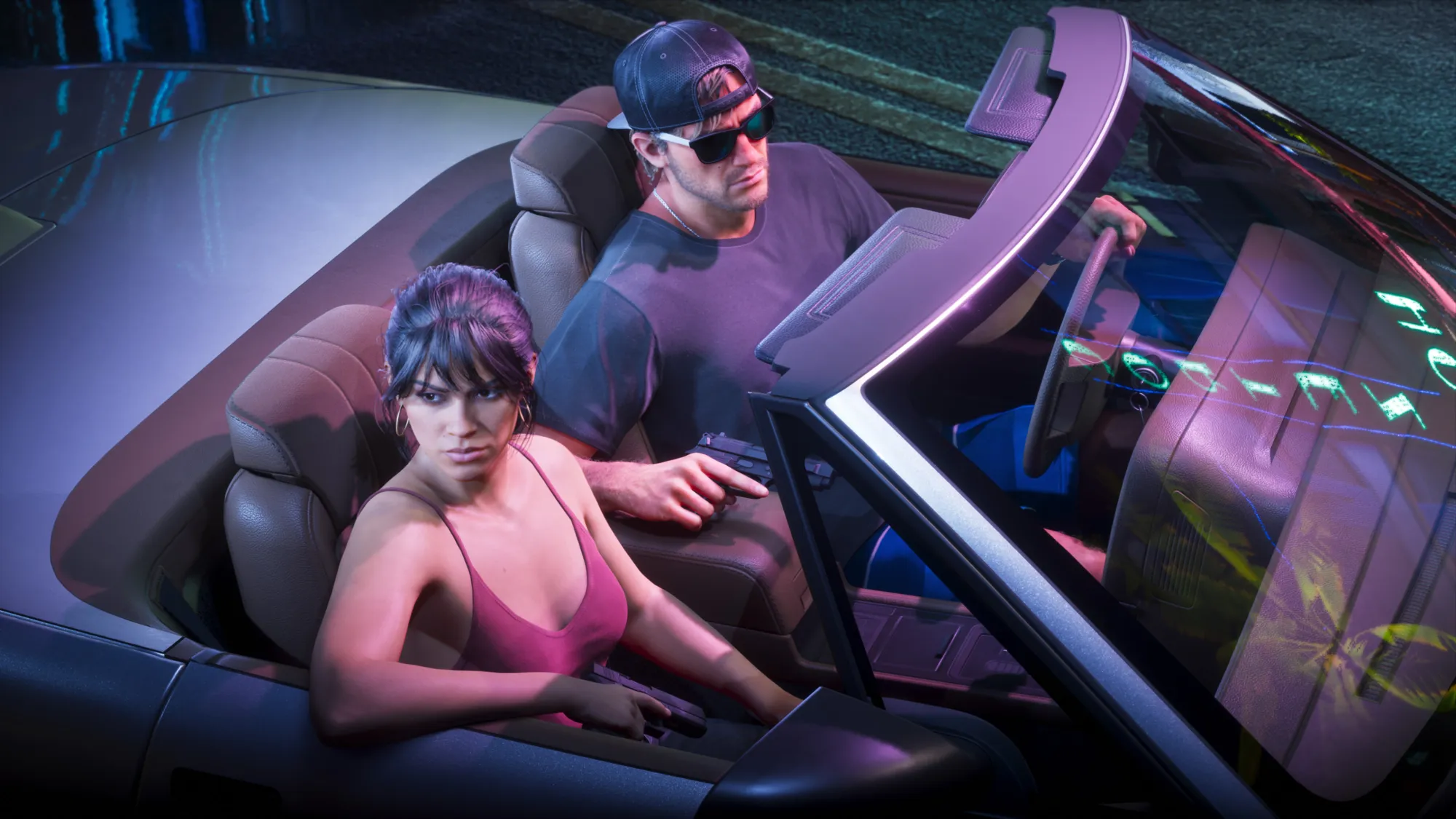
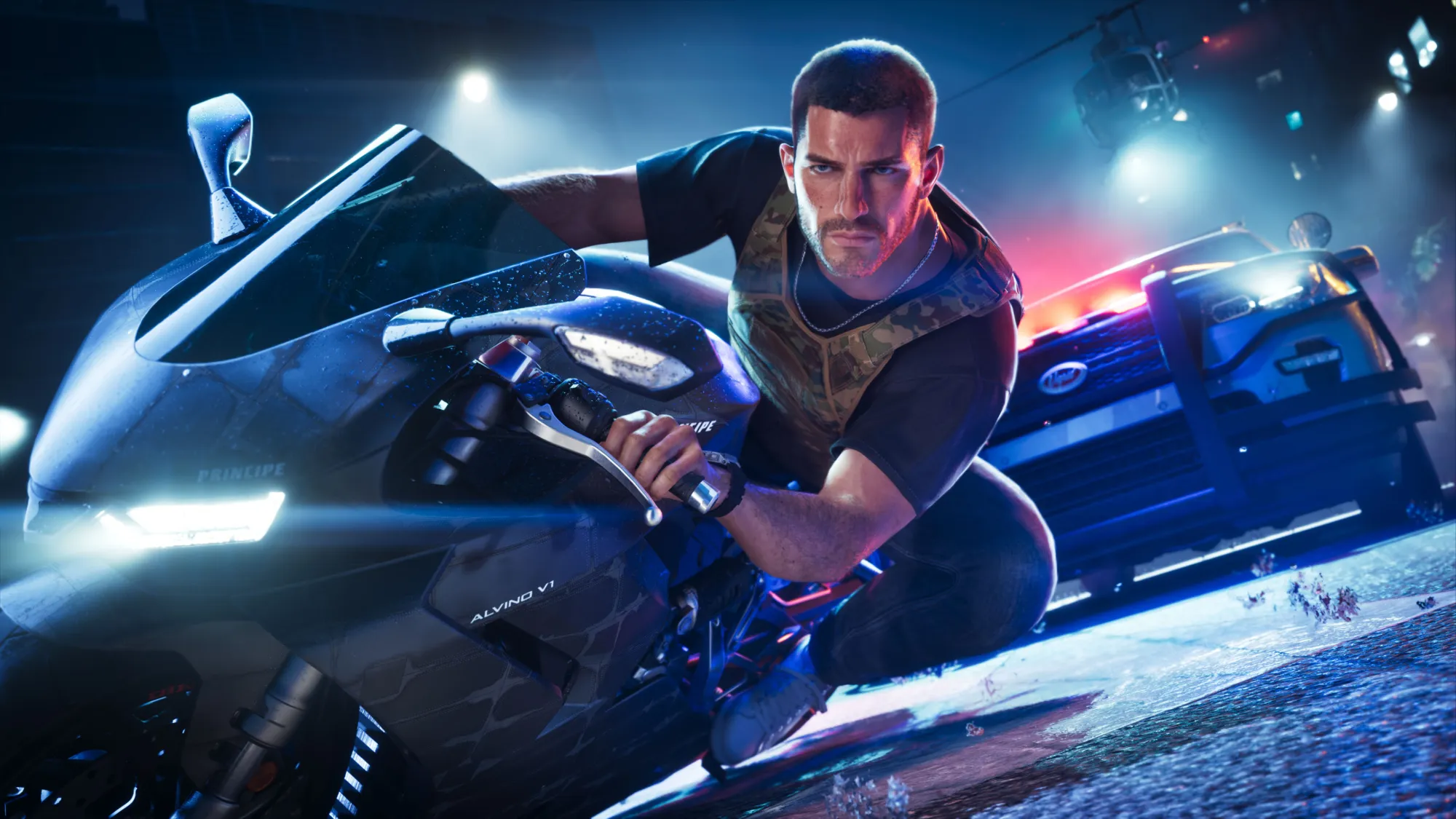
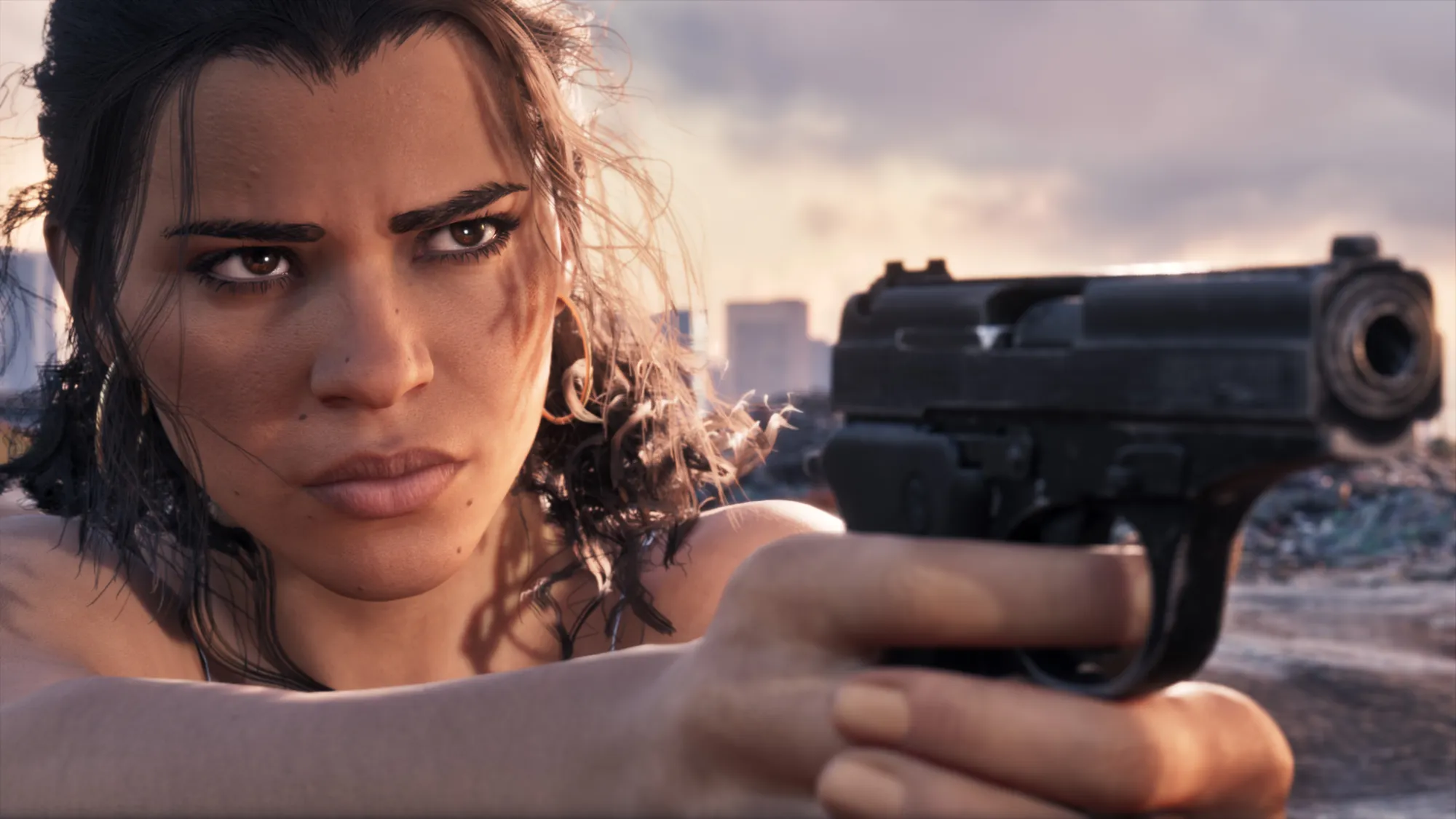
05Official Rockstar screenshots
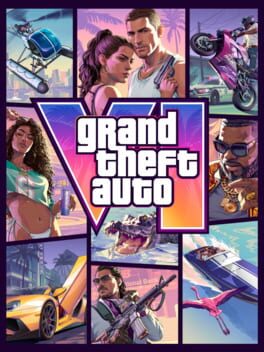
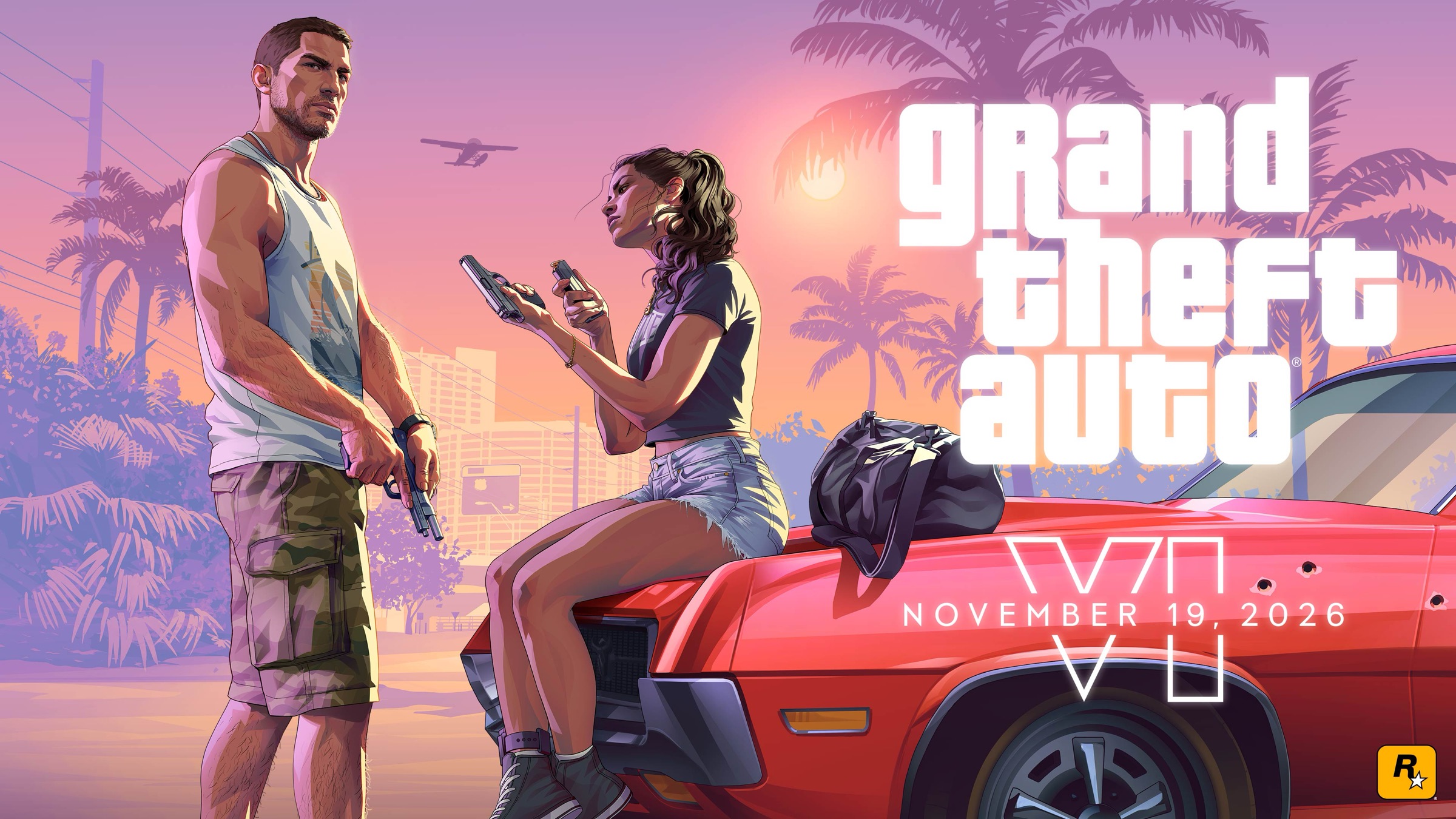
Rockstar's own images of Vice City, Jason and Lucía. More in our official gallery and wallpapers.
Quick answers
Where can I see real GTA 6 gameplay screenshots?
On this page: launch-day gameplay images of Vice City, the Keys, the swamps, the map and the menus, updated as players explore.
Are there GTA 6 wallpapers in 4K?
Yes, Rockstar's official artwork is on our wallpapers page, sized for phones and desktops.
Does GTA 6 look better on PS5 Pro?
Yes: both render at 1440p, but the Pro uses PSSR for a near-4K image and adds ray-traced shadows.
What does the GTA 6 map look like?
The in-game map shows Leonida in full colour by day; the screenshots above show the Keys in Mariana County.
Keep going
Facts checked against the sources tracked on our hub. Confirmed, reported and rumoured claims are labelled.