How to crouch
To crouch in GTA 6, press ○ (circle) on PS5 or B on Xbox with the Default control scheme. On the Classic scheme, run and crouch swap, so crouch is clicking the left stick (L3 / LS). Change scheme in Settings, Control Scheme.
Crouch button by layout
Default (PS5)
○ (circle). Click L3 to run, R1 to take cover.
Default (Xbox)
B. Click LS to run, RB to take cover.
Classic
Run and crouch swap: crouch is L3 / LS, as in older GTA games.
Settings, Control Scheme lets you pick Default, Classic or Left-Handed and preview each one.
Related
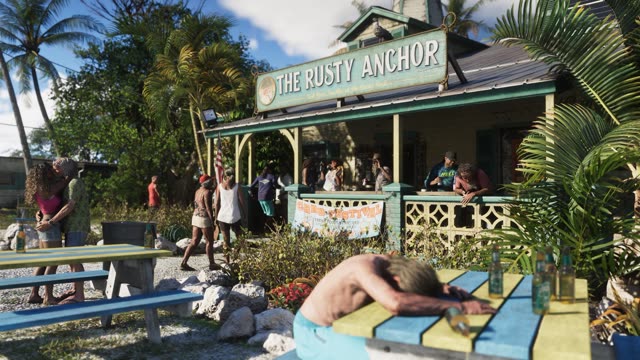 ControlsOn PS5, GTA 6 uses R2 to shoot, L2 to aim, R1 for cover, ✕ to jump and climb, □ for melee, ○ to crouch and △ to interact. Click L3 to run, R3 to look behind, and press the touchpad for the map. The game offers three control schemes under Settings, Control Scheme.
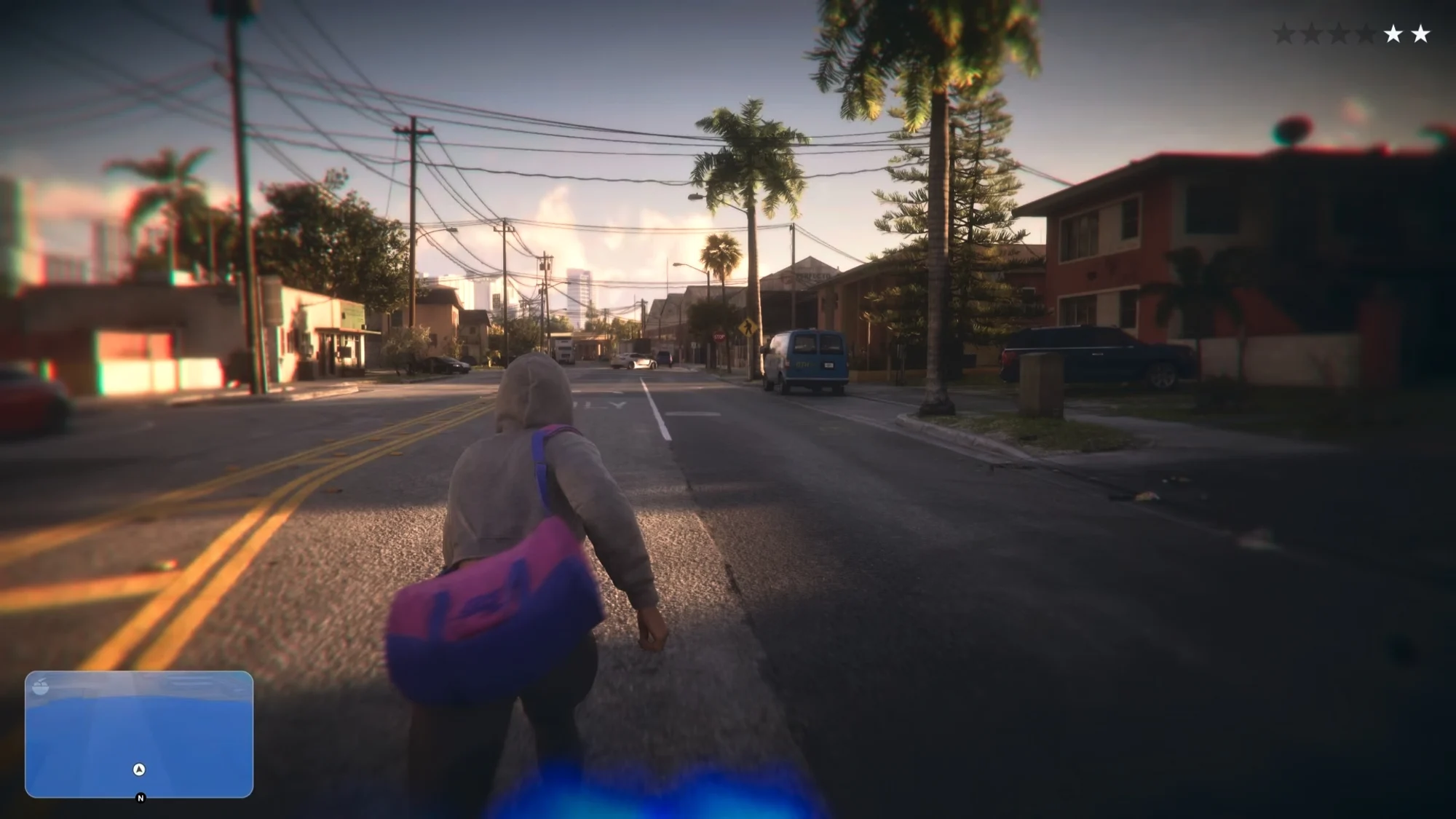 How to lose the policeIn GTA 6 the icons under your wanted level show what the police know about you: your face, clothes, vehicle, weapon, a camera recording or that you're a pair. Fix each one, then get out of the search area and stay out.
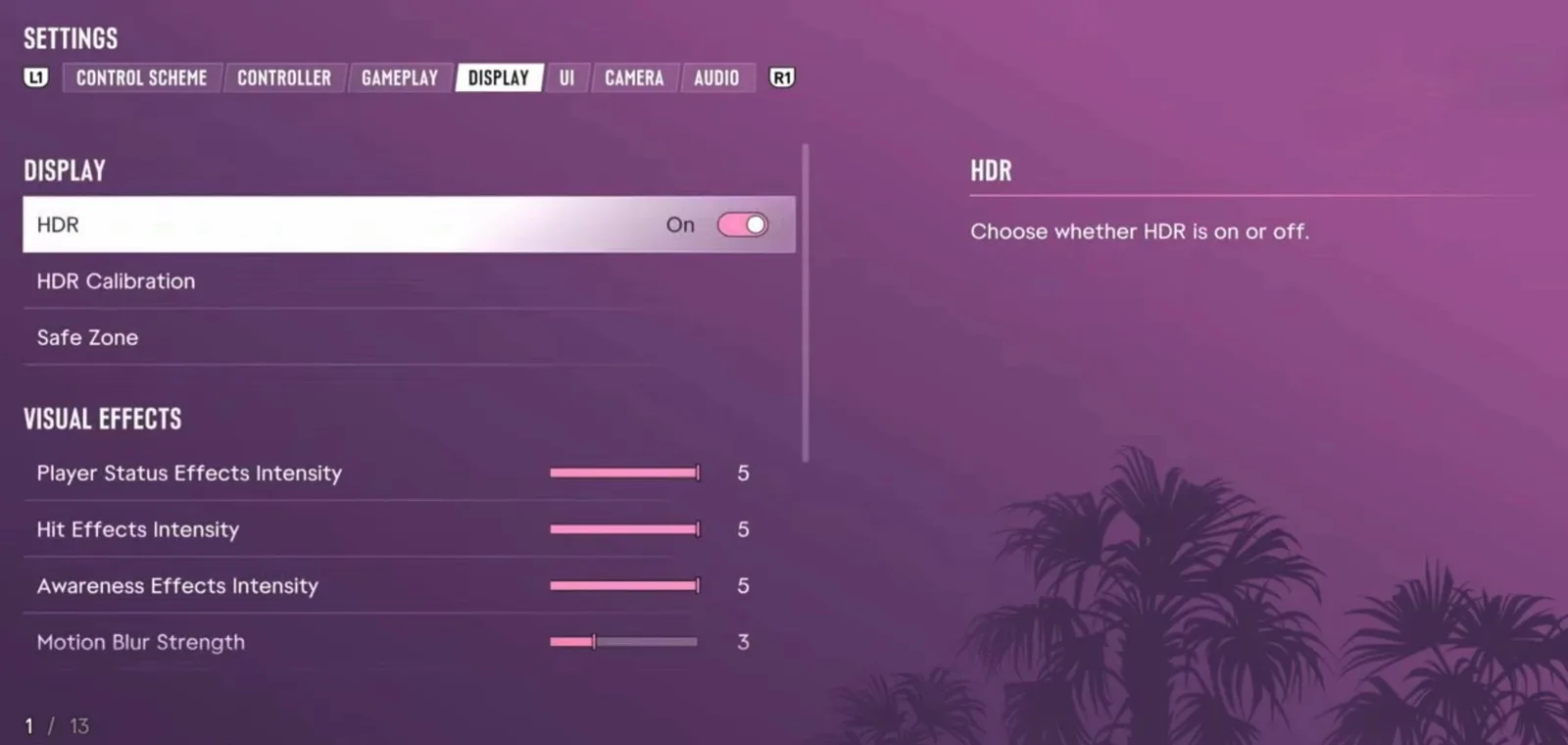 Best settingsThe settings worth changing in GTA 6 on PS5 and Xbox: aim assist and shooting assist for easier aiming, motion blur and camera shake off if the game makes you feel sick, and a higher camera for a wider view.
More about How to crouch
Players ask
Why can't I crouch in GTA 6?
You're probably on the Classic control scheme, where crouch is L3 / LS instead of ○ / B. Check Settings, Control Scheme.
How do you crouch in GTA 6 on Xbox?
Press B with the Default scheme, or click the left stick (LS) on Classic.
The basics
What is the GTA 6 how to crouch guide?
To crouch in GTA 6, press ○ (circle) on PS5 or B on Xbox with the Default control scheme. On the Classic scheme, run and crouch swap, so crouch is clicking the left stick (L3 / LS).
Related
What else is connected to How to crouch in GTA 6?
Controls. Each has its own page on this wiki.