The short answer
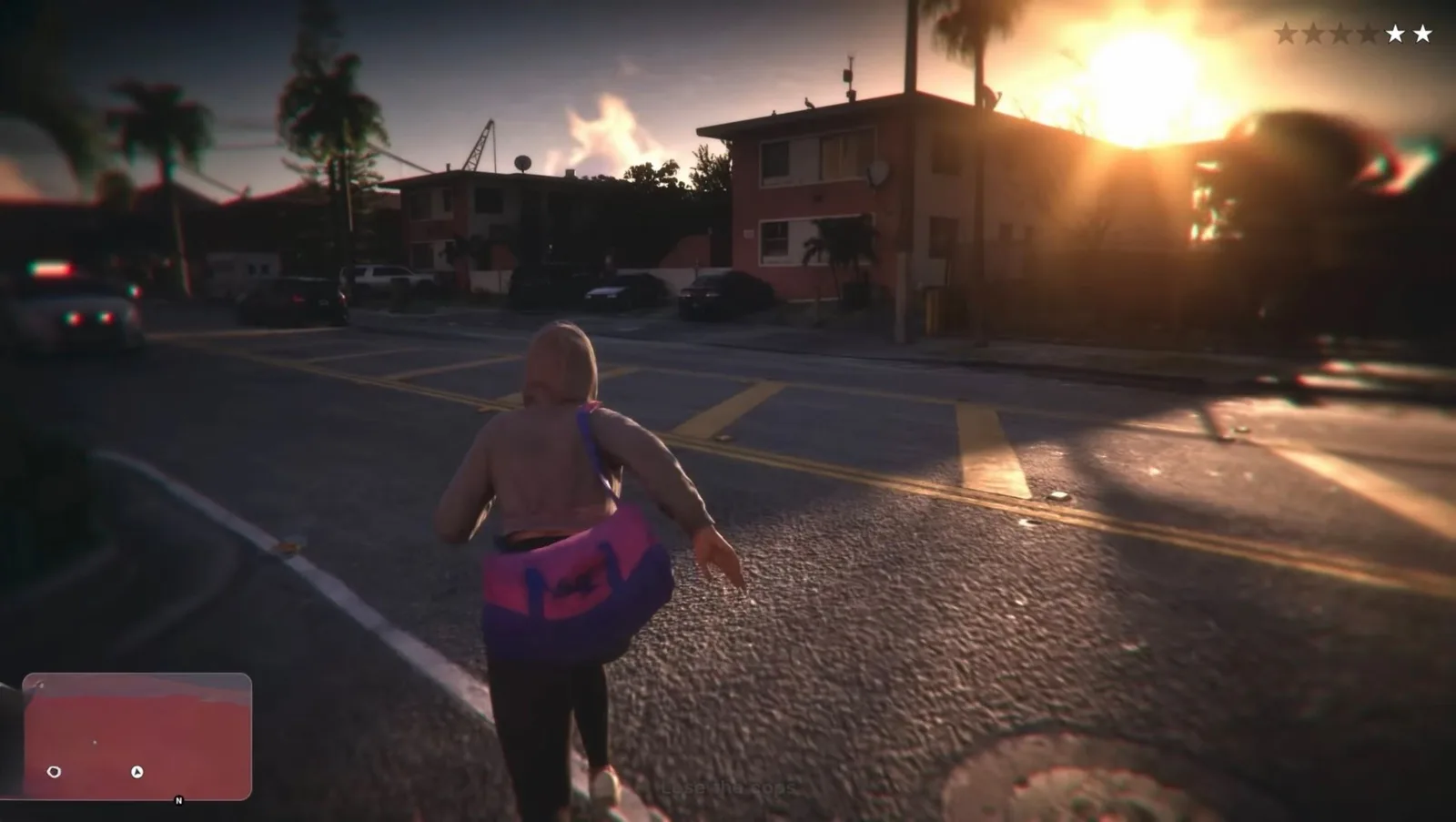
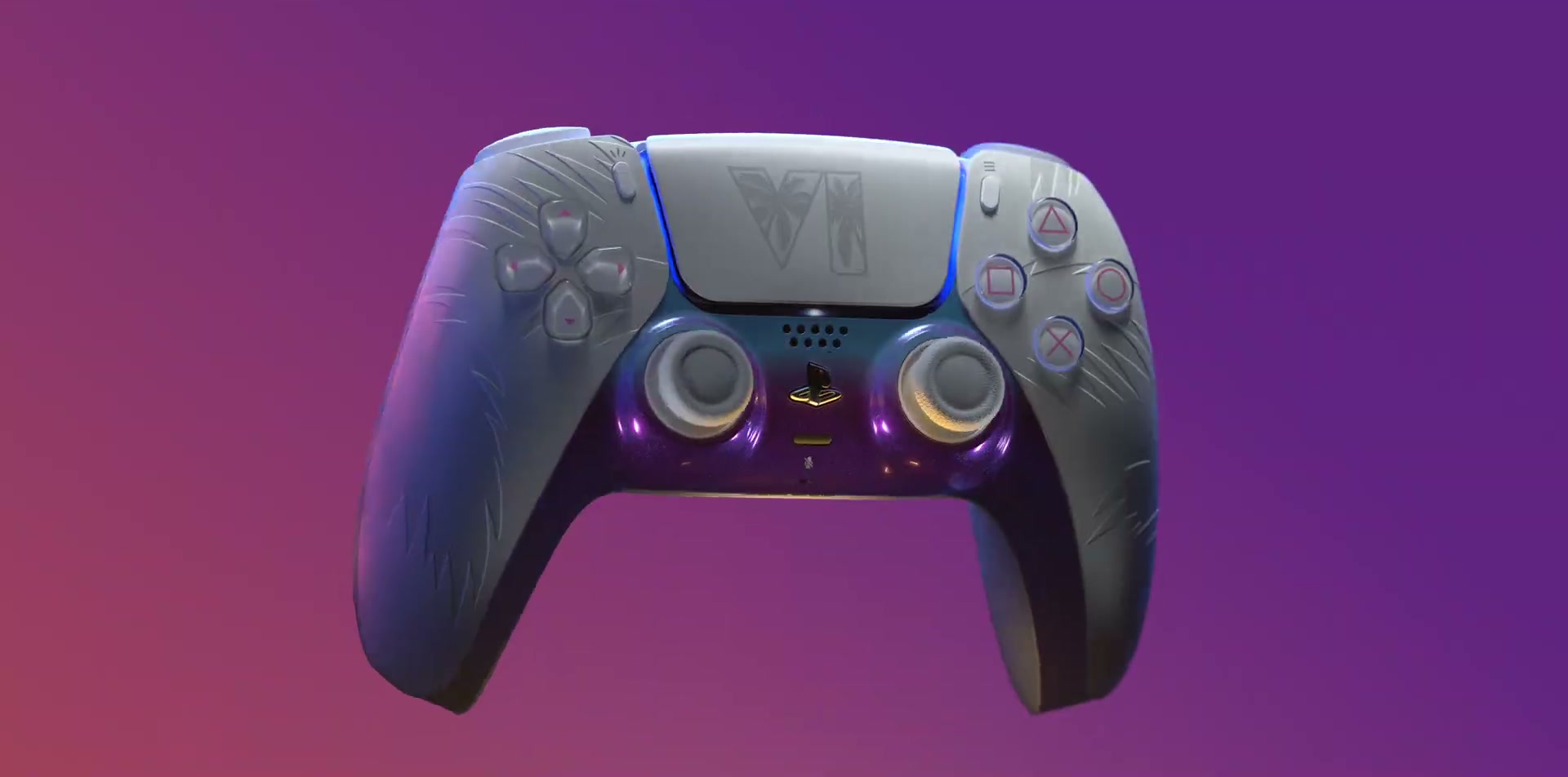
The best hidden controls: double-tap △/Y to leave a car with the engine, lights and radio still on (or to put a boat on autopilot at the helm), sprint and press ✕/A to slide over a car hood, set a waypoint and hold D-pad Down then ○/B to let the car drive itself, and press L2 + R3 for a first-person look at anything.
Rockstar Intel and community players gathered these from the first days of play; we checked every button against our own PS5 controls guide. PS5 buttons come first, Xbox after the slash.
01On foot
Before launch: your checklist
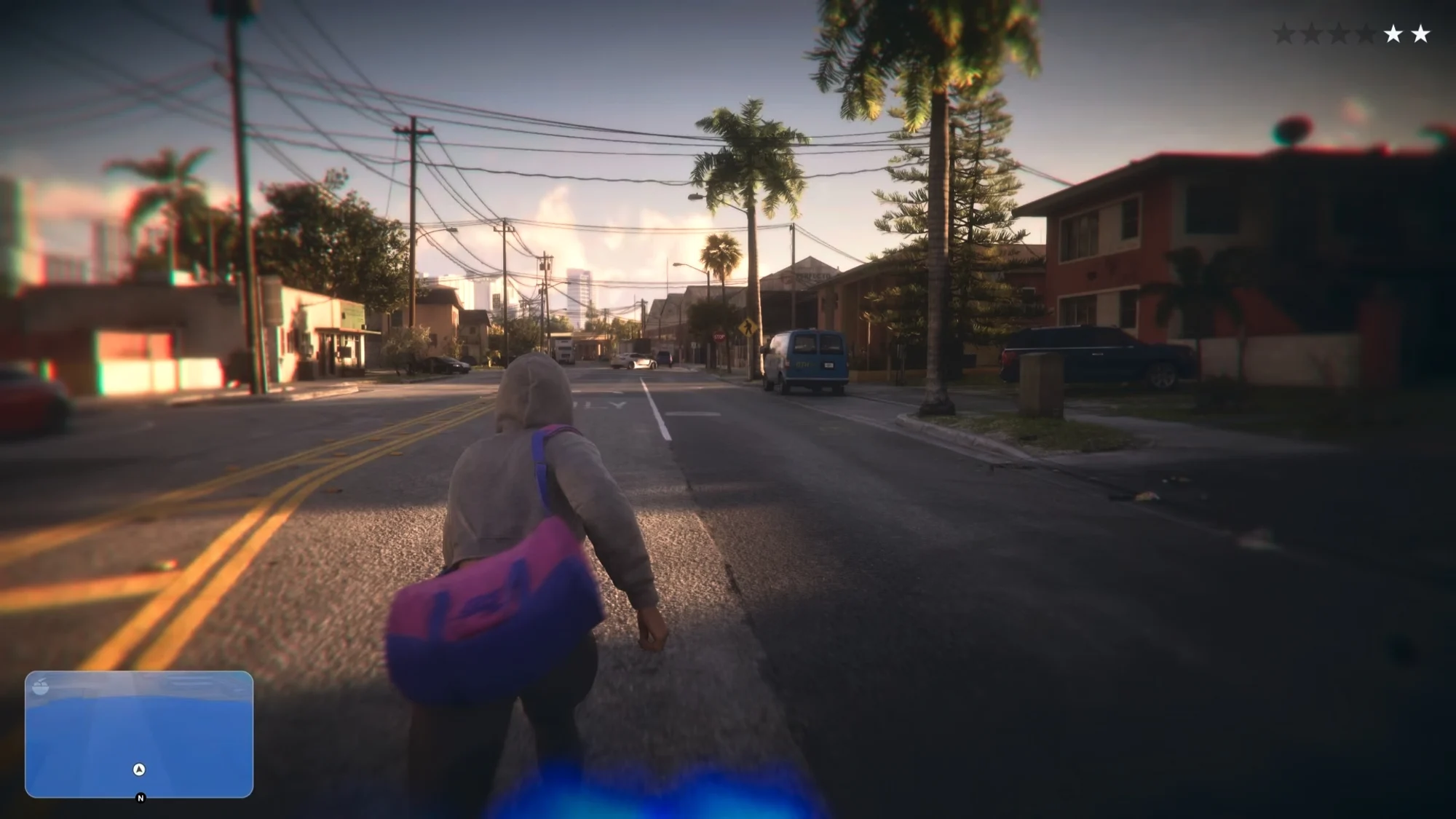
- 1Hold L3 / LSRest on railings and ledges.
- 2Hold ○ / BLean on cars, walls and docks.
- 3D-pad LeftSwap what you're carrying to the other hand.
- 4L2 + R3 / LT + RSFirst-person inspect view (hold R2 to zoom, R3 again to exit).
- 5Earbuds or headphonesBuy a pair, equip them from your inventory and listen to the radio on foot.
- 6Sprint + ✕ / ASlide over a car hood without losing speed.
- 7L2 + left stick + ✕ / LT + LS + ACombat roll while aiming.
02Combat and weapons
Before launch: your checklist
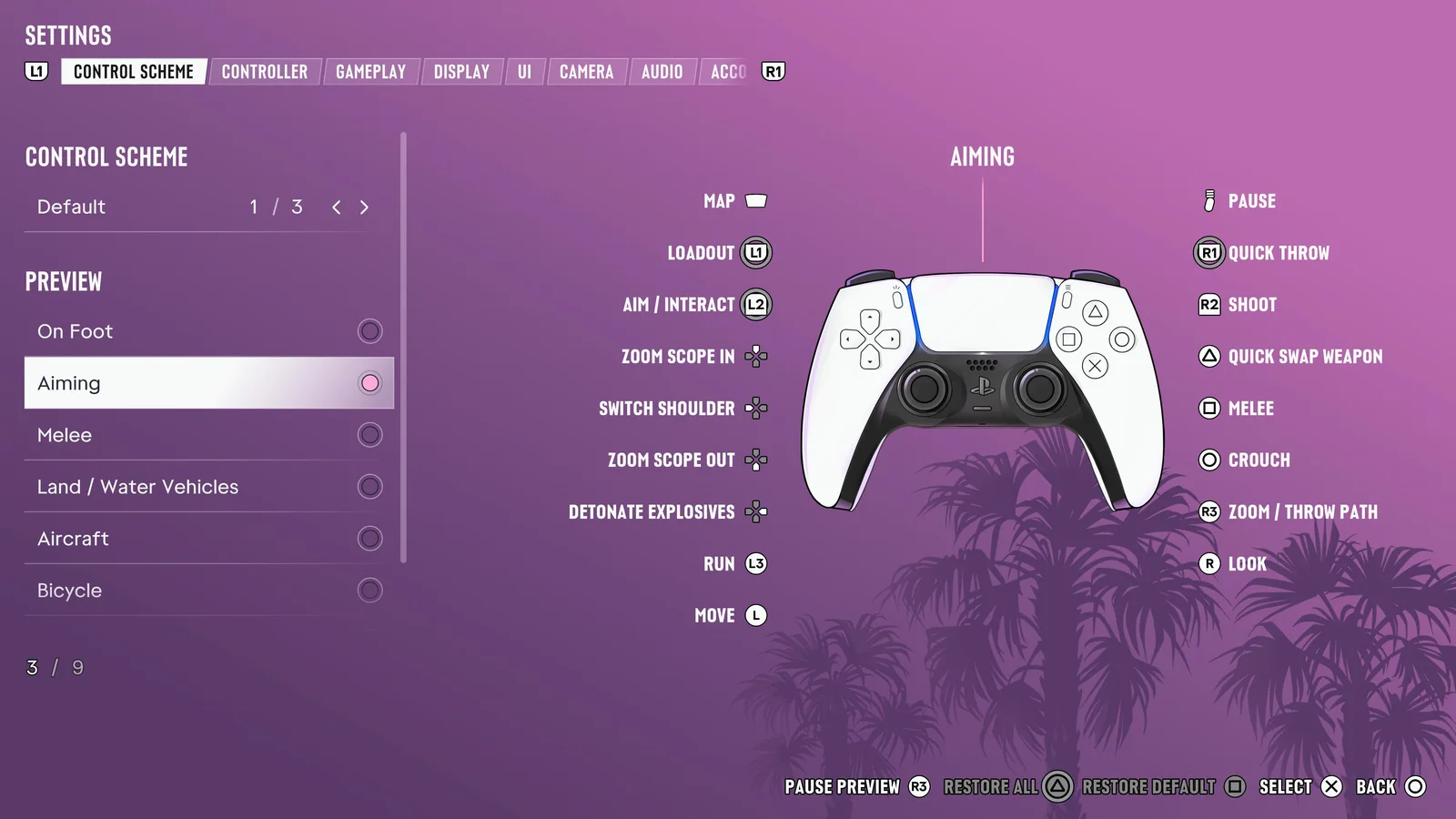
- 1R2, then hold □ + D-pad / RT, then hold X + D-padChoke an enemy you're grappling.
- 2Hip-fire a pistolFire one-handed without aiming; on PS5, a soft pull before the trigger resistance also aims one-handed.
- 3L2 + D-pad Left/RightSwitch aiming shoulder.
- 4R3 / RS while aimingFull first-person aim if your weapon has a sight.
03Driving
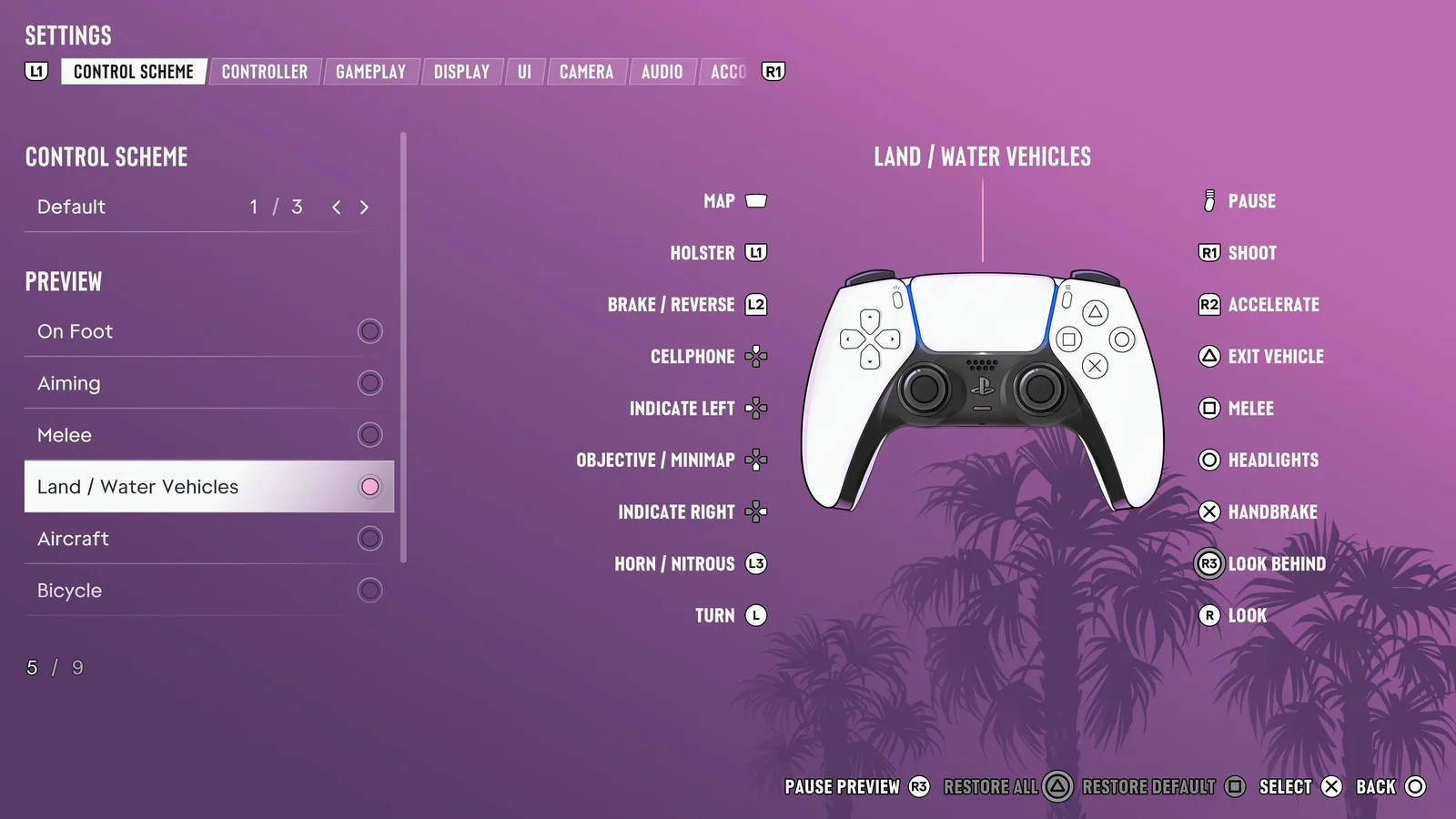
Before launch: your checklist
- 1Hold R3 / RSLook behind you.
- 2Hold ○ / BDuck behind the steering wheel.
- 3□ / XKick the door open to hit someone while driving.
- 4Tap R3 / RSTrash-talk other drivers.
- 5Double-tap D-pad LeftRadio on or off.
- 6Hold D-pad Left + right stick upVehicle menu: windows, hazards, brightness and engine off.
- 7Double-tap △ / YLeave the engine, lights and radio running when you get out (a single tap turns them off).
- 8Waypoint + hold D-pad DownCinematic camera, then hold ○ / B and the car drives itself.
- 9L3 / LS in an emergency vehicleHorn; left stick up for the manual siren, hold L3 + left stick up to cycle siren tones.
- 10Open the trunkStore bats, shovels and other melee weapons.
- 11Walk into itWalk into an overturned car to shove it back on its wheels.
- 12L3 / LS at the bumper, then hold □ / XPush a car, and hold the button to shove it.
04Boats and jet skis
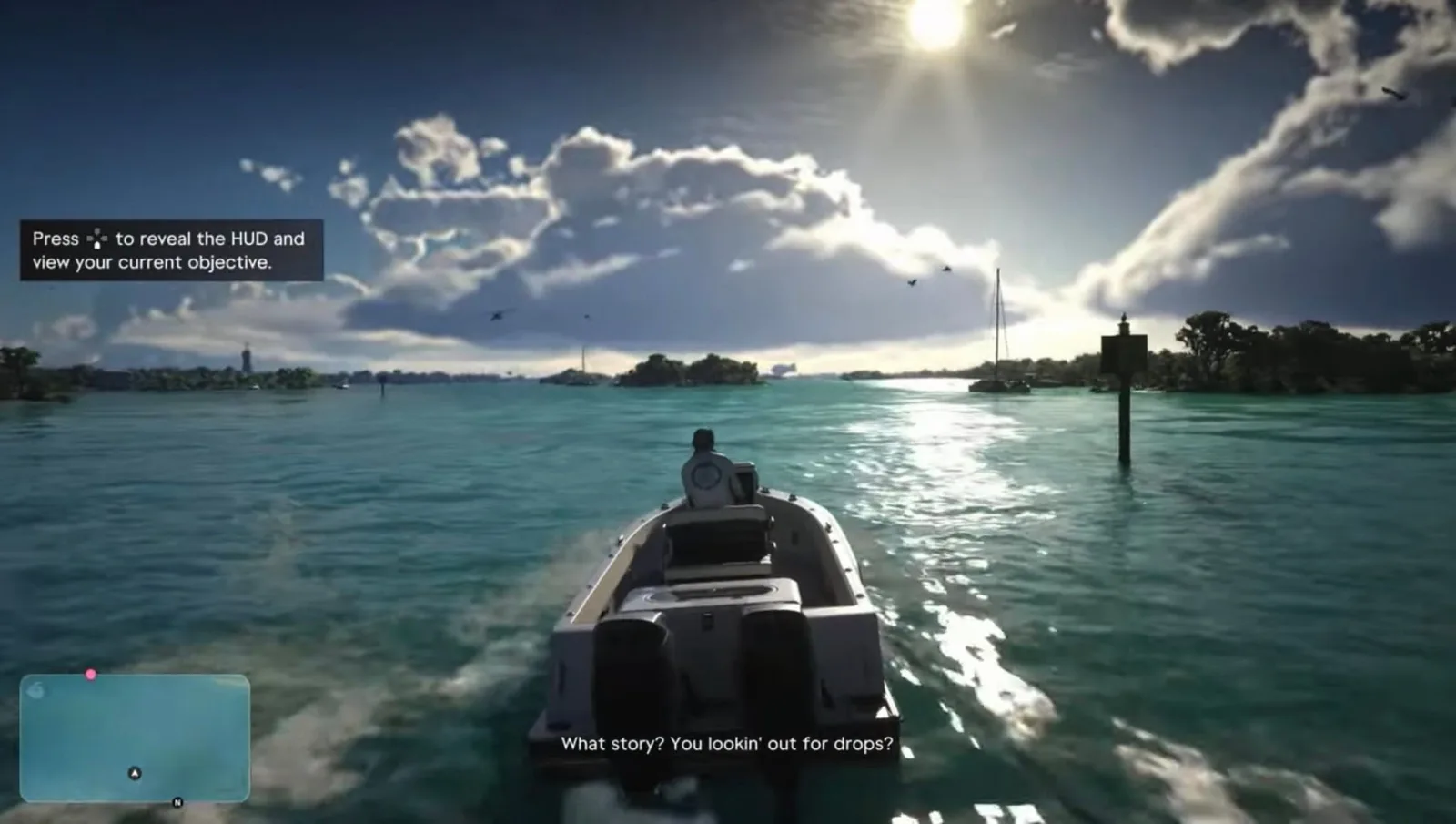
Before launch: your checklist
- 1Double-tap △ / Y at the helmStep away from the wheel and walk the deck while the boat keeps cruising.
- 2Hold L1 / LBPush a beached jet ski or boat back into the water (walking into the hull works too).
- 3Reverse onto a trailerBack a pickup or SUV onto a boat trailer to hitch it, reverse down a ramp to launch.
05Planes and helicopters
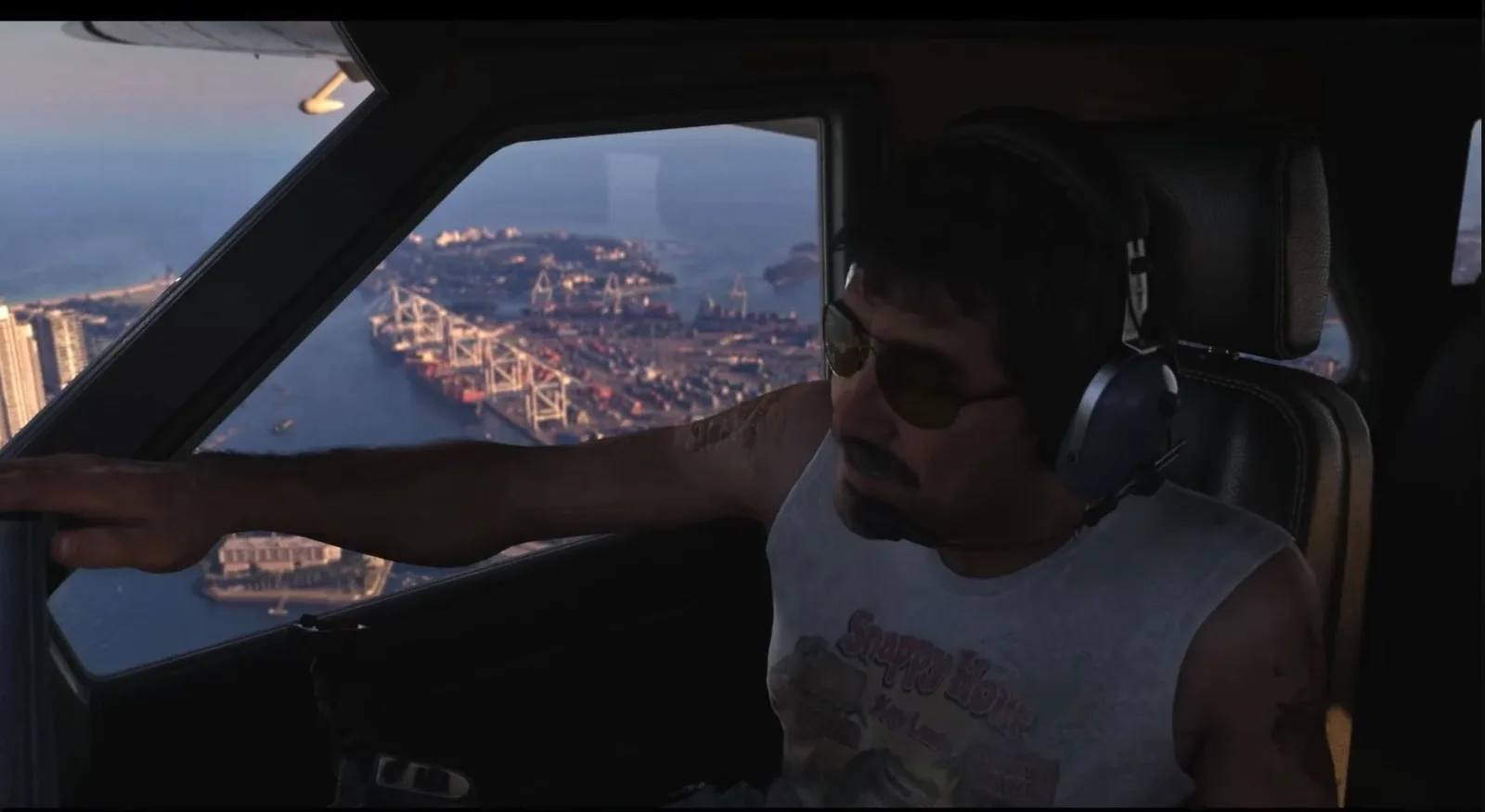
Before launch: your checklist
- 1Click L3 / LSRetract or lower the landing gear.
06Parachuting
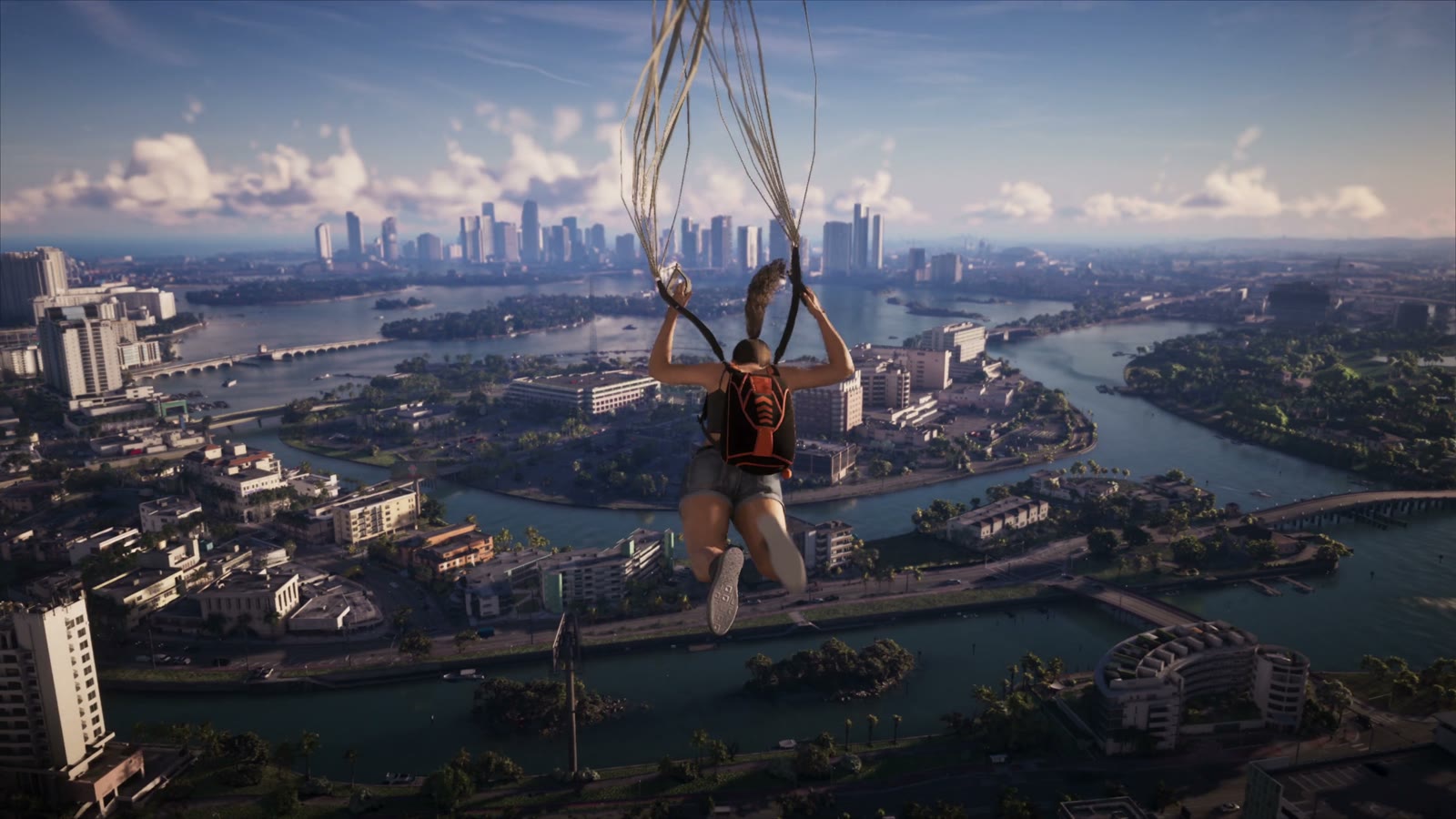
Before launch: your checklist
- 1Bail out of any aircraftYou get a backup chute automatically.
- 2L1 → R1 → bottom-left → R2Equip a parachute bought at Ammu-Nation for $250 (it shares a slot with armor).
- 3✕ / A, left stick, L2/R2, △ / YOpen the chute, steer and flare, sharp turns, and cut away early.
Sources: Rockstar Intel's list of hidden controls (with community players), checked against our PS5 controls guide.
Quick answers
What is the handbrake button in GTA 6?
✕ on PS5 (A on Xbox) while driving.
How do you slow down a plane in GTA 6?
Hold L2 (LT) to lower the throttle, and click L3 to lower the landing gear before you land.
How do you go first person in GTA 6?
Hold L2 and click R3 for a first-person look while unarmed, or click R3 while aiming a weapon with a sight.
How do you leave your car running in GTA 6?
Double-tap △ (Y) to get out with the engine, headlights and radio still on.
How do you make the car drive itself in GTA 6?
Set a waypoint, hold D-pad Down for the cinematic camera, then hold ○ (B).
Keep going
Facts checked against the sources tracked on our hub. Confirmed, reported and rumoured claims are labelled.